
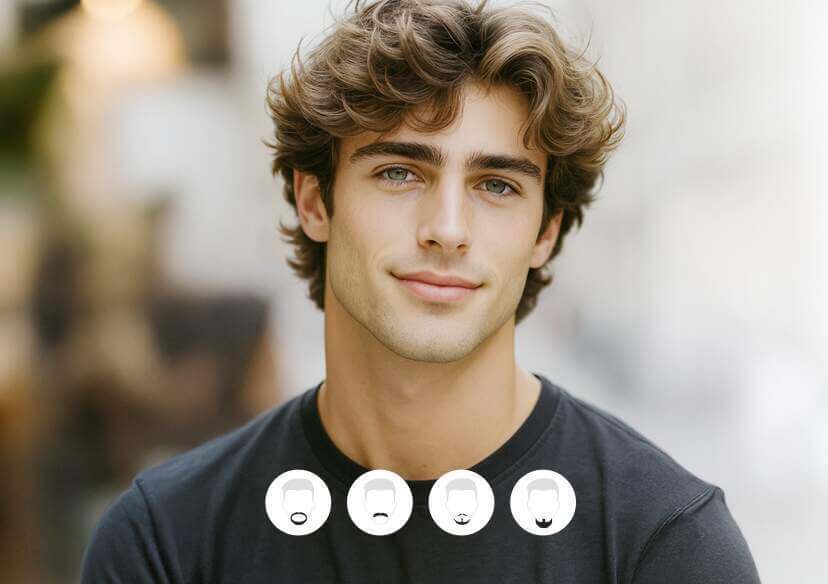




Online Mustache Filter
With our free online mustache filter tool, you can instantly apply a variety of mustache styles to any face. Upload your image, choose a mustache style, and generate hilarious or classy edits in seconds.







Try On Al Mustache Filter Virtually - Free & Easy
• Vivid results: Advanced AI customizes mustache styles based on your photo for a natural, lifelike look.
• Wide variety: Choose from numerous mustache styles to match your personality or experiment with new looks.
• Instant preview: Lightning-fast processing lets you try on beards in seconds.
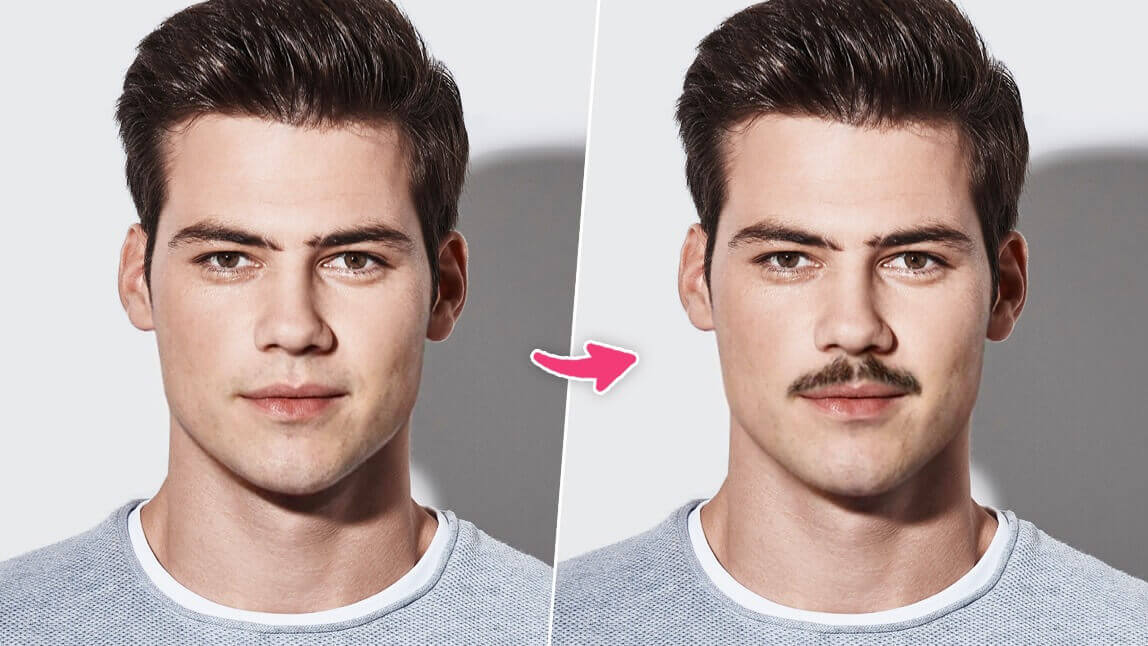
Instantly See What You'd Look Like with a Mustache
Ever wondered "what would I look like with a mustache"?
YouCam's Al Mustache Generator lets you add realistic mustache filters to your photo in seconds. It's the easiest way to explore facial hair styles before making a grooming decision.
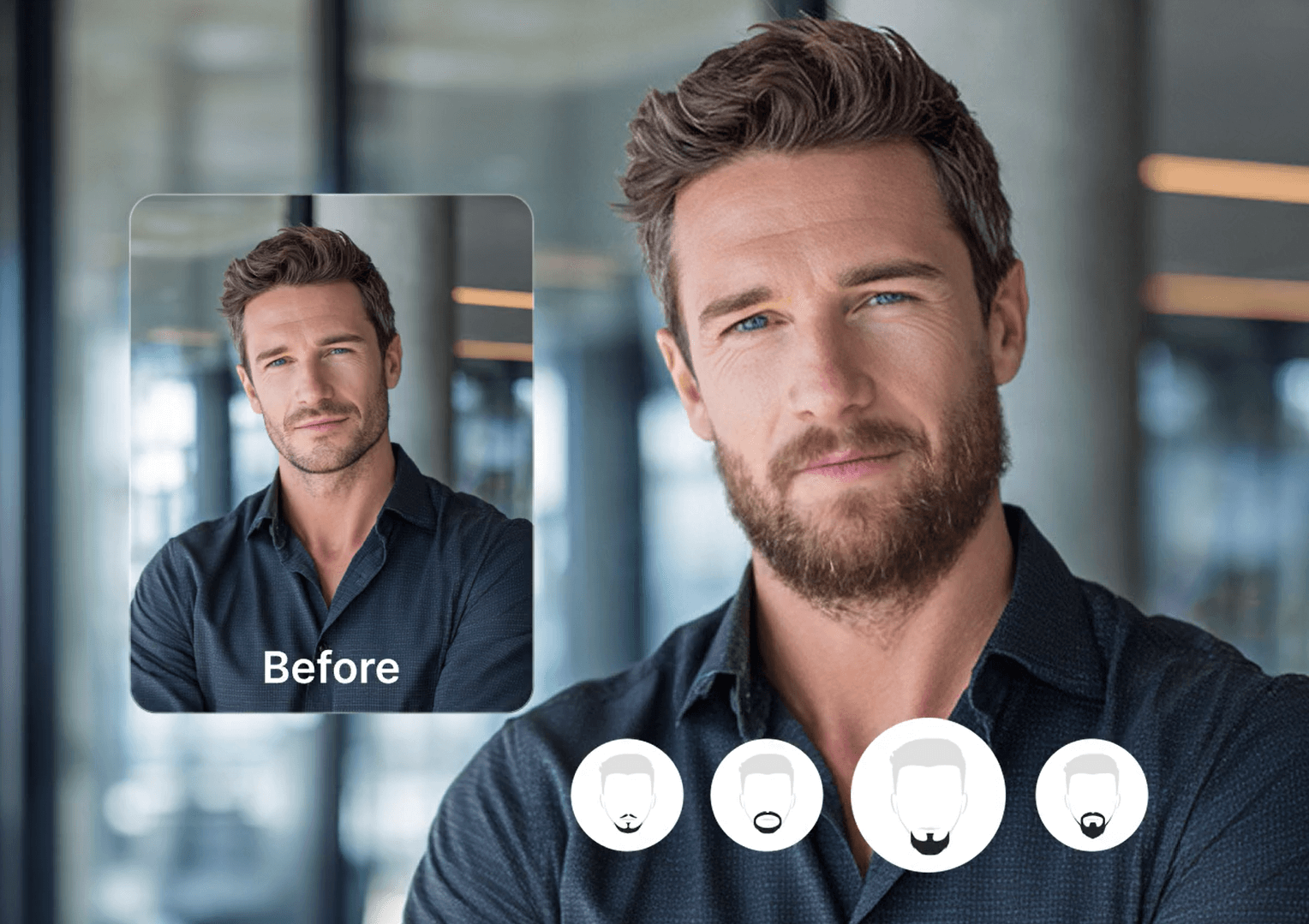
Best Mustache Filter Online
With YouCam’s Mustache feature, you can confidently explore different beard filters, including different mustache filters and find the one that suits you best. Try it today and discover your perfect beard style!
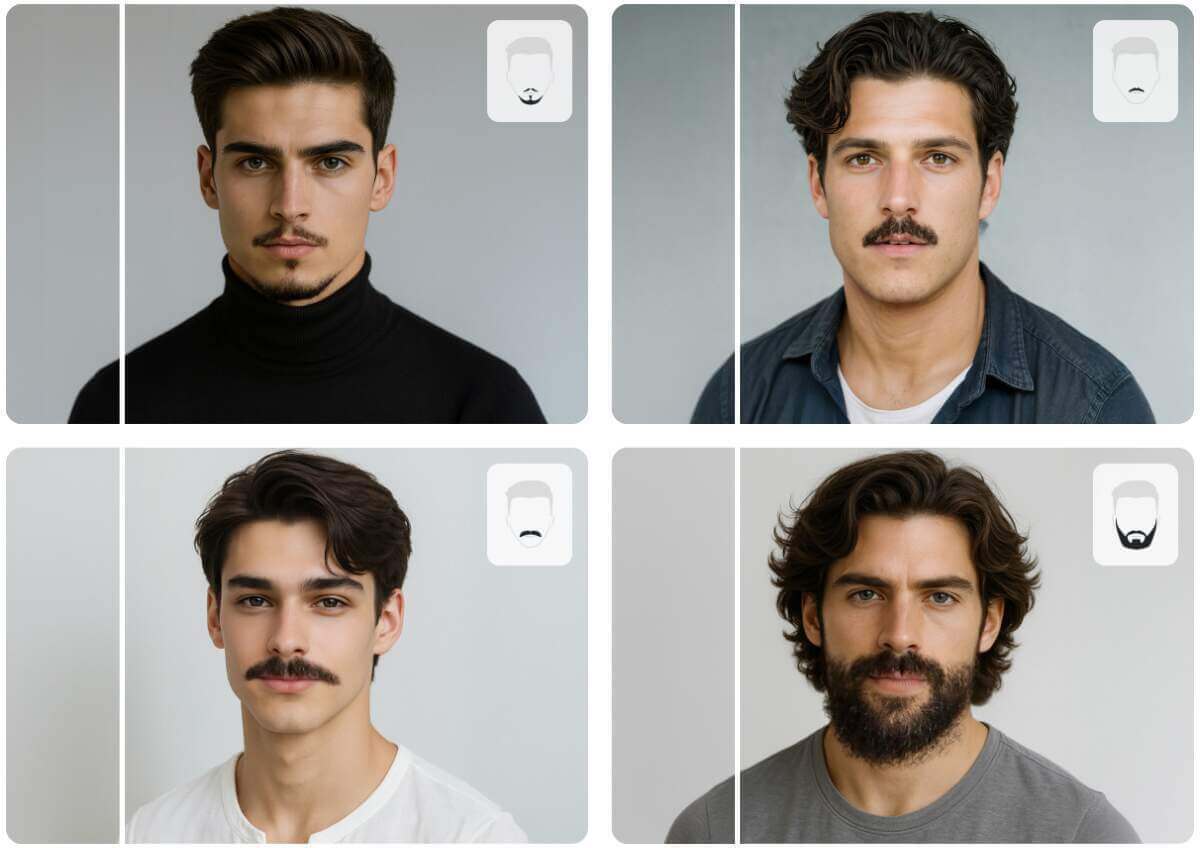
How to Add Mustache to Photo with YouCam AI Mustache Generator
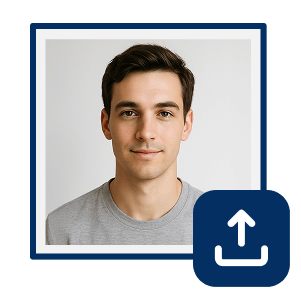
Upload Your Photo
Start by uploading a clear photo of yourself. The AI will automatically detect and remove any existing facial hair, so you don’t need to shave beforehand.

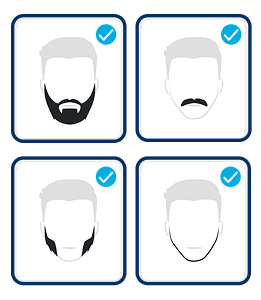
Choose a Mustache Style
Browse through a wide selection of mustache styles like Goatee, Garibaldi, Ducktail, Mutton Chops, and more. Pick the ones you’d like to try on and preview how they look on your face.
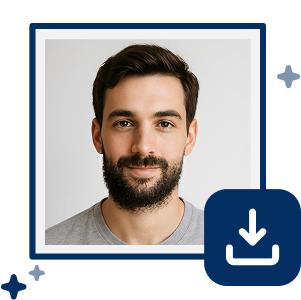
Click “Generate” to Transform Your Look
Once you’ve selected your favorite styles, hit the “Generate” button. The AI will instantly apply the mustache filter to your photo, giving you a vivid and realistic transformation.
FAQs
Is the Mustache Filter Generator free?
Yes! It’s 100% free with no hidden fees or subscriptions.
What’s the best free mustache filter tool?
YouCam Online Editor offers a wide range of styles, instant results, and works right in your browser—no app needed.
How do I make a mustache meme?
Just upload a funny photo, add a mustache filter, and save it. You can even add text to create a full meme.

