






FREE Online AI Image Quality Enhancer
Turn pixelated shots into high-definition art—instantly. With YouCam's Photo Enhancer, you can boost image clarity and add stunning detail with zero effort. Enhance your favorite photos to pro standards and download your HD results for free.

Pro-Level Clarity in a Single Click
Our AI image quality enhancer intelligently fills in missing pixels to increase picture resolution online free, giving you a crisp, sharp look that feels natural.
Get started today with the most reliable online photo quality enhancer.
How to Improve Photo Quality for Free Online
Ready to see the magic? Follow these simple steps to transform your images using the YouCam Online Editor:

Upload Your Photos
Drag and drop your image into the enhancer tool.You can select up to 50 photos at once for batch enhancement. (Supported formats: JPG, JPEG, PNG, TIFF, and GIF)


Let Our AI Work Its Magic
The AI automatically analyzes and repairs pixels, sharpens edges, and balances colors. No manual editing is required.

Download HD Photo or Upscale to 4X Resolution
Preview the "Before and After" and download your high-resolution result instantly. Select the 'Best Quality' option to upscale it to a stunning 4x resolution.
Fix Lighting and Color Instantly
Instead of fumbling with complex sliders, let AI automatically balance your brightness, boost color vibrance, and correct uneven tones. It brings out the natural glow in your photos, making them look polished and professional in seconds.
Save Time with One-Click Batch Enhancing
Why edit one by one when you can do it all at once? You can improve image quality online free for up to 50 photos simultaneously. It’s the ultimate productivity hack for anyone looking to refresh an entire album without spending hours behind a screen.
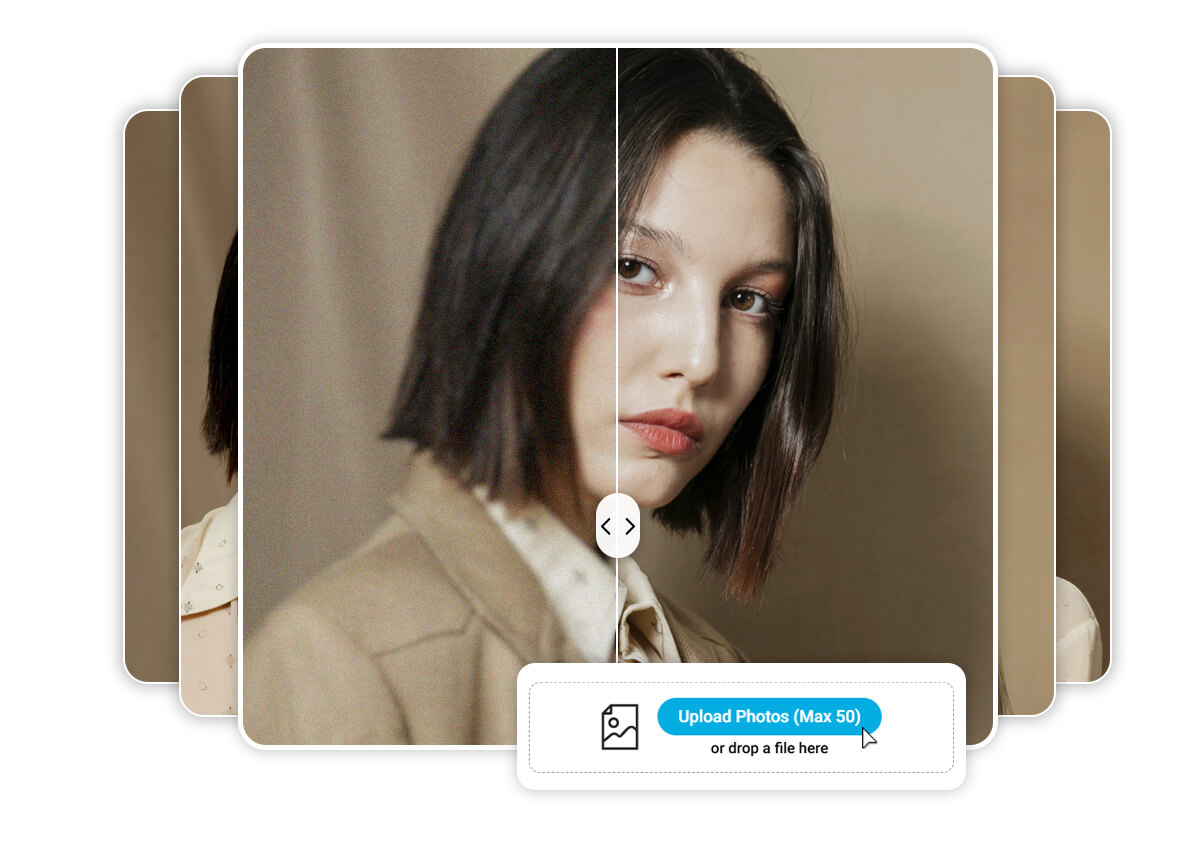
Image Quality Enhancer FAQs
How to improve blurry photo quality?
The best way is to use an AI image quality enhancer. It uses deep learning to identify blurred edges and reconstruct them, resulting in a much sharper image than traditional sharpening tools.
How to make low-quality pictures high-quality?
You can increase picture resolution online free by using an AI upscaler. This technology doesn't just "stretch" the photo; it generates new pixels to match the original detail, effectively turning a low-res file into an HD one.
Can you enhance old, blurry photos?
Yes! AI is specifically trained to recognize facial features and textures, making it perfect for restoring old family photos that have faded or were taken with older cameras.
How do you use AI to increase image resolution?
Tools like YouCam use neural networks to predict what a high-resolution version of your image should look like. It’s a seamless process that happens in the cloud, requiring no technical skill from the user.

