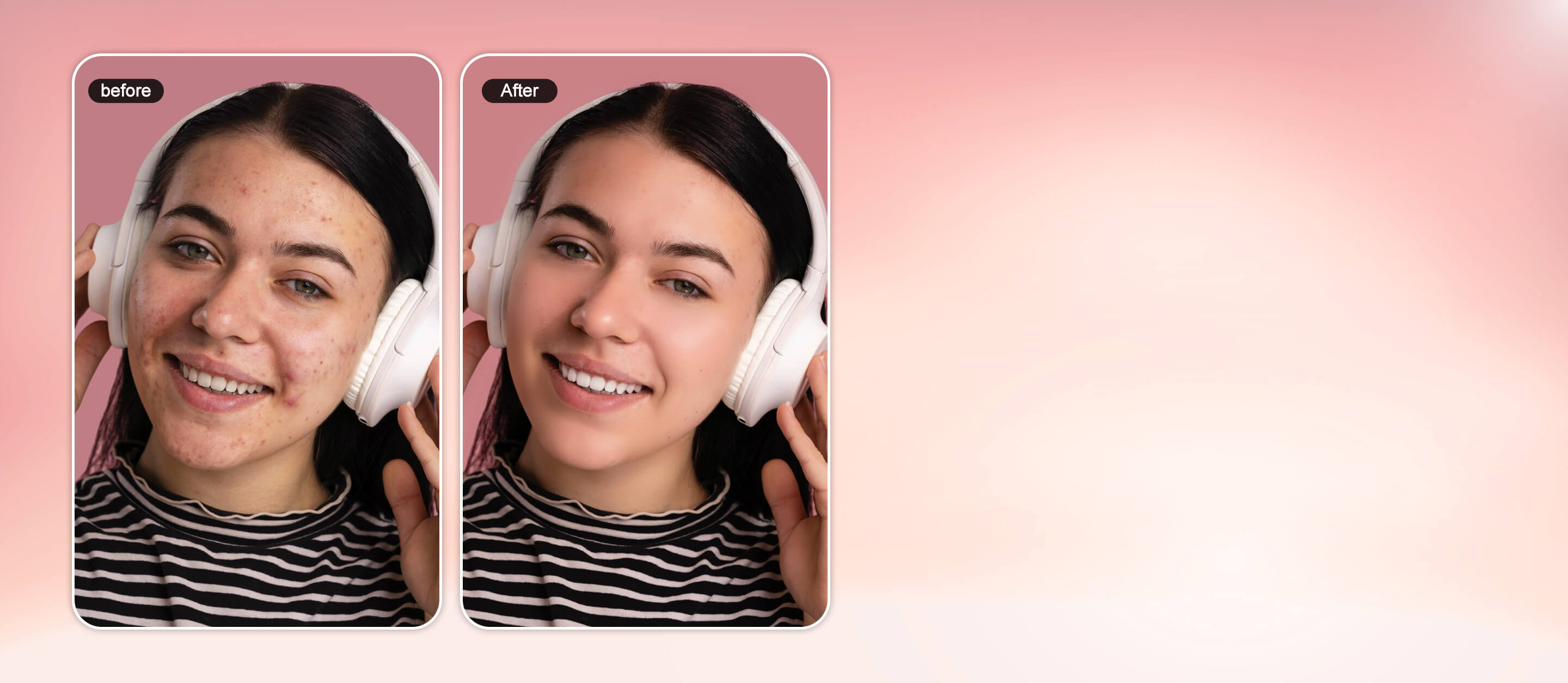




Photo Retouching Online
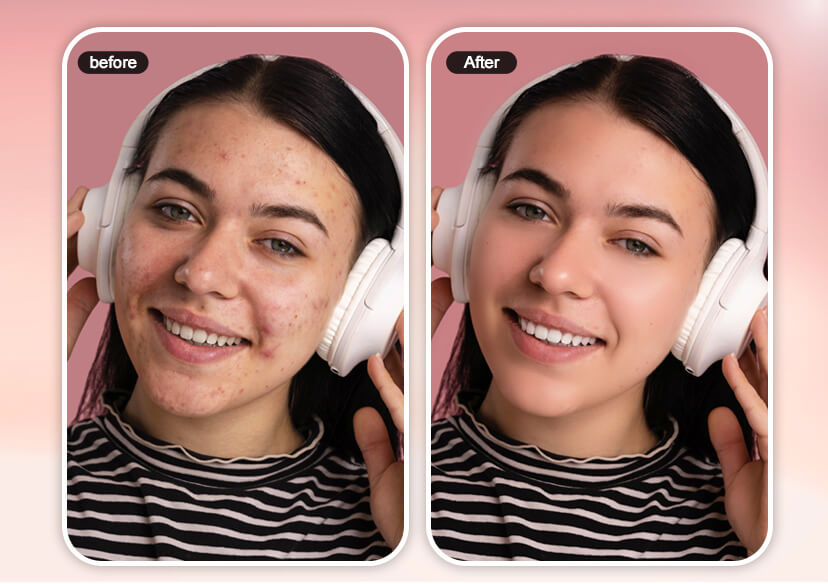
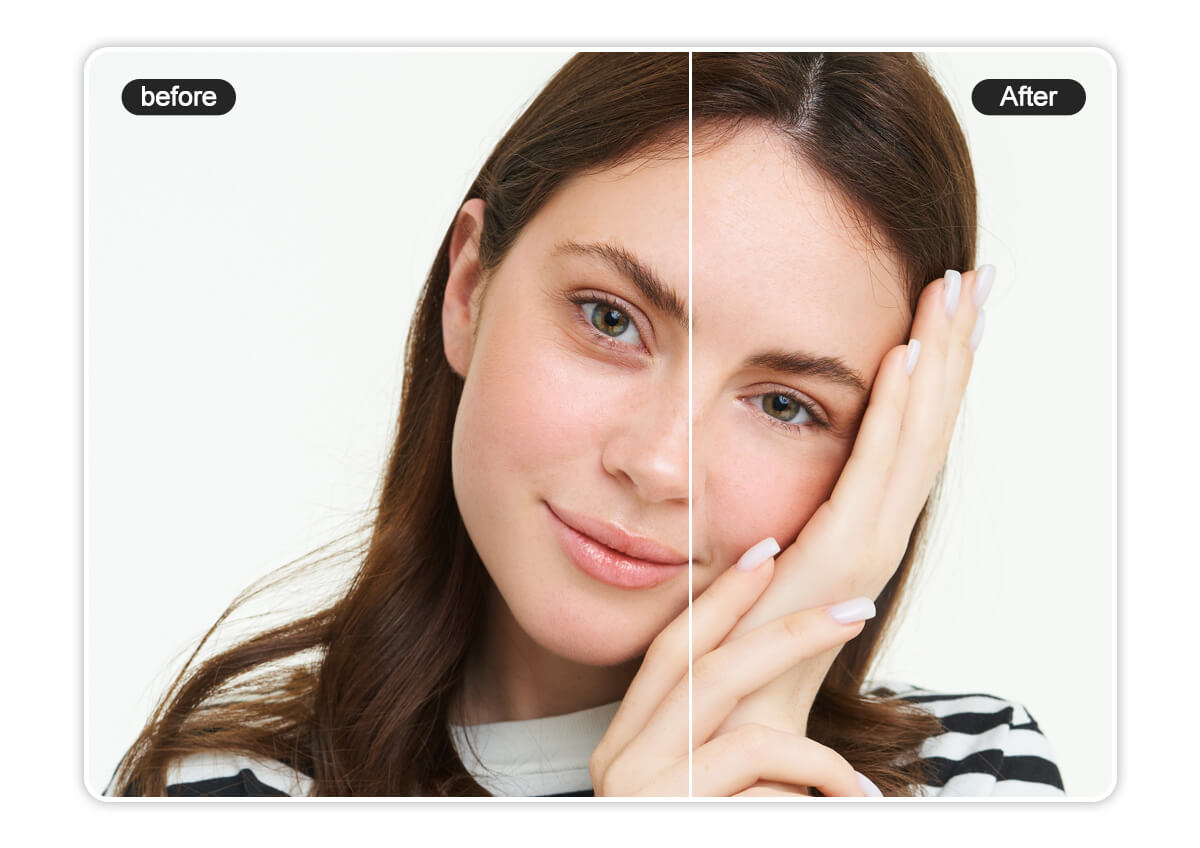
Transform your portraits with YouCam Online Editor's AI photo retoucher. Smooth skin, remove blemishes, whiten teeth, and correct facial features with natural-looking edits.




All-in-One Photo Retoucher
- All-in-One Photo Retouching: Easily retouch photos online with YouCam’s AI-powered tools that smooth skin, remove wrinkles, and get rid of eye bags in one click.
- Cost-Effective Retouching Tool: YouCam Online Editor offers professional-quality AI photo retouch tools without breaking the bank.
- Complete Portrait Retouch Toolset: Not only can you retouch photos online, YouCam Online Editor is also equipped with photo enhancing tools like object removal, AI colorize, and photo enhancer.
One-click Photo Retouching Tools
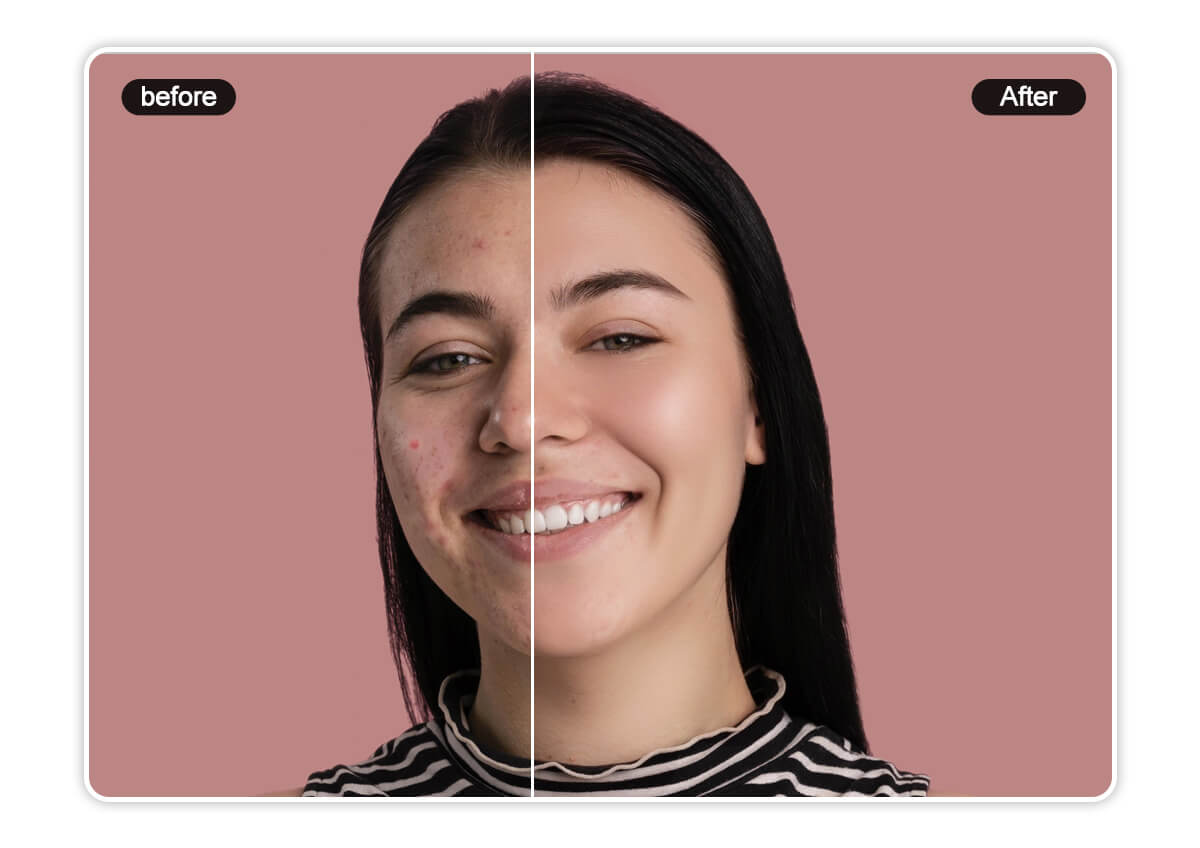
Blemish Remover
Easily remove blemishes and skin imperfections with the YouCam Online Editor’s blemish remover. Instantly retouch acne, marks, and uneven skin tone for smooth, balanced, and flawless-looking skin in every photo.
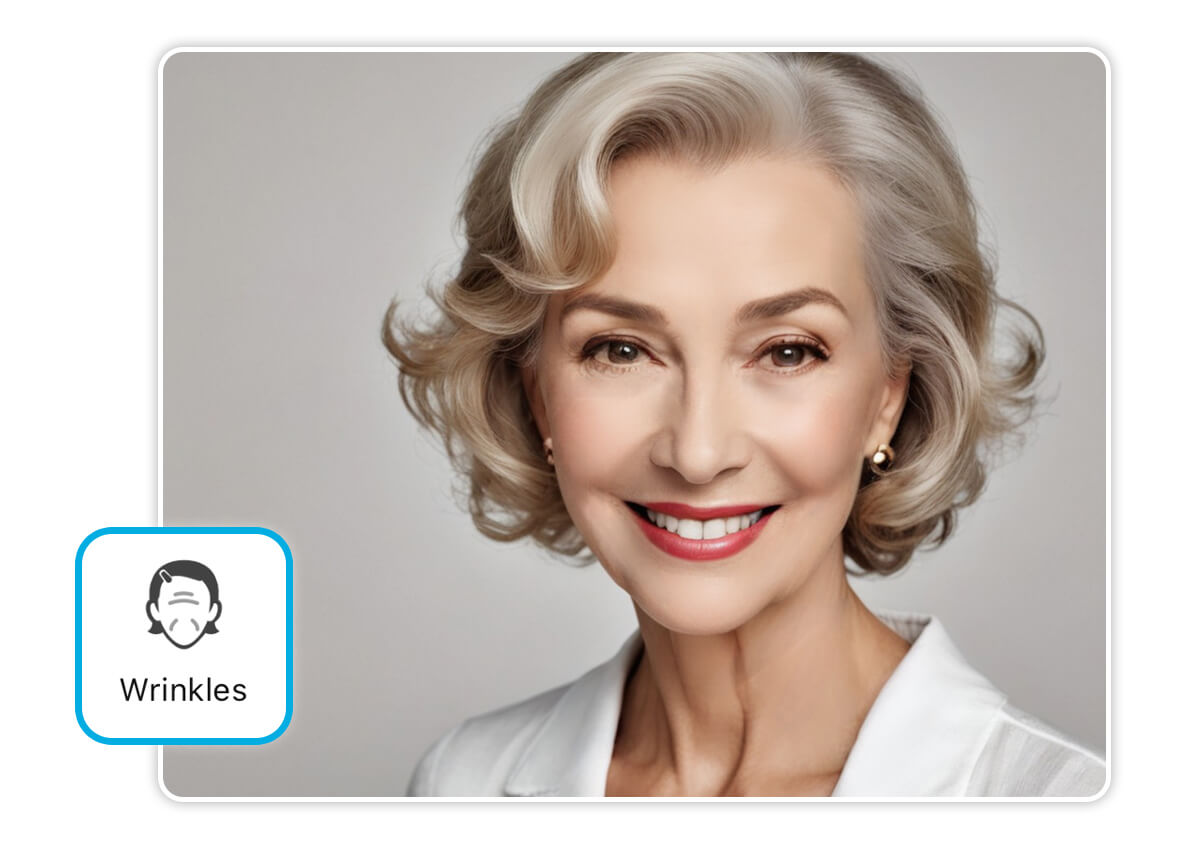
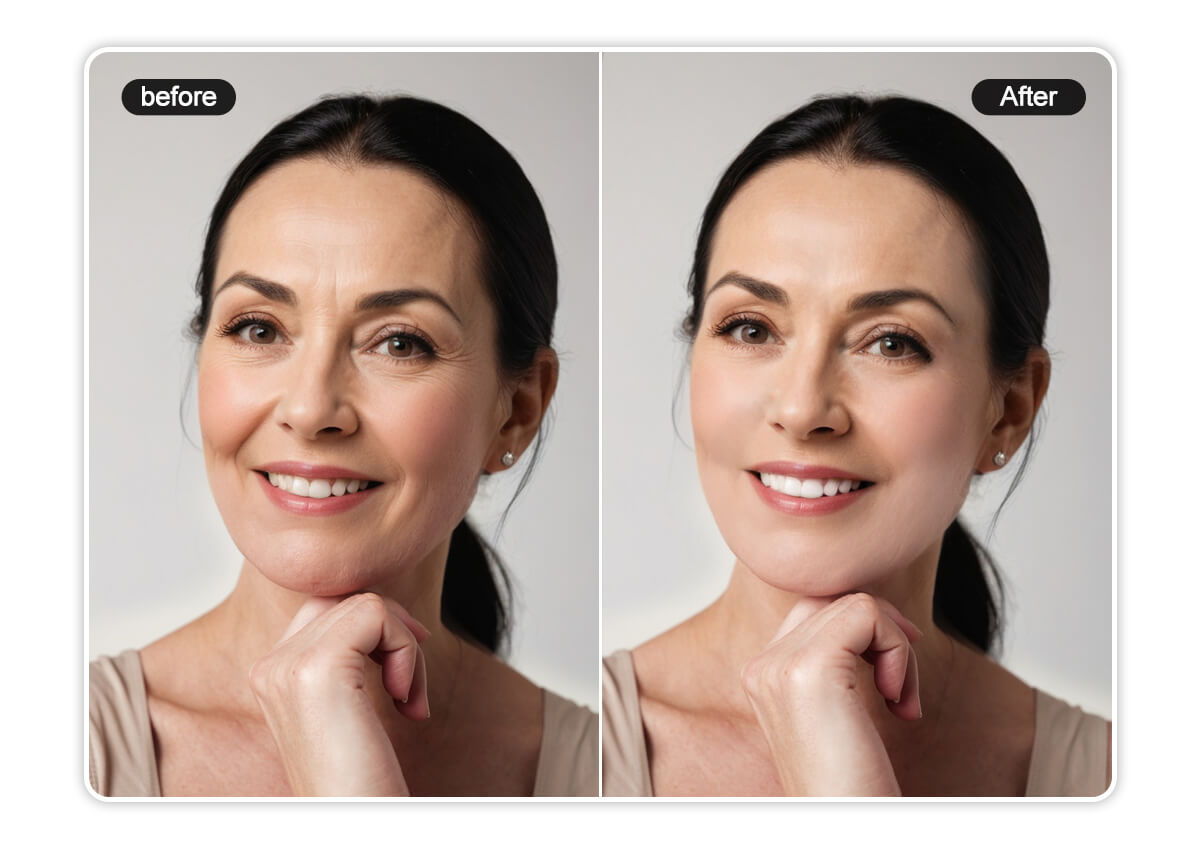
Wrinkle Remover
Smoothing wrinkles is effortless with YouCam Online Editor’s wrinkle remover. Instantly soften fine lines and smooth your skin in photos with just one click.
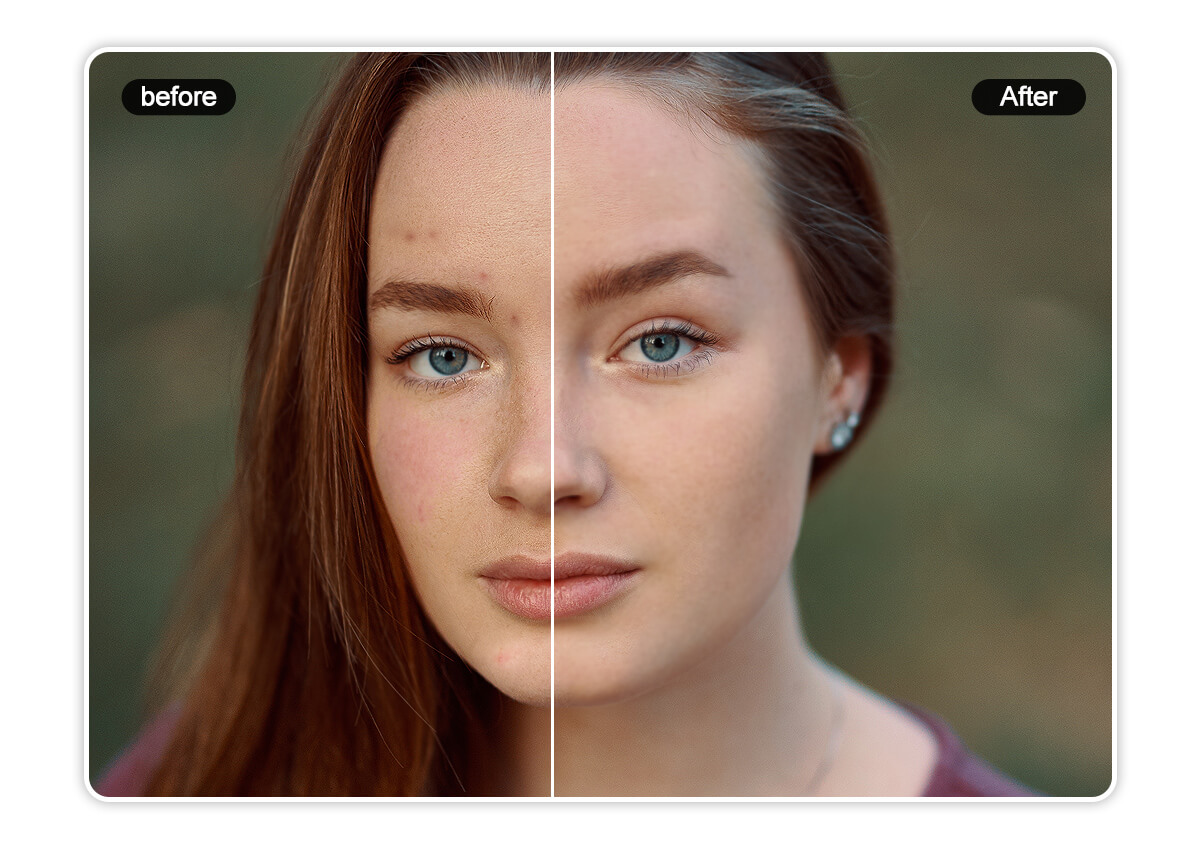
Skin Smoother
After removing blemishes and wrinkles, use YouCam Online Editor’s skin smoother to instantly refine your complexion, smooth your skin and achieve flawless, radiant skin—no skincare treatments needed.
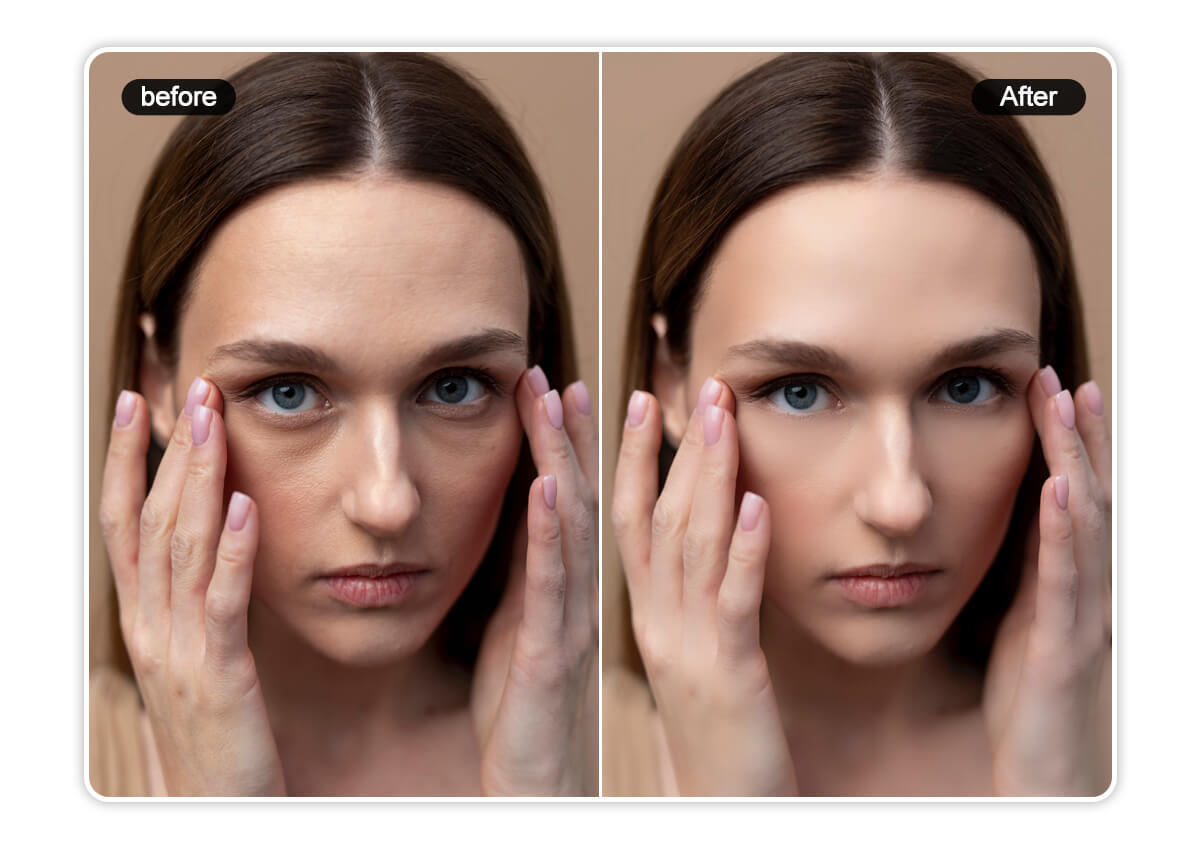
Eye Bag Remover
Reduce puffiness and smooth under-eye areas in photos with YouCam Online Editor’s eye bag remover. Instantly refresh your look for brighter, more youthful-looking eyes.
Dark Circle Remover
Brighten tired eyes instantly with YouCam Online Editor’s dark circle remover. Erase under-eye shadows and refresh your look in seconds for a well-rested, flawless appearance.
How to Retouch Photos with AI
Upload Your Photo
Upload the photo you want to retouch.

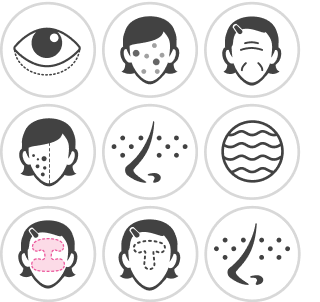
Select Photo Retouch Tool
Select the specific photo retouching tool you need. Choose from ‘Blemish Removal’, ‘Pores Removal’, ‘Wrinkle Removal’, ‘Eye Bag Removal’, and more.
Use Face Retouch Slider
Adjust the intensity of photo retouching needed. Fine-tune the settings until you achieve your desired look.
Download Your Flawless Portrait
Once you’re finished retouching your photo, click ‘Download’ to save your photo to your device.
AI Photo Retouching FAQs
How to retouch photos online for free?
You can retouch photos online for free using tools like YouCam Online Editor. Simply upload your photo, and use AI-powered features like blemish remover, wrinkle smoother, and skin tone enhancer to perfect your look in seconds.
What is the best online photo fixer?
YouCam Online Editor is one of the best online photo fixers, offering advanced AI photo retouch tools to fix skin imperfections, brighten eyes, smooth wrinkles, and enhance your portraits effortlessly.
Is there a free online photo enhancer?
YouCam Online Editor is a free online photo enhancer that uses AI to automatically improve facial features, skin tone, and image clarity—no editing experience needed.
Are there any free photo retouch apps?
YouCam Makeup is one of the best free photo retouch apps that let you smooth skin, remove blemishes, and enhance selfies with AI-powered tools.
What is the best AI retouching app?
YouCam Makeup is one of the best AI retouching apps, thanks to its smart detection, natural-looking results, and full suite of tools for editing face and body photos with ease.
Is there an AI app that can edit my photos?
YouCam Online Editor and YouCam Makeup both use AI to edit your photos automatically—removing flaws, adjusting facial features, and enhancing portraits with just a few taps.

