



AI Pixie Cut Filter Online
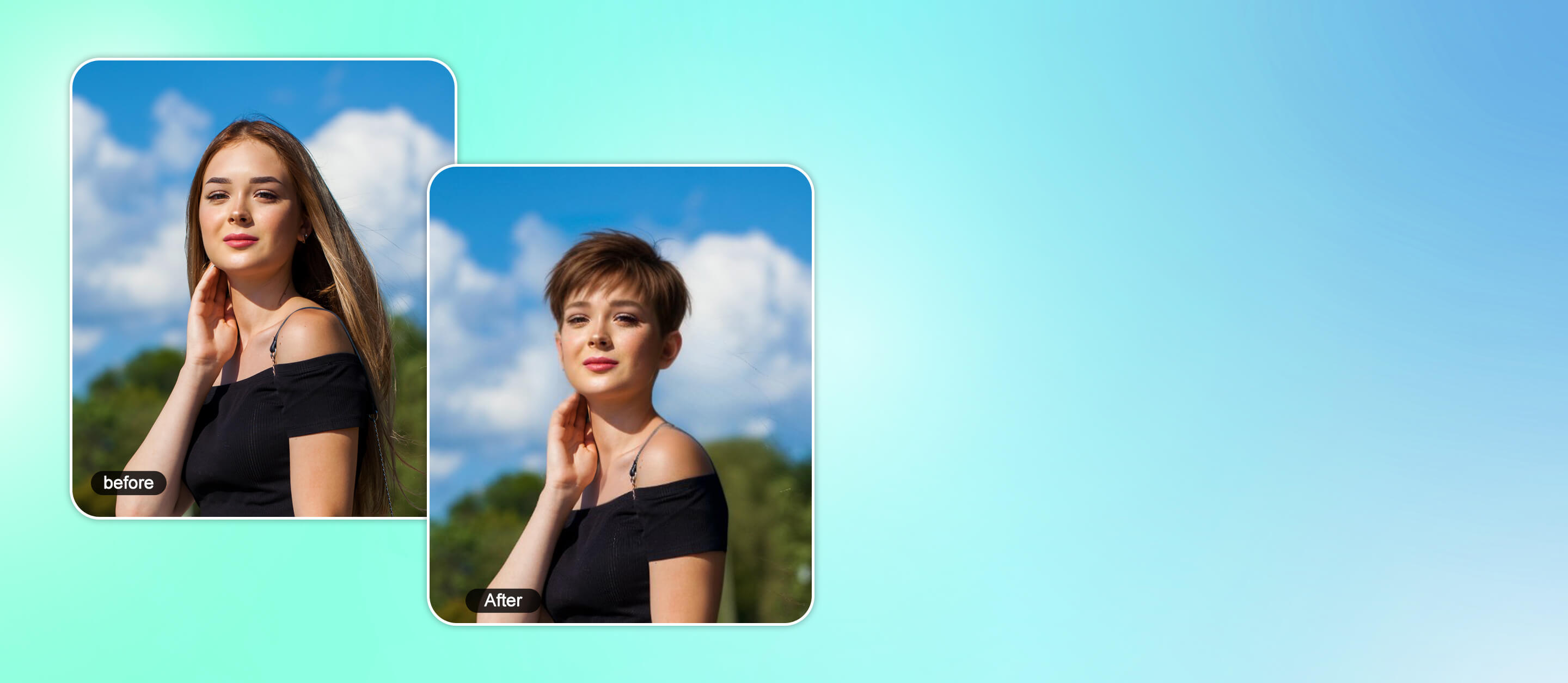
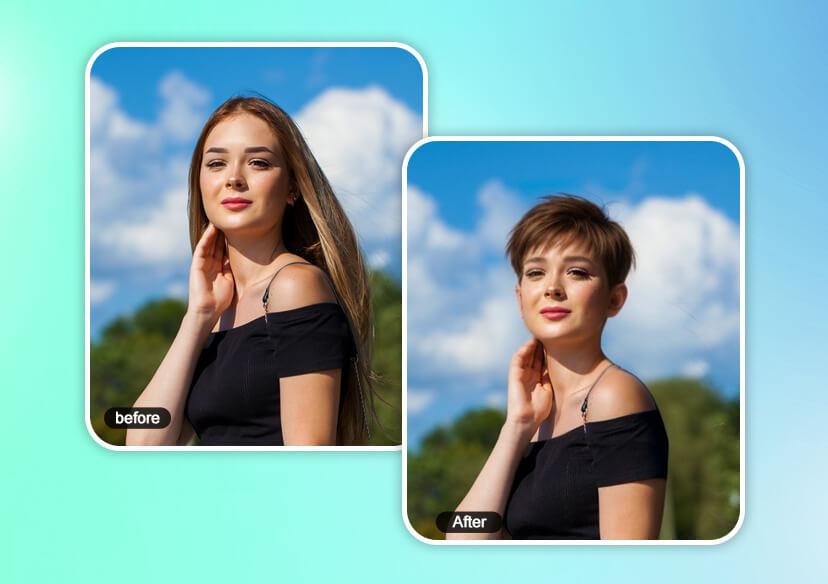
Curious how a pixie cut would look on you? Use our free online pixie cut filter to try on a pixie cut instantly. Explore various trendy pixie haircuts for women with realistic AI results.





Try Pixie Cut Filter On Your Photo
Want to see yourself with a bold new pixie cut? Try on pixie cut styles instantly with the YouCam Online Editor, the best free tool to preview short hairstyles with AI.
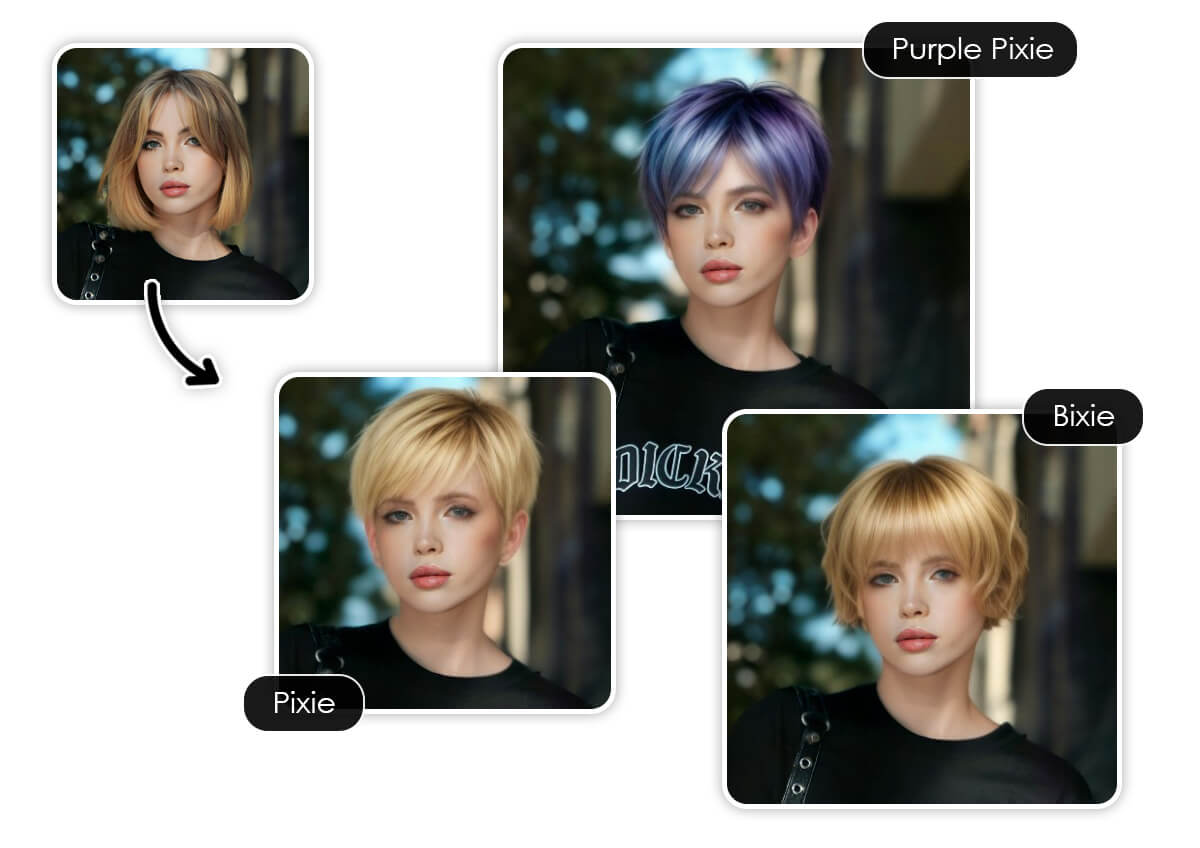
Whether you're thinking of a sleek pink pixie, a bixie, or classic short pixie for women, explore a wide range of realistic styles with just one photo—no haircut needed. Perfect for trying the look before you commit!
Explore Pixie Haircuts for Women with Pixie Cut Filter
Realistic Pixie Cut Simulator
Our pixie cut filter uses smart facial recognition to deliver ultra-realistic transformations that suit your unique features. Try out trendy pixie styles that blend naturally with your photo. It’s the perfect way to experiment with virtual hairstyle try-on.
Popular Pixie Haircuts for Women to Try
Try on trendy pixie haircuts like classic, bixie, curly, and colored styles with YouCam Online Editor’s pixie cut filter. Instantly see which short look suits your face best—no haircut needed!
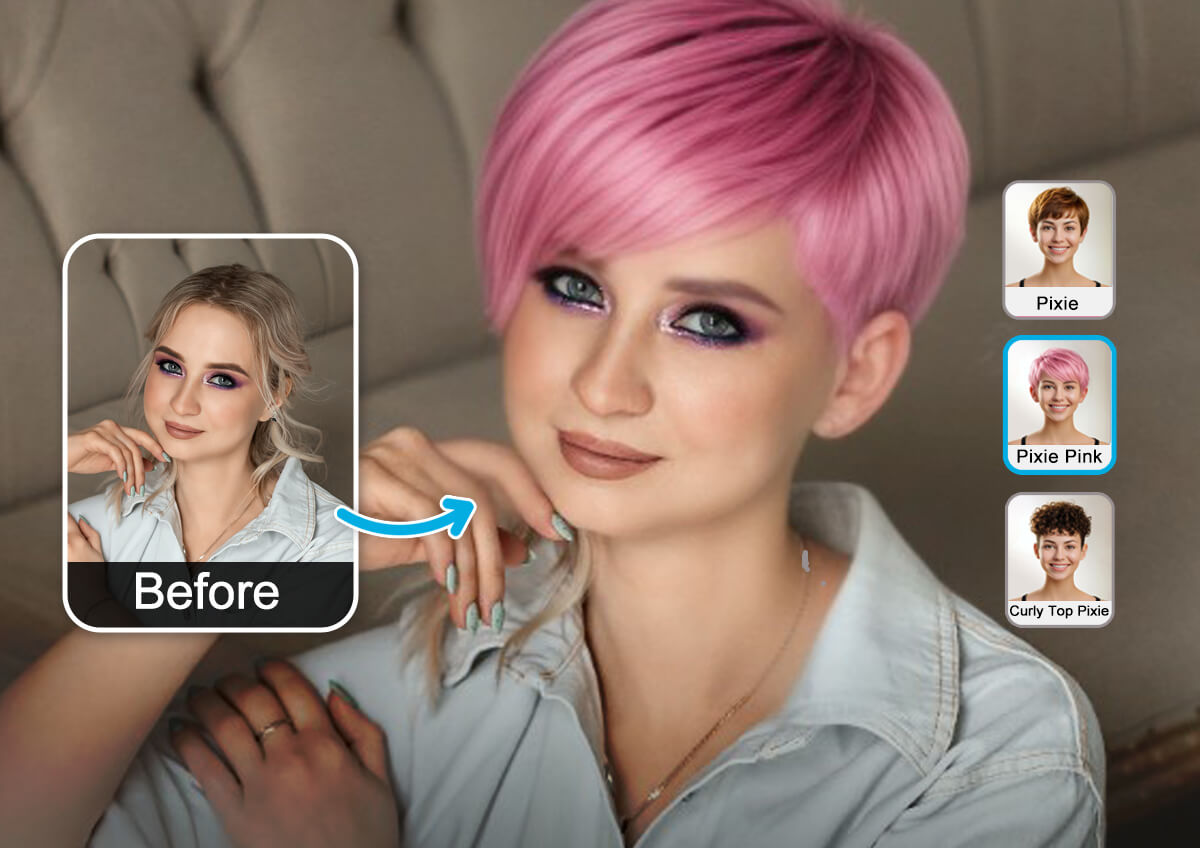
Want to explore more than just a pixie cut? With YouCam Online Editor, you can virtually try on a range of short hairstyles for women—like sleek bobs, buzz cuts, bald, layered crops, or chic lobs. Whether you're thinking of going super short or just above the shoulders, the AI short hair filter help you preview each look realistically.
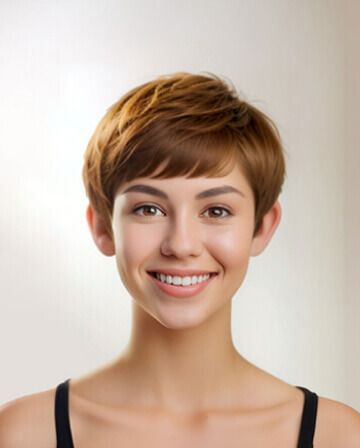
Pixie
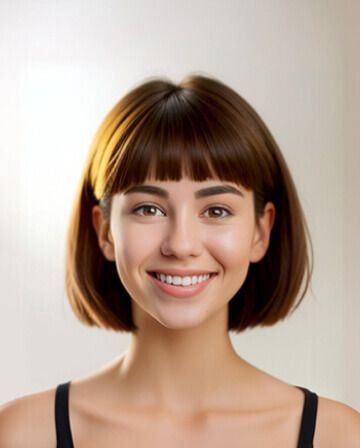
Bobcut
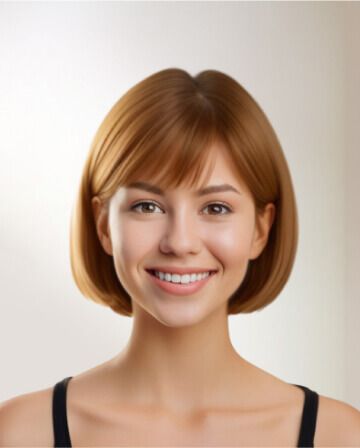
Side Bob
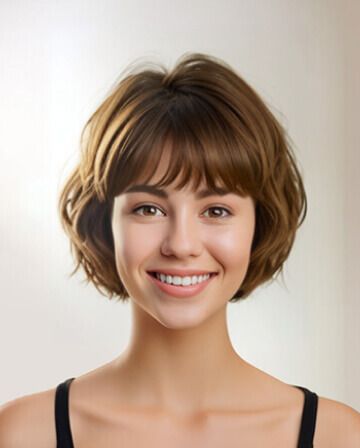
Short Bob
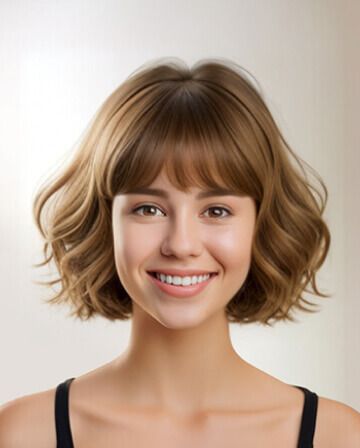
Bobcut Wavy
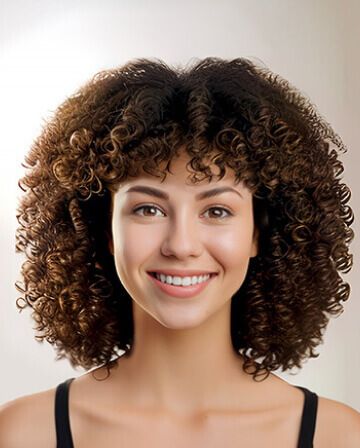
Curly Bob
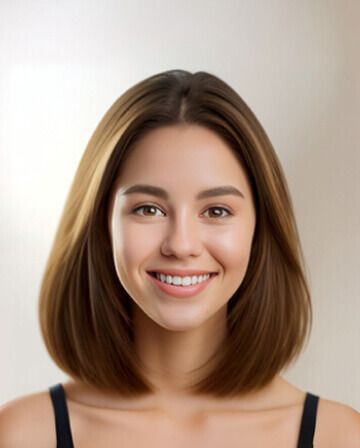
Medium Straight
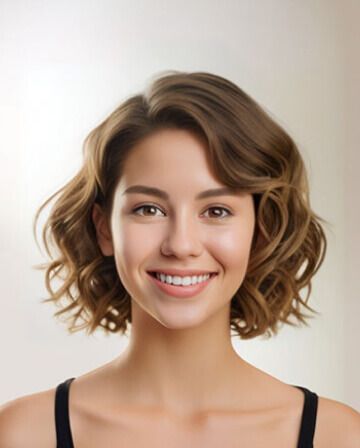
Bobcut Curly
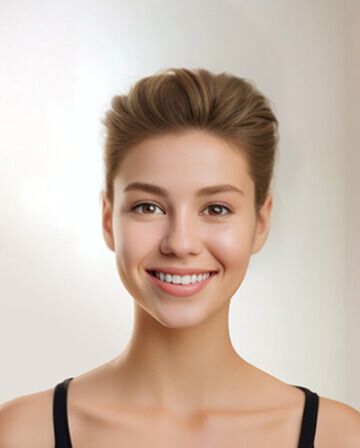
Combover
How To Use the Pixie Cut Filter
Upload Your Photo
Upload the photo you want to use to try on various pixie haircuts.


Apply Pixie Cut Filter
Choose from different pixie cuts and short hairstyles. The AI hairstyle changer will automatically apply the hairstyle on your photo.
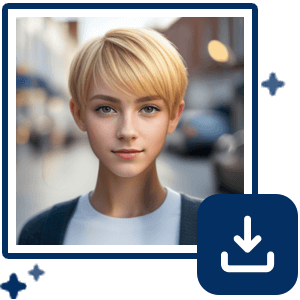
Save Your Pixie Cut Hairstyle
Once you’re happy with your new hair, download the photo to share or take to your next salon appointment!
Pixie Cut Filter FAQs
How do I see what I look like with a pixie cut?
You can see what you’d look like with a pixie cut instantly using the YouCam Online Editor’s pixie cut filter. Just upload a selfie and try on various pixie styles virtually—no haircut required.
How can I tell if a pixie cut will suit me?
The best way to find out is by using a pixie cut simulator like YouCam Online Editor. It lets you preview realistic pixie styles based on your face shape, so you can confidently choose a look that suits you.
Is there a filter to try haircuts?
YouCam Online Editor offers AI-powered haircut filters, including pixie cuts, bobs, buzz cuts, bald hair filter, and other short hairstyles, so you can test different looks on your own photo.
Who looks best in a pixie cut?
Pixie cuts flatter many face shapes, especially oval, heart, and square faces. With YouCam Online Editor’s pixie cut filter, you can try on a pixie haircut on your photo to see it suits your face shape and facial features.

