


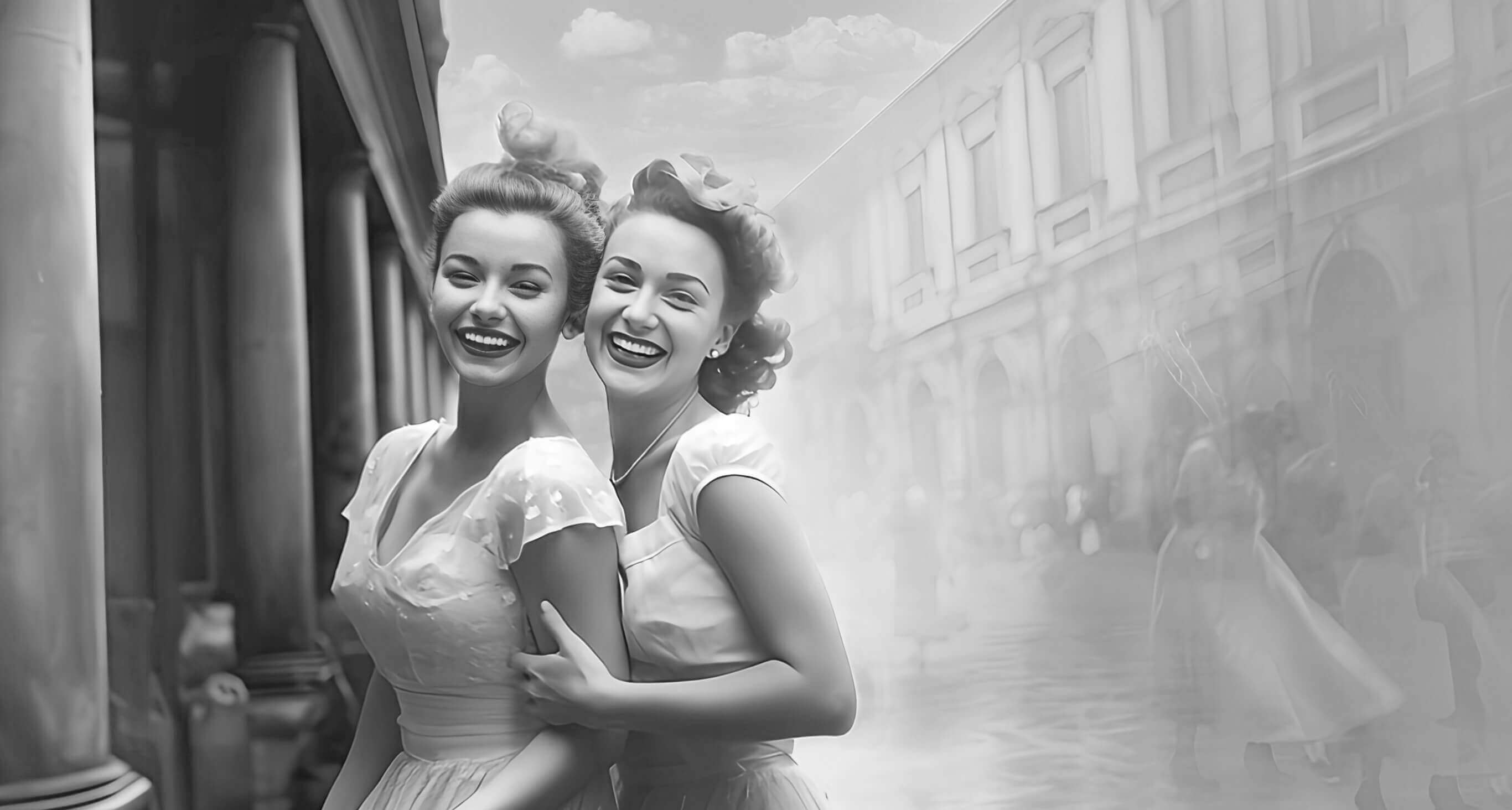
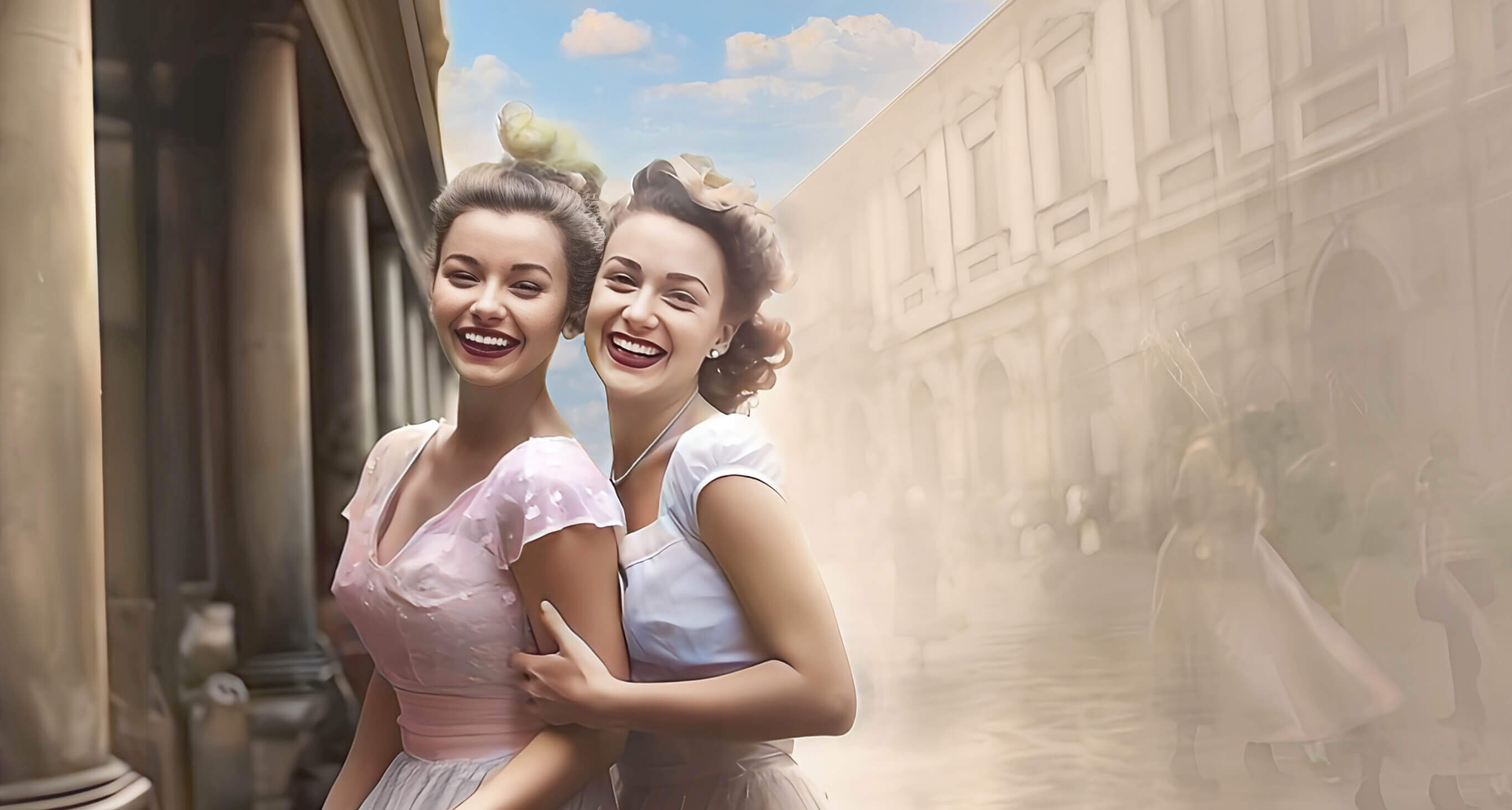

Recolor Image Online Free - Bring Memory Back to Life
Bring your photos to life with YouCam Online Editor's AI Colorizer. Our smart AI effortlessly recolors and restores faded images with vibrant results. Get 5 free, watermark-free downloads when you sign up!

Best Image Recolorer : 4 Highlights
- One-Click Colorization: Instantly turn b&w photos into vibrant images.
- Smart AI Coloring: Automatically applies realistic tones to objects/ portraits.
- Restore & Refresh: Brighten faded photos for a renewed look.
- Style Your Way: Choose from multiple color versions and filters.
Explore More: Photo Restoration , AI Colorize , Color Correction
Dive into a world where faded memories regain their brilliance! Discover how our AI photo recolor tool breathes new life into cherished moments.
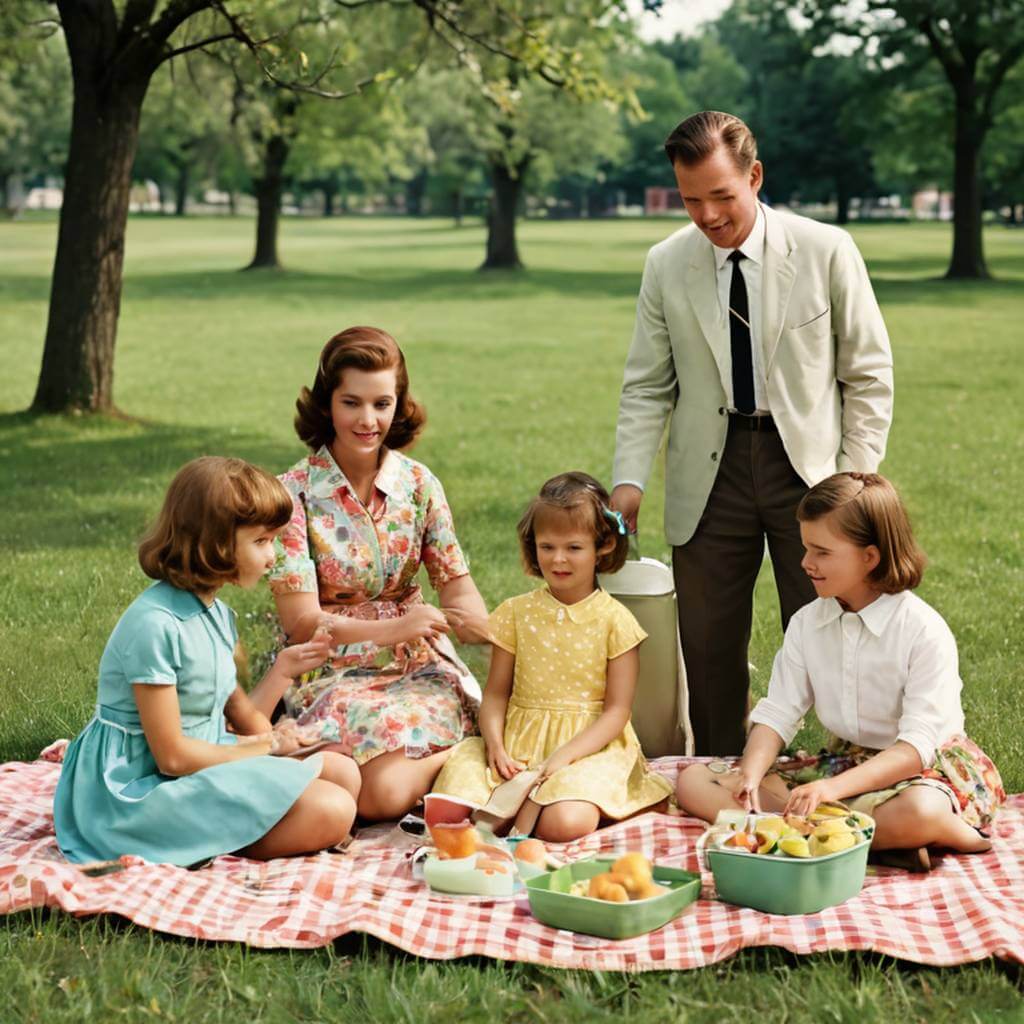
Vibrant Family Picnic
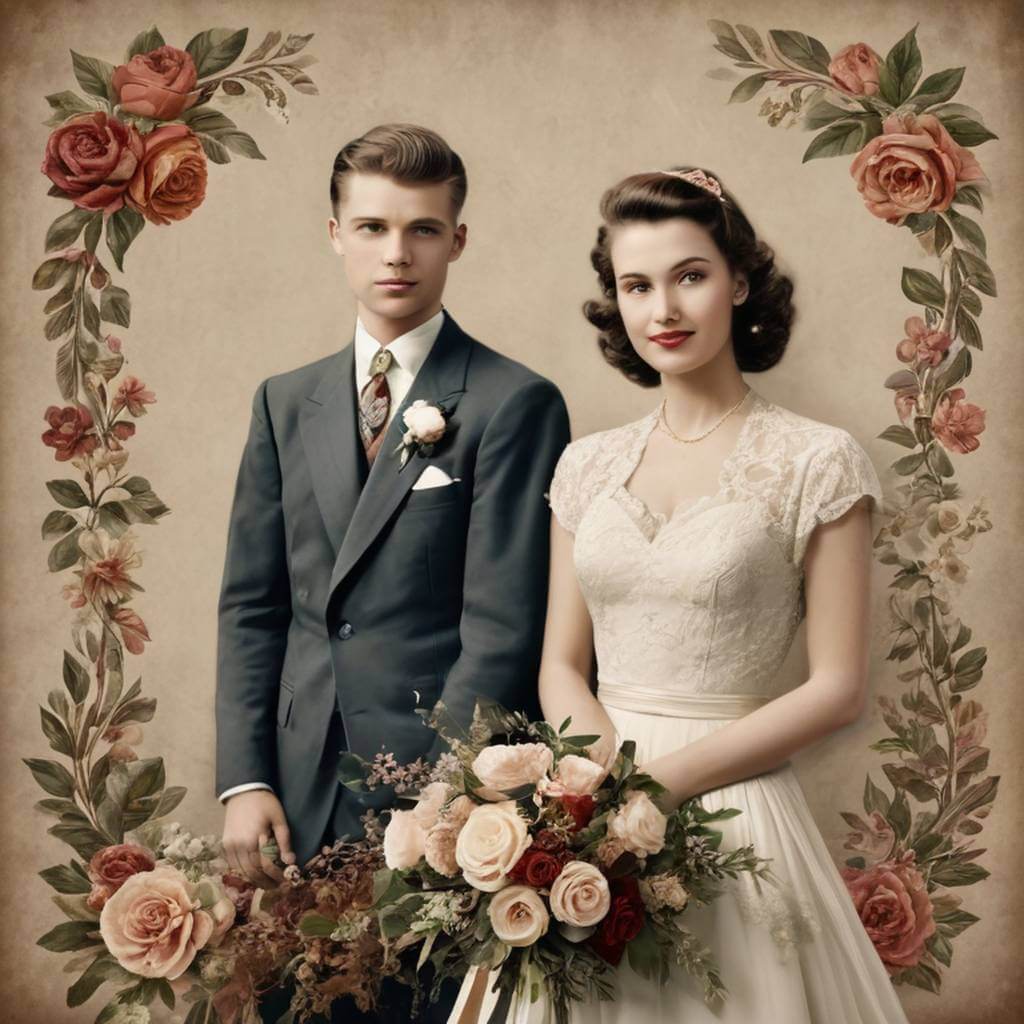
Grandparents' Wedding Glow

Childhood Charm Revival
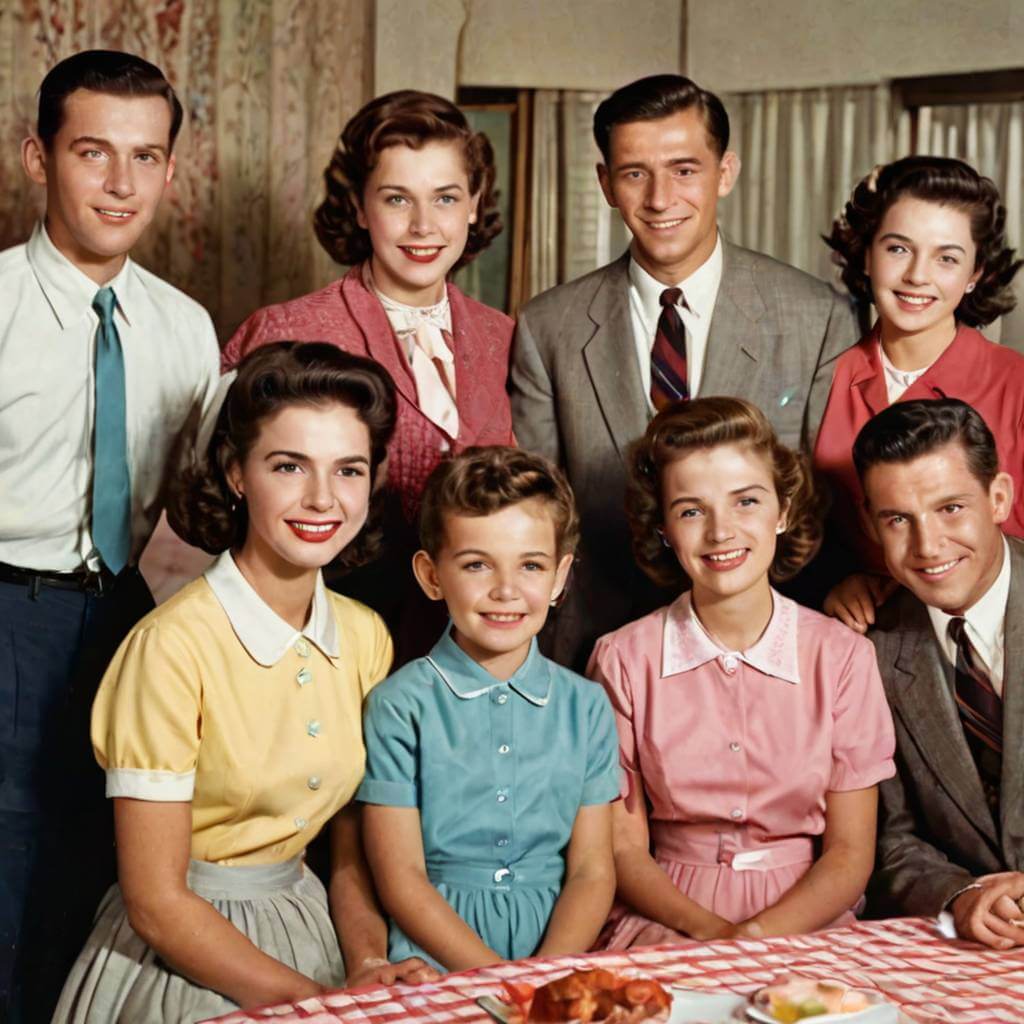
Timeless Family Gathering

Retro Graduation Radiance

Milestone Memory Makeover
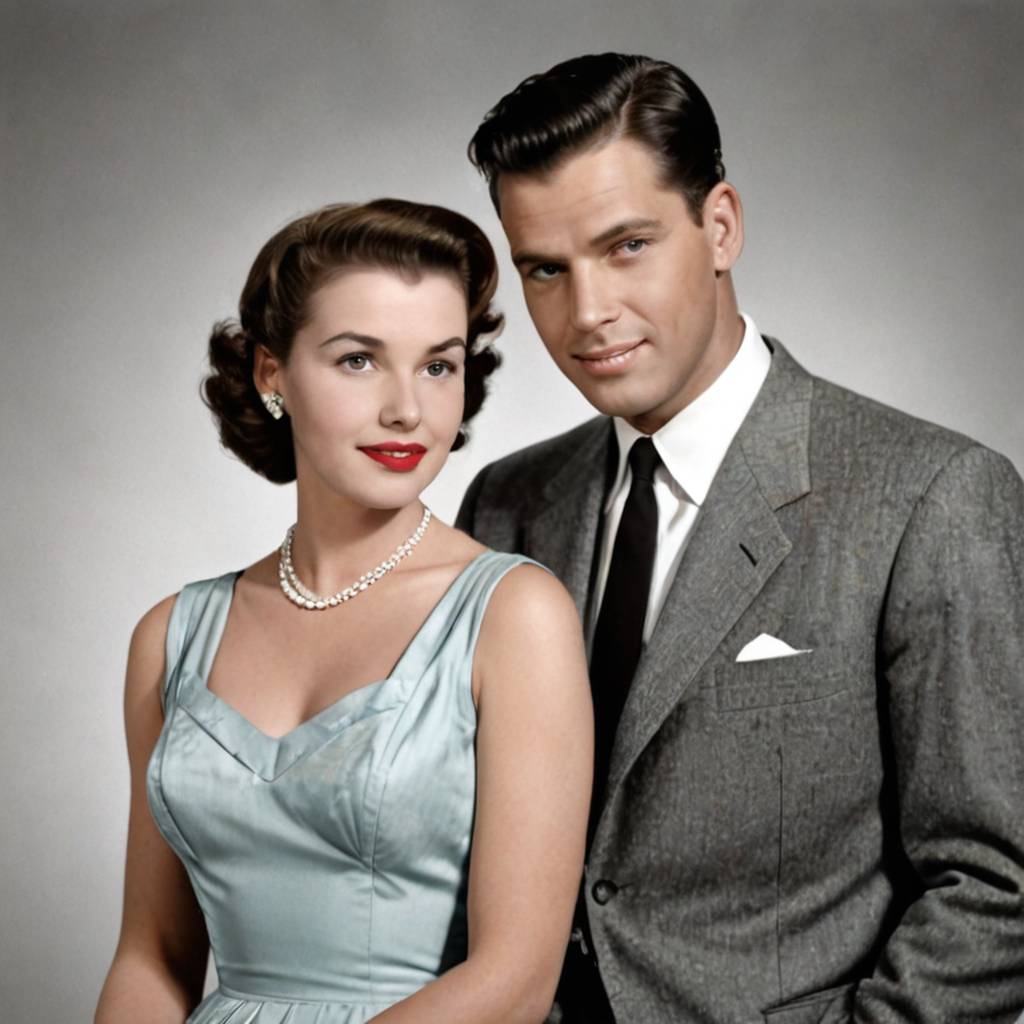
Vintage Love Story Bloom
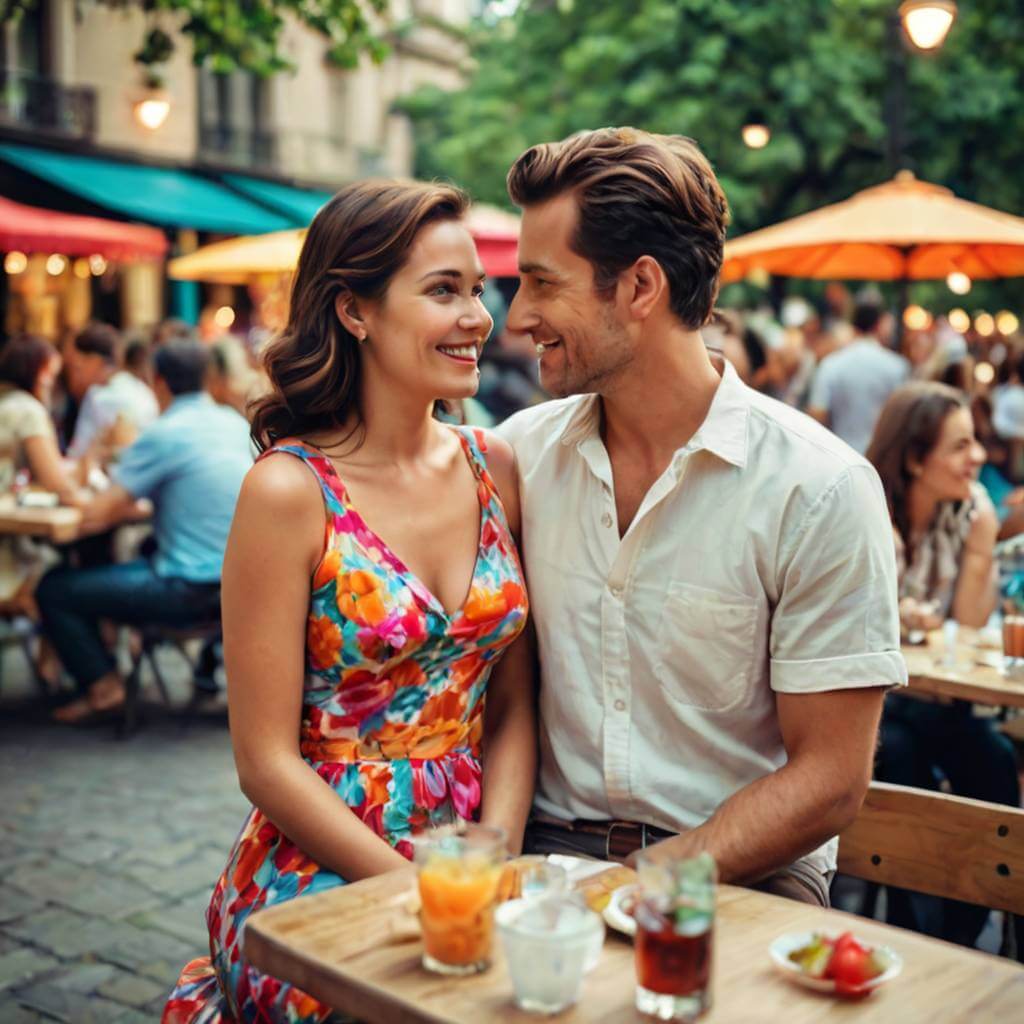
Romantic Rendezvous Reborn
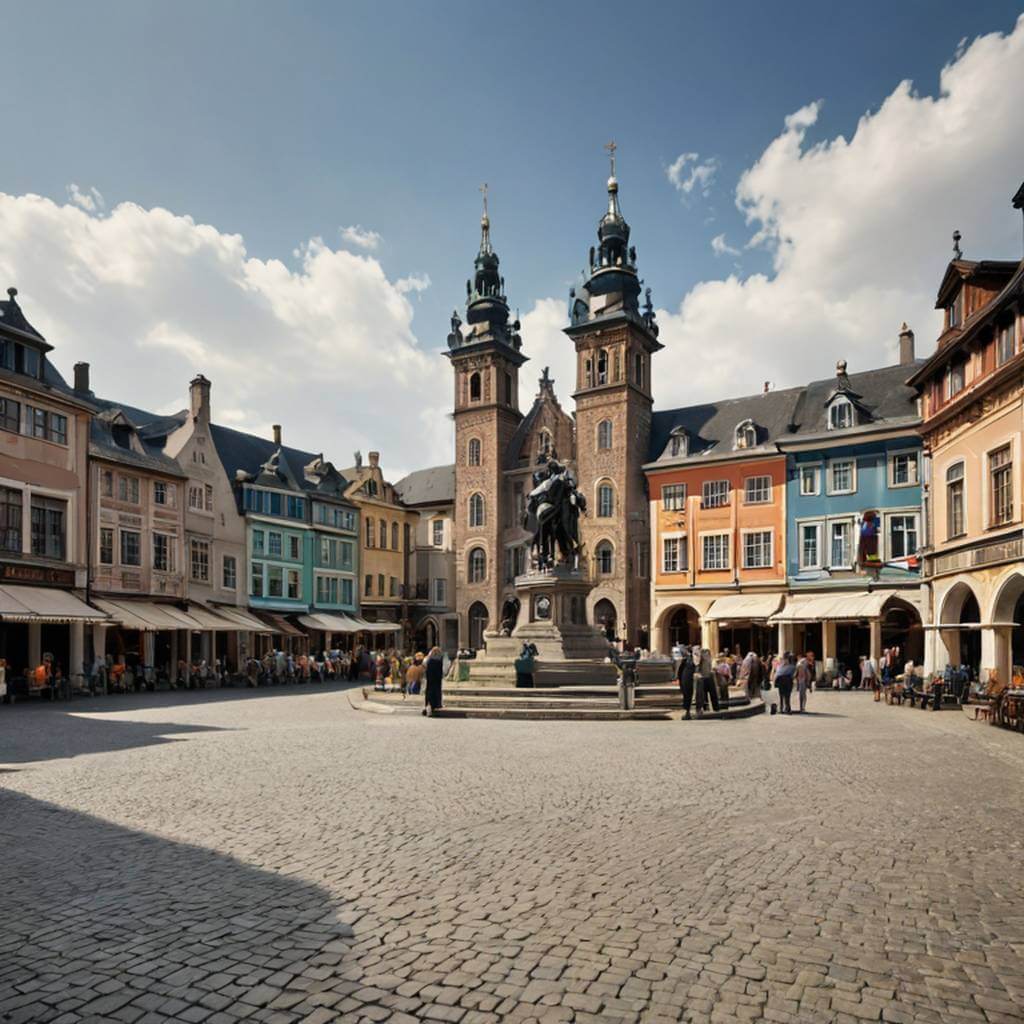
Historic Town Square Splendor
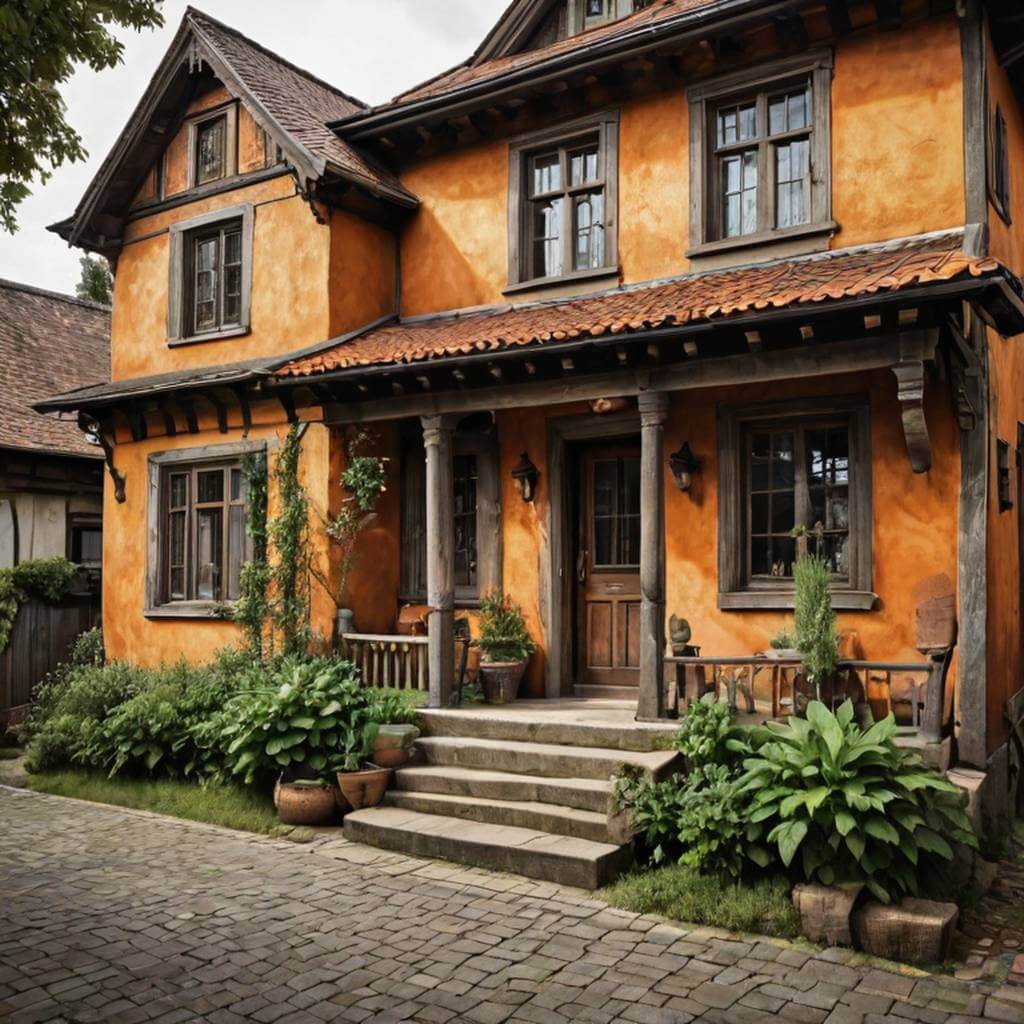
Ancestral Home's True Colors
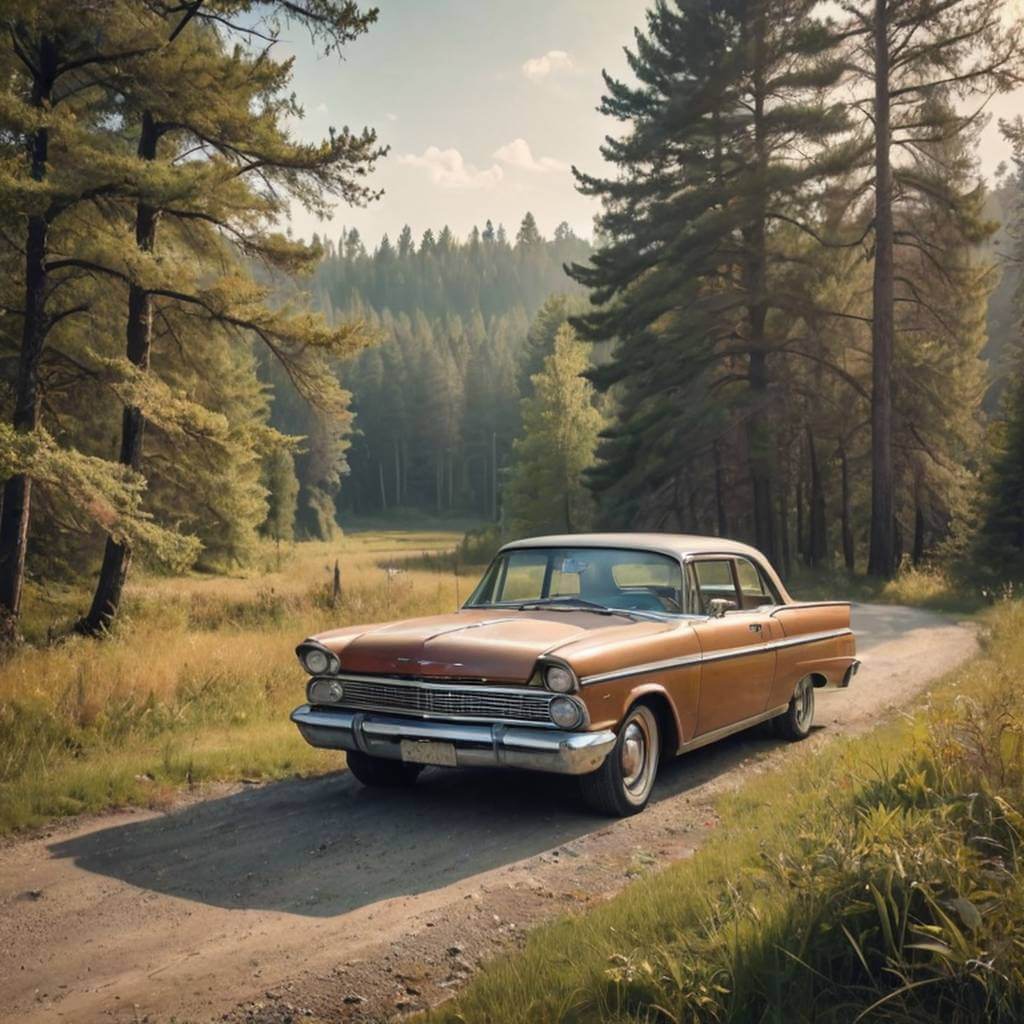
Vivid Heritage Landscape
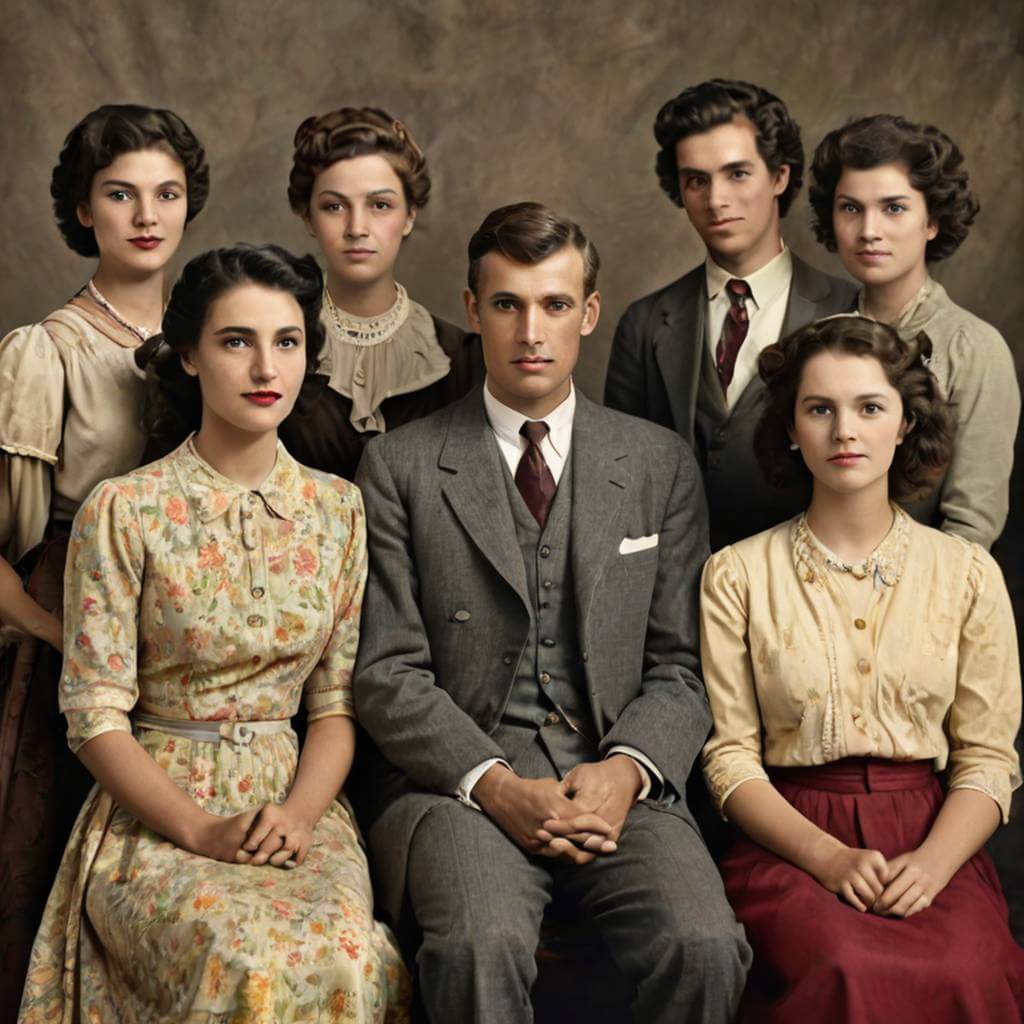
Ancestors in Full Color
How to Recolor Your Images with Ease
Tired of your photos not matching your creative vision? Our online tool makes it incredibly easy to recolor your images in just a few clicks. With advanced algorithms, you can intelligently adjust the hues and tones, giving your pictures the vibrant, fresh look they deserve—all for free.

Access the AI Colorizer
Navigate to the YouCam Online Editor website or open the YouCam Enhance app to begin the process of image recoloring.

Upload Your Image
Easily upload your black-and-white or faded photo that you wish to bring to life with color.

Auto-Colorize with AI
Initiate the AI colorization process with a single tap, allowing the intelligent AI to instantly transform your image with vibrant hues.

Refine & Save
Review the AI-generated colorized result, apply any desired color filters or adjustments to perfect the look, and then save your newly revitalized photo.

Why Recolor Black-and-White Photos?
Historical Preservation and Family Archives
Want to revive cherished memories? Families and historians can transform black-and-white photos into vibrant color, making past generations and historical events feel more immediate and relatable for modern viewers using easy-to-use recolor tools.
Marketing and Visual Storytelling
Need to capture attention? Brands and content creators can recolor logo and archival images to create striking visuals for campaigns, social media, and storytelling, enhancing engagement and emotional impact.
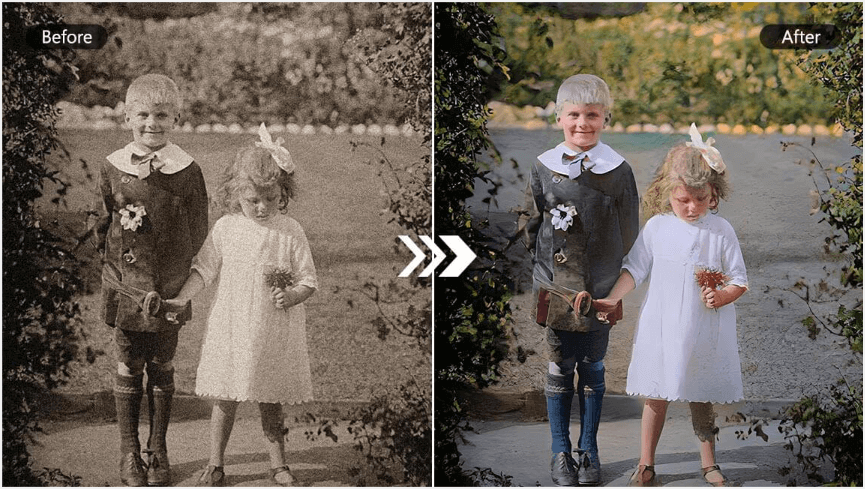
Educational and Museum Displays
Looking to make history come alive? Educators and museums can present colorized historical images, helping students and visitors better connect with the past and understand context through realistic, immersive visuals.
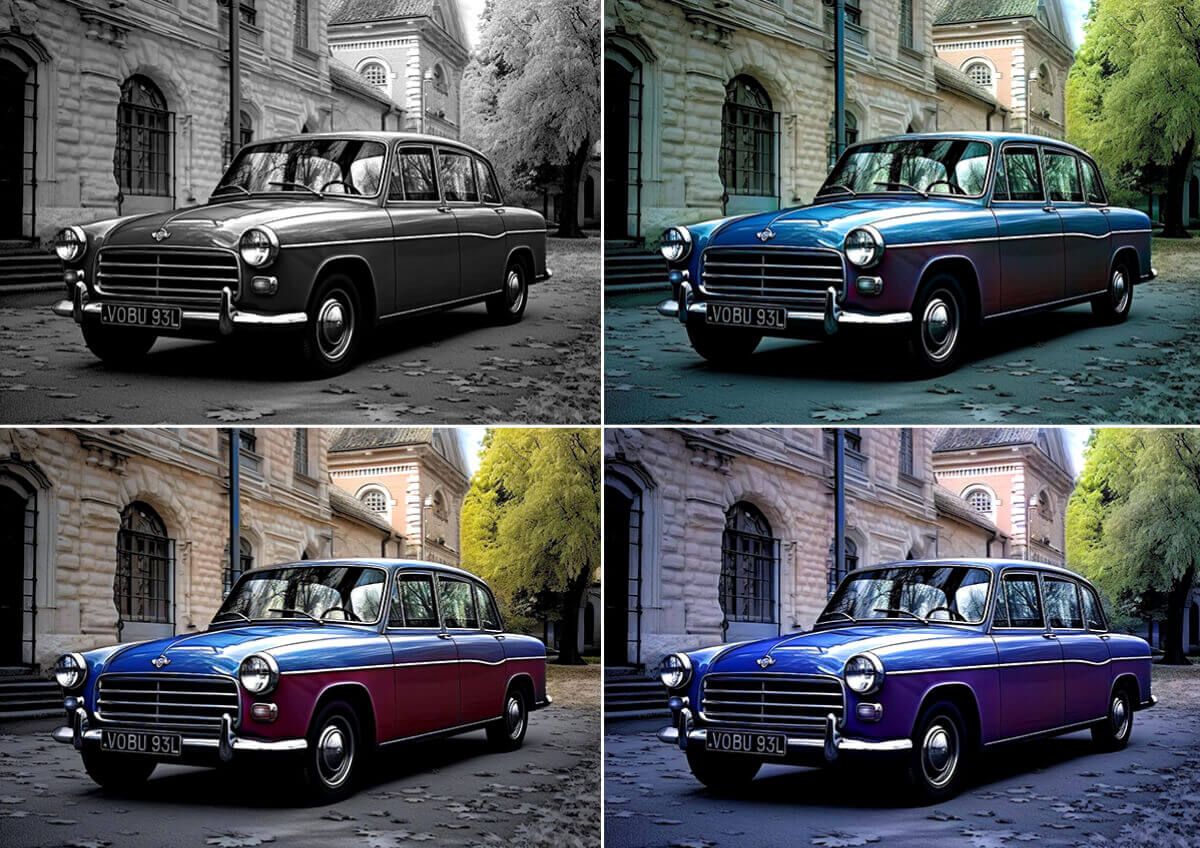
Creative Projects and Artistic Expression
Seeking inspiration for art or design? Artists and designers can use AI-powered image recolorer tools to reinterpret classic images, experiment with new aesthetics, and add unique value to creative portfolios or commercial projects.
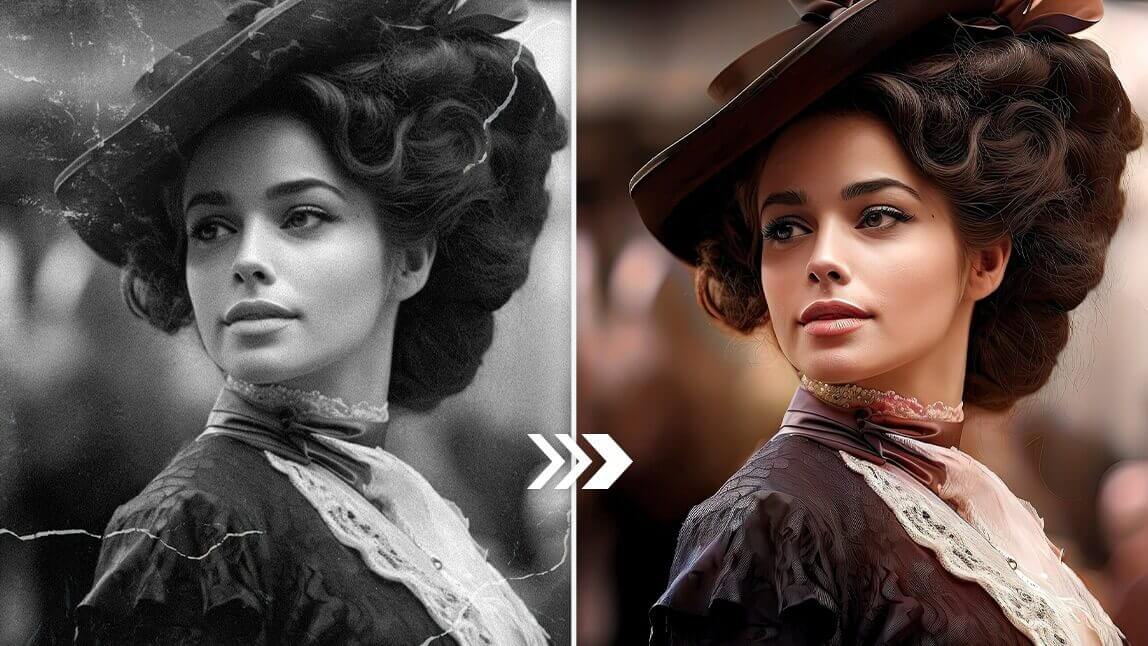
Recolor Image FAQs
How can I change the color of a photo on my iPhone?
You can easily recolor photos on your iPhone using AI-powered apps like YouCam Enhance. Simply upload your image, and the AI will automatically apply realistic colors or allow you to customize hues, all without needing technical skills or complex software.
Why should I recolor my black-and-white or old photos?
Recoloring old or monochrome photos brings them to life by restoring original colors and details, making memories more vivid and relatable.
It also preserves historical images, enhances emotional connection, and creates striking visuals for personal keepsakes, educational use, or marketing projects.

