




Restore Old Photos Online with AI
Restore your old photos with this AI Photo Restorer in Seconds!




How to Restore Old Photos with AI?

Upload Old Photos
Upload your old photo or image to the YouCam Online Editor.
(Supported formats: JPG, JPEG, PNG, TIFF, and GIF)


Auto AI Photo Restoration
The YouCam AI automatically scans and restores faded colors, and revives the colors of your photos.
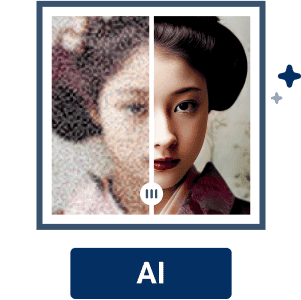
Enhance your Photo with AI
Simply click the 'Photo Enhance' button to upscale the image quality.

Preview and Download your Restored Photo
Once the photo has been restored to your liking, click "Download" to save your restored photo. That’s it!
Reawaken Your Past:
Restore your Old Photos Online into its Former Glory
Relive Memories With Natural, Realistic Colors
Old photos fade over time and lose their vibrancy. Bring your old memories back to life with our AI Photo Restorer. Renew faded colors in natural, realistic hues, and boost image quality of your special moments.
Remove Scratches and Unblur Automatically
A simple drag or drop, and YouCam's Online AI Photo Restorer removes scratches and deblurs old photos automatically. No need of further photo editing.
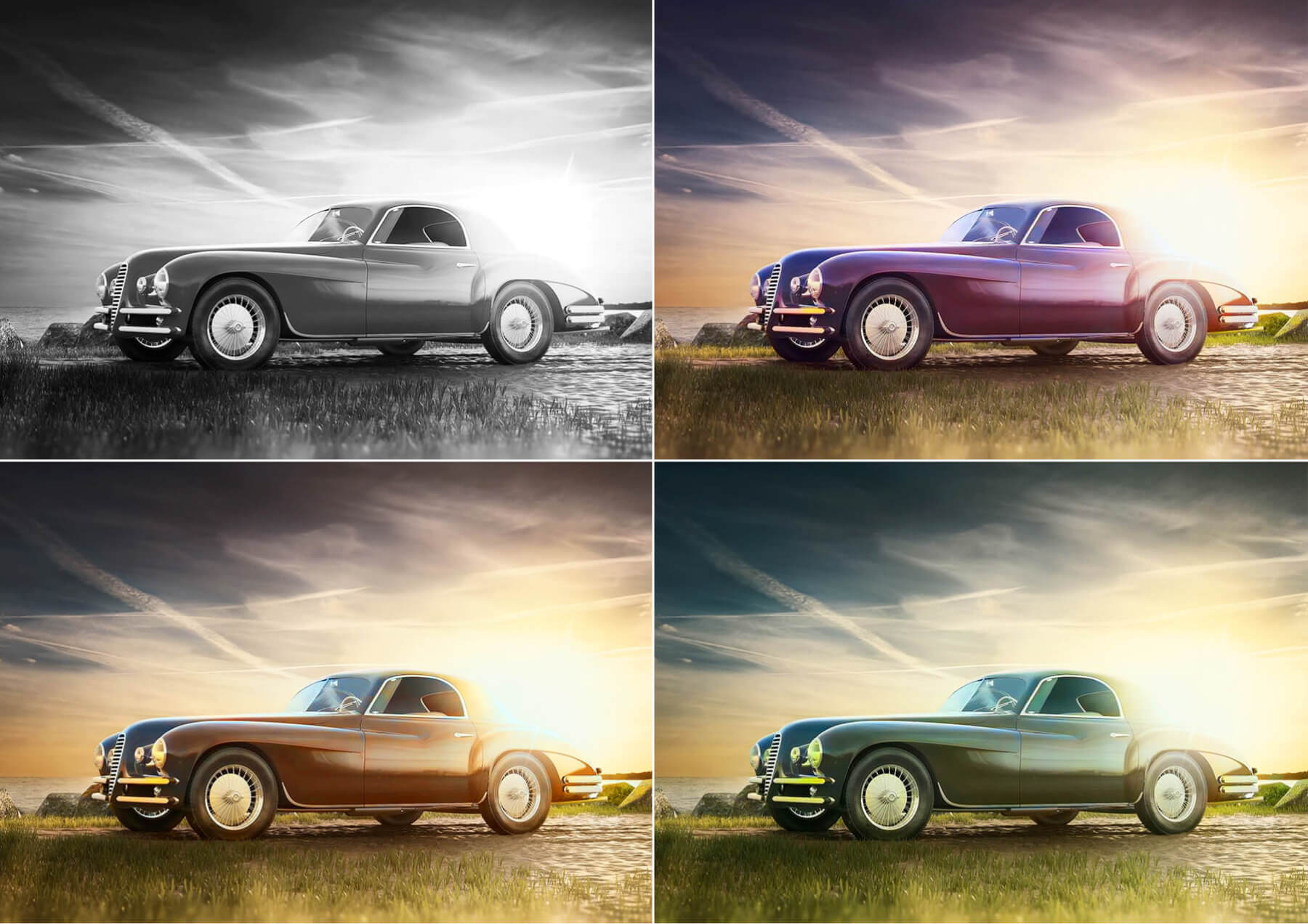
Instantly Renew Old Photos to its Original Vibrance
Turn your cherished memories into high-quality photos in seconds using our YouCam Online Editor. No technical skills are required! With the help of AI, you can effortlessly enhance your old, faded, or blurred images and restore their clarity and vibrancy.
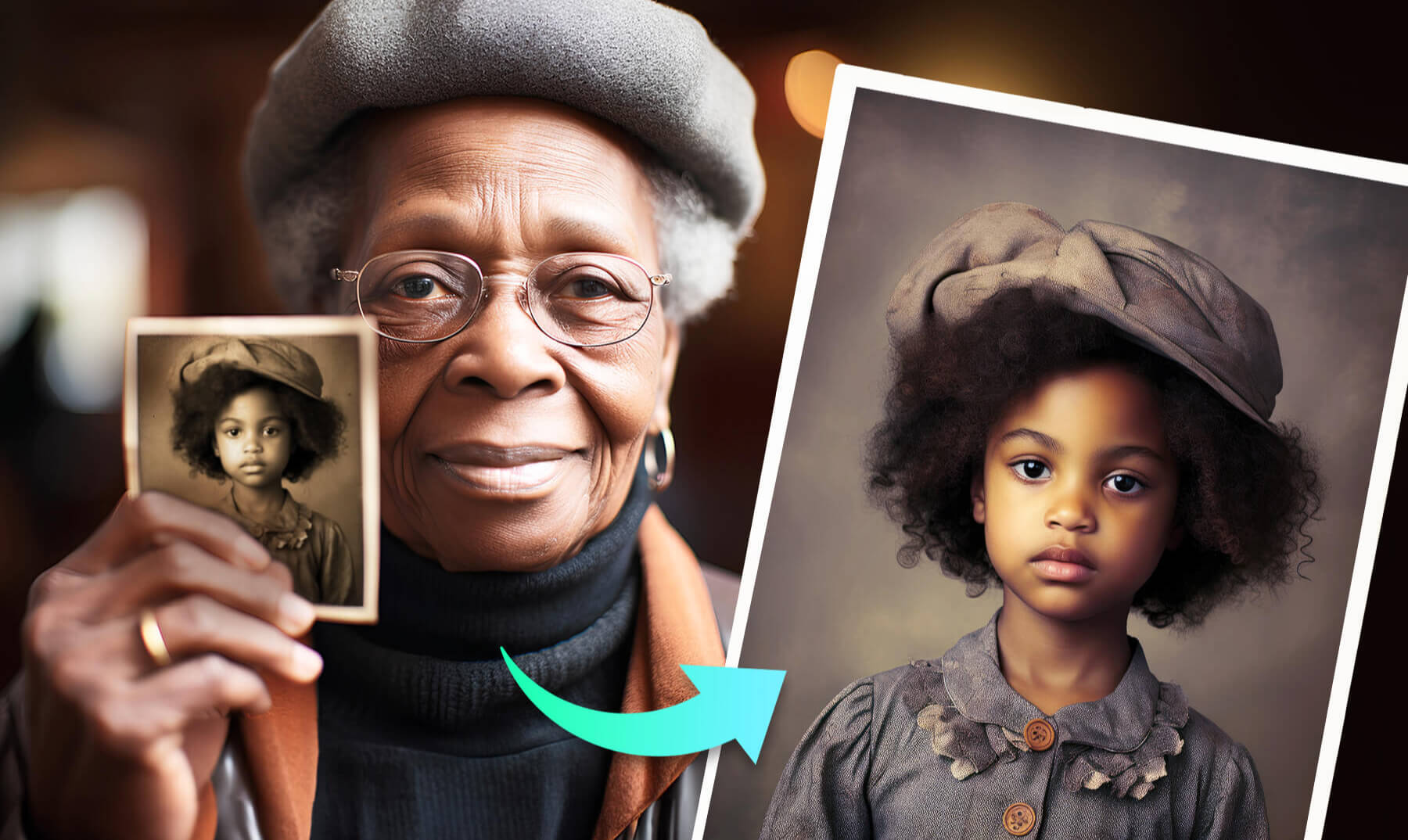
Enhance Photo Lighting of Cherished Moments
Brighten up your memories and bring them back to life on your vintage photos! Bring out stunning details and vibrant colors effortlessly, using AI magic. And, experience your old images with new, exceptional quality and brilliance.

Colorize Photos With AI on Your iPhone
Transform your black and white photos into colorful masterpieces with YouCam app.



Old Photo Restoration FAQs
I only have a physical photo. How can it be restored?
If you only have a physical photo, you can restore it by first scanning it to create a digital copy. Many modern scanners and even smartphone scanning apps can produce high-quality digital images. Once you have a digital version, you can upload your old photos to YouCam Online Editor to let the AI tool fix tears, remove stains, and adjust the color balance of your precious old photos.
Is there an online photo editing tool to restore old photos?
Yes, there are several online photo editing tools available for restoring old photos. YouCam Online Editor is one such tool that offers features for photo restoration, allowing you to upload your scanned photos and make enhancements directly in your web browser.
How do I know it is safe to upload photos here?
Photos uploaded to YouCam Online Editor are temporarily saved in our server and are not made public anywhere else. If you use the Share feature, your images could be publicly available depending on how you choose to share your images. All images will be deleted from our server after 7 days, even if you use the share feature.
How to get old photos colorized?
To colorize your old photos:
- Upload an image
- Let AI detect the image and automatically recolor it
- If you don’t like the colors, use AI Lighting or AI Color Correction to make adjustments
- Download and share