
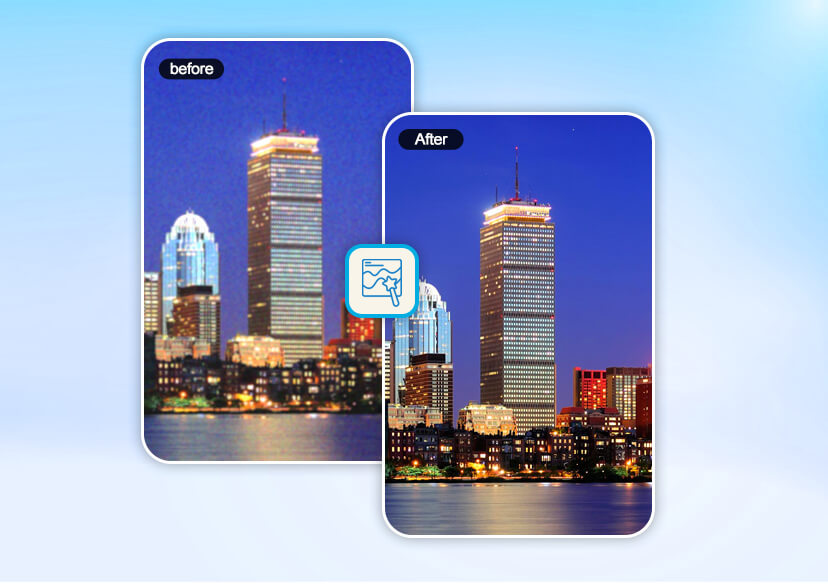




AI Denoiser: Remove Grain from Photo Online for Free
Grainy, blurry photos? Fix them in seconds. YouCam's AI Denoiser lets you remove grain from a photo online for free—fast, easy, and HD-ready. Just upload, denoise, and save.

How to Remove Grain from Photo Online for Free?
With YouCam’s free online editor, removing grain from photo is a breeze. Here’s how easy it is:

Upload Your Photo
Choose the grainy photo you want to fix and upload it to the YouCam Online Editor. You can also select up to 50 images for batch enhancement. Format support include: JPG, JPEG, PNG, TIFF, and GIF.


Remove Grain with AI Denoiser
Let AI automatically denoise your image—no manual tweaking needed. Select the ‘Best Quality’ option to upscale your logo to 4x resolution.

Save Your HD Image
Download your new, clear, high-resolution photo instantly.
Remove Grain from Photo Instantly with AI Denoiser
With our AI denoiser, you don’t need advanced editing skills. The tool automatically studies your image and removes unwanted grain patterns—all while keeping details sharp and natural.
- Works instantly with one upload
- No downloads or heavy software required
- Perfect for beginners and pros
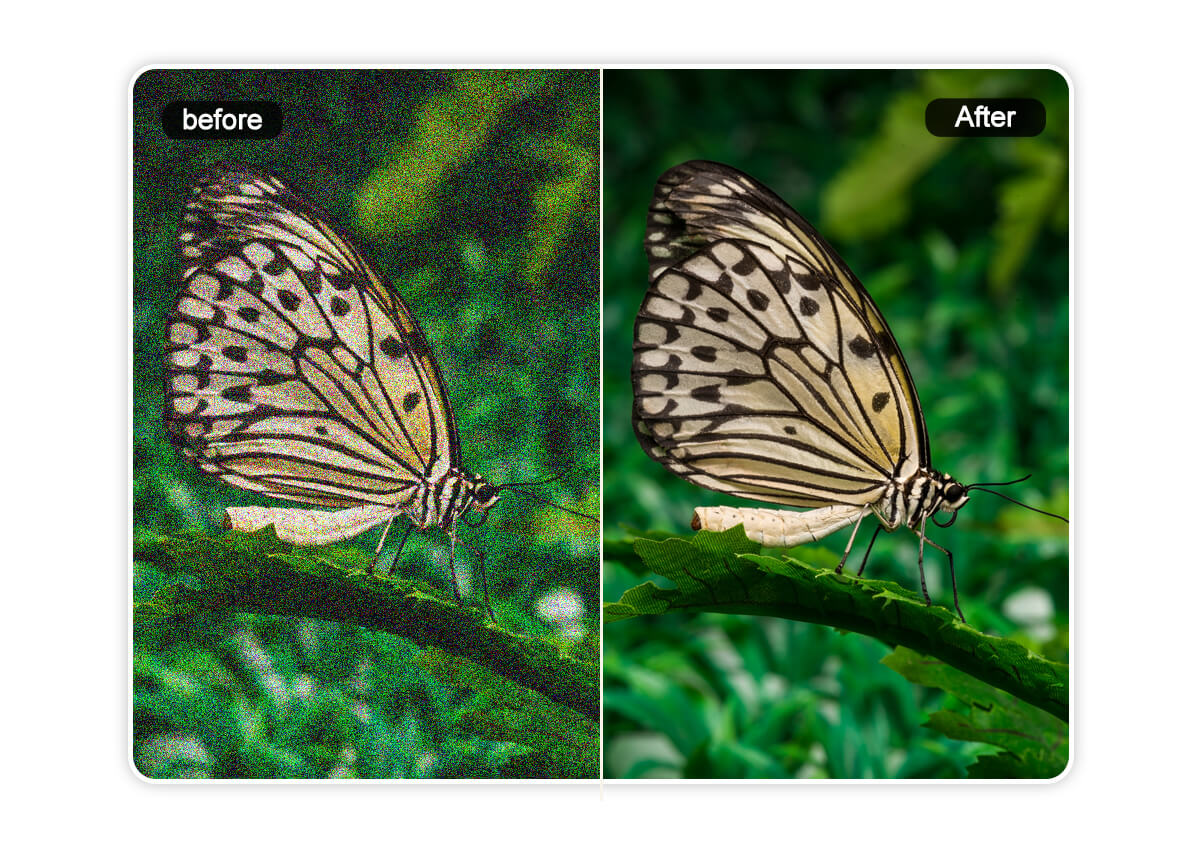
Boost Photo Quality: Sharpen, Enhance & Upscale to 4K
Not only can you remove grain from a photo, but you can also upgrade its overall quality. AI tools can:
- Sharpen details
- Enhance colors
- Upscale resolution up to 4K without distortion
Perfect for printing, presentations, or simply making your memories more vivid.
Remove Grain from Night Photography with AI
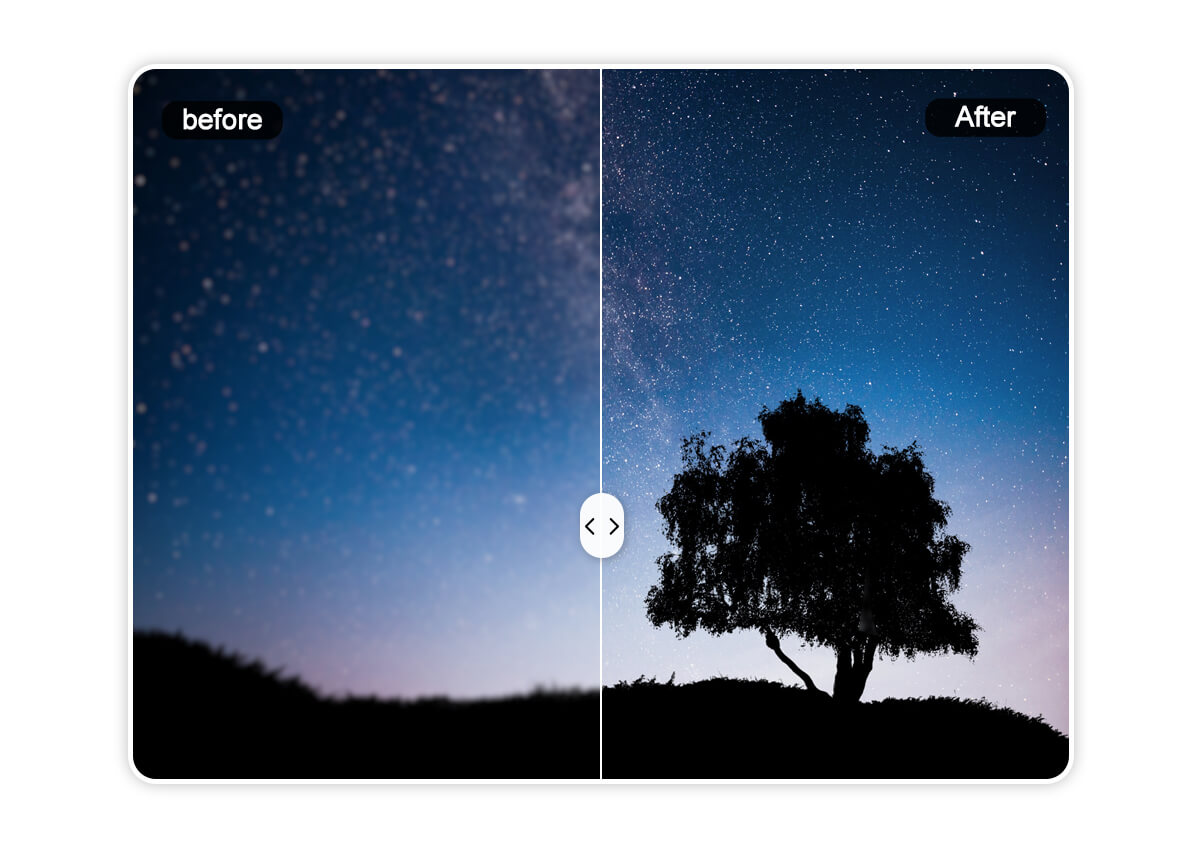
Night shots and low-light pictures often suffer from heavy noise. AI denoiser smooths those gritty pixels while preserving atmosphere and contrast, so your cityscapes and starlit skies finally look as breathtaking as they felt.
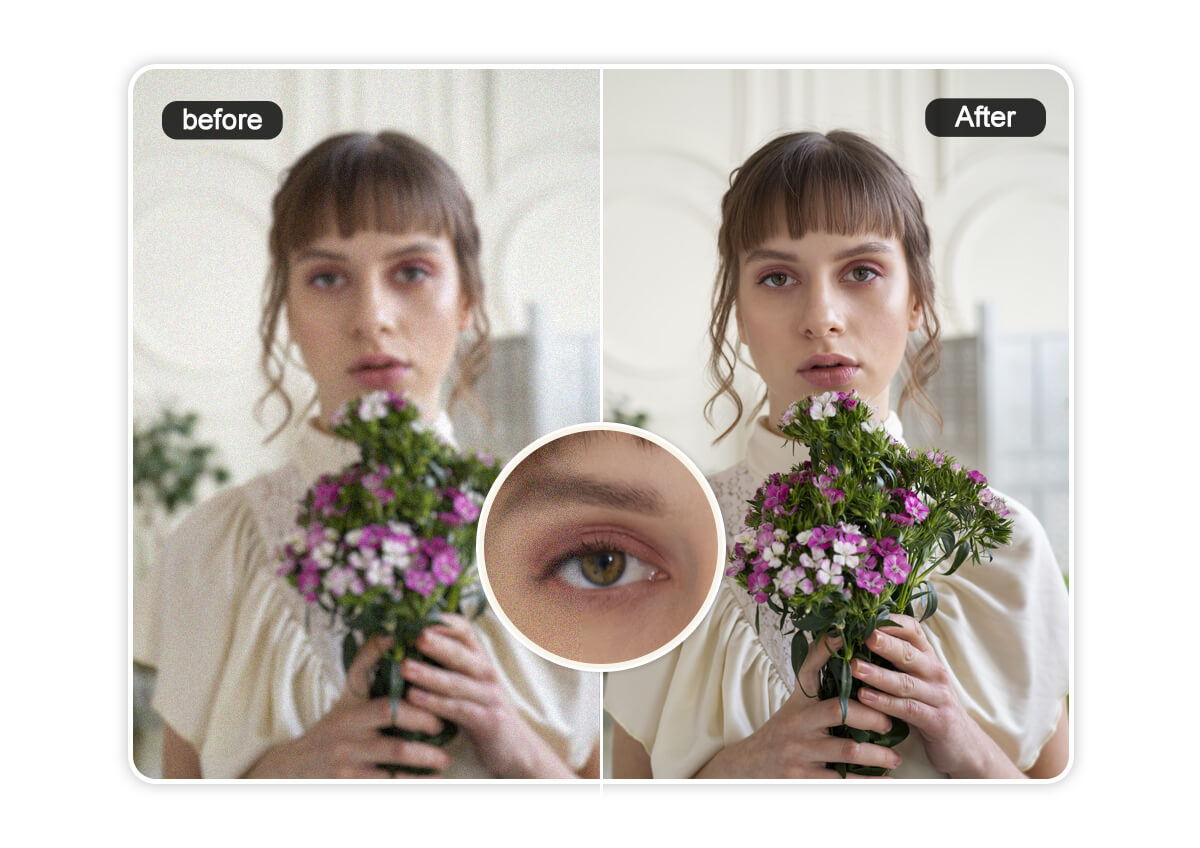
Clear Noise from Portrait Photos for Perfect Skin Tones
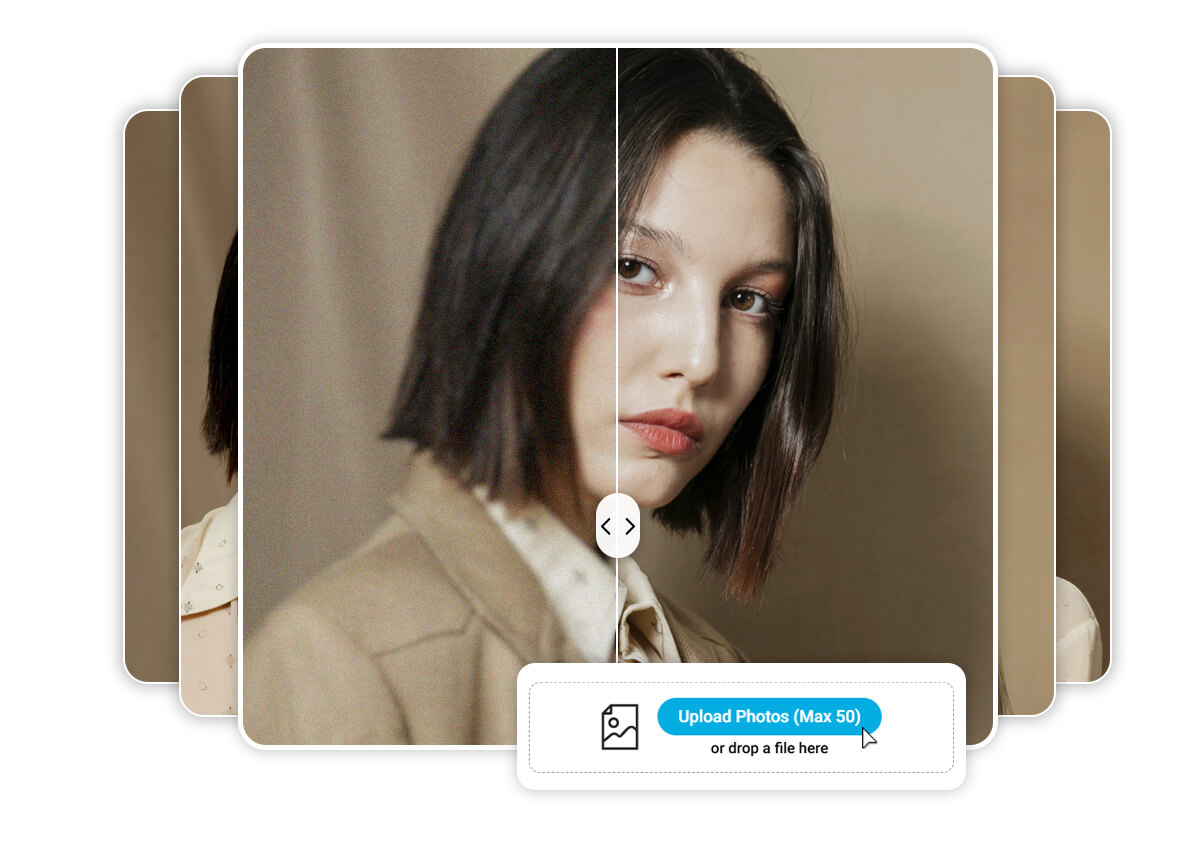
Nothing ruins a portrait faster than facial grain. With AI, skin tones stay soft and natural, while fine details like eyes and hair remain sharp. The result—portraits that feel clear, professional, and profile-ready.
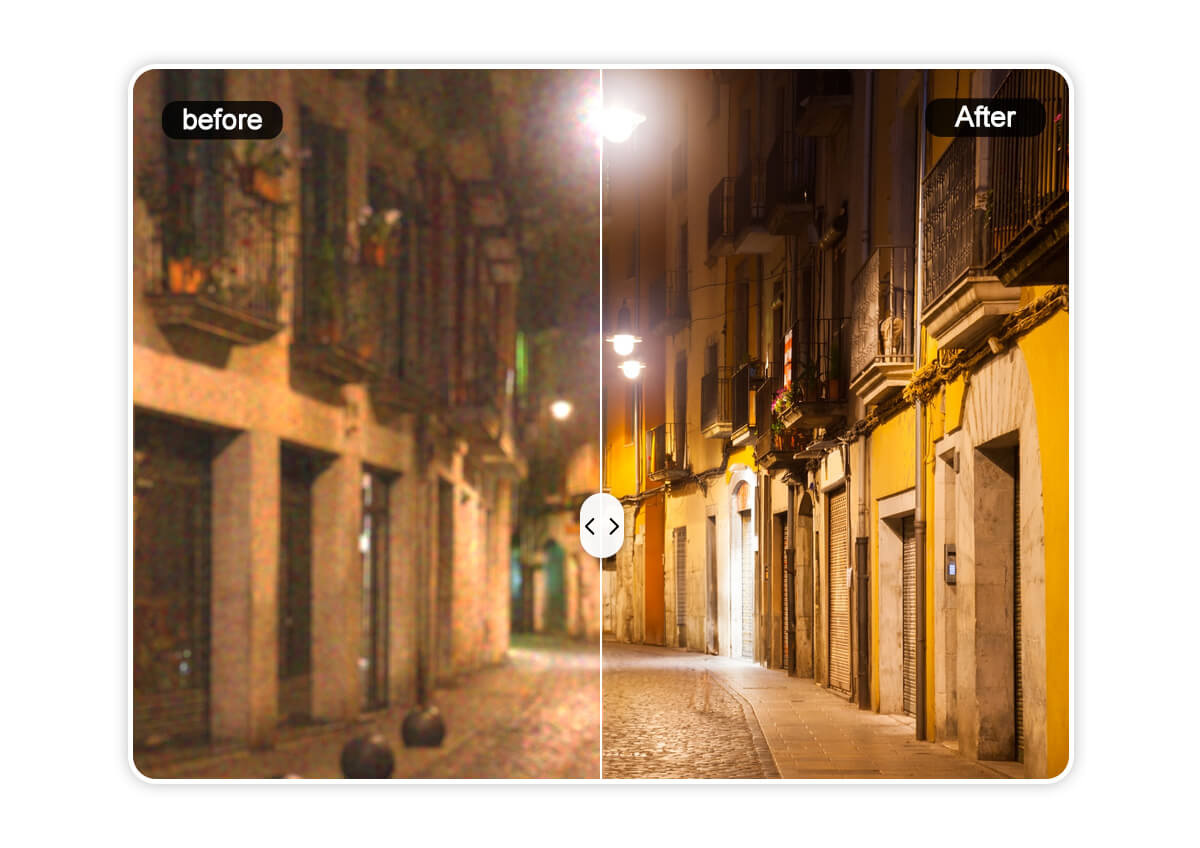
Denoise Images Captured in Low-Light
Party shots, concerts, indoor events, and travel moments often happen in low light—and that usually means noise. AI removes the unwanted fuzz while keeping lighting intact, so your memories remain crystal clear.
Save Time with Bulk AI Noise Removal
Got a batch of grainy photos? Denoise them all at once. AI batch processing lets you enhance up to 50 files in one go, saving energy and keeping editing stress-free.
Remove Grain from Photo Online FAQs
How to remove grains from a photo?
You can remove grain by uploading your photo to an AI denoiser online, like YouCam Online Editor. The AI automatically detects and eliminates grain. Simply upload, let the tool process, and download your clear photo.
How to get the grain out of a photo?
AI tools like YouCam Online Editor detect noise patterns and remove them with one click, refining your photo without over-smoothing. Just upload your photo, run the denoiser, and save the enhanced image.
How do you make grainy pictures clear?
Make grainy pictures clear by applying AI denoise technology like YouCam Online Editor. Upload your photo, let the AI reduce noise while preserving detail, then download the sharper image.
How to get no grain in photos?
Prevent grain by shooting in good light with a low ISO. For existing photos, use AI denoising tools, like YouCam Online Editor, to remove grain instantly by uploading and processing the image.
How to remove grain from an old photo?
To restore old photos, scan or upload them to an AI denoiser, like YouCam Online Editor. The tool removes grain and restores clarity, giving your vintage pictures a fresh, clean look.

