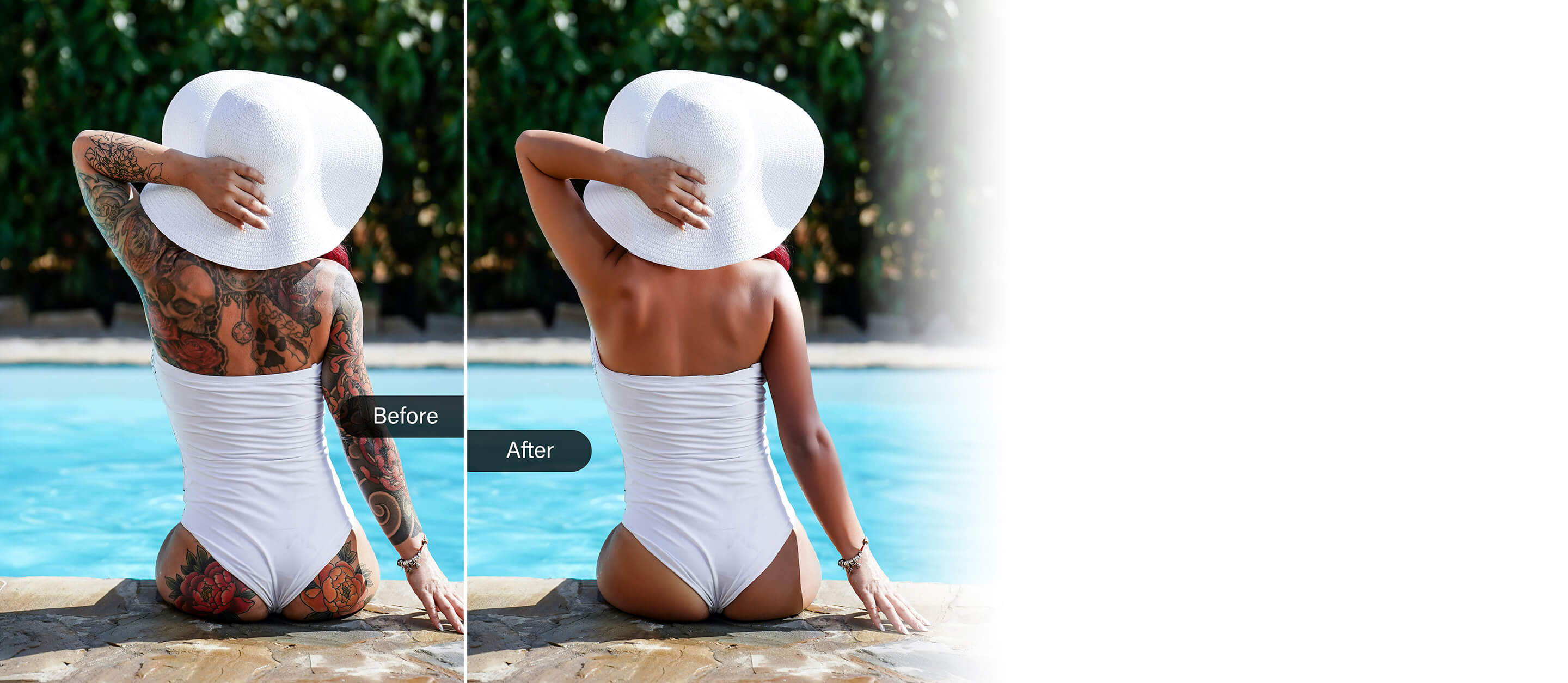
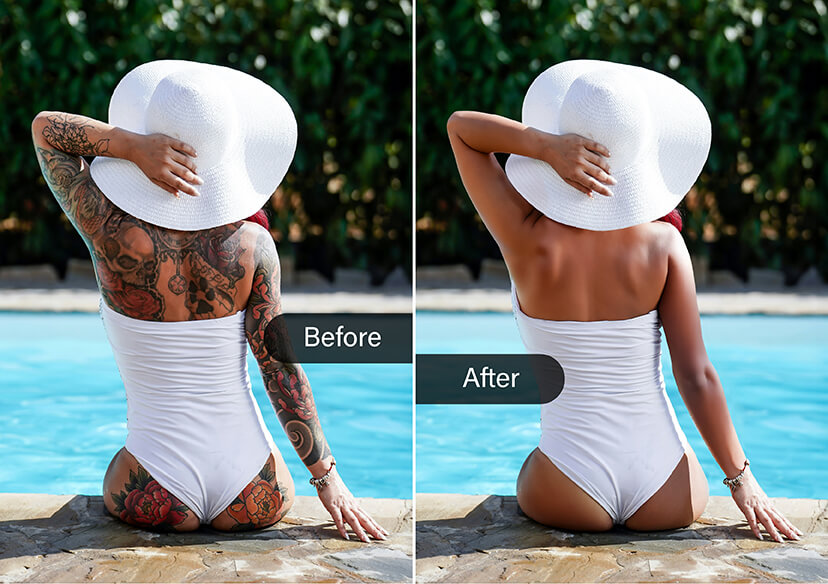




Remove Tattoo From Photo Online
Easily erase tattoos and reveal your flawless photo in just a click.





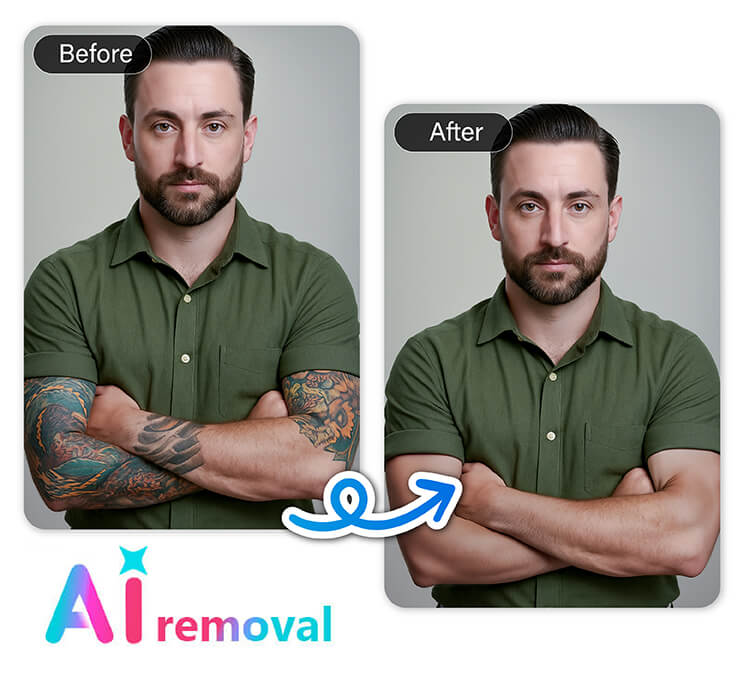
Preparing Professional Headshots
Make your photos perfect for resumes, portfolios, or LinkedIn by removing distracting tattoos. Whether it’s a fresh ink or an old design, as a tattoo removal photo editor, YouCam Online Editor helps you create a clean, polished look that highlights your professionalism. Impress recruiters with photos that focus on you, not the tattoos.
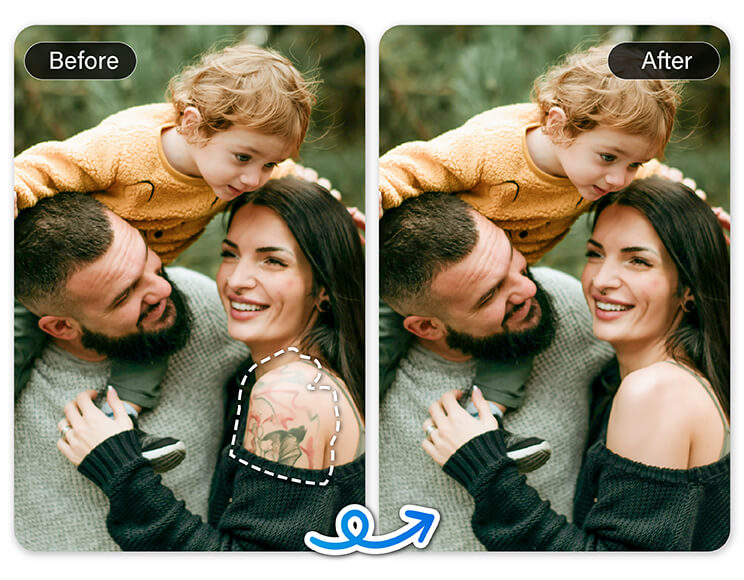
Creating Family-Friendly Images
Sometimes tattoos don’t fit the vibe you want for family albums or holiday cards. Easily remove them to keep everyone smiling without distractions. This way, your cherished memories look timeless and suitable for all generations.
Reimagining Your Style
Want to see how you’d look without a tattoo before committing to removal in real life? Experiment with our tool to visualize a tattoo-free version of your photo. It’s a fun and simple way to explore new looks or update your images for any occasion.
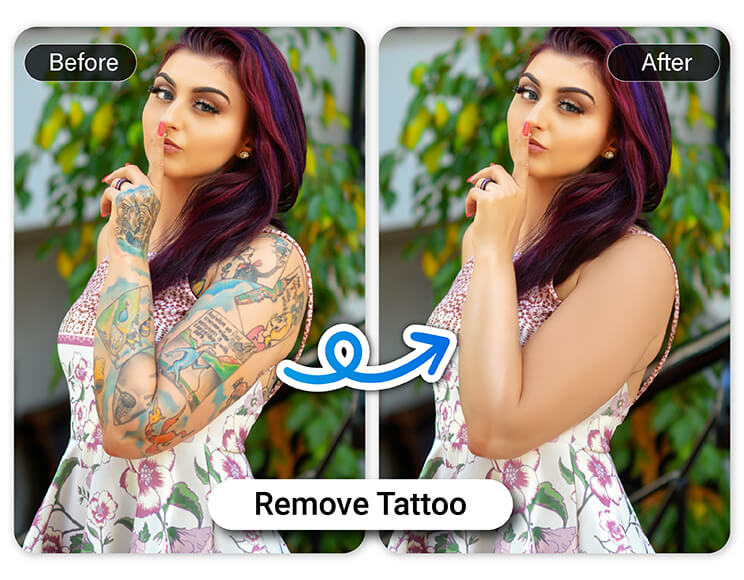
Erase & Replace: Your Photo, Your Rules
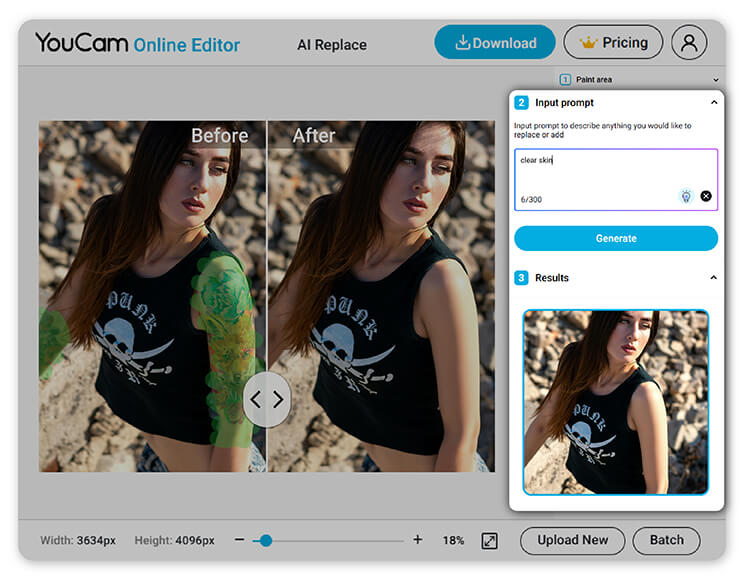
Looking to go beyond just removing? The YouCam Online Editor doesn’t stop at AI Object Removal. It also offers the powerful AI Replace tool, perfect for taking your photo edits to the next level.
Want to get rid of a tattoo? Just highlight the area you’d like to clean up - the more precise you are, the better the result, even for complex or layered ink. Whether it's one small symbol or a full sleeve, AI Replace handles it with ease.
Think of it like touching up a wall with paint: smooth, even strokes give you that perfect finish. The same goes for your edits. Careful highlighting = flawless results.
Why Choose AI Tattoo Removal?
- User-Friendly Interface: Simple tool anyone can master, no experience needed
- Fast and Efficient: Remove tattoos in seconds, no long waits
- Non-Destructive Editing: Keep your original photo intact with easy undo options
- No Software Installation: Edit directly from your browser anytime, anywhere
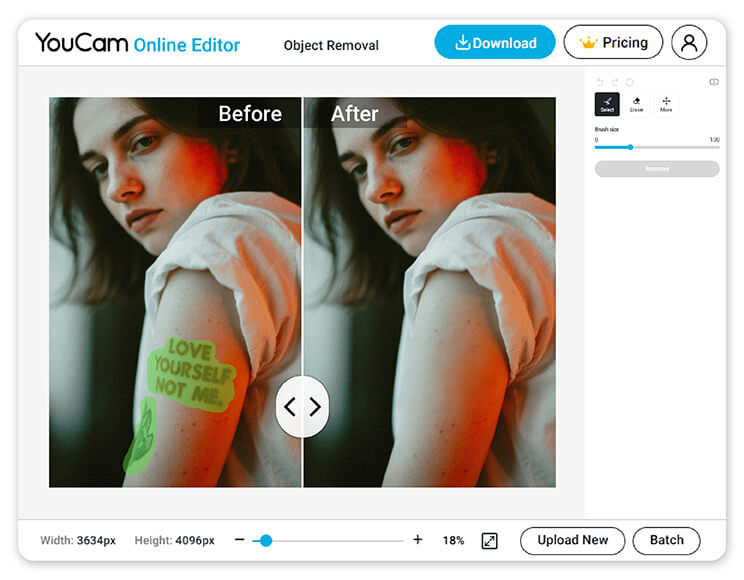
How to Remove Tattoo From Photo
Removing tattoos from your photos is easier than ever with our AI-powered tool. Just follow these simple steps to get a flawless, tattoo-free image in no time.

Upload your photo featuring the tattoos and select the AI Object Removal tool.

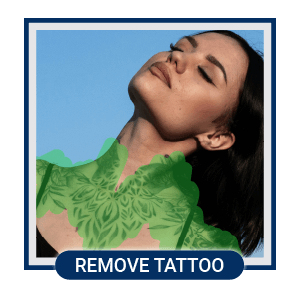
Brush over the tattoos you want to erase. Our AI will seamlessly blend the skin for a natural look.
Preview your edit and save the new tattoo-free photo to your device.
Remove Tattoo From Photo FAQs
How do I remove a tattoo from a photo?
The easiest way to remove a tattoo from a photo is by using the YouCam Online Editor. Simply upload your image, select the AI Object Removal tool, and brush over the tattoo. The AI will automatically erase the tattoo and blend the skin for a smooth, natural finish. No advanced editing skills required.
How to remove tattoo from photo iPhone?
To remove a tattoo from a photo on your iPhone, besides using YouCam Online Editor in your mobile browser, we recommend you use a tattoo removal photo editor app, YouCam Perfect. It works like this:
- Upload your photo
- Use the AI Object Removal tool to brush over the tattoo
- Click on “Removal" and let the AI do the rest.
It’s quick, seamless, and perfect for editing on the go.
How do I edit a tattoo on a picture?
Whether you want to remove, fade, or retouch a tattoo in a photo, YouCam Online Editor is your best option. Use the AI Object Removal feature to erase tattoos or unwanted ink with just a few swipes. The results look realistic and require no manual blending or advanced editing.

