






Replace Clothes and Outfits with AI
Restyle your outfits in photos using free AI Clothes Replacer. Brainstorm clothes prompts and discover your dream outfit online now!

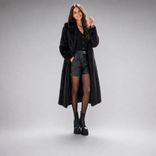
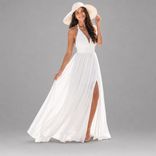
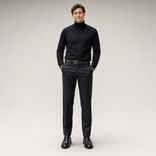
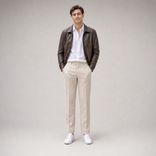
Seasons Change, So Do Your Outfits
We all know that fashion shifts with the season. Why not try on outfits of different seasons to experiment with fashion trends in advance?
What is an Clothes/Outfit Replacer?
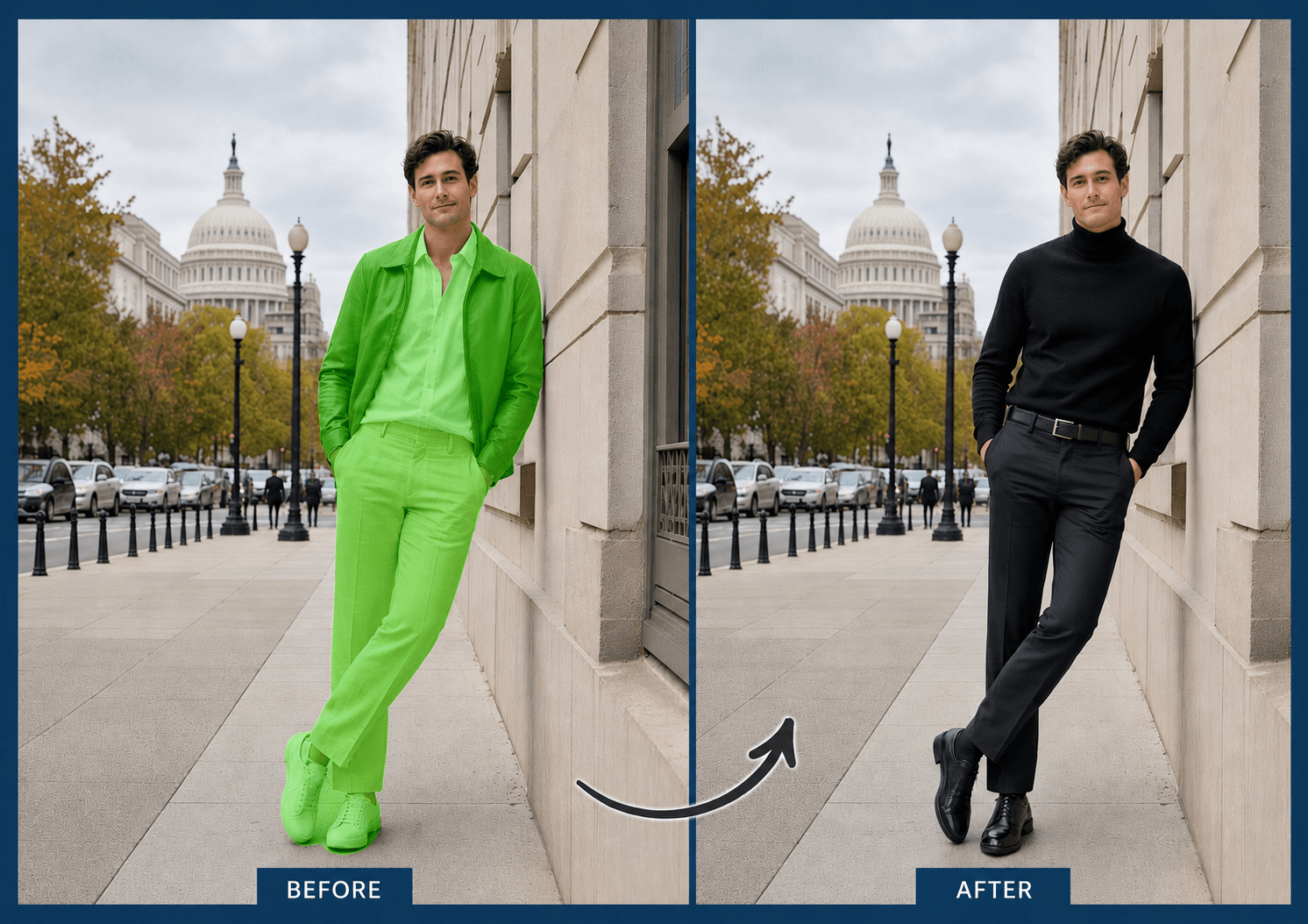
A clothes replacer is an AI-powered image editing tool that swaps the outfit in a photo. YouCam AI Replace can render realistic displays of unlimited outfits when provided with clear inputs, namely clear photos and prompts.
How to Replace Clothes with AI

Upload a Photo
Upload a high-resolution and well-lit photo to receive a most realistic result.


Highlight the Area
Use the brush tool to cover up entirely the outfit area you want to replace. You may adjust your brush size or zoom in for a more precise margin.
Enter Prompts and Generate
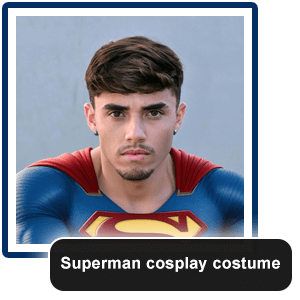
Describe your dream outfit in explicitness. Mention the texture of your dream clothes for a more realistic rendering and get results in seconds.
Creative Ways to Use AI Clothes Replacer
Become Your Dream Character
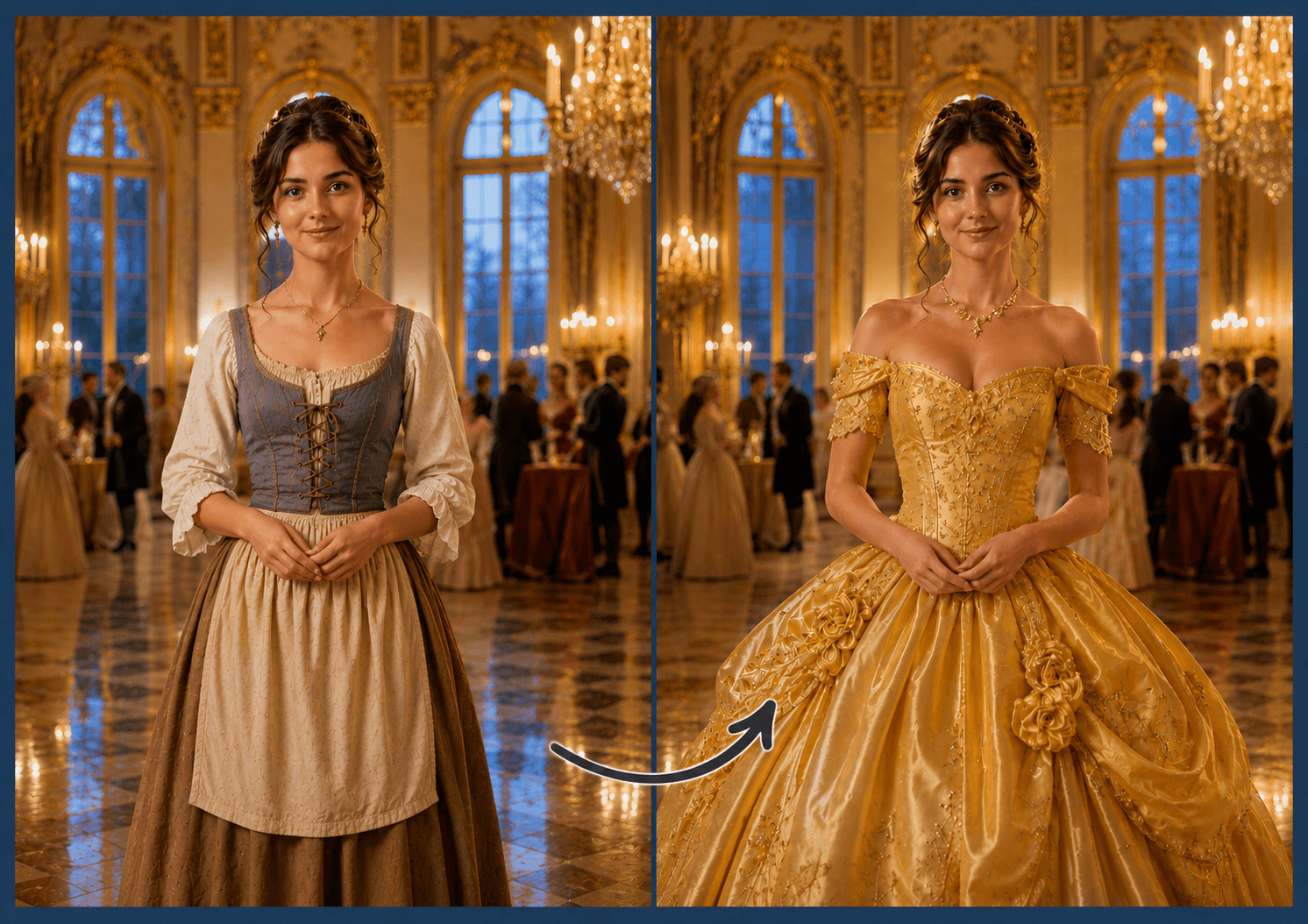
Ever dreamed of becoming a princess or a prince? AI Clothes Replacer turns your abstraction into something visible based on your detailed prompt.
Modify the Entire Scene
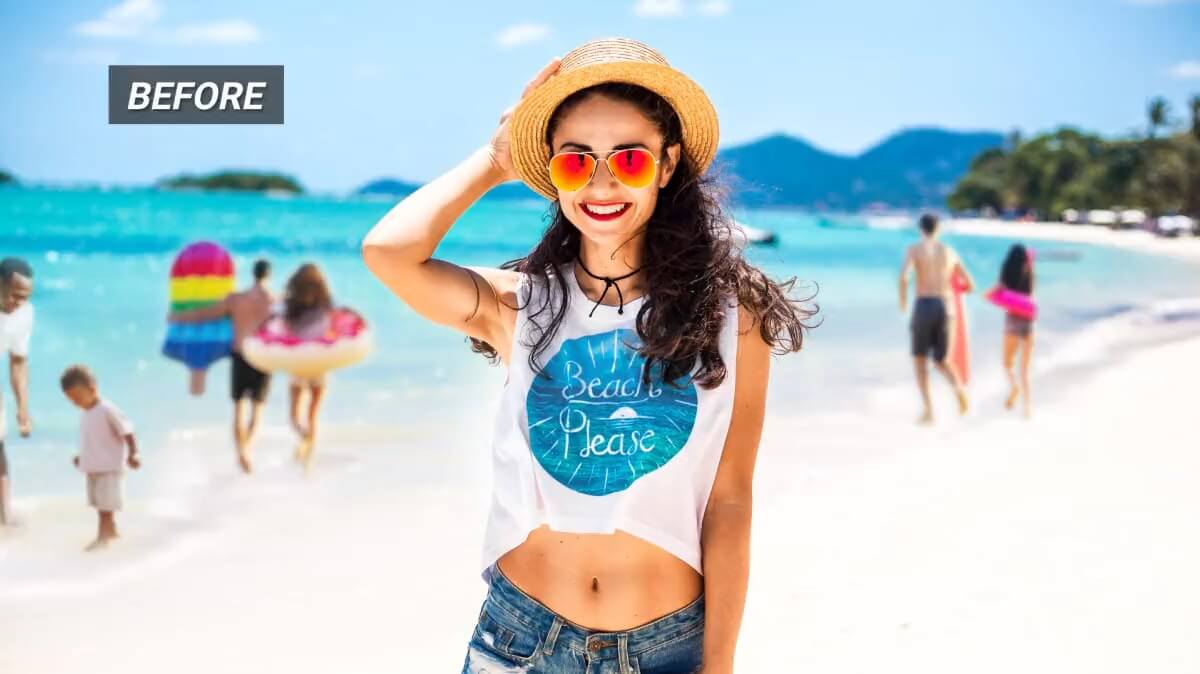
Besides swapping your outfit, AI Replace can also function as an object remover. Simply highlight the unwanted area and type in your prompt to push yourself forward in the photo.
FAQs: AI Clothes/Outfit Replacer
How does an AI clothes replacer work?
Our AI uses generative infilling for a more realistic result. The technology detects the pixels surrounding the selected area and your posture to fill in appropriate results when the original outfit is removed.
Can AI change my outfit without changing my face?
Absolutely. AI Clothes Replacer can preserve your identity while modifying your outfit. The AI only changes the area the user highlights. Consequently, paint the margins thoroughly with adjustable brush to receive better results while maintaining your features.
Can I replace clothes with AI Replace using only a text prompt?
No, for the AI Replace feature, you must highlight the area in the photo to continue. If you wish to change your outfit with procured outfit samples, check out YouCam Online AI Clothes Changer.
What kinds of outfits can AI Clothes Replacer generate?
You can create unlimited outfits with AI Clothes Replacer since it is powered by prompts.
Can AI generate realistic clothing textures?
Yes, our AI Clothes Replacer generates true-to-life displays based on diverse textures provided in the prompt. The more detailed your prompt is, the more realistic the results can be.
Can I create professional outfits for photos?
Of course. Modify your prompt toward a more business-look angle to get professional outfits without costing you a pretty penny on a new photoshoot. You can also check out AI Clothes Changer for a preset outfit try-on.
Can I turn myself into a fantasy character?
Sure thing. Describe the outfit of your dream character as detailed as possible for the best outcome.
Note: Merely typing in the character’s name in the prompt may not result in a realistic display. Try to depict the outfit’s color, texture, features, etc.

