



Online Instagram Photo Resizer
Make your Instagram photos look perfect every time! Easily resize, crop, and optimize your pictures for Instagram posts, stories, reels, and profile photos.

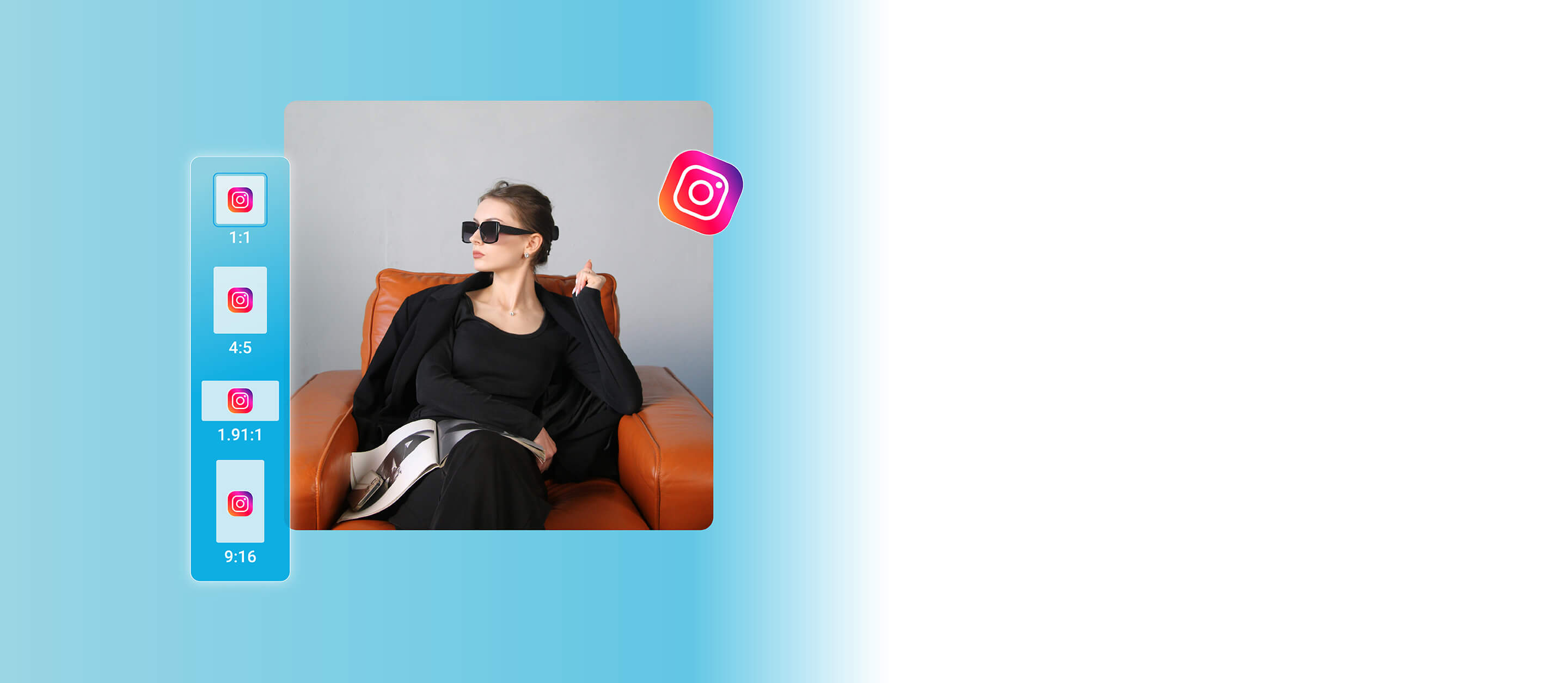
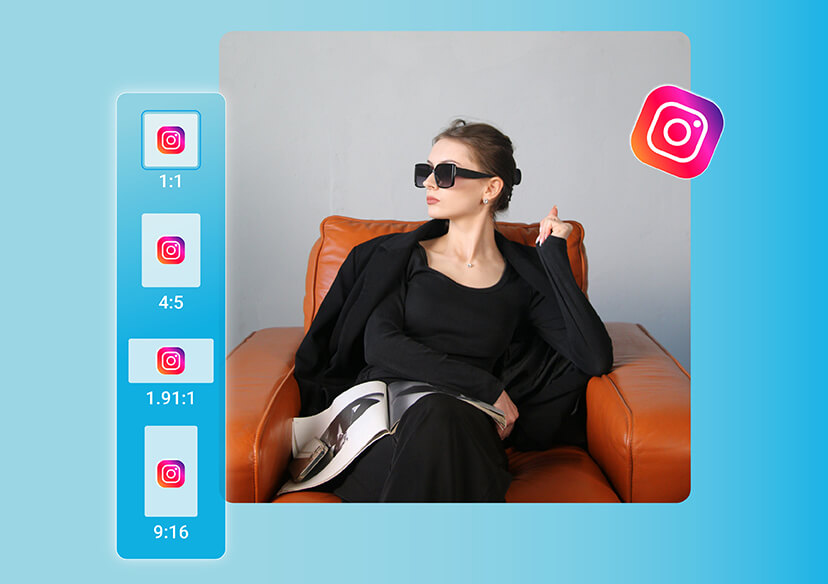
Customize Your Instagram Pictures with Versatile Ratio Presets
Ever dreamt of pushing the boundaries of your photos? Say hello to YouCam Al Image Extender, the ultimate tool in your creative arsenal. Just upload your picture and with a single click, watch in awe as it magically grows beyond its original borders.
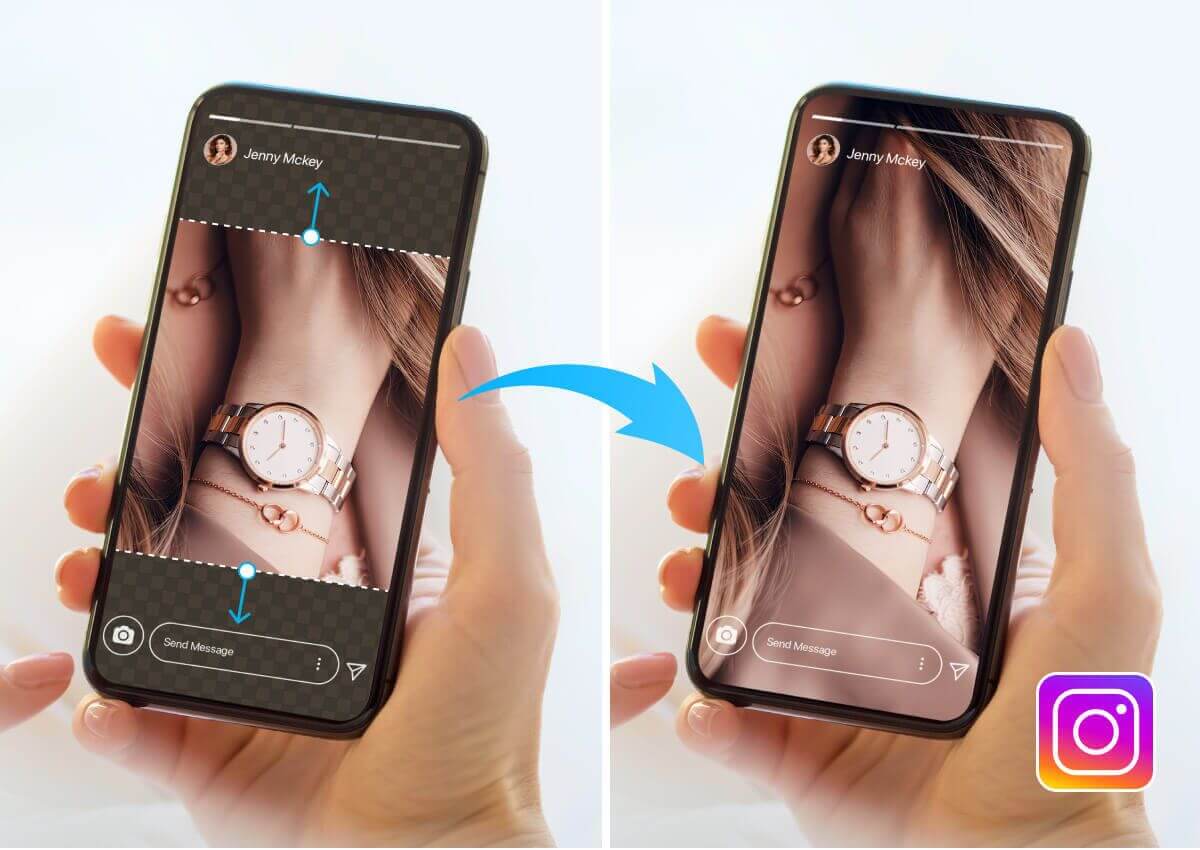
One-Tap Expand to the New Instagram Aspect Ratio
Seamlessly add extra content to the edges of your photos with just one tap, ensuring your image looks natural and well-composed. This tool ensures your images fit perfectly within the new layout, capturing your audience's attention.
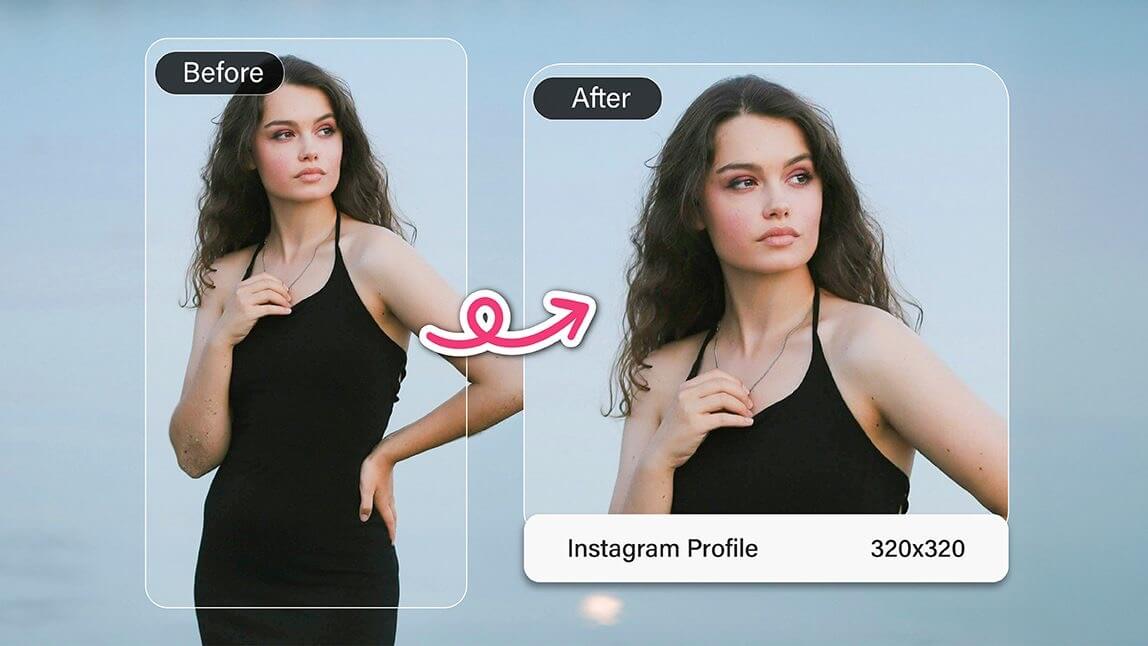
Resize Photos for Instagram and Social Media
A quick and easy way to adjust your photos to the desired dimensions. YouCam Online Editor's Image Resizer tool allows you to upload your image, select the new aspect ratio, and automatically resize and crop your photo to fit Instagram's updated layout.
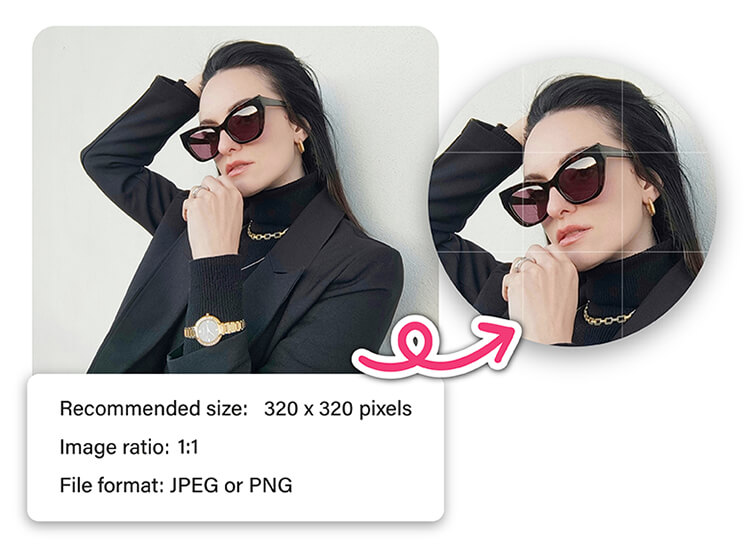
How to Resize Photos for Instagram?

Upload Your Image
Upload the image you want to expand. (Supported formats: JPG, JPEG, PNG, TIFF, and GIF)

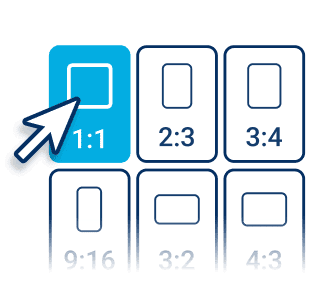
Choose a Perfect Size
Tailor-Made for Social Stardom:
Select the new size and ratio from over 20 size templates (including IG, FB, TikTok, etc.).

Expand Your Photos
Click the “Generate” button to start.
AI will automatically expand backgrounds while maintaining context, creating seamless new spaces in your images.

Download and Share
Download your expanded image in the file format of your choice. Then, take to the social media stages and watch as the likes, loves, and wows roll in.
Sizing Photos for Instagram FAQs
How do I size my photos for Instagram?
To size your photos for Instagram, make sure they match the platform’s recommended aspect ratios.
- Square posts: 1080 × 1080 px (1:1 ratio)
- Portrait posts: 1080 × 1350 px (4:5 ratio)
- Landscape posts: 1080 × 608 px (1.91:1 ratio)
You can easily adjust your photo using any free Instagram photo resizer online to keep the quality sharp and the fit perfect.
Is Instagram 16:9 or 4:3?
Instagram supports multiple aspect ratios, but it’s not strictly 16:9 or 4:3.
- The square (1:1) and portrait (4:5) ratios are most common for posts.
- 16:9 is often used for videos or landscape photos, but Instagram will automatically add borders if it doesn’t fit perfectly.
What is the best size for Instagram photos?
The best all-around size for Instagram photos is 1080 × 1350 pixels (portrait, 4:5 ratio).It takes up more vertical space on the screen, making your posts stand out and perform better in the feed.
For stories or reels, use 1080 × 1920 pixels (9:16).
What size is a 3x4 photo?
A 3x4 photo has an aspect ratio of 3:4, which is slightly narrower than Instagram’s portrait ratio (4:5).
If you upload a 3x4 image to Instagram, it may add thin borders or slightly crop the image to fit.
You can use an Instagram photo resizer to adjust it perfectly to 4:5 before posting.

