
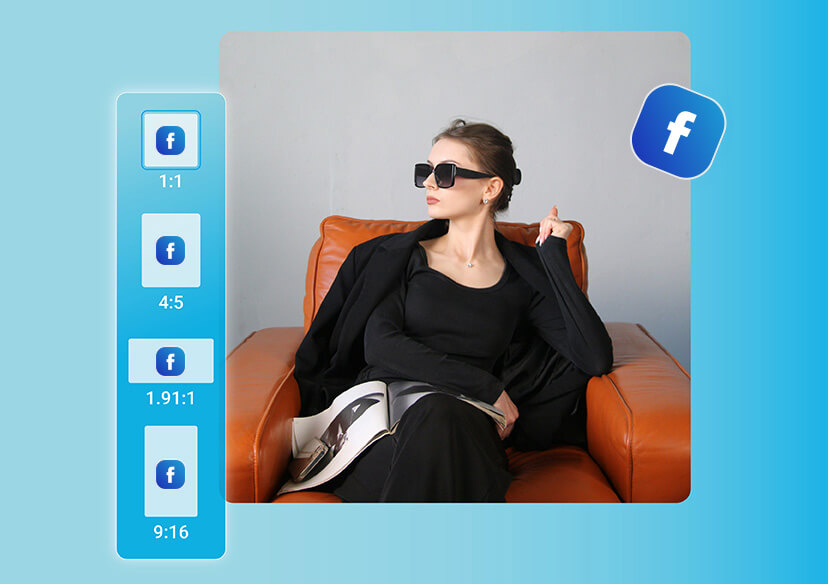




Online Facebook Picture Resizer
Resize your pictures for Facebook instantly! Perfectly fit profile photos, cover photos, posts, and stories. No cropping, no quality loss.

Resize Pictures for Facebook and Social Media
Easily resize your photos for social media using our intuitive image resizer. Effortlessly adapt your images for various social media platforms without a hassle.
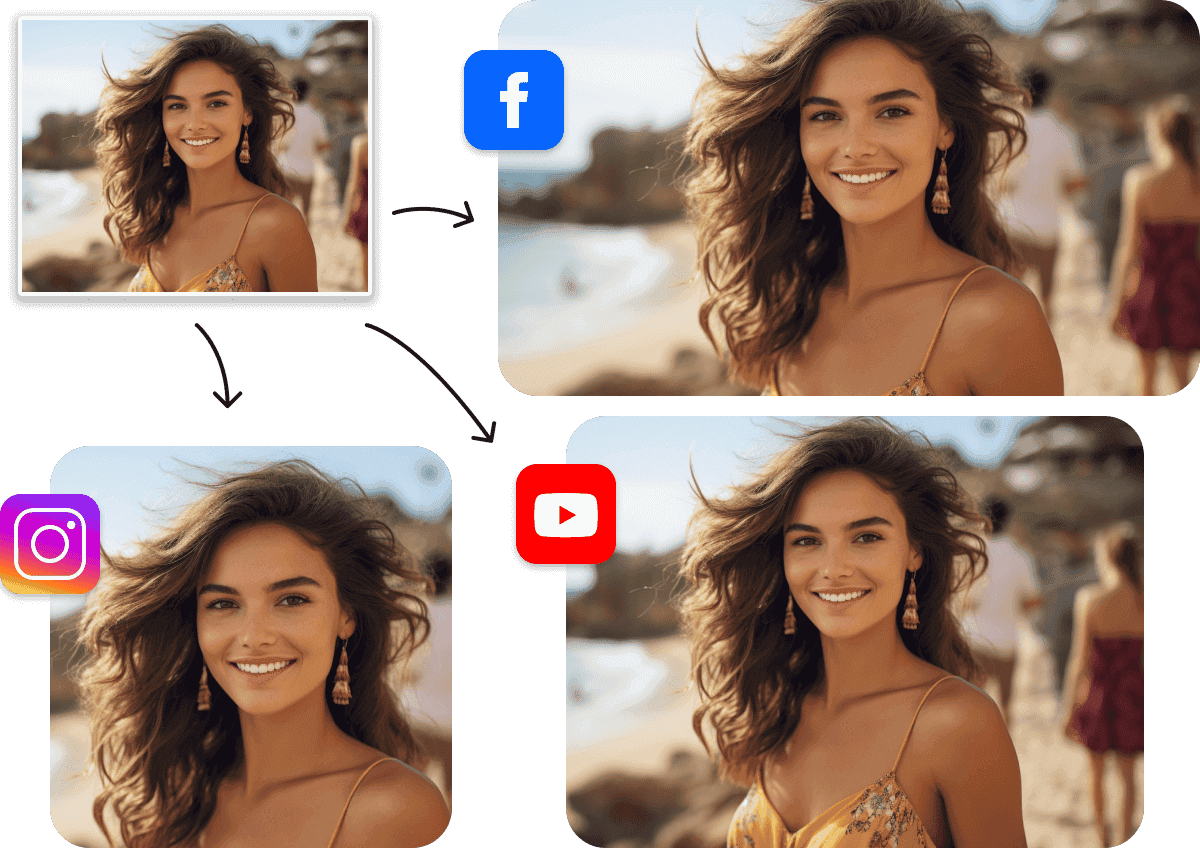
Customize Your Facebook Pictures with Versatile Ratio Presets
Ever dreamt of pushing the boundaries of your photos? Say hello to YouCam Al Image Extender, the ultimate tool in your creative arsenal. Just upload your picture and with a single click, watch in awe as it magically grows beyond its original borders.

Easily Expand Pictures to Desired Sizes with AI
With this easy-to-use YouCam Al Image Extender, you can enjoy one-click automatic photo background expansion to your desired size without any stretching. YouCam's Al tool, equipped with context-aware technology, analyzes the context in your image and generates new content seamlessly.
How to Resize Pictures for Facebook?

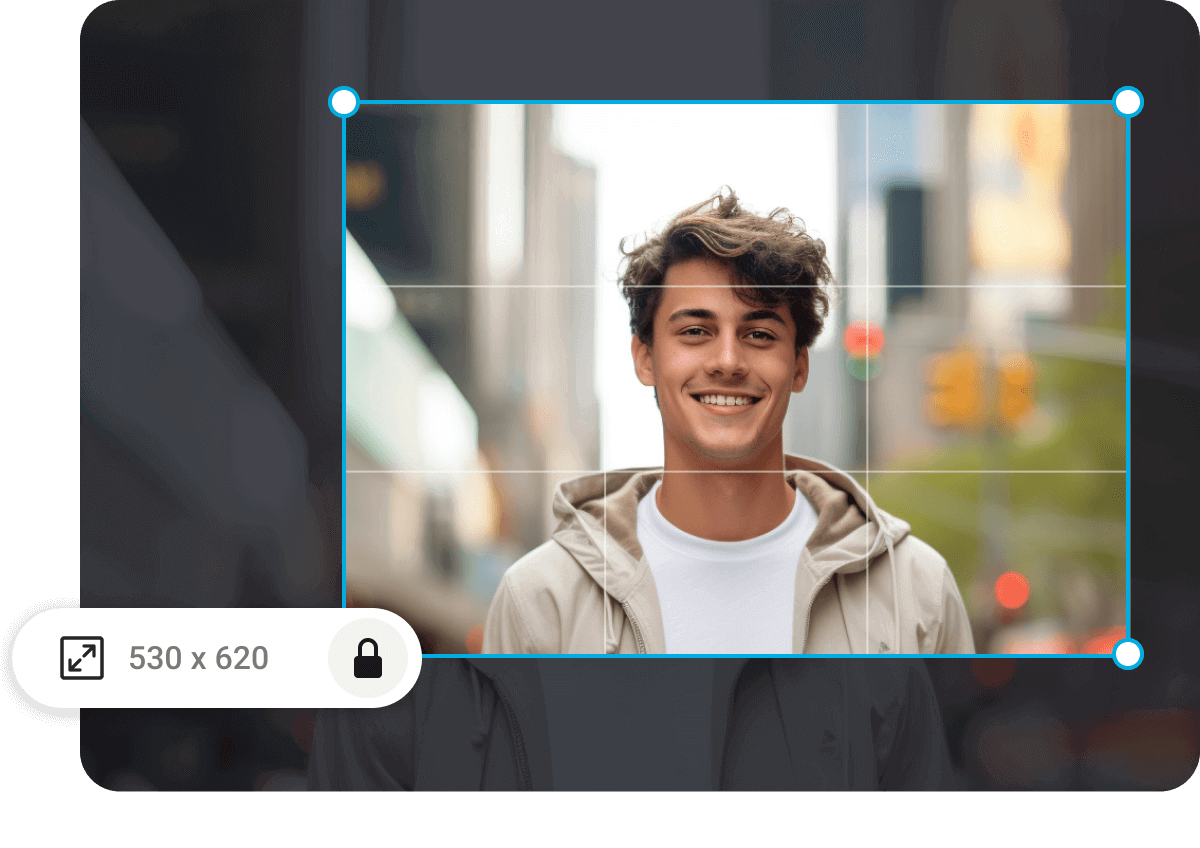
Upload Your Image
Upload the image you want to expand. (Supported formats: JPG, JPEG, PNG, TIFF, and GIF)

Choose a Perfect Size
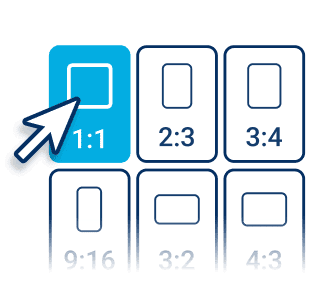
Tailor-Made for Social Stardom:
Select the new size and ratio from over 20 size templates (including IG, FB, TikTok, etc.).

Expand Your Photos
Click the “Generate” button to start.
AI will automatically expand backgrounds while maintaining context, creating seamless new spaces in your images.

Download and Share
Download your expanded image in the file format of your choice. Then, take to the social media stages and watch as the likes, loves, and wows roll in.
Resizing Picture for Facebook FAQs
How to resize an image for a profile picture?
You can resize an image for a profile picture using any free online image resizer or photo editing app. Simply upload your image, choose the required dimensions (for example, 400x400 pixels for most platforms), and download the resized version. Many online tools automatically adjust your photo to fit perfectly without losing quality.
How to resize a photo on iPhone for Facebook?
On an iPhone, open the Photos app, tap Edit, then choose the Crop/Resize icon. Select a Square (1:1) aspect ratio for Facebook profile pictures or 16:9 for cover photos. You can also use free iPhone apps like Canva or Fotor to resize photos specifically for Facebook with preset dimensions.
How do I resize a photo without cropping it?
To resize a photo without cropping, use an online image resizer that maintains aspect ratio. Look for options like “Scale Image” or “Keep Proportions.” These tools reduce or enlarge your image evenly so no part of the picture is cut off, perfect for profile pictures or banners.
How do I resize my FB page?
You can’t resize your Facebook page layout itself, but you can resize your images (profile picture, cover photo, or post visuals) to fit Facebook’s recommended dimensions. For example:
- Profile picture: 400x400 px
- Cover photo: 820x312 px
Resizing images to these sizes ensures your Facebook page looks clean and professional on all devices.

