





Unpixelate Video - YouCam AI Video Enhancer
Unpixelate video instantly with YouCam AI Video Enhancer. Upload your photo and enjoy sharp, high quality video in seconds. This powerful video quality booster is your go-to for fix pixelated video online free. Sign up now to get 5 free credits!

Amazing Features of YouCam AI Video Enhancer
- Instant 4K Upscaling: Automatically enhances video resolution from 240p, 360p, or 480p to clear 4K Ultra HD.
- AI-Powered Clarity: Reduces blur and noise, deinterlaces old footage, and sharpens details using smart AI.
- Natural Detail Preservation: Rebuilds textures and fine details for a natural, non-artificial look.
- Automated Color and Brightness: Adjusts brightness and enriches colors for vibrant, polished results.
Explore more use cases: AI Video Enhancer, AI Video Upscaler, AI Video Generator

How to Unpixelate Video Using YouCam AI Video Enhancer?
Elevate your video quality enhancement in an instant with the YouCam AI Video Enhancer. One click transforms low-resolution footage into stunning 4K, fixing blur and correcting color on both web and mobile.

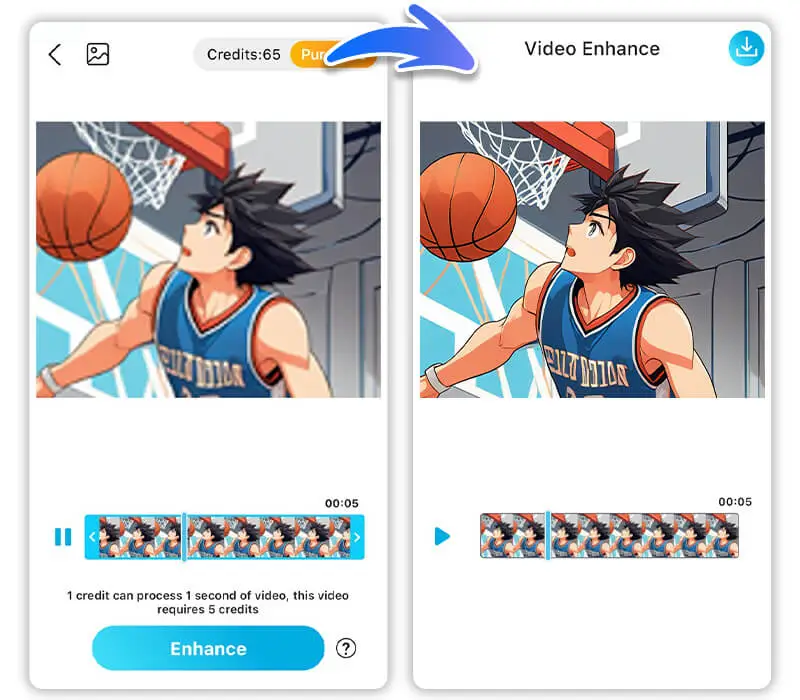
Upload Your Blurry Videos
Drag and drop or select your video file (MP4, MOV, M4V) to begin.


Check the Preview
Review the automatically generated preview to see the enhanced quality before downloading the final file.

Let AI Work Its Magic
Click the "Download" button. The AI will automatically upscale the resolution, reduce noise, and restore details to your video.

Download Your Unpixelated Video
Grab your high quality video in your preferred format once the process is complete.

Why Choose YouCam AI Video Enhancer?
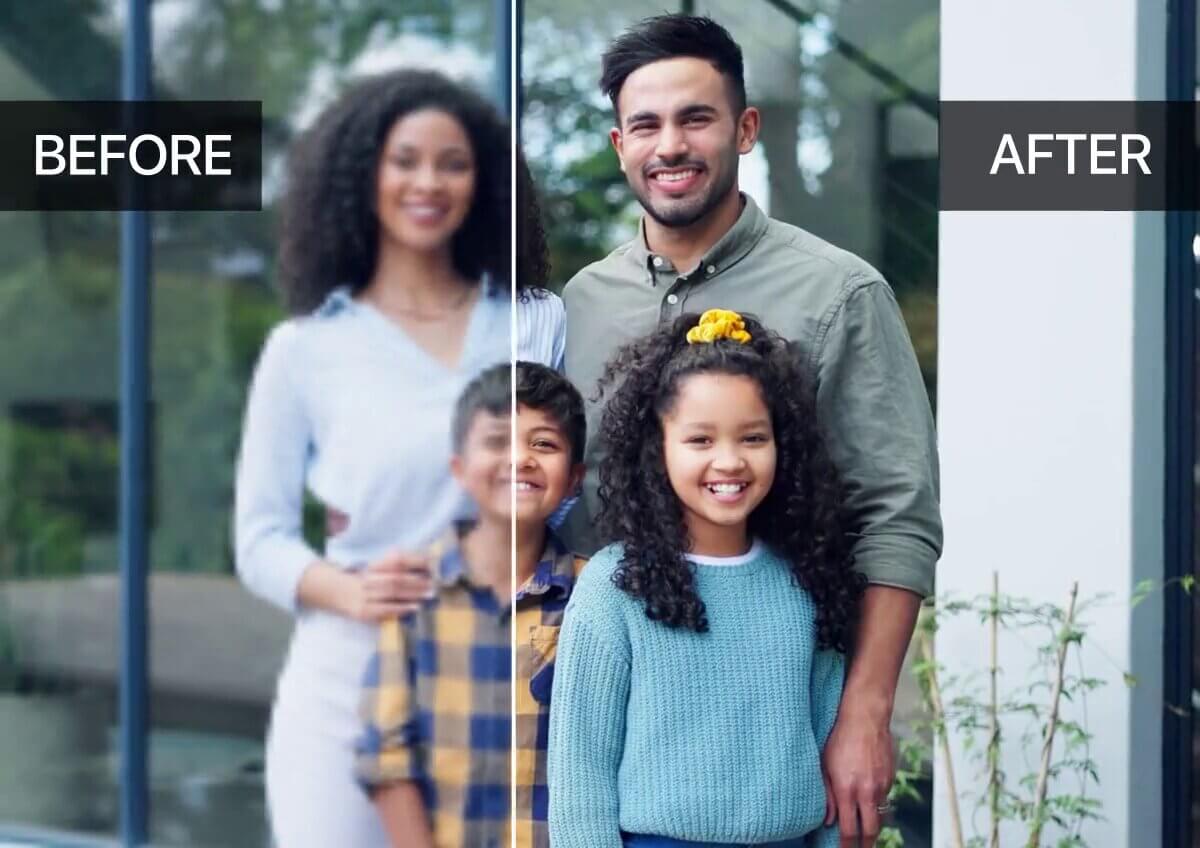
Restoring Old Family Videos
Over time, old digital family videos or camcorder footage can become pixelated, blurry, or grainy. The YouCam AI Video Enhancer can restore and clarify these treasured memories, upscaling them to a sharp 4K resolution so they can be enjoyed on modern screens.
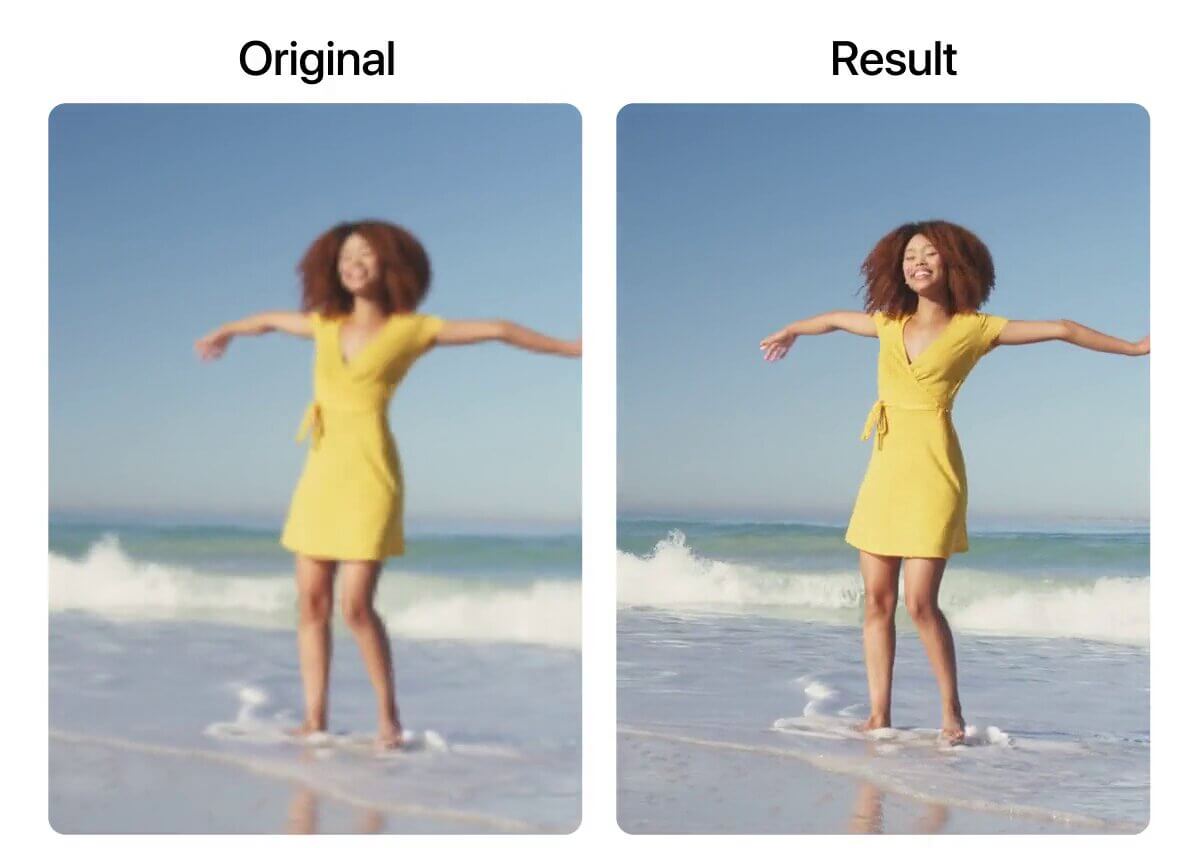
Enhancing Creator Content for Social Media
Video creators often face issues with low-resolution or compressed footage from quick phone captures or low-light situations. The YouCam AI Video Enhancer helps unpixelate and sharpen these clips, making their content look more professional and appealing on platforms like YouTube, TikTok, and Instagram.
Improving Gaming and Streaming Highlights
When recording or clipping gaming sessions, the footage can sometimes be pixelated due to capture settings or fast-moving action. Using YouCam AI Video Enhancer can depixelate video, clarify in-game details, and make highlight reels smoother and more visually impressive.

Clarifying Old Archival or Found Footage
For historical projects or personal interest, people often find old, low-quality video clips online. YouCam AI Video Enhancer can be used to unpixelate a video, denoise, and sharpen this footage, making it more suitable for research, documentaries, or sharing with a clearer view of the past.
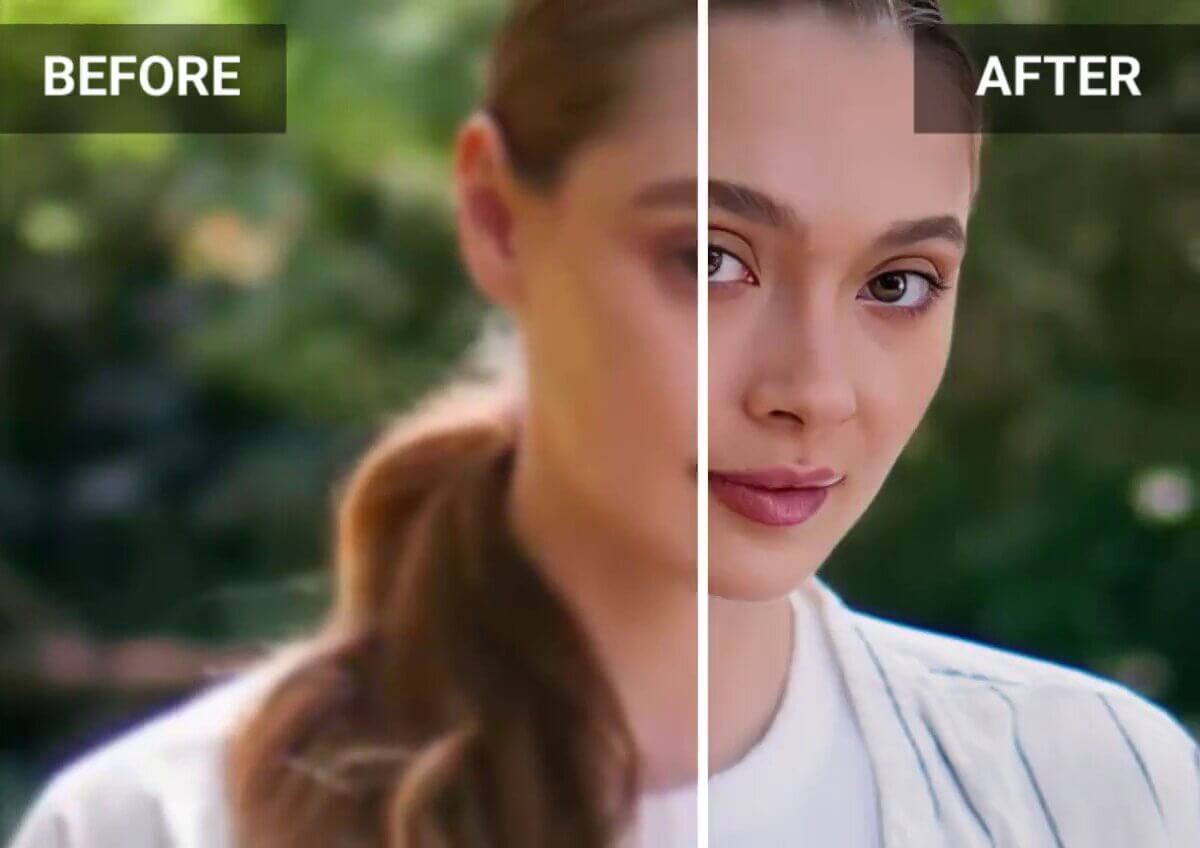
Upgrading Business and Marketing Videos
Small businesses or startups might use simple cameras for their product videos or marketing material, resulting in pixelated or dull footage.YouCam AI Video Enhancer can quickly unpixelate video and improve the quality of these videos, giving them a polished, high-resolution look that builds brand trust.
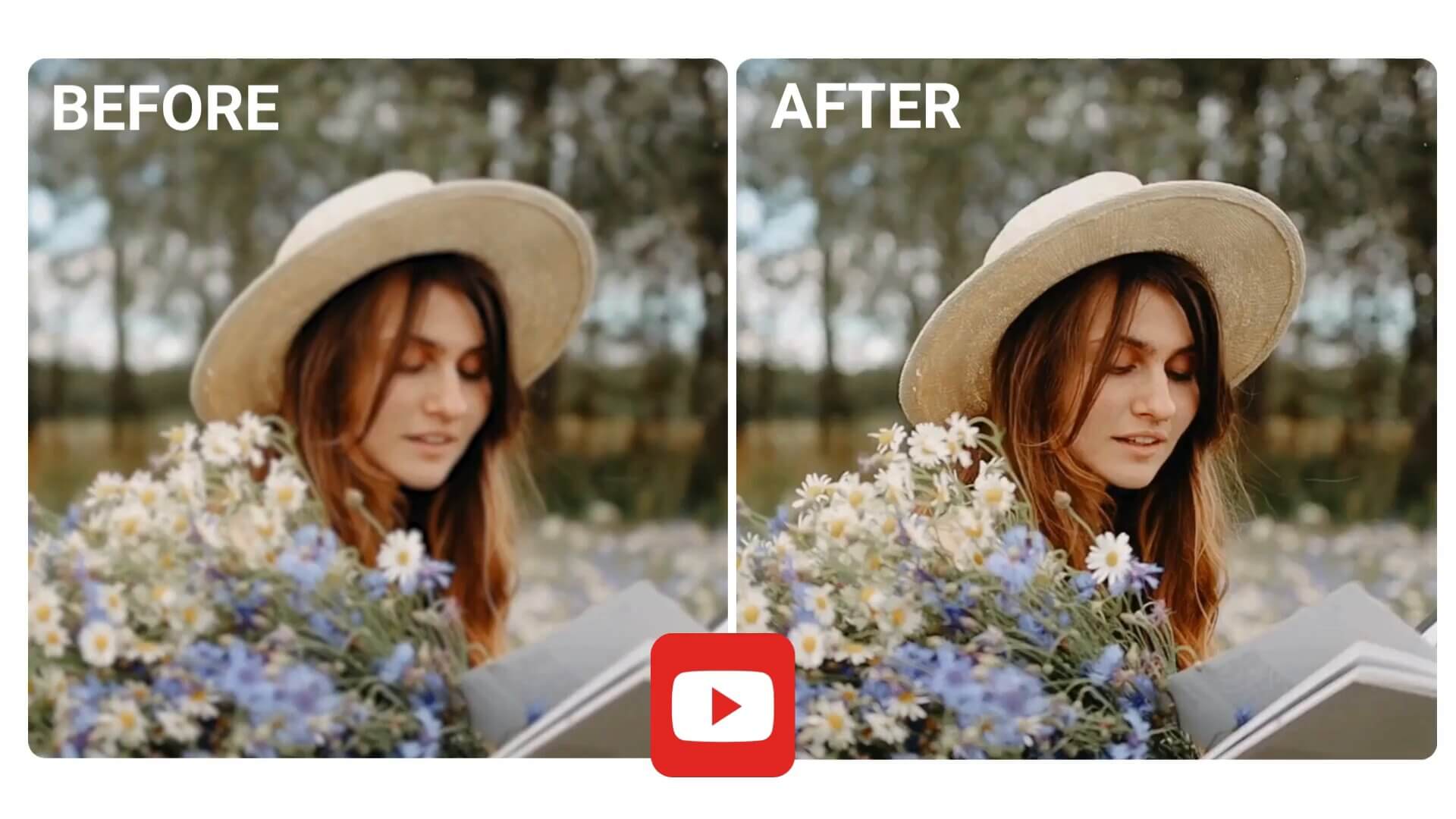
Making Old Anime and Cartoon Clips Look Better
Fans often want to re-watch or share clips from older animated shows that were originally in low resolution. YouCam AI Video Enhancer can remove pixelation from video online and clarify the animation, making the colors more vibrant and the lines sharper, which is perfect for creating fan edits or nostalgia compilations.
Unpixelate Video FAQs
How can I make a blurry video clear?
Making a blurry video clear typically involves using a video quality enhancer that utilizes AI to sharpen details and reduce blur. AI models analyze each frame to reconstruct lost information, effectively "how to make a video less pixelated." The YouCam AI Video Enhancer is one such tool, designed to automatically improve video quality with a focus on deblurring and enhancing clarity.
What are the best video formats for AI enhancement?
AI video enhancers like the YouCam AI Video Enhancer support a variety of popular formats, including MP4, MOV, and M4V. While most enhancers can process these common video types, the original quality of the footage is the most important factor. The better the source file, the more impressive the final result will be after video enhancement.
What are the main benefits of using an AI video enhancer?
AI video enhancers offer several key benefits, such as upscaling low-resolution videos to 4K, reducing noise and graininess, and restoring old or blurry footage. This technology is particularly useful for content creators, social media users, and anyone wanting to improve the visual quality of their personal videos. For example, the YouCam AI Video Enhancer is known for its ability to bring new life to old family videos and enhance creator content.
Is it possible to enhance video quality for free?
Yes, many video enhancer free tools, including the YouCam AI Video Enhancer, offer free trials or a limited number of free credits upon signup. This allows you to test the service by upscaling and enhancing short video clips without any cost. While some advanced features may require a paid subscription, these free options are a great way to experience the benefits of AI enhancement. For those looking for a specific unpixelate video online free, YouCam's service provides a simple solution.
How long does the AI video enhancement process take?
The time it takes to enhance video quality with AI depends on several factors, including the video's length, its original resolution, the desired output quality (e.g., upscaling to 4K), and the processing power of the tool. For a specific unpixelate video online free, the process is done in the cloud and can range from a few seconds for a short clip to much longer for a full-length video.

