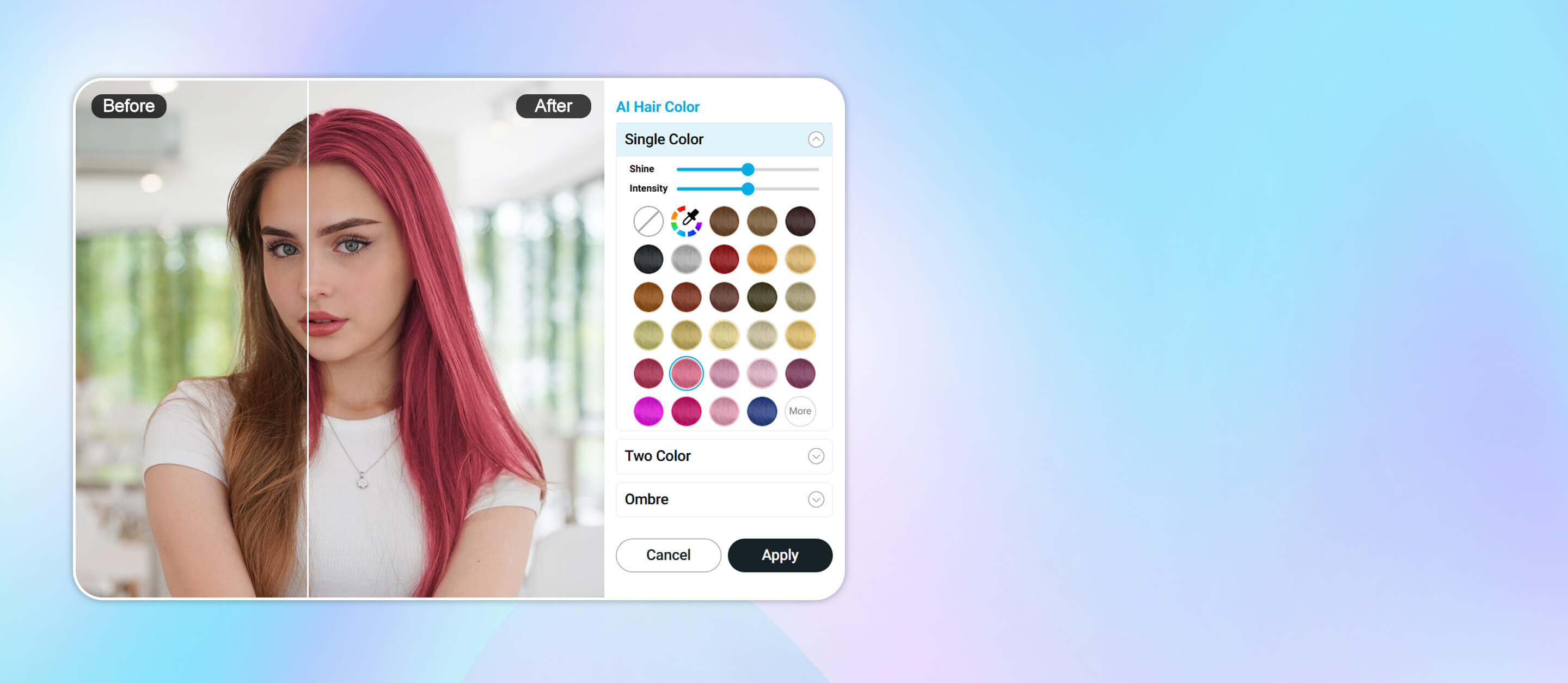




Free Online "What Hair Colour Suits Me" Photo Tool
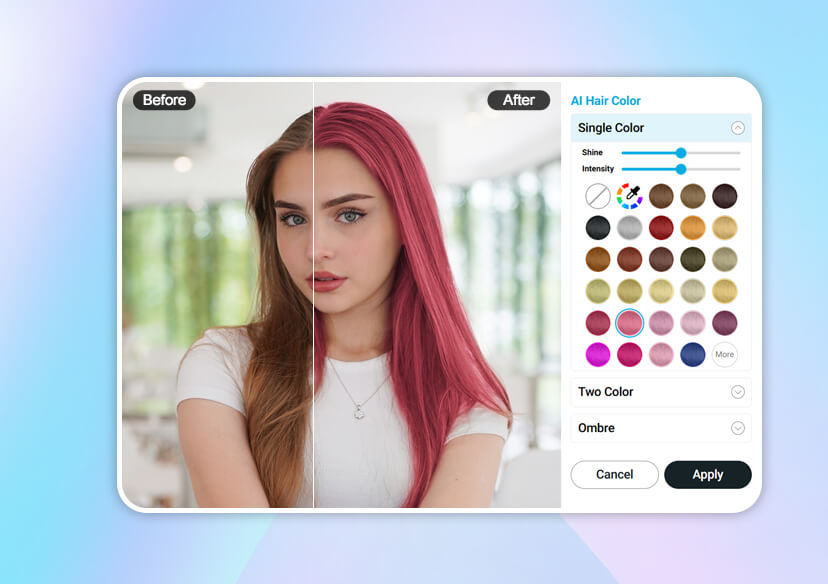
Whether you're considering blonde, brunette, red, or bold fashion colours, YouCam Online Hair Color Changer helps you find the perfect match.





Try On Hair Colour Virtually - Free & Easy
• Realistic Hair Colour Simulation - Powered by advanced Al for natural-looking results.
• Wide Colour Selection - From classic brunette to fantasy shades like lavender or teal.
• No Commitment Needed - Try before you dye with zero risk.
• Mobile-Friendly - Works seamlessly on phones, tablets, and desktops.
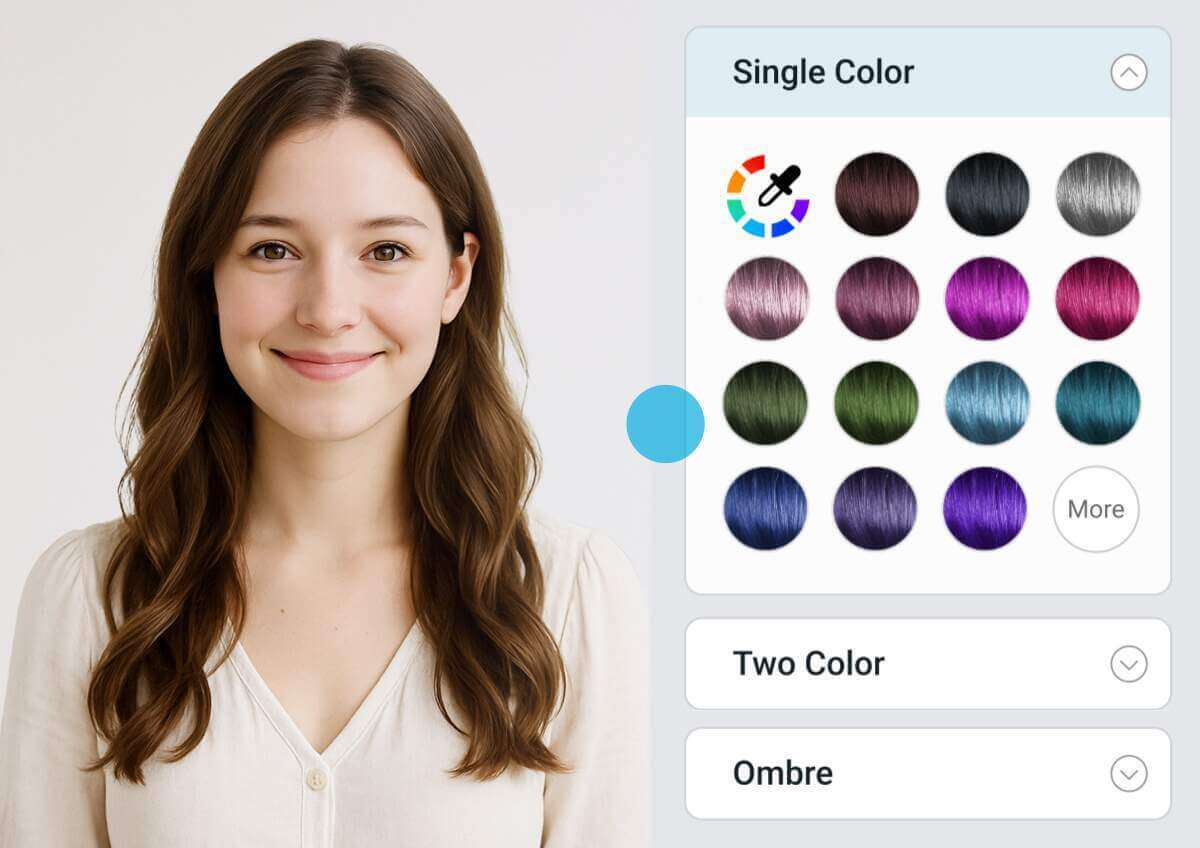
Customize Your Favorite Hair Colors Easily
Take full control of your hair transformation with YouCam Al Hair Colour Changer's smart customization tools.
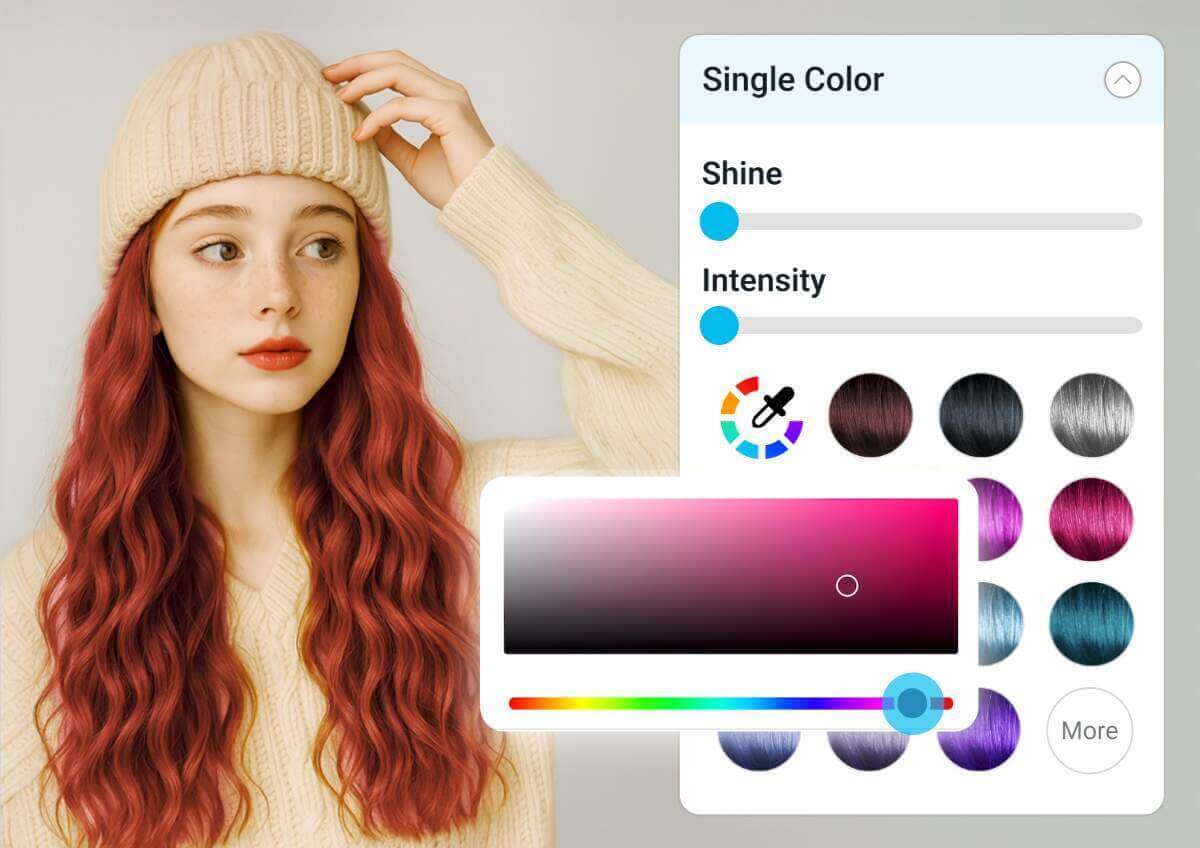
The Colour Picker helps you instantly find shades that suit your unique style, while the Shine and Colour Intensity bars let you fine-tune the vibrancy and natural glow of each look.
Whether you're going bold or subtle, every color feels more vivid, lifelike, and tailored just for you.
What Hair Colour Suits Me? Try It Before You Dye
Not sure which hair color matches your vibe? With our Al Hair Colour Changer, you can virtually try on dozens of shades-from natural tones to bold fashion colors-before making a real-life commitment.
Just upload your photo and let our smart color matcher and intensity controls help you find the most flattering look for your skin tone and style.
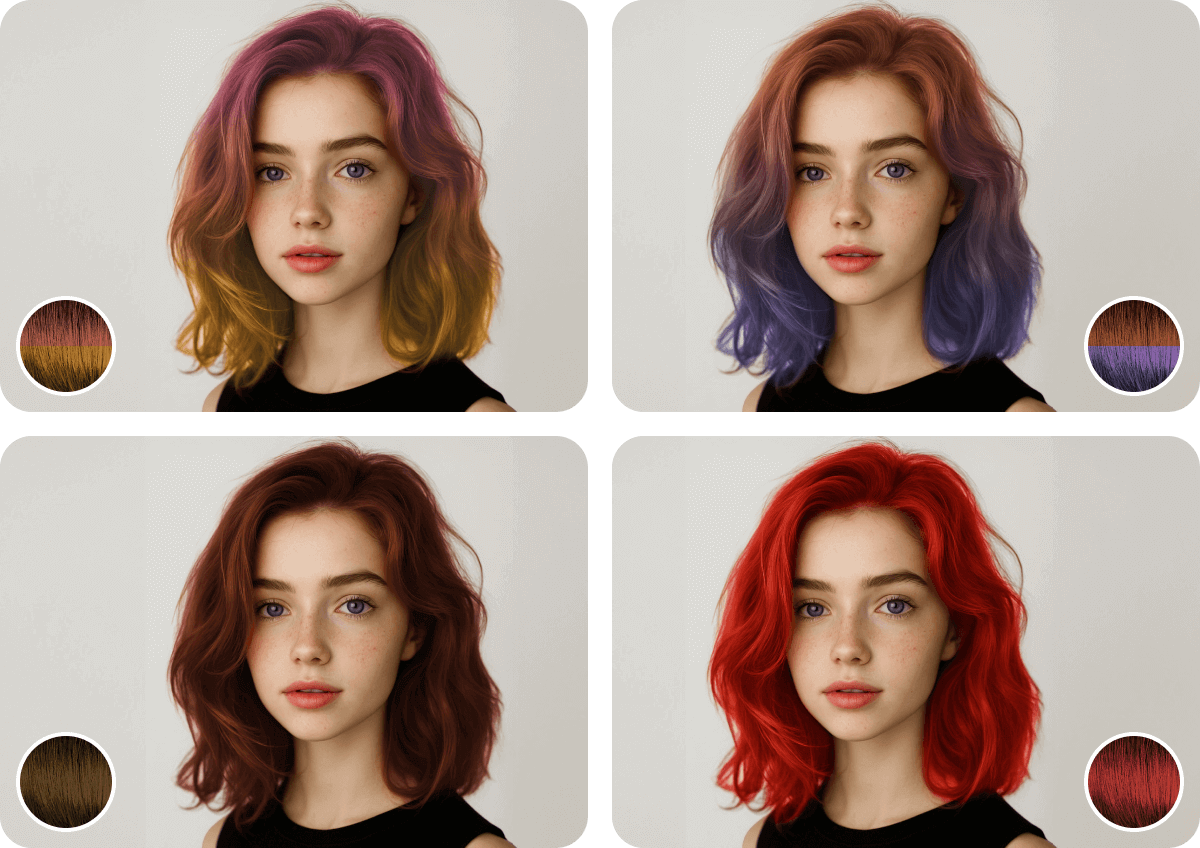
How to Find Out What Hair Colour Suits Me
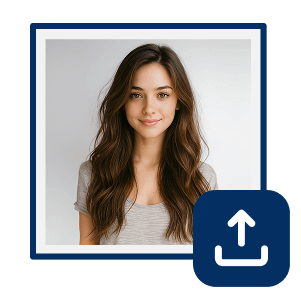
Upload Your Photo
Use a clear, well-lit image for best results.

AI Detects Your Hair
Our smart model isolates your hair from the background.
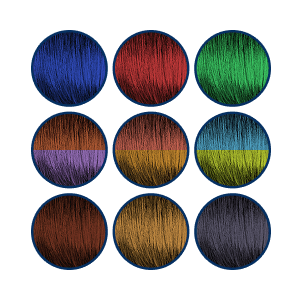
Choose a Color
Select from natural tones, vibrant hues, or custom blends.
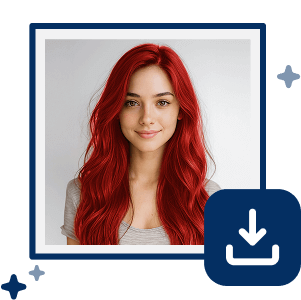
Preview & Download
See your new look and save it to share or revisit later.
FAQs
What is the “What Hair Color Suits Me” Upload Photo App?
It’s a free tool that lets you upload your photo and try on different hair colors virtually. Powered by AI, it helps you see which shades suit your face, skin tone, and style best, before making any real changes.
How do I check which hair color suits me?
Just upload a clear, front-facing photo to the app. The tool will show you multiple hair color previews, helping you compare natural and bold shades in real time.
How can I try on hair colors virtually?
It’s simple:
1.Upload your photo
2.Browse different color options
3.Instantly preview how each hair color looks on you

