



Generator AI Obraz na wideo
Zmień statyczne obrazy w dynamiczne, filmowe wideo. Po prostu prześlij zdjęcie, a nasza AI w mgnieniu oka doda realistyczny ruch, światło i głębię.

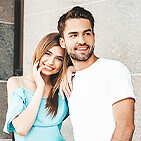
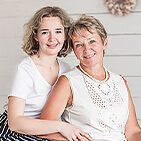
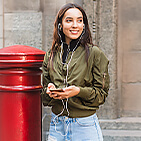
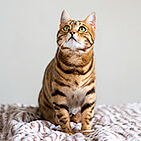
Jak stworzyć wideo AI z obrazu w 3 krokach
Prześlij swoje zdjęcie
Przeciągnij i upuść dowolne zdjęcie, ilustrację lub grafikę do generatora. (Obsługuje JPG, PNG i TIFF)

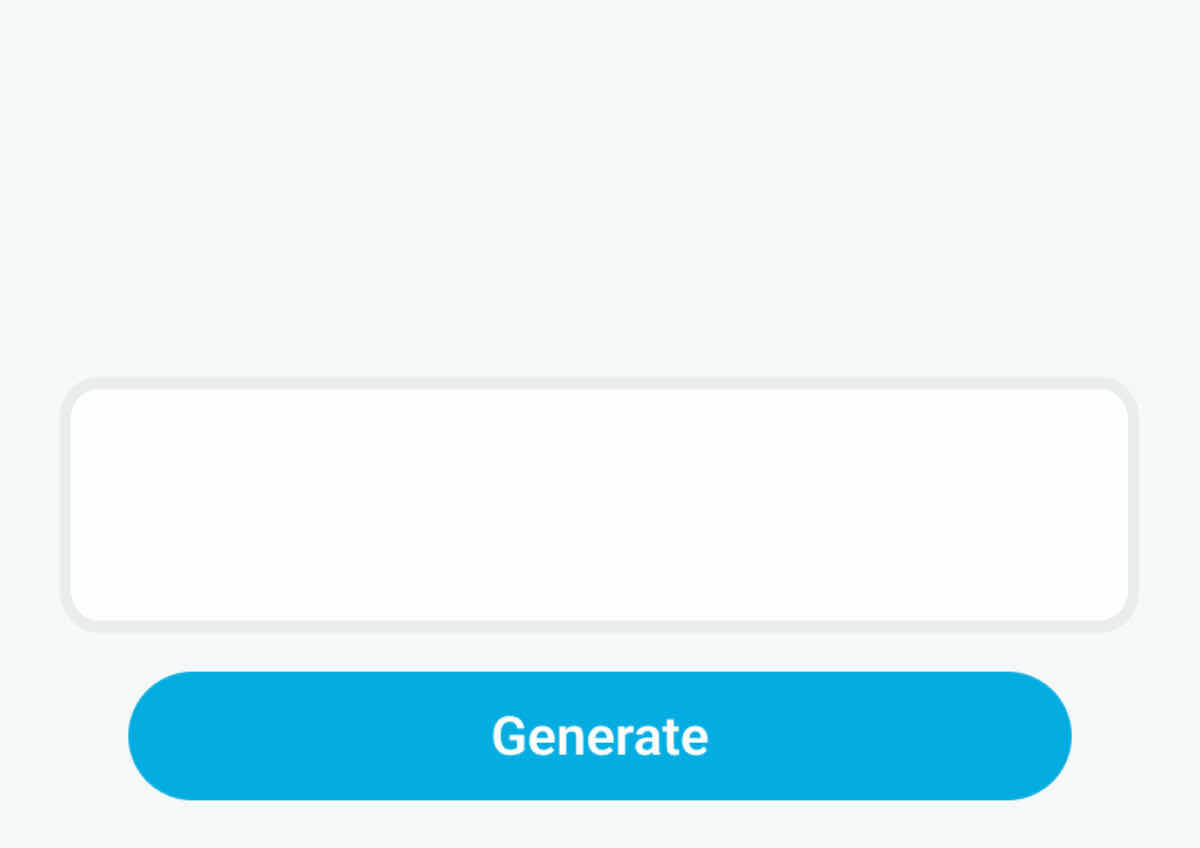
Wybierz styl lub wpisz prompt
Wybierz ruch z naszej biblioteki szablonów lub powiedz AI, jak ma poruszać się Twój obraz. Niezależnie, czy chcesz delikatnego przytulenia, czy filmowego ruchu kamery, pełna kontrola kreatywna jest w Twoich rękach.
Animuj i eksportuj
Kliknij „Generate”, aby zobaczyć, jak Twoje zdjęcie ożywa. Podejrzyj animację i pobierz swoje wideo w wysokiej jakości.

Otwórz się na wiele możliwości dzięki naszej wyselekcjonowanej bibliotece zawierającej ponad 30 trendujących szablonów. Zaprojektowane, by wyeliminować zgadywanie, te presety w kilka sekund łatwo zmienią statyczne zdjęcia w zachwycające, profesjonalnie wyglądające wideo.
Napędzany wiodącymi na świecie modelami AI
Nie ograniczaj swojej kreatywności do jednego silnika. YouCam integruje najnowocześniejsze technologie wideo na świecie — w tym Google Veo, Kling AI, Hailuo, Vidu, Pixverse i Seedance. Niezależnie, czy szukasz filmowego realizmu, czy wirusowej choreografii AI Dance, dostarczamy wyjątkowe atuty każdego topowego modelu jednym kliknięciem.
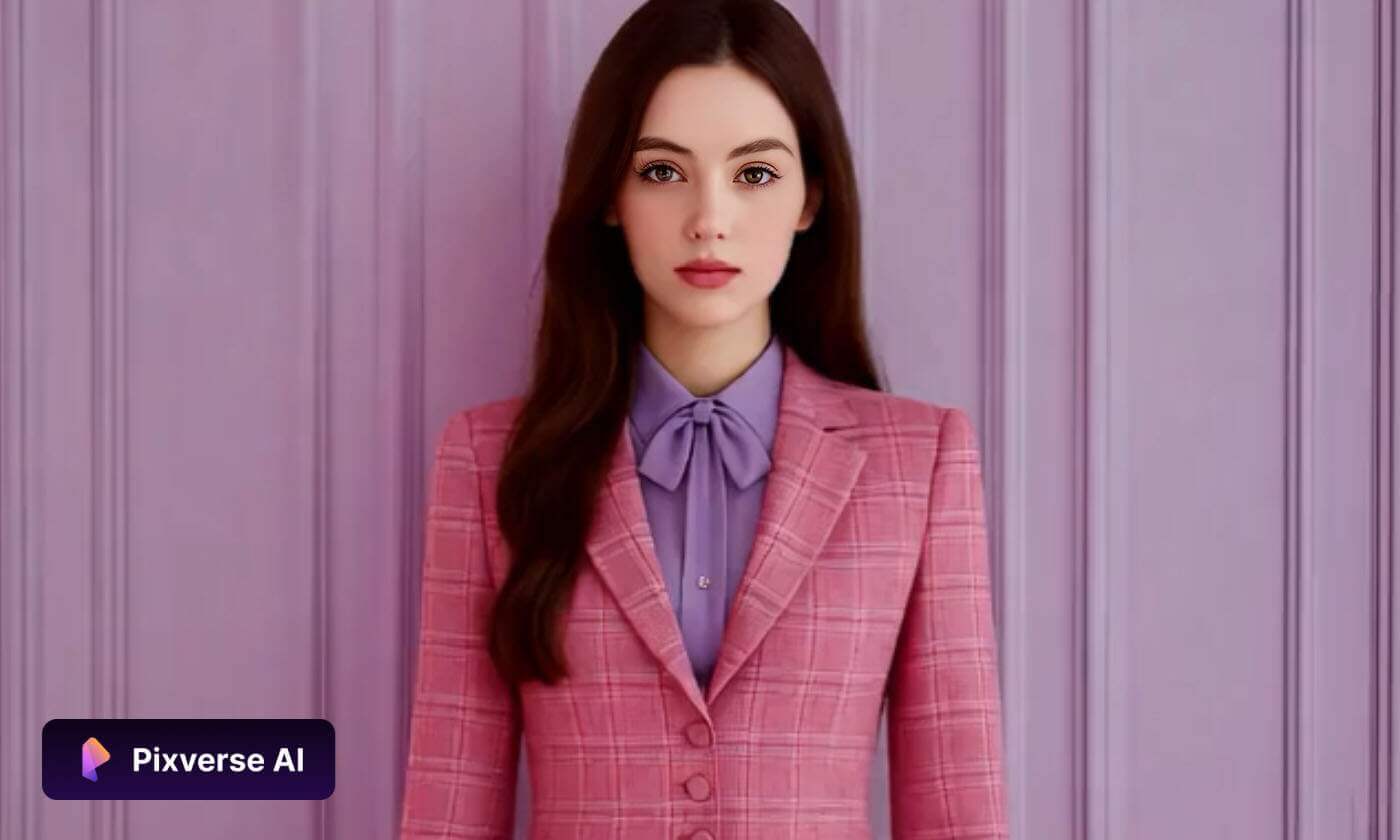
Zmień statyczne obrazy w ruchome dzieła
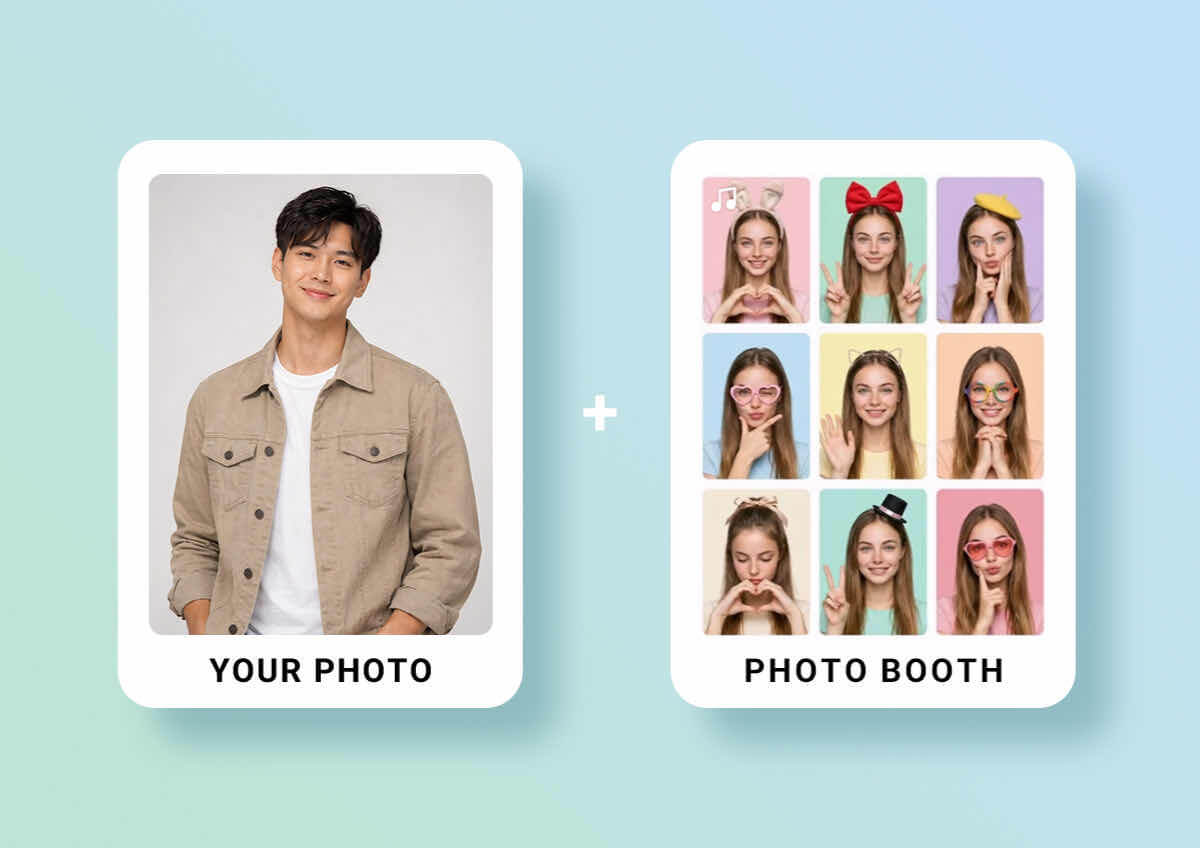
Połącz wiele zdjęć w płynną sekwencję
Idź krok dalej niż pojedyncza animacja dzięki naszej funkcji Multi-Image Upload. Po prostu wybierz serię obrazów, a AI inteligentnie połączy je w spójną sekwencję wideo. Funkcja automatycznie zadba o przejścia i płynność ruchu, dzięki czemu w kilka sekund opowiesz pełną historię lub stworzysz profesjonalny montaż.
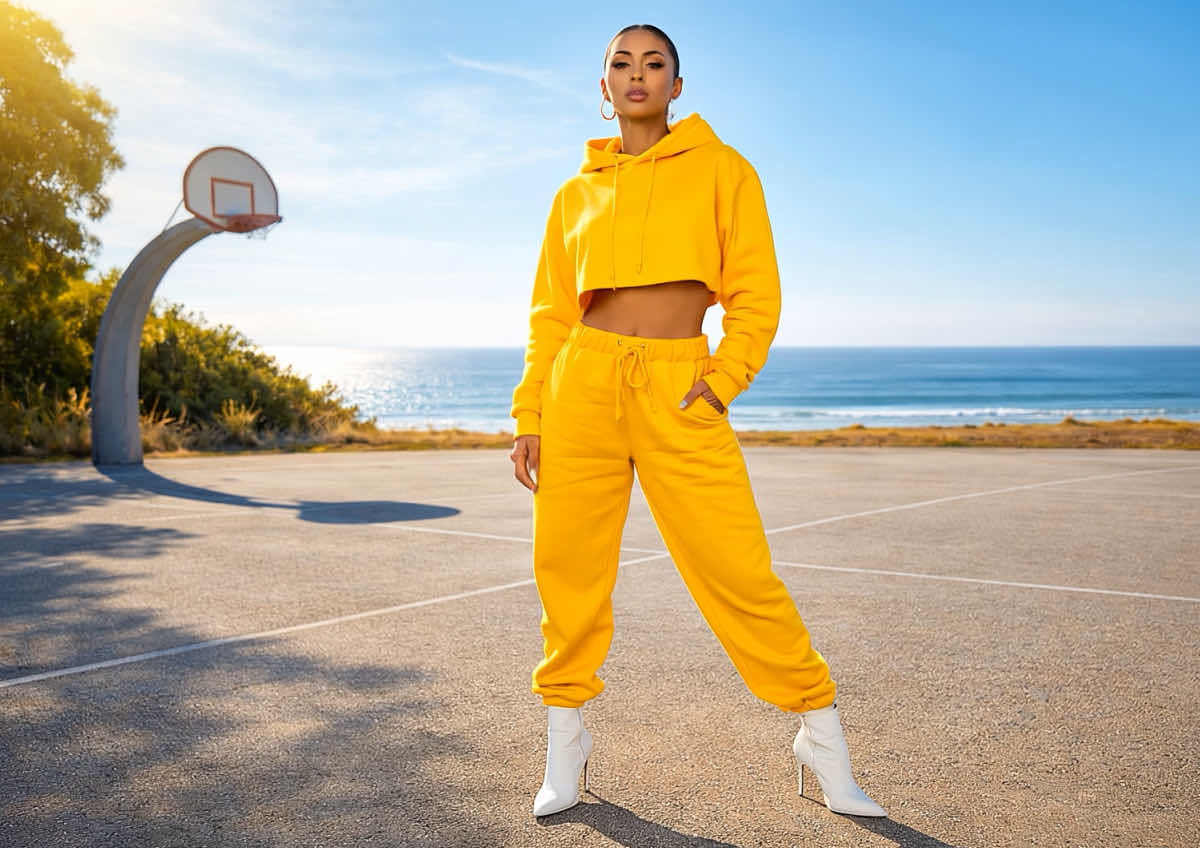
Podnieś poziom swoich wizuali na każdą okazję
Twórz dopracowane wideo bez drogiego sprzętu i skomplikowanych programów do edycji. Konwertując zdjęcia wysokiej jakości na wideo, możesz przygotować angażujące materiały marketingowe, filmy produktowe i wyróżniające się prezentacje nieruchomości. AI dba o spójne oświetlenie i ostre detale w każdej klatce, by efekt końcowy był premium.
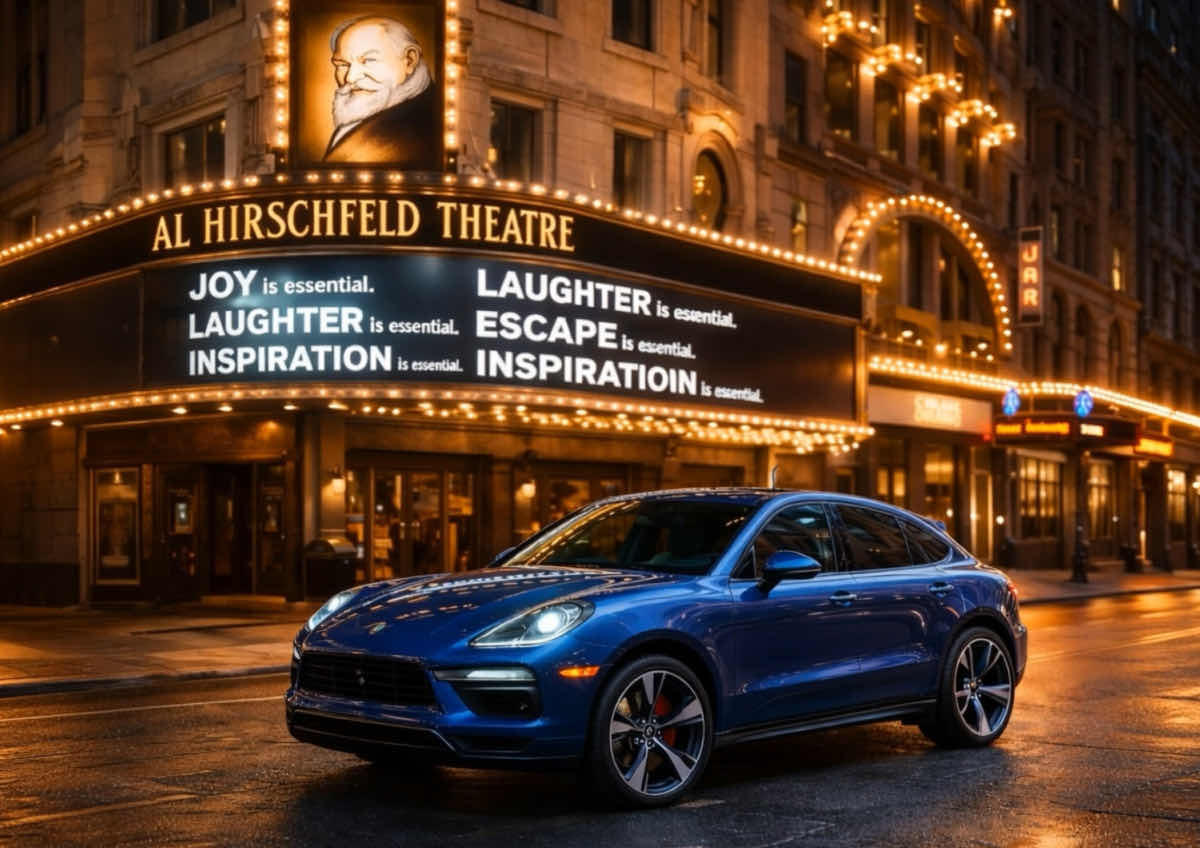
Zamień zdjęcia w realistyczne treści wideo
Ożywiaj statyczne wizuale płynnym, naturalnym ruchem. Nasza AI analizuje głębię i teksturę obrazu — od sesji modowych, przez portrety, po cyfrowe ilustracje — i dodaje realistyczny ruch, który naśladuje profesjonalną kinematografię. To najszybszy sposób, by z jednego ujęcia stworzyć mocne wizualnie doświadczenie.

Zawsze gdy chcę stworzyć coś trochę innego, sięgam po to narzędzie. Jest tu mnóstwo stylów do testowania i eksperymentowanie jest naprawdę fajne. Każde wideo wydaje się bardziej unikalne.
— Daniel B., Freelance Video Editor

Korzystam z tego, gdy mam mało czasu, i to narzędzie naprawdę pomaga mi szybko wszystko dokończyć. Super przydatne do szybkich postów w social mediach albo gdy potrzebuję czegoś, co wygląda schludnie bez dużego wysiłku.
— Rachel N., Digital Marketing Manager

Czasem po prostu muszę szybko zobaczyć mój pomysł w praktyce i to narzędzie dokładnie to robi. Pomaga mi tworzyć szkice koncepcji, które są na tyle jasne, że od razu mogę się nimi podzielić z zespołem.
— Mike A., Startup Founder
Dlaczego warto wybrać YouCam Online AI Video Generator?
Technologia wideo AI YouCam usuwa złożoność tradycyjnego montażu, dzięki czemu każdy może połączyć wyobraźnię z rzeczywistością. Wykorzystując zaawansowane modele deep learning, generator inteligentnie łączy wiele obrazów referencyjnych, stylów i oświetlenia, tworząc płynny ruch. Niezależnie, czy jesteś artystą cyfrowym, czy po prostu chcesz się pobawić, YouCam oferuje intuicyjny interfejs, który jednym kliknięciem daje profesjonalne efekty w jakości HD.
FAQ: AI Video Generator - Image to Video
Czym jest AI Image to Video Generator?
AI image to video generator to zaawansowane kreatywne narzędzie, które wykorzystuje modele deep learning do zmiany statycznych zdjęć w dynamiczne treści wideo. Analizując elementy obrazu — takie jak głębia, oświetlenie i tekstura — AI „maluje” ruch w scenie, tworząc realistyczne efekty, np. płynącą wodę, przesuwające się chmury czy płynny, filmowy ruch kamery.
Jak zmienić zdjęcie w wideo za pomocą AI?
Zmiana zdjęcia w wideo to prosty, trzyetapowy proces:
- Upload: Przeciągnij i upuść swoje zdjęcie (JPG, PNG lub HEIC) do generatora online.
- Describe (opcjonalne): Wpisz krótki prompt, jeśli chcesz pokierować ruchem (np. „delikatnie padający śnieg”).
- Generate: Kliknij przycisk generate. Nasza AI przetworzy piksele i w kilka sekund wygeneruje animację w wysokiej jakości.
Czy mogę przesłać kilka obrazów, aby stworzyć jedno wideo AI?
Tak. Możesz teraz przesłać kilka obrazów, aby stworzyć płynną sekwencję wideo. AI inteligentnie wypełni przerwy między zdjęciami, tworząc gładkie przejścia i spójny ruch. To idealny sposób, by zestaw zdjęć zmienić w profesjonalnie wyglądający montaż lub spójną historię wizualną bez ręcznej edycji.
Czy mogę stworzyć wideo z tylko jednego obrazu?
Tak. Nasze zaawansowane modele są zaprojektowane specjalnie do pracy z jednym obrazem źródłowym. AI zidentyfikuje główne elementy, takie jak postaci, włosy czy tło i nałoży realistyczny ruch na wybrane obszary, bez potrzeby wielu kątów czy ujęć.
Jakich modeli AI używa YouCam do tworzenia wideo?
YouCam to wszechstronny agregator wideo AI. Integrujemy wiodące na świecie modele generatywne — w tym Google Veo, Kling AI, Hailuo, Vidu i Seedance — w jednej platformie. Dzięki temu otrzymujesz najwyższą jakość, zarówno przy filmowym realizmie, jak i przy konkretnej choreografii tanecznej.
Jakie ruchy AI może dodać do mojego obrazu?
AI potrafi generować szeroki zakres realistycznych ruchów. Może symulować elementy natury (wiatr, ogień, wodę), filmowe efekty kamery (zoom, panoramowanie, pochylenie) oraz ruchy zbliżone do ludzkich (mruganie, falujące włosy). Nasza technologia „physics-aware” sprawia, że ruch wygląda naturalnie, a nie zniekształcony.
Czy mogę pobrać wideo AI bez znaku wodnego?
Tak. Użytkownicy wersji próbnej mogą od razu testować funkcje, a po przejściu na plan Premium możesz pobierać wideo HD bez znaku wodnego. Eksportowane pliki są zoptymalizowane do udostępniania na TikTok, Instagram Reels i YouTube Shorts.
Czy wideo zachowa jakość mojego oryginalnego zdjęcia?
Oczywiście. Jedną z głównych zalet naszego silnika AI jest „temporal consistency”. Oznacza to, że AI dba o to, by detale Twojego zdjęcia pozostały ostre i stabilne przez całe wideo, zapobiegając drżeniu czy rozmyciu, które często widać w podstawowych narzędziach wideo.
Czy moje dane są bezpieczne, gdy przesyłam zdjęcia do AI generatora?
Tak, są bezpieczne. Prywatność i bezpieczeństwo Twoich danych to nasz najwyższy priorytet. Wszystkie zdjęcia przesłane do YouCam Online AI Video Generator są szyfrowane w trakcie przetwarzania. Nie przechowujemy Twoich obrazów dłużej, niż jest to konieczne do stworzenia wideo i nigdy nie udostępniamy Twoich danych osobowych podmiotom trzecim.
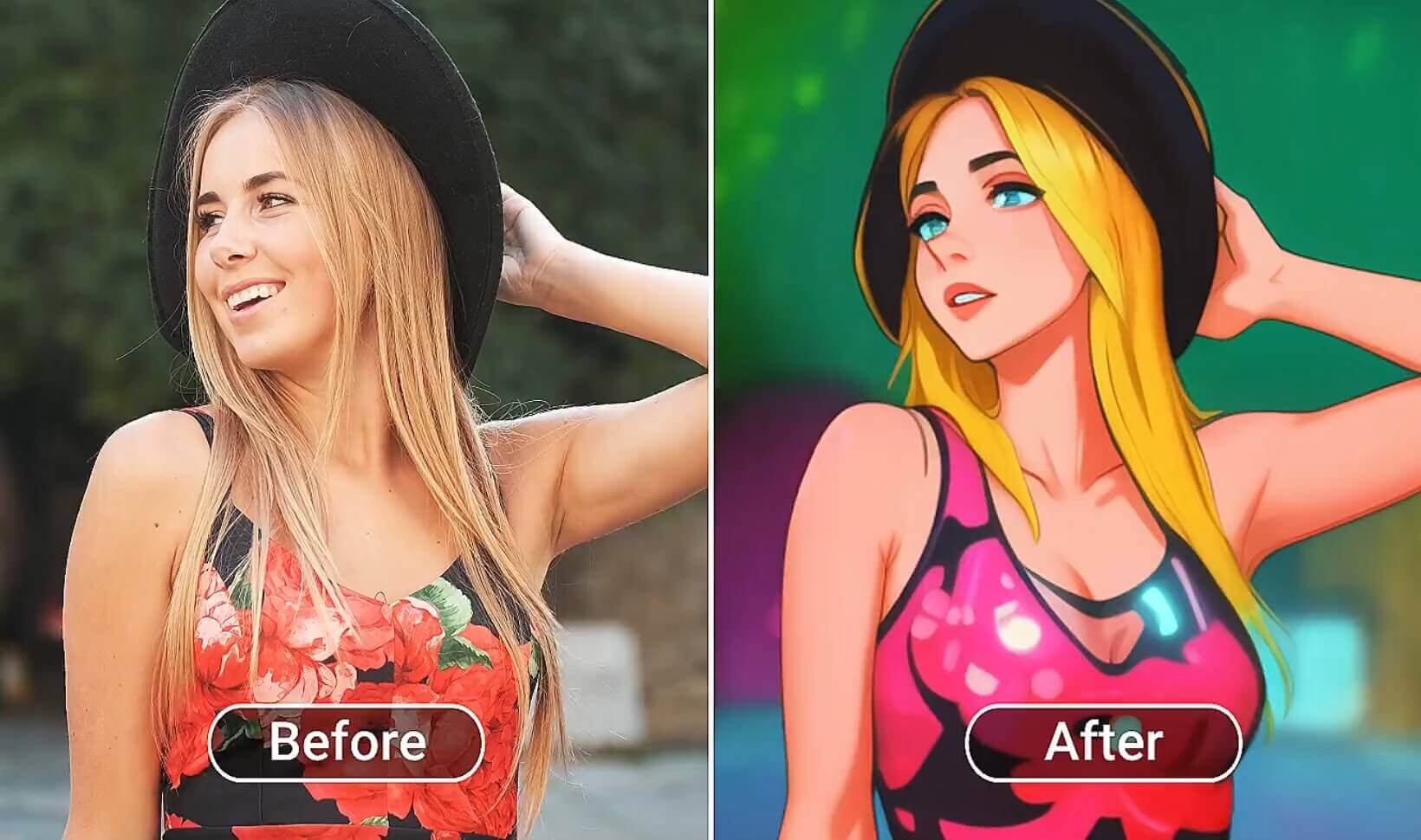
Koniec z nudnymi filmami! Dodaj fajne i efektowne efekty do swojego wideo i naprawdę wyróżnij się z tłumu.
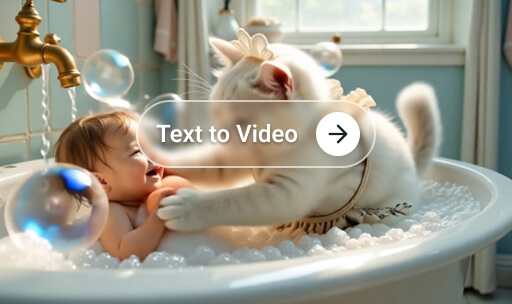
Masz świetny pomysł w głowie i chcesz go ożywić? Wpisz wszystko, a potem stwórz własne dzieło!
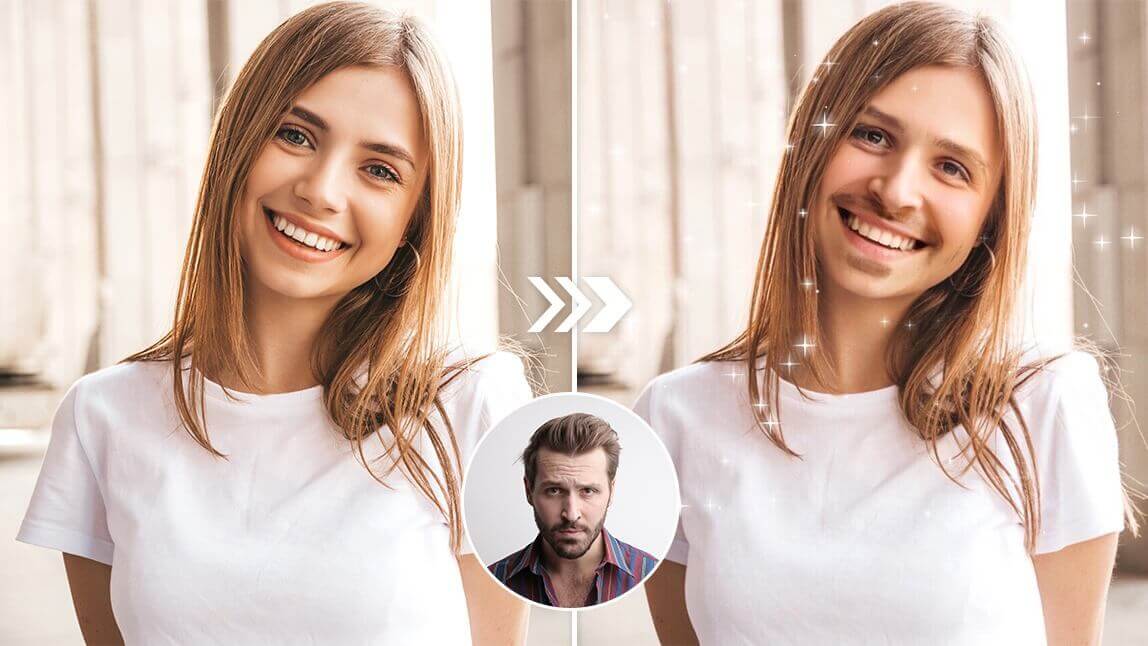
Wstaw siebie do sceny filmowej, zostań celebrytą na jedną noc albo spłataj figla znajomym i rodzinie dzięki zabawnemu Video Face Swap!

Magia AI Video Generator w Twojej kieszeni. Pobierz naszą aplikację już teraz!