



Trình tạo Video từ Ảnh bằng AI
Biến hình ảnh tĩnh thành video sống động và đậm chất điện ảnh.





Cách Tạo Video AI Từ Ảnh Trong 3 Bước
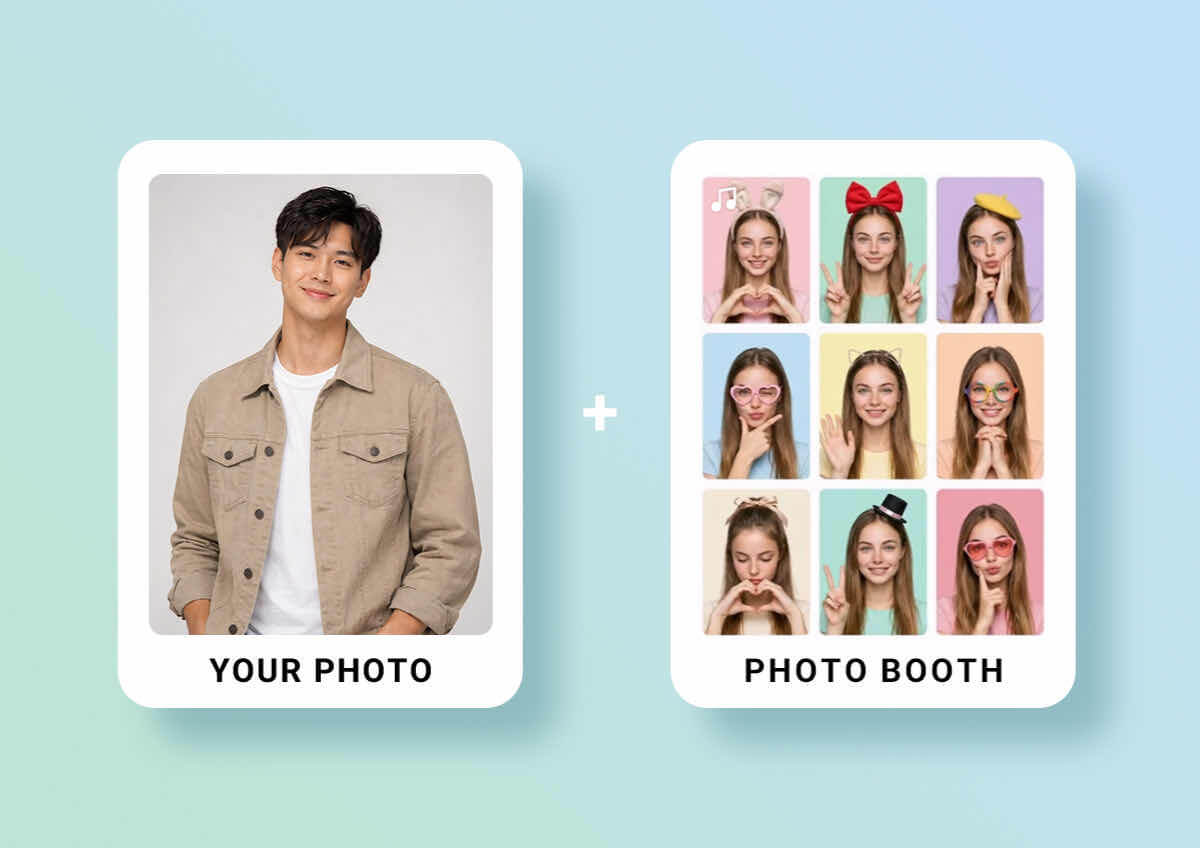
Tải Ảnh Của Bạn Lên
Kéo và thả bất kỳ ảnh, hình minh họa hoặc tác phẩm nghệ thuật nào vào trình tạo. (Hỗ trợ JPG, PNG và TIFF)


Chọn Phong Cách Hoặc Nhập Prompt
Chọn chuyển động từ thư viện template của chúng tôi hoặc cho AI biết bạn muốn ảnh của mình chuyển động như thế nào. Dù là cái ôm nhẹ nhàng hay chuyển động camera điện ảnh, quyền kiểm soát sáng tạo vẫn nằm trong tay bạn.
Tạo Chuyển Động & Xuất Video
Nhấn "Generate" để xem ảnh của bạn sống động. Xem trước chuyển động và tải video chất lượng cao về.

Mở khóa nhiều khả năng với thư viện tuyển chọn hơn 30 template xu hướng. Được thiết kế để loại bỏ phỏng đoán, các preset này dễ dàng biến ảnh tĩnh thành video ấn tượng như dân chuyên chỉ trong vài giây.
Được Hỗ Trợ Bởi Các Mô Hình AI Hàng Đầu Thế Giới
Đừng giới hạn sự sáng tạo của bạn vào chỉ một công cụ. YouCam tích hợp công nghệ video tiên tiến nhất thế giới — bao gồm Google Veo, Kling AI, Hailuo, Vidu, Pixverse và Seedance. Dù bạn đang tìm kiếm sự chân thực điện ảnh hay vũ đạo AI Dance gây sốt, chúng tôi mang đến thế mạnh độc đáo của từng mô hình cao cấp chỉ với một cú nhấp.
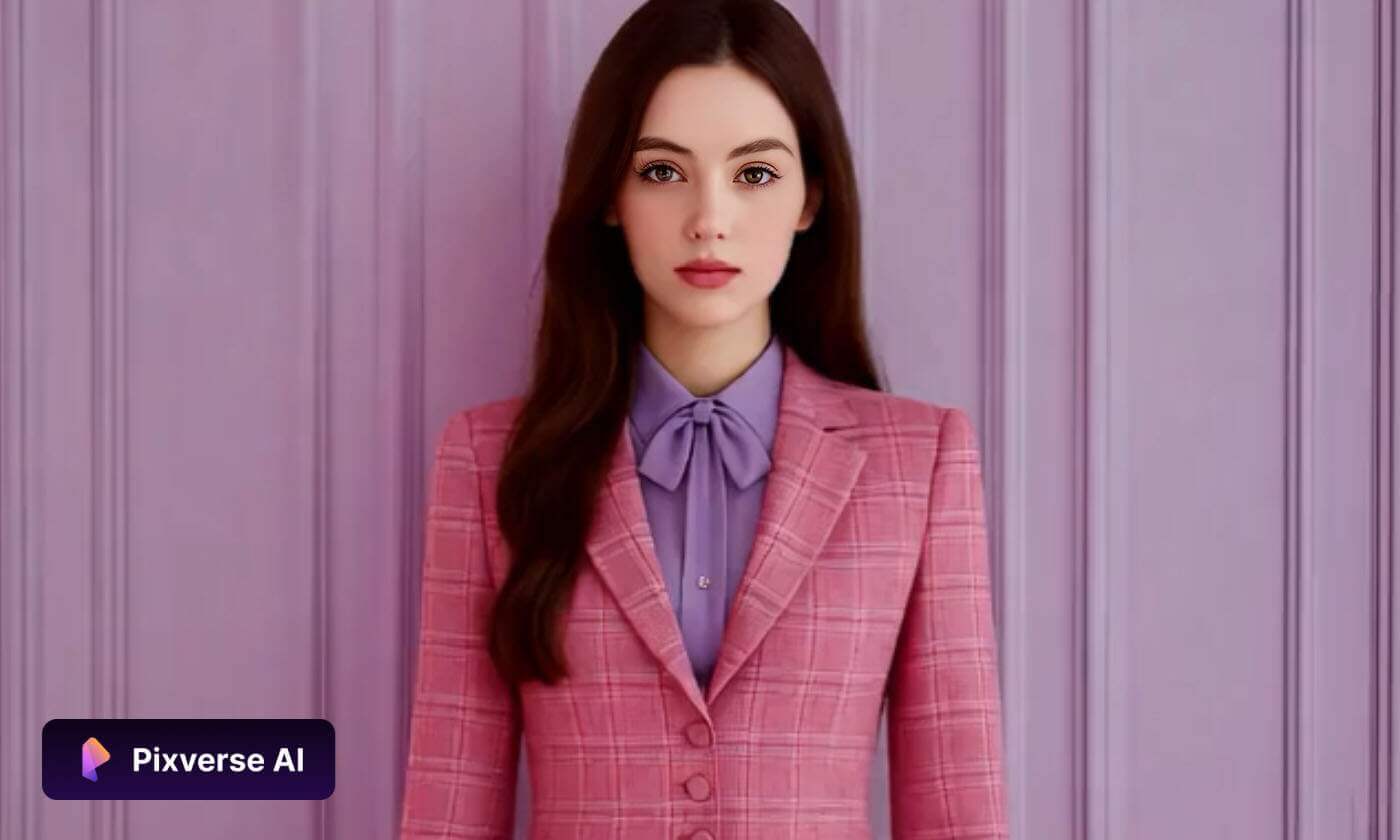
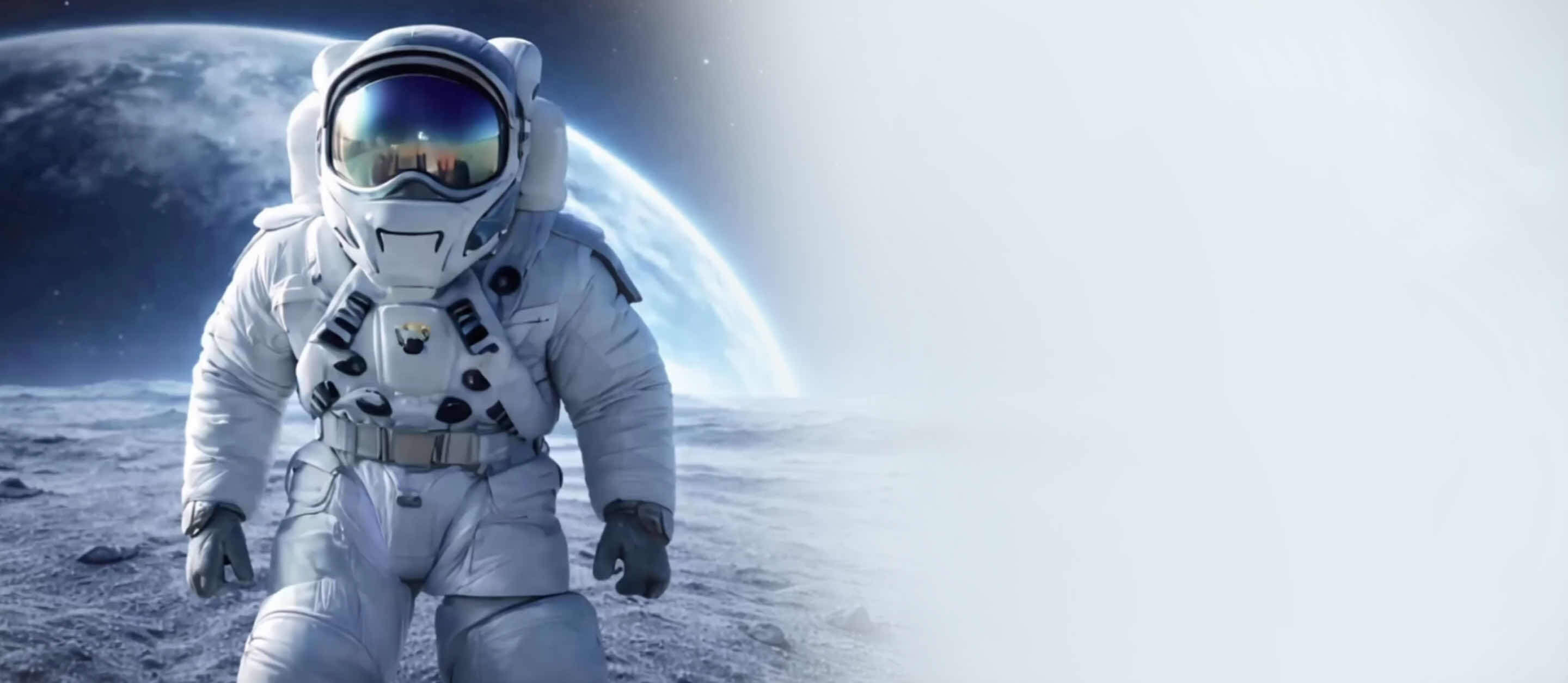
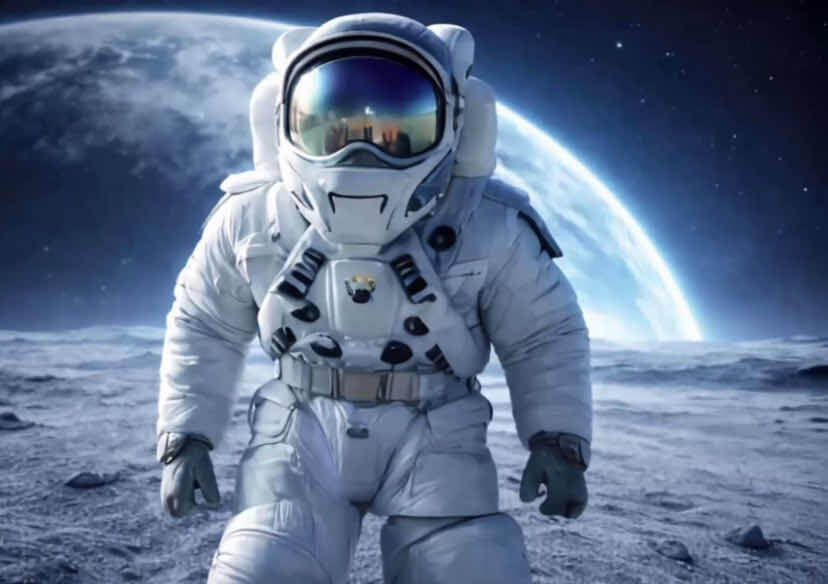
Biến Ảnh Tĩnh Thành Tác Phẩm Chuyển Động
Kết Hợp Nhiều Ảnh Thành Một Chuỗi Liền Mạch
Đi xa hơn một chuyển động đơn lẻ với tính năng Multi-Image Upload của chúng tôi. Chỉ cần chọn một bộ ảnh, AI sẽ thông minh nối chúng lại thành một chuỗi video liền mạch. Tính năng này tự động xử lý chuyển cảnh và nhịp chuyển động, giúp bạn kể trọn vẹn câu chuyện hoặc tạo montages chuyên nghiệp chỉ trong vài giây.
Nâng Tầm Hình Ảnh Cho Mọi Nhu Cầu
Tạo nội dung video chỉn chu mà không cần thiết bị đắt tiền hay phần mềm chỉnh sửa phức tạp. Bằng cách chuyển đổi ảnh chất lượng cao thành video, bạn có thể tạo tài liệu marketing bắt mắt, video sản phẩm và tour bất động sản thu hút. AI đảm bảo từng khung hình có ánh sáng đồng nhất và chi tiết sắc nét cho thành phẩm cao cấp.
Biến Ảnh Thành Nội Dung Video Chân Thật
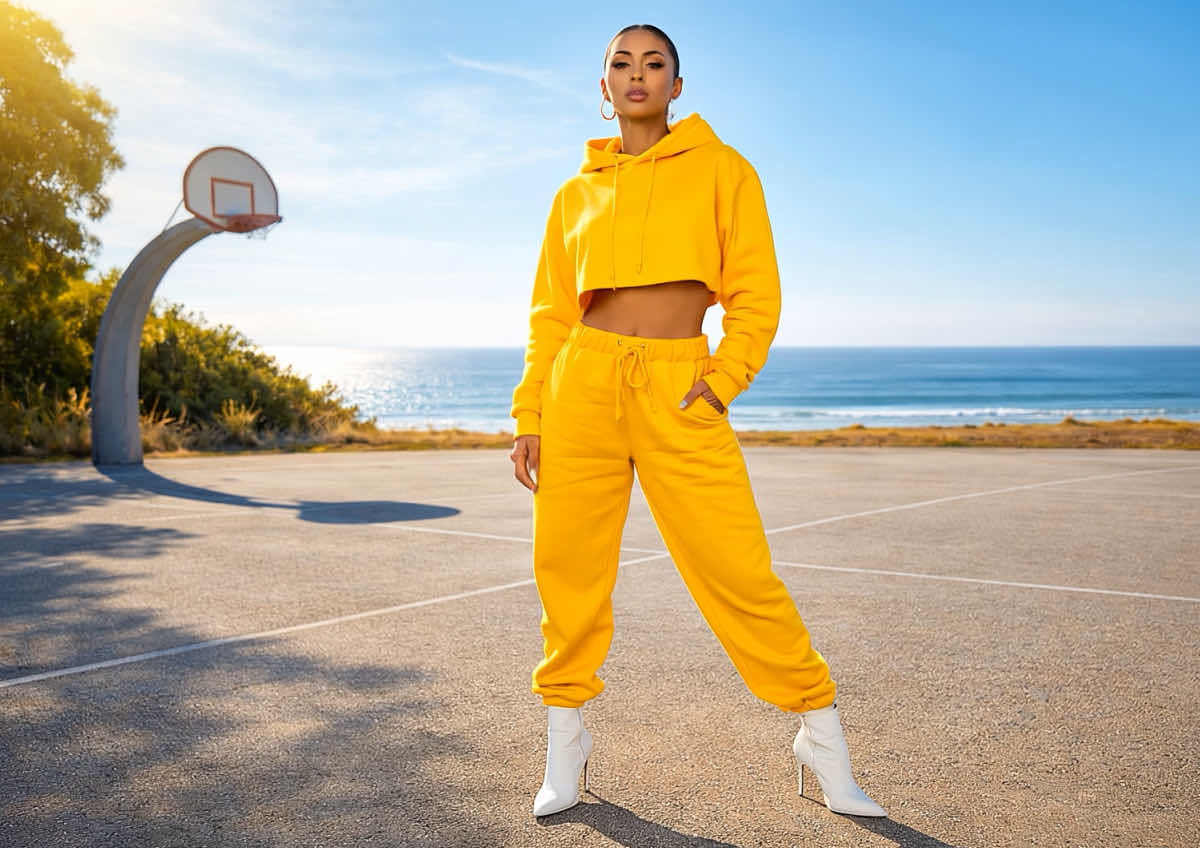
Thổi hồn vào hình ảnh tĩnh với chuyển động tự nhiên, mượt mà. AI của chúng tôi phân tích chiều sâu và kết cấu của ảnh — dù đó là ảnh thời trang, chân dung hay tác phẩm nghệ thuật số — để áp dụng chuyển động chân thực mô phỏng quay phim chuyên nghiệp. Đây là cách nhanh nhất để biến một cú bấm máy thành trải nghiệm hình ảnh ấn tượng.

Mỗi khi tôi muốn tạo ra thứ gì đó hơi khác biệt, đây là công cụ tôi dùng. Có rất nhiều phong cách để thử và việc thử nghiệm thực sự rất vui. Mỗi video đều trở nên độc đáo hơn.
— Daniel B., Biên tập video freelance

Tôi dùng công cụ này khi đang thiếu thời gian và nó thật sự giúp tôi hoàn thành mọi thứ rất nhanh. Rất hữu ích cho các bài đăng mạng xã hội nhanh hoặc khi tôi cần thứ gì đó trông gọn gàng mà không tốn nhiều công sức.
— Rachel N., Quản lý Digital Marketing

Đôi khi tôi chỉ cần nhìn thấy ý tưởng thành hình thật nhanh, và công cụ này làm đúng điều đó. Nó giúp tôi phác thảo concept đủ rõ để chia sẻ ngay với cả đội.
— Mike A., Nhà sáng lập startup
Tại Sao Chọn YouCam Online AI Video Generator?
Công nghệ video AI YouCam loại bỏ sự phức tạp của chỉnh sửa truyền thống, giúp bất kỳ ai cũng có thể kết nối trí tưởng tượng với thực tế. Bằng cách tận dụng các mô hình deep-learning tiên tiến, trình tạo này thông minh hòa trộn nhiều ảnh tham chiếu, phong cách và ánh sáng để tạo chuyển động mượt mà. Dù bạn là nghệ sĩ số hay chỉ muốn giải trí, YouCam mang đến giao diện直quan, dễ dùng với kết quả HD như chuyên gia chỉ bằng một cú nhấp.
FAQ: AI Video Generator - Image to Video
AI Image to Video Generator là gì?
AI image to video generator là một công cụ sáng tạo mạnh mẽ dùng các mô hình deep-learning để biến ảnh tĩnh thành nội dung video sống động. Bằng cách phân tích các yếu tố trong ảnh — như chiều sâu, ánh sáng và kết cấu — AI sẽ "vẽ" chuyển động vào khung cảnh, tạo ra hiệu ứng chân thực như nước chảy, mây trôi hoặc chuyển động camera điện ảnh mượt mà.
Làm thế nào để biến ảnh thành video bằng AI?
Biến ảnh thành video chỉ với ba bước đơn giản:
- Upload: Kéo và thả ảnh của bạn (JPG, PNG hoặc HEIC) vào trình tạo online.
- Describe (Tùy chọn): Nhập prompt ngắn nếu bạn muốn định hướng chuyển động (ví dụ, "tuyết rơi nhẹ nhàng").
- Generate: Nhấn nút generate. AI của chúng tôi sẽ xử lý từng pixel và tạo ra chuyển động chất lượng cao chỉ trong vài giây.
Tôi có thể tải lên nhiều ảnh để tạo một video AI không?
Có. Giờ đây bạn có thể tải lên nhiều ảnh để tạo một chuỗi video liền mạch. AI sẽ thông minh lấp đầy khoảng trống giữa các ảnh, tạo chuyển cảnh mượt mà và chuyển động nhất quán. Đây là cách hoàn hảo để biến bộ sưu tập ảnh thành montage chuyên nghiệp hoặc câu chuyện hình ảnh trọn vẹn mà không cần chỉnh sửa thủ công.
Tôi có thể tạo video chỉ từ một ảnh không?
Có. Các mô hình tiên tiến của chúng tôi được thiết kế đặc biệt để hoạt động chỉ với một ảnh nguồn. AI sẽ nhận diện các chủ thể chính như người, tóc hoặc phông nền và áp dụng chuyển động chân thực lên những vùng đó mà không cần nhiều góc chụp hay nhiều tấm hình.
YouCam dùng mô hình AI nào để tạo video?
YouCam là trình tổng hợp video AI tất cả trong một. Chúng tôi tích hợp các mô hình generative hàng đầu thế giới — bao gồm Google Veo, Kling AI, Hailuo, Vidu và Seedance — trong một nền tảng. Điều này đảm bảo bạn luôn nhận được kết quả chất lượng cao nhất, dù là cho độ chân thực điện ảnh hay các chuyển động vũ đạo cụ thể.
AI có thể thêm những kiểu chuyển động nào vào ảnh của tôi?
AI có thể tạo ra nhiều chuyển động chân thực khác nhau. AI có thể mô phỏng các yếu tố tự nhiên (gió, lửa, nước), hiệu ứng camera điện ảnh (zoom, pan, tilt) và chuyển động giống con người (chớp mắt, tóc bay). Công nghệ "physics-aware" của chúng tôi đảm bảo chuyển động trông tự nhiên, không bị méo hay giả tạo.
Tôi có thể tải video AI xuống mà không có watermark không?
Có. Người dùng dùng thử miễn phí có thể trải nghiệm tính năng ngay lập tức, và khi nâng cấp lên gói Premium bạn có thể tải video HD không có watermark. File xuất ra được tối ưu để chia sẻ lên TikTok, Instagram Reels và YouTube Shorts.
Video có giữ được chất lượng ảnh gốc của tôi không?
Chắc chắn rồi. Một trong những ưu điểm chính của công cụ AI của chúng tôi là "temporal consistency." Nghĩa là AI luôn cố gắng giữ chi tiết ảnh của bạn sắc nét và ổn định suốt video, tránh hiện tượng rung lắc hay mờ nhòe thường thấy ở các công cụ video cơ bản.
Dữ liệu của tôi có an toàn khi tôi tải ảnh lên AI generator không?
Có. Quyền riêng tư và bảo mật dữ liệu của bạn là ưu tiên hàng đầu của chúng tôi. Tất cả ảnh được tải lên YouCam Online AI Video Generator đều được mã hóa trong suốt quá trình xử lý. Chúng tôi không lưu ảnh của bạn lâu hơn mức cần thiết để tạo video và dữ liệu cá nhân của bạn sẽ không bao giờ được chia sẻ cho bên thứ ba.
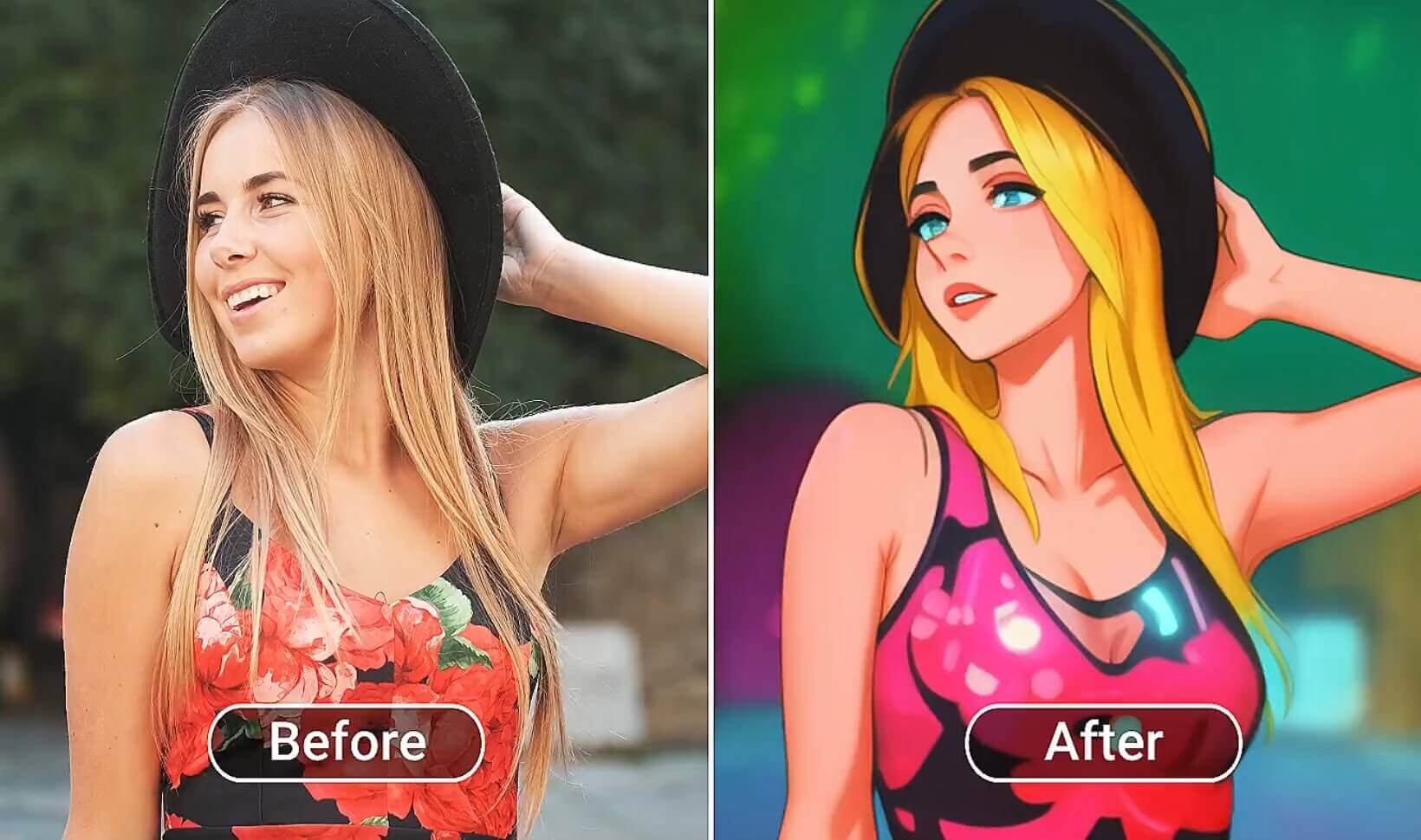
Tạm biệt những video nhàm chán! Thêm hiệu ứng thú vị và cực ngầu vào video để bạn luôn nổi bật.
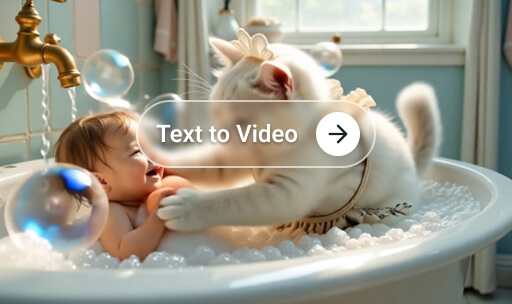
Có ý tưởng hay trong đầu và muốn biến thành hiện thực? Hãy gõ tất cả rồi tạo masterpiece theo cách của riêng bạn!
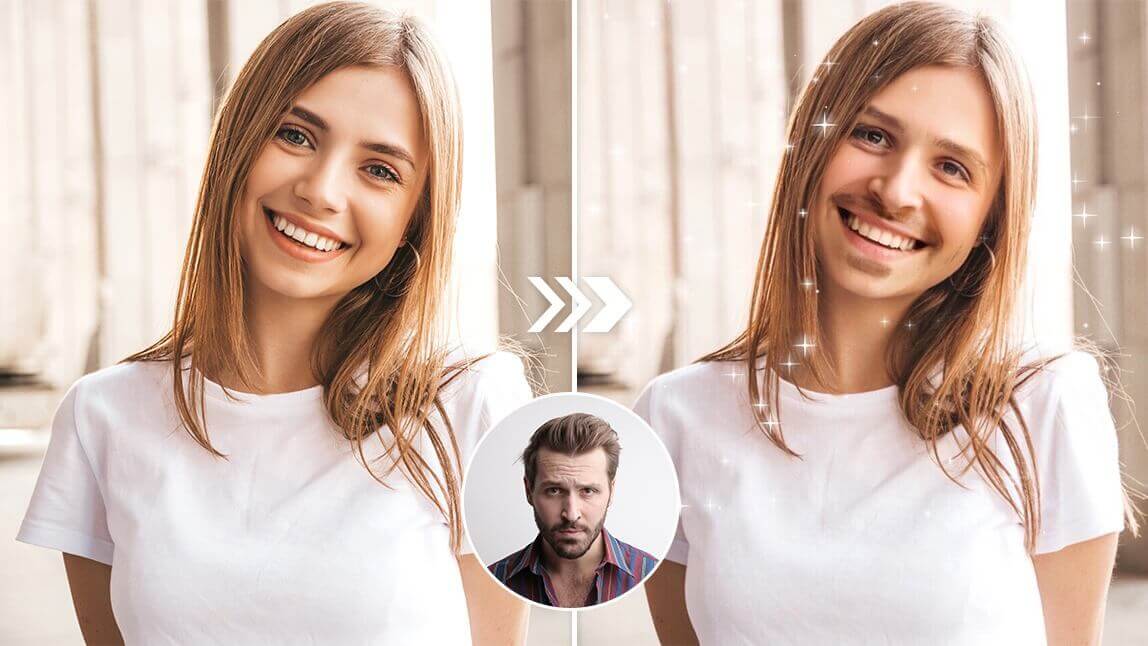
Đưa chính bạn vào các cảnh phim, trở thành người nổi tiếng chỉ sau một đêm, hoặc trêu bạn bè và gia đình với Video Face Swap đầy vui nhộn!

Phép Màu AI Video Generator Ngay Trong Túi Bạn. Tải Ứng Dụng Ngay!