




AI Wrinkle Remover Online
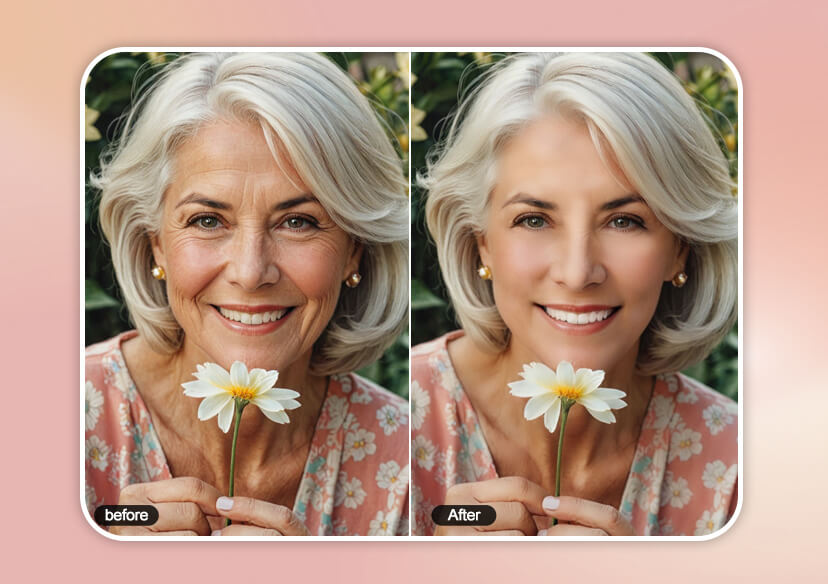
Smooth wrinkles instantly with free AI wrinkle remover. Whether it’s fine lines on your cheeks, forehead, or under your eyes, remove wrinkles from photos online for free.





Remove Wrinkles from Photos Online for Free
Tired of seeing fine lines and wrinkles in your selfies? While skincare helps over time, use AI wrinkle remover to instantly remove wrinkles from photos with ease.
Just upload your photo and the smart AI will detect and smooth wrinkles around your mouth, forehead, and under eyes while keeping skin texture looking natural. It’s the easiest way to remove wrinkles from photos online for free.
One-click Photo Wrinkle Remover
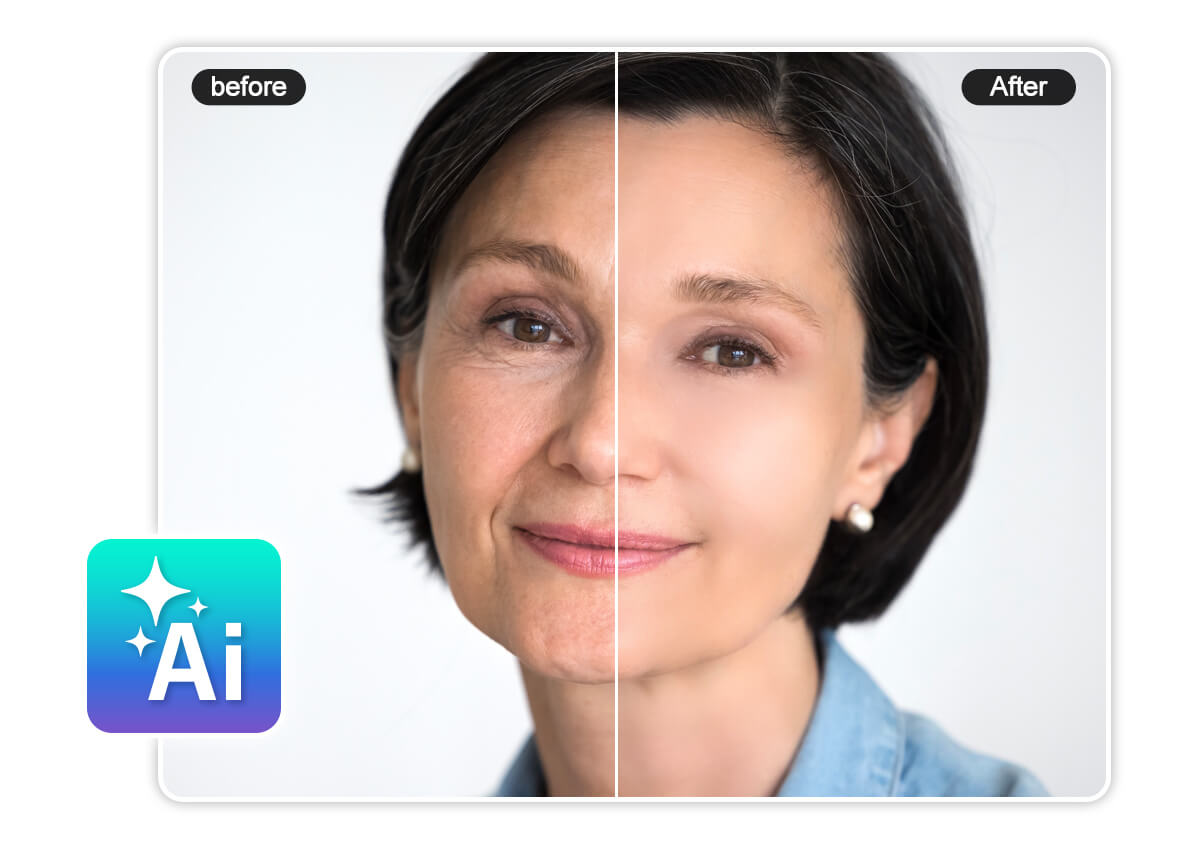
Instant AI Wrinkle Removal
Bothered by wrinkles in your photos? The AI wrinkle remover makes it fast and easy to remove wrinkles from photos online for free. Just upload your image and the AI will instantly smooth fine lines and creases for a younger, refreshed look.
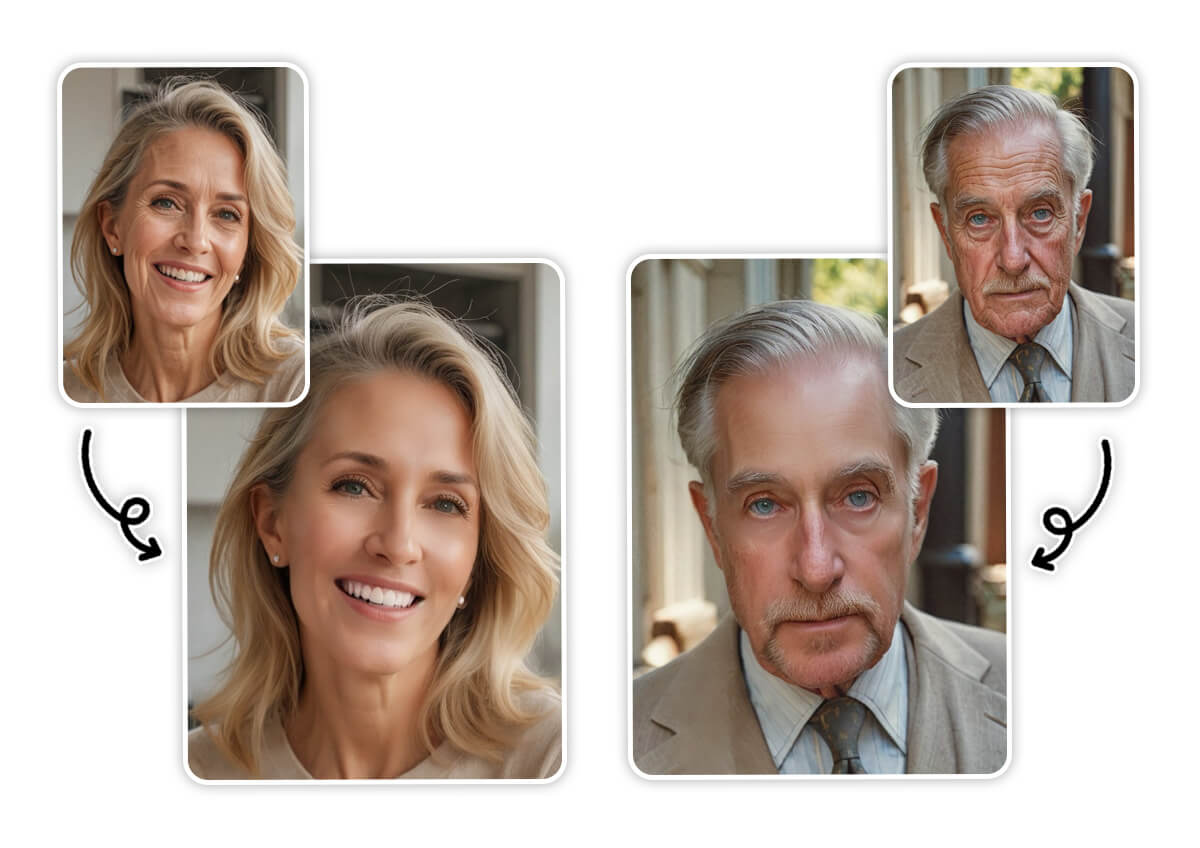
Remove Wrinkles from Photo with Precision
Unlike basic tools, our smart AI wrinkle removal technology with custom sliders, allows you to fine-tune the intensity of wrinkle smoothing for the most natural results. The adjustable settings help you remove wrinkles from photos with accuracy, so your skin looks smooth—never over-edited.
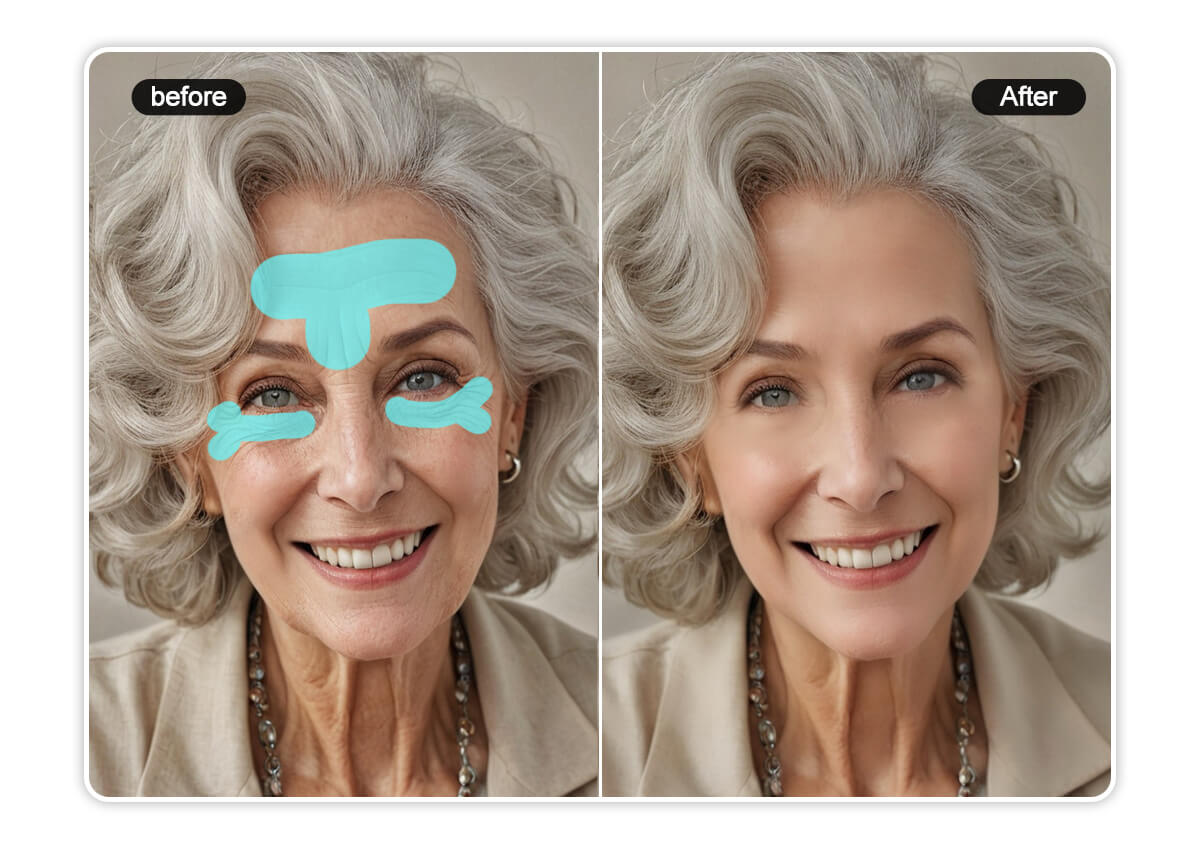
Smooth Forehead and Under-Eye Wrinkles Naturally
Removing fine lines used to require careful, manual editing—but our AI wrinkle remover makes it effortless. With advanced AI, the tool precisely detects and smooths out wrinkles in delicate areas while retaining your skin’s original texture and tone.
Complete AI Photo Retouching Tools
YouCam Online Editor is more than a wrinkle remover, providing a comprehensive set of photo retouching tools to enhance every detail of your portrait. Effortlessly remove blemishes, eye bags, and reshape facial features for the perfect selfie.
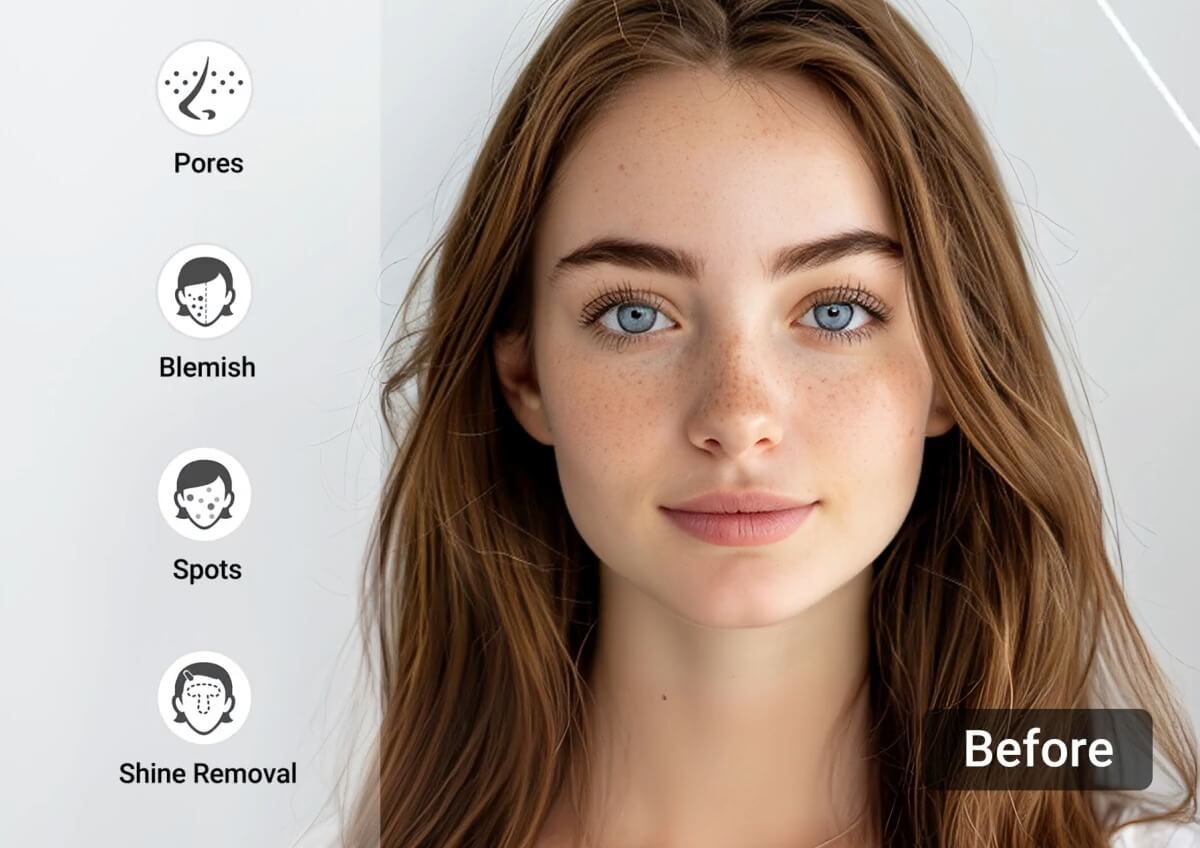
How to Remove Wrinkles From Photo?

Upload Your Photo
Upload the photo you want to remove facial wrinkles from.

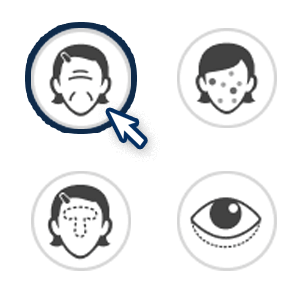
Select AI Wrinkle Remover Tool
From the list of photo retouch tools, select Wrinkle Remover. The AI will automatically detect and remove wrinkles, including crow's feet, forehead lines, lip lines, and nasolabial folds.

Use Wrinkle Removal Slider
Adjust the intensity of wrinkle removal needed. Fine-tune the settings until you achieve your desired look.

Download Your Flawless Portrait
Once you’re finished retouching your photo, click ‘Download’ to save your photo to your device.
Wrinkle Remover FAQs
How can I look younger in photos?
To look younger in photos, use a wrinkle remover like YouCam Online Editor. It helps smooth fine lines, reduce dark circles, and enhance facial features naturally using AI-powered retouching—giving you a refreshed, youthful appearance in just a few clicks.
Can you remove wrinkles on an iPhone photo?
With YouCam Online Editor, you can easily remove wrinkles from iPhone photos. Just upload your photo through your browser—no app download required—and the AI wrinkle remover will smooth your skin while preserving natural texture.
What is the best free app to get rid of wrinkles?
YouCam Makeup is one of the best free tools to get rid of wrinkles from photos. Its advanced AI wrinkle remover detects and smooths fine lines and deep creases instantly, all without compromising skin realism.
How to remove wrinkles from photos for free?
To remove wrinkles from photos online for free, go to YouCam Online Editor, upload your image, and apply the AI wrinkle remover tool. The smart retouching system will smooth forehead lines, under-eye wrinkles, and other signs of aging in seconds—no design skills needed.

