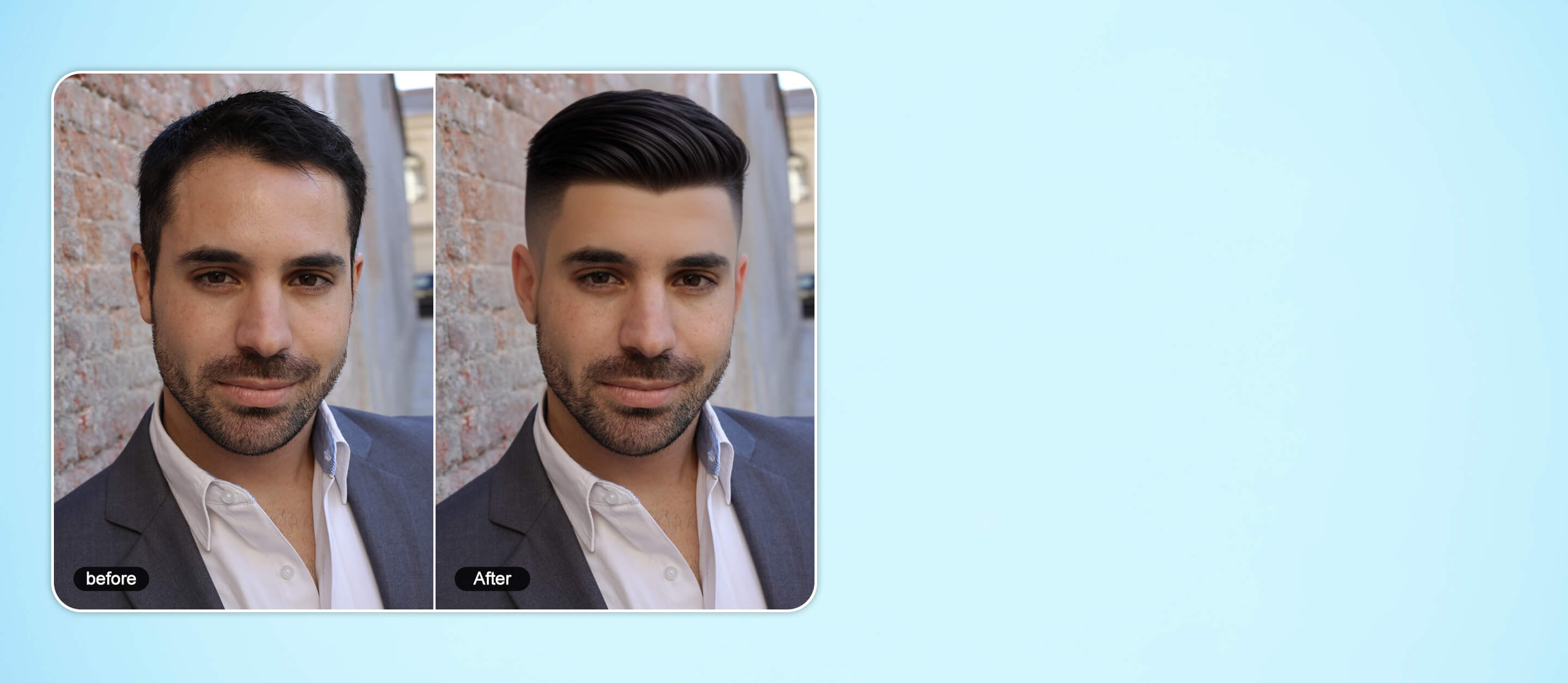
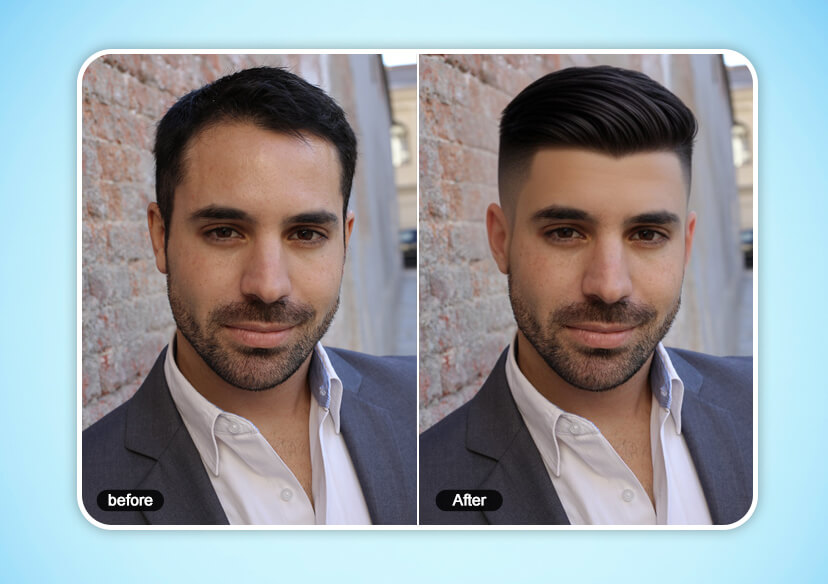




Free Crew Cut Filter Online
Get the crew cut hairstyle without the buzz. Try our crew cut filter to preview this timeless short hairstyle instantly on your photo.





How to Try the Crew Cut Filter

Upload Your Photo
Choose a clear, front-facing photo of yourself to try on the crew cut hairstyle.

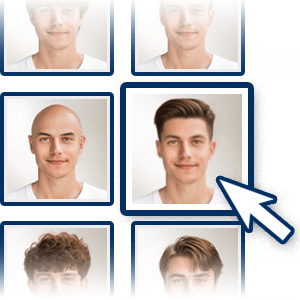
Select the Crew Cut Filter
Select the ‘Crew Cut’ hair filter. Also try on the crew cut hairstyle with hair colors as well as 30 other hairstyles for men.

Save Your Crew Cut Hairstyle
Once you’re happy with your new hair, download the photo to share or make the change permanent!
Try Crew Cut Hairstyles Online with Crew Cut Filter
Free Crew Cut Hairstyle Try-On with AI
Discover your perfect crew cut hairstyle with the YouCam Online Editor’s crew cut filter. This virtual hairstyle changer works for both men and women, letting you preview sharp fades, clean cuts, and modern crew cut variations in seconds.
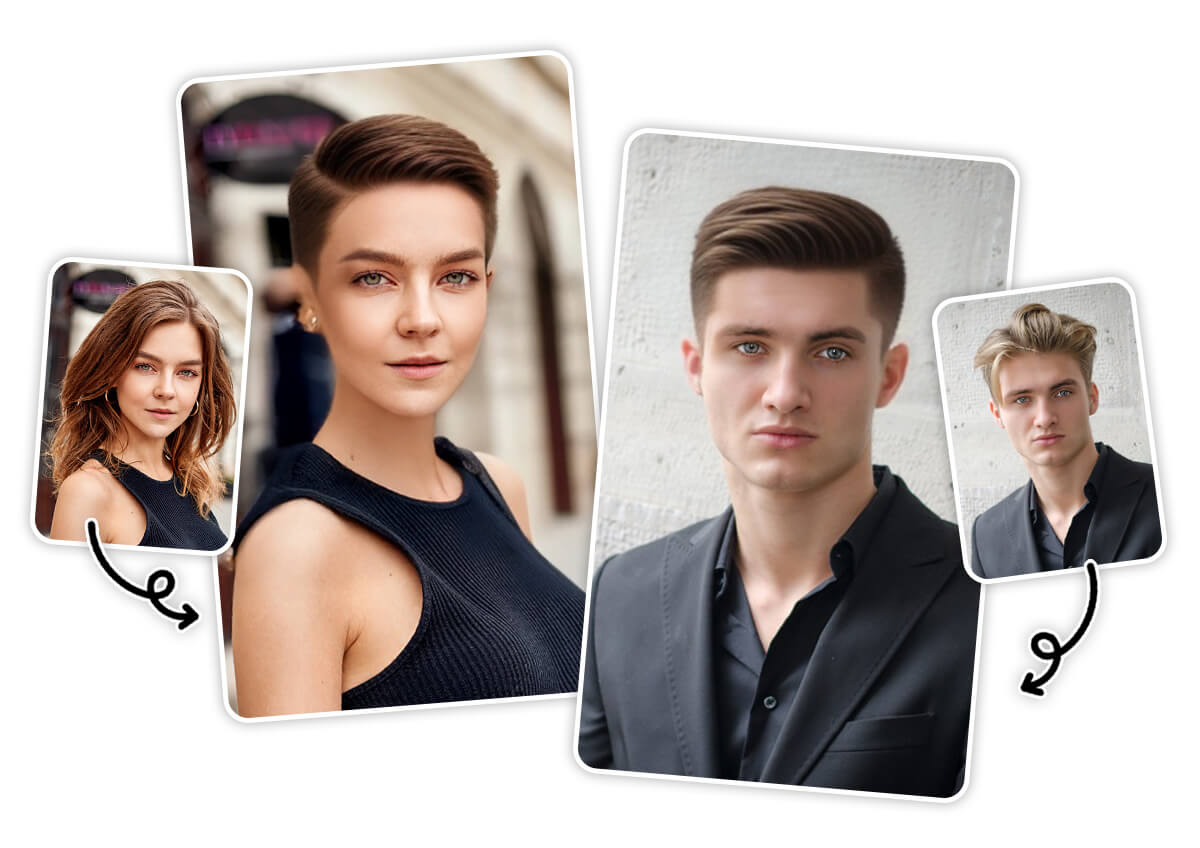
Explore Every Crew Cut Style Online
Whether you want a sharp buzz cut or a softer long crew cut hairstyle, the YouCam Online Editor’s crew cut filter lets you try them instantly. Test bold fades, textured tops, or smooth modern looks, and even experiment with virtual hair colors to complete your style.
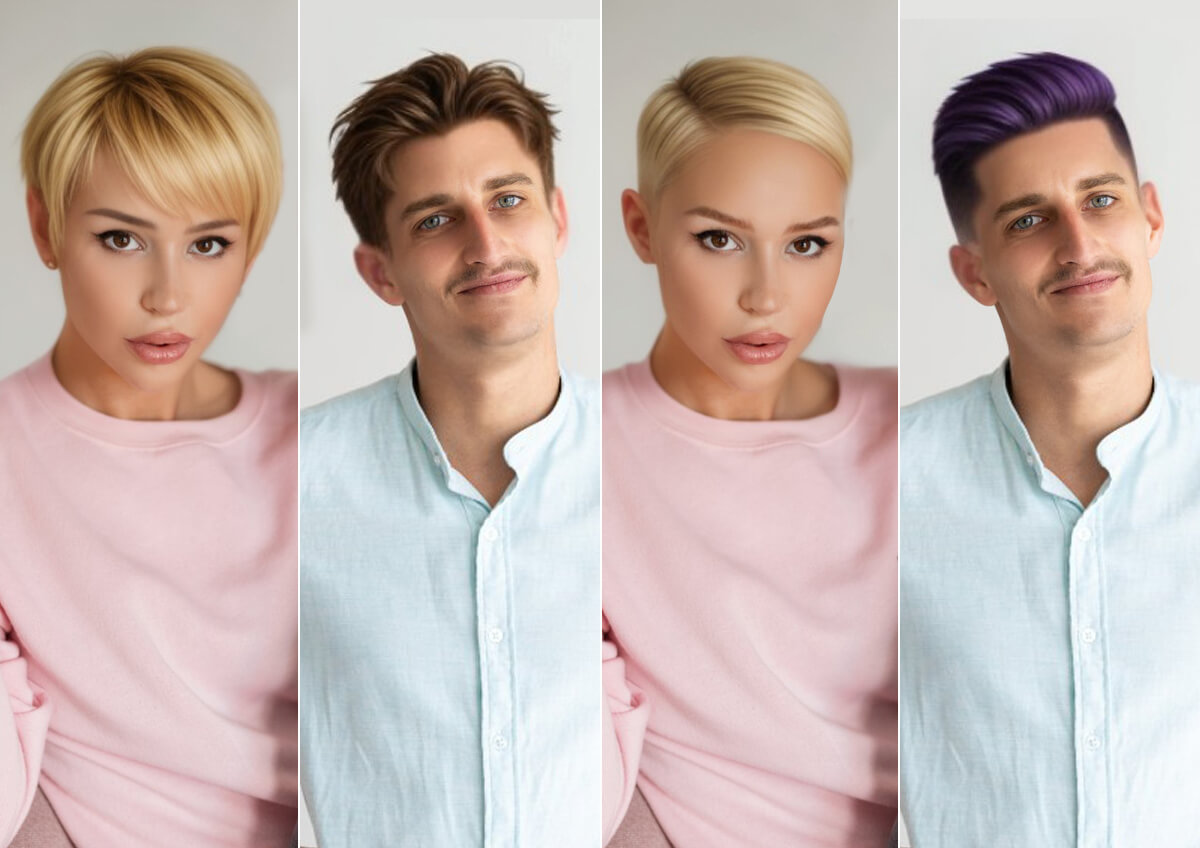
Go beyond the crew cut with YouCam Online Editor’s AI Hairstyle Changer. Instantly try sleek bobs, edgy buzz cuts, bald styles, layered crops, or trendy lobs. Whether you want a bold super-short look or a chic above-the-shoulder style, preview it virtually and see what suits you best.
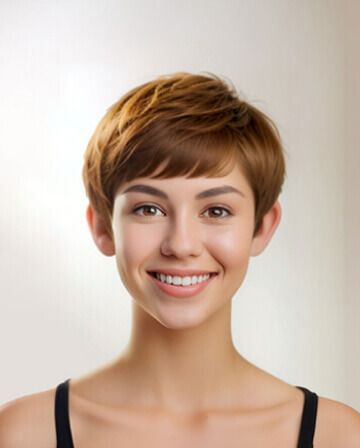
Pixie
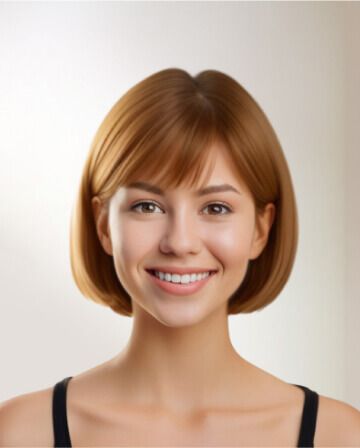
Side Bob
Short Bob
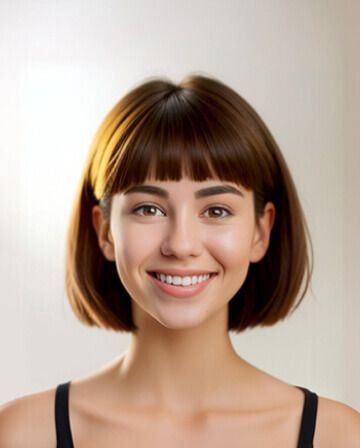
Bobcut
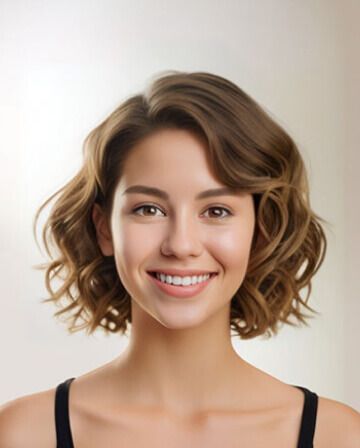
Bobcut Curly
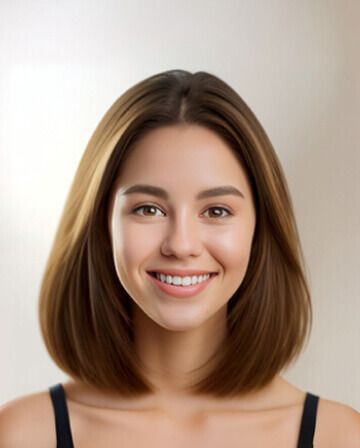
Medium Straight

Classic Wavy

Wavy Undercut

Textured Comma

Split Mini Fringe

Textured Crop

Short Curly

Medium Tousled Waves

Layered Bob
Crew Cut Filter FAQs
How do I know what I would look like with a crew cut?
You can use the YouCam Online Editor’s crew cut filter to instantly preview the style on your own photo. It shows a realistic simulation so you can decide before getting the cut.
Will a crew cut look good on me?
A crew cut can suit most face shapes with the right length and fade. Using a crew cut hairstyle filter lets you test different variations and find the most flattering version for you.
Is there a filter that tries different haircuts on people?
Yes. YouCam Online Editor offers a hairstyle changer tool that lets you try crew cuts, buzz cuts, and bald styles virtually using AI-powered filters.
What face shape looks good with a crew cut?
Crew cuts look great on oval, square, and heart-shaped faces. With the crew cut filter, you can see exactly how the style will look on your face shape before committing.

