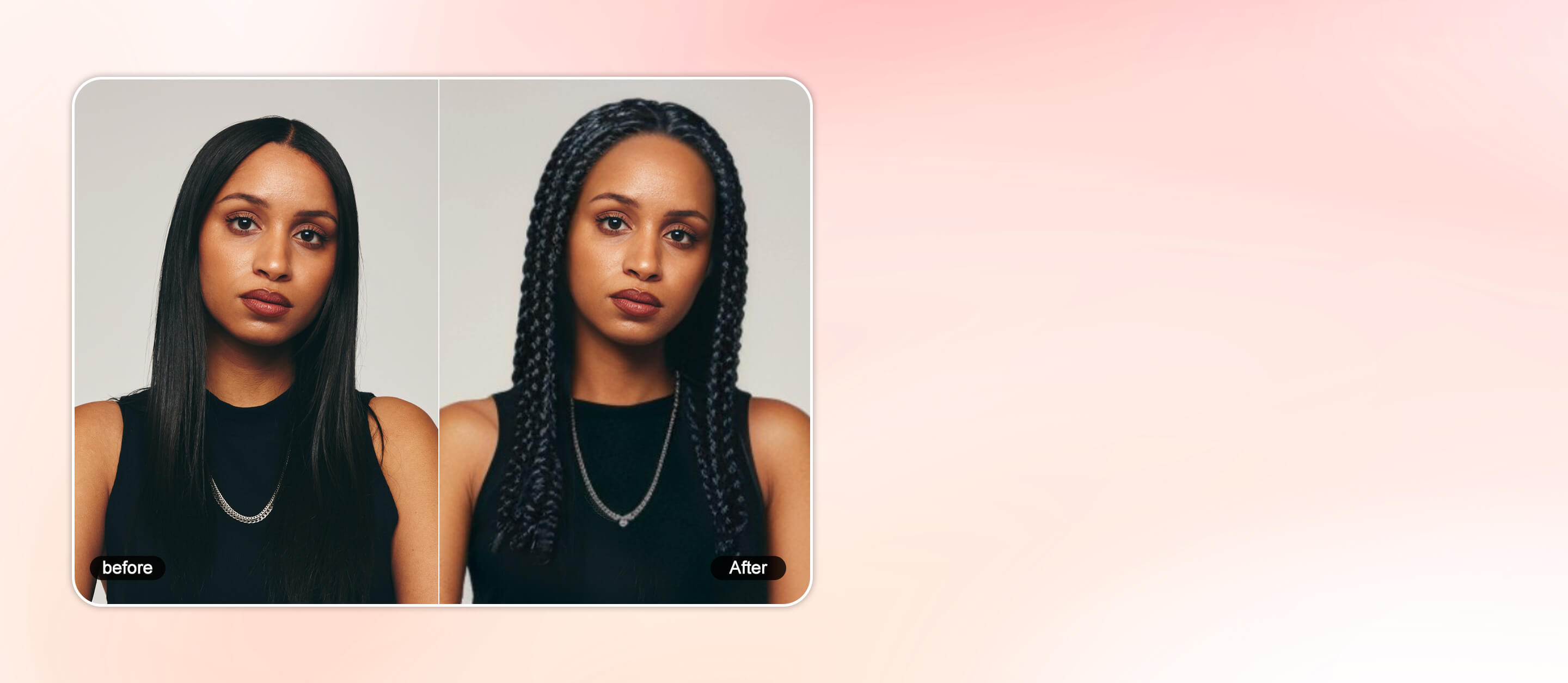
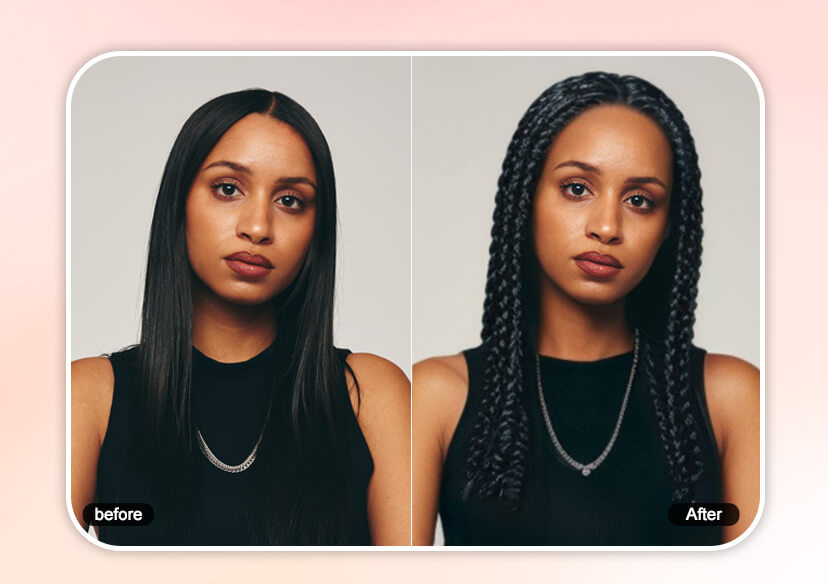




Free AI Dreadlocks Filter Online
Explore stylish dreadlock hairstyles with our AI dreadlock filter. Upload your photo to see what you would look like with dreadlocks—fun, effortless, and totally commitment free.




How to Try the Dreadlocks Filter
Upload Your Photo
Choose a clear, front-facing photo of yourself to try on the dreadlocks hairstyle.

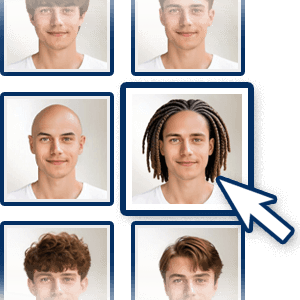
Select the Dreadlocks Filter
Select the ‘Short Box Braids’ or ‘Long Box Braids’ hair filters to try on dreads. Also explore over 60+ hairstyles for men and women with the hairstyle simulator.
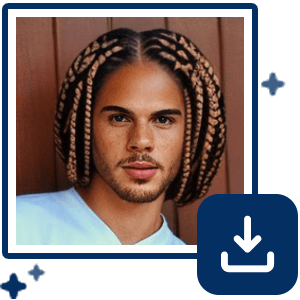
Save Your Dreadlocks Hairstyle
Once you’re happy with your new hair, download the photo to share or make the change permanent!
Try On Dreadlocks Hairstyle with Dreadlocks Filter
Free Dreadlocks Hairstyle Try-On with AI
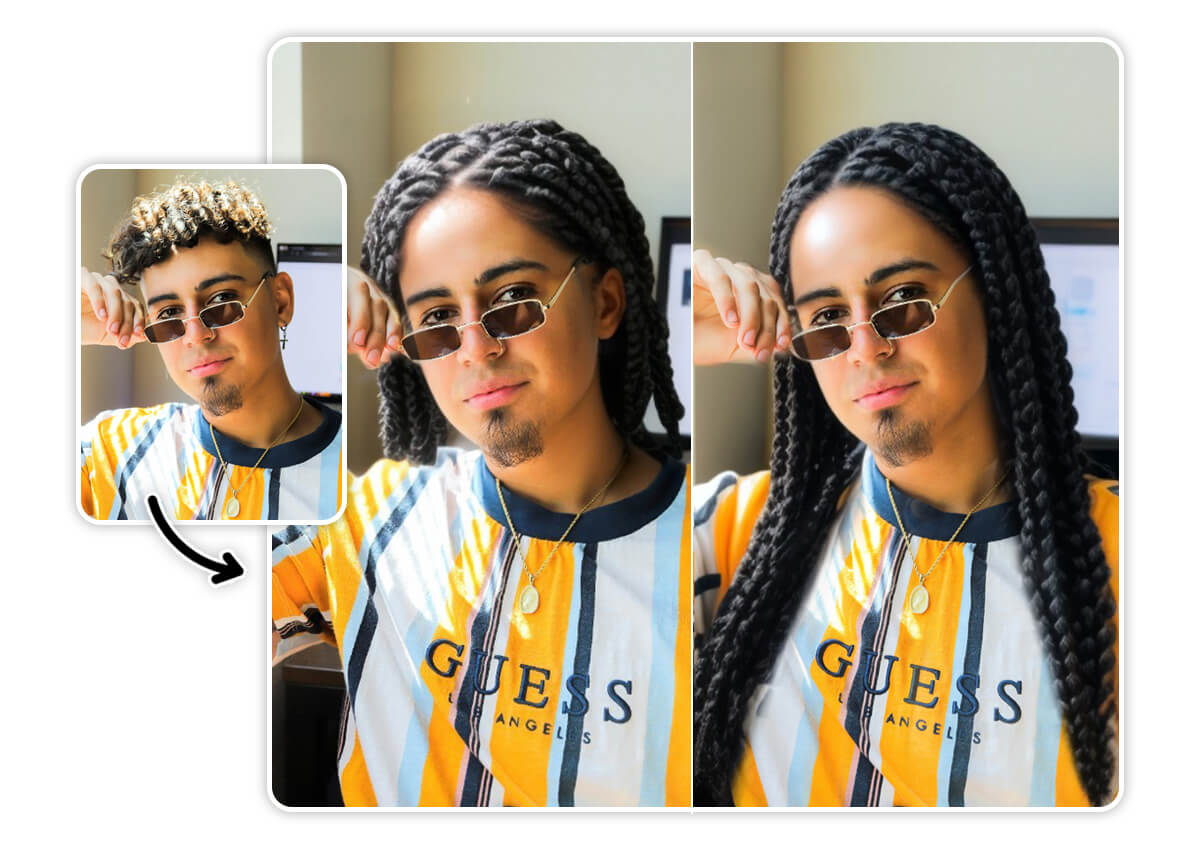
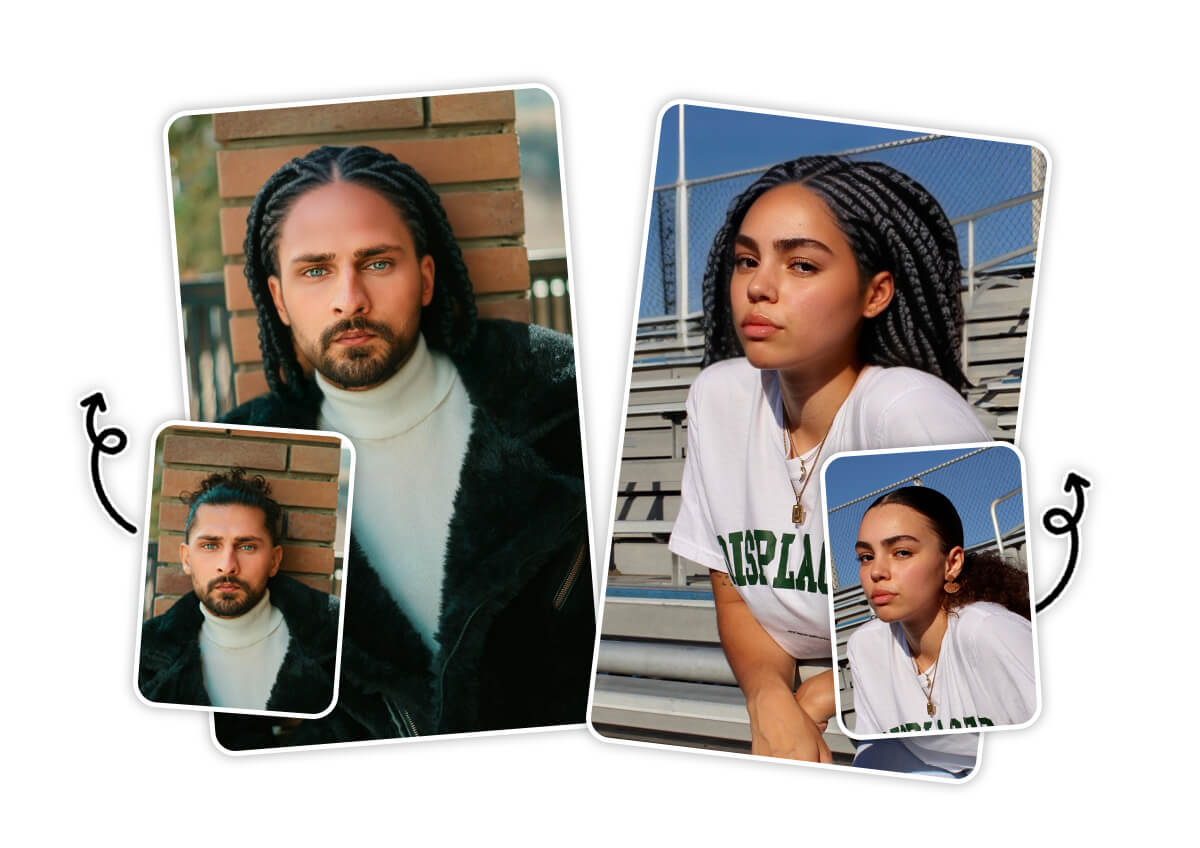
Curious what you’d look like with dreadlocks? With YouCam Online Editor’s advanced AI dreadlocks filter, you can instantly try on a variety of dreadlocks hairstyles with your photo. Our smart AI hairstyle try-on technology seamlessly blends the hairstyle for ultra-realistic results.
Try Virtual Dreadlocks on Any Hair Length
Whether your hair is buzzed short or flows with shoulder-length curls, our virtual dreadlocks filter works perfectly for all hair lengths. Powered by AI, the style adapts seamlessly to your photo, letting you see how long or short dreadlocks would look on you.
Dreadlocks Filter FAQs
What is a dreadlocks hairstyle?
Dreadlocks, or locs, are a hairstyle where hair strands are intentionally matted and locked into rope-like sections. This look can vary in size and texture and is often associated with cultural and personal expression.
Is there a dreadlocks filter?
Yes! A dreadlocks filter is a digital tool that lets you virtually try on different dreadlocks hairstyles. It shows you how locs would look on you without any permanent changes.
Does Snapchat have a dreadlocks filter?
Snapchat offers many hair filters, but availability can vary. While there are some loc-inspired filters, the variety and realism might be limited compared to specialized apps like YouCam Online Editor, which provides more detailed and personalized dreadlocks try-on options.
How do you know if locs are for you?
Considering dreadlocks is about your personal style and commitment. If you’re drawn to the look, ready for the maintenance, and appreciate the cultural significance, locs might be a great fit. Virtual try-on tools can help you visualize the style before making a decision.
How can I see what I will look like with dreadlocks?
The easiest way is to use an AI-powered dreadlocks filter like the one in YouCam Online Editor. Just upload your photo, and the tool will show you realistic dreadlocks styles tailored to your face shape and features.

