



Best Hair Color Filter: Free Virtual Hair Dye Try On Online
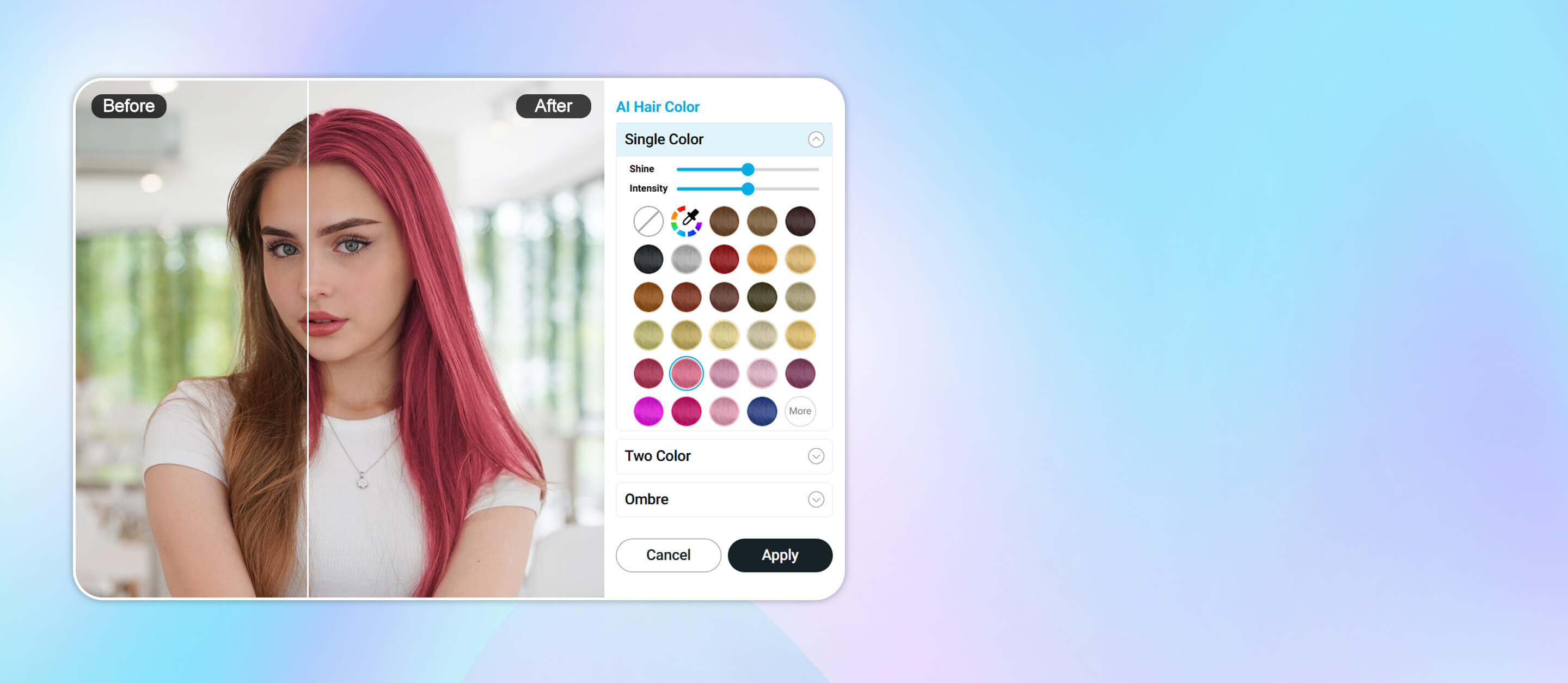
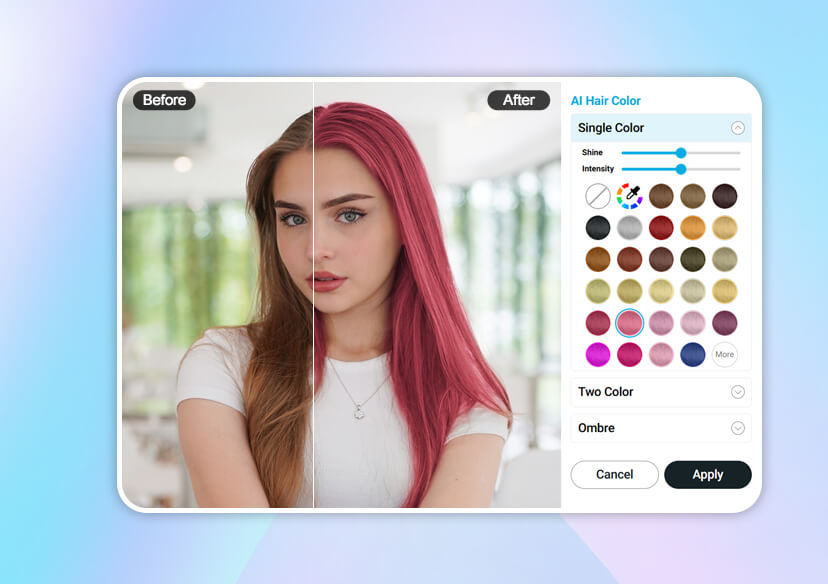
With YouCam Online Editor’s hair color filter, you can instantly transform your look with just one photo upload —totally free and 100% risk-free.





AI-Powered Hair Color Filter Precision
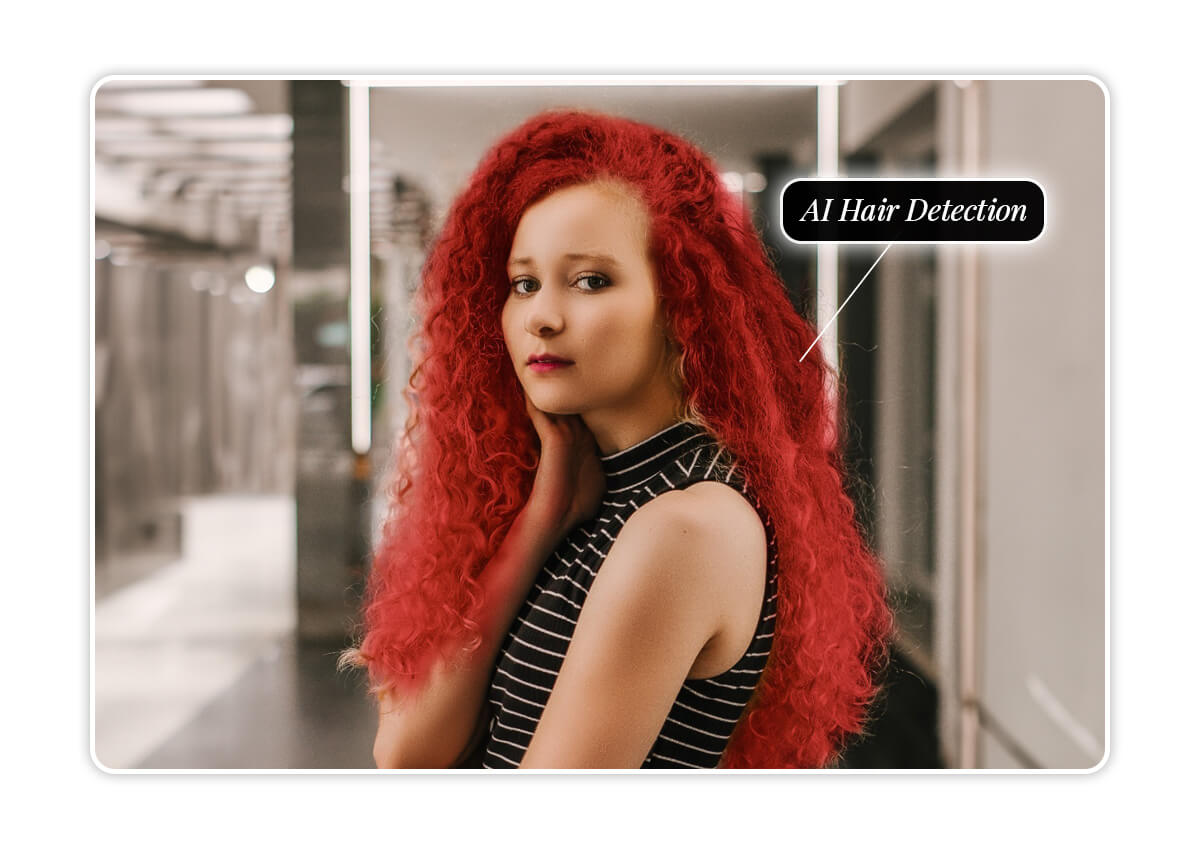
Our AI hair color changer detects your hair instantly and applies color flawlessly. No messy edges, fake-looking tones, or awkward blending. From fiery red to icy blonde, or subtle honey highlights—you’ll always see a natural, salon-quality preview.
Endless Hair Dye Try-On Options
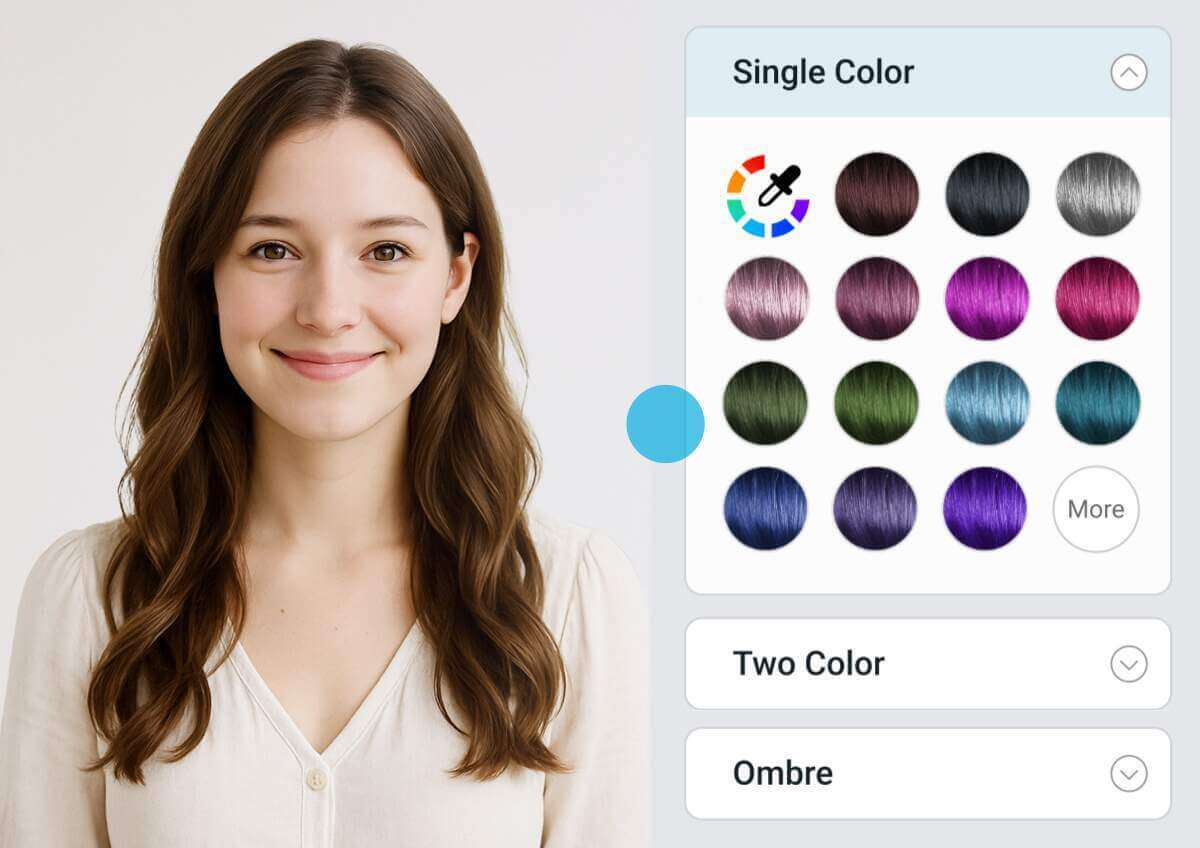
Ready to explore? Change your black hair into platinum, go brunette with caramel highlights, or try rose gold for a playful pop. With a massive palette of shades, there’s no limit to your creativity.
Real-Time Hair Dye Try On Preview
No waiting, no guessing. Once you upload your photo, every change appears in real time. This means you can tweak, compare, and fall in love with your new style instantly. From filling in thin areas to smoothing stray hairs, YouCam delivers an ultra-polished finish.
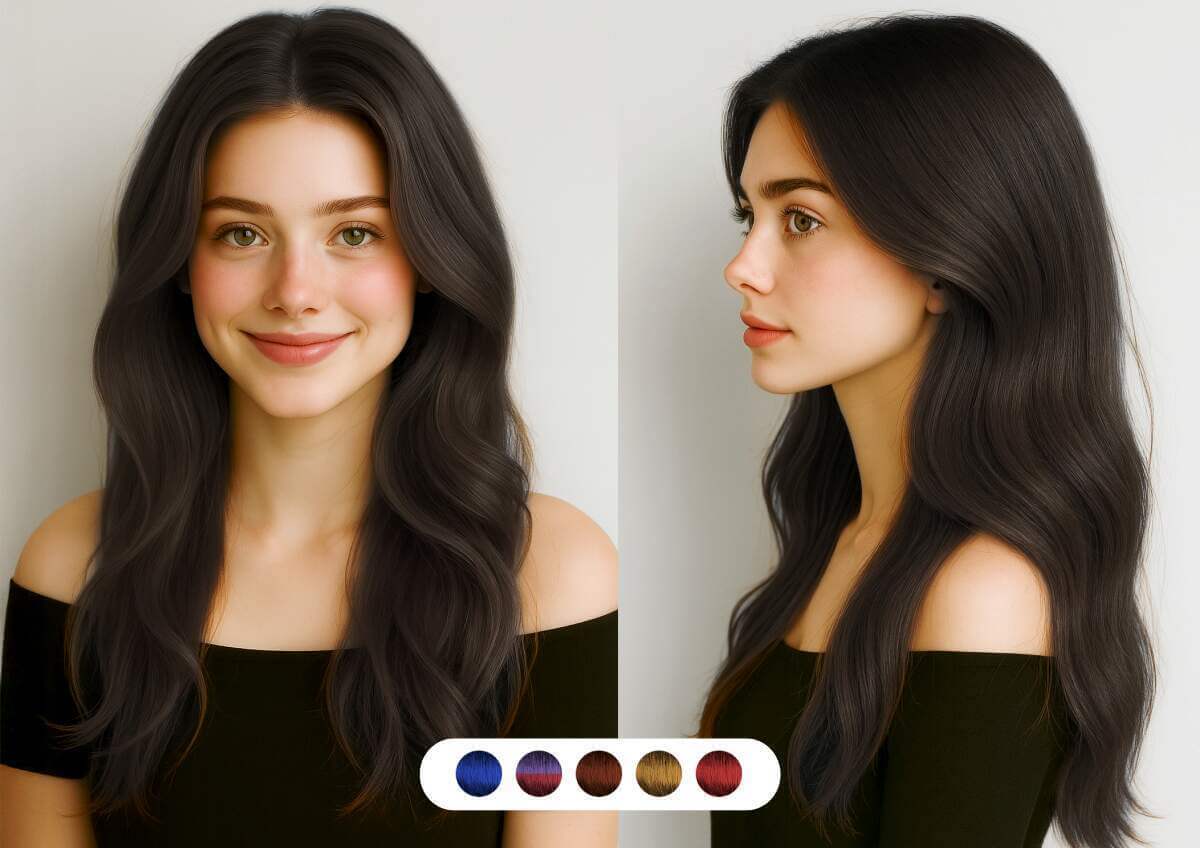
Ultimate AI Hairstyle & Hair Color Filter
Beyond color swaps, the tool also works as an AI hairstyle changer, letting you preview different styles before your next haircut. Bring your look to life without stepping into a salon.
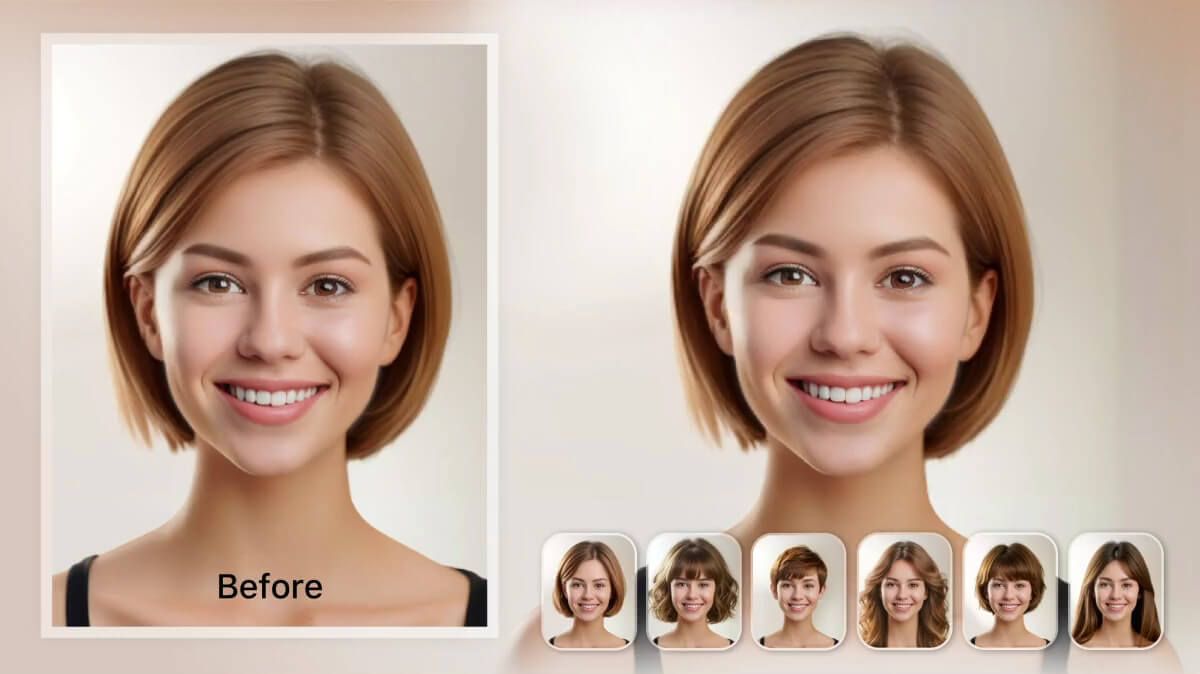
How to Try the Hair Color Filter Online
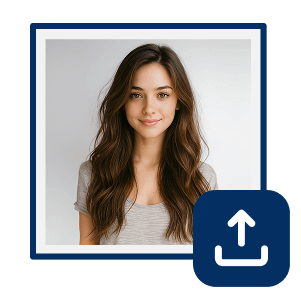
Upload Your Photo
Choose your favorite selfie or portrait.

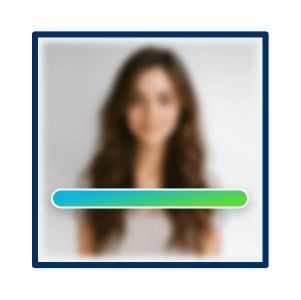
Let AI Detect Your Hair
The hair color filter automatically identifies hair edges with precision.
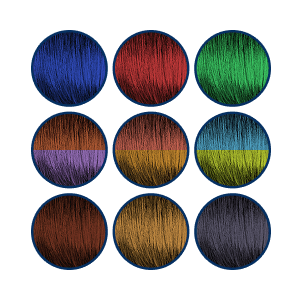
Pick Your Dream Hair Color
Explore the spectrum and click to preview.
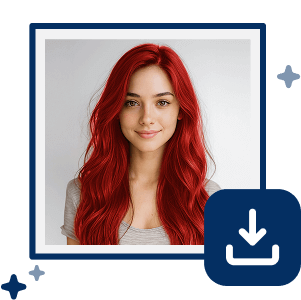
Preview & Save
Download your new look or share it instantly.
Hair Color Filter FAQs
Is there a filter that changes your hair color?
Yes. YouCam Online Editor’s hair color filter lets you digitally change your hair color in seconds—realistic, free, and fun.
How to see what a hair color looks like on you?
Simply upload a photo to YouCam Online Editor and try on different shades virtually with the instant AI preview.
What is the best free hair color filter?
YouCam Online Editor’s AI hair dye try on is ranked as one of the most accurate, easy-to-use, and free online tools.
Can I change my hair color on a photo?
Absolutely. Upload any photo to YouCam Online Editor and transform your hair color instantly.
What are the benefits of using a hair color filter?
Experiment freely, save time and money, preview shades before committing, and boost your confidence—all without risk.

