





Restore Old Photos Online Free
Restore old photos instantly with our AI photoration tool that automatically corrects colors, enhances resolution, and repairs scratches and damages to bring your cherished memories back to life in stunning clarity and vibrant detail.

Top 4 Features of AI Photo Restoration
- Pro-Grade Color Fixes: Auto-adjust brightness and saturation while removing color casts for vibrant photo restoration.
- 4K Quality Upscaling: Boost resolution up to 4K, reducing noise and blur for clear old photo restoration.
- Seamless AI Restoration: Quickly repair scratches, tears, and missing parts with advanced ai photo restoration.
- One-Click Instant Preview: Upload and view restored photos instantly with side-by-side comparison, simplifying photo restoration.
Explore more features & use cases: AI Colorize, Color Correction, AI Photo Restoration, Recolor Image
Explore 12 typical situations where professional old photo restoration can revive and enhance your cherished memories with ease and precision.

Vintage Family Portrait Colorization
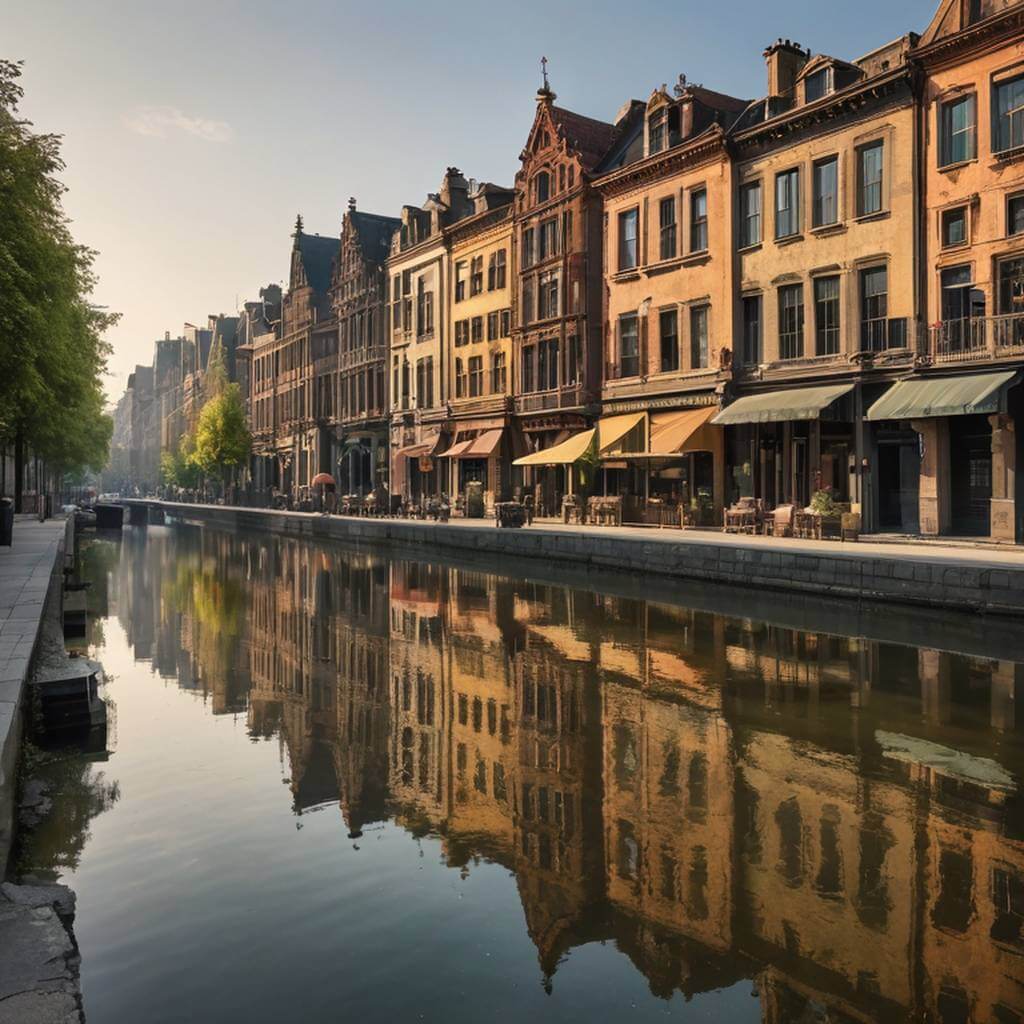
Tear and Crease Repair
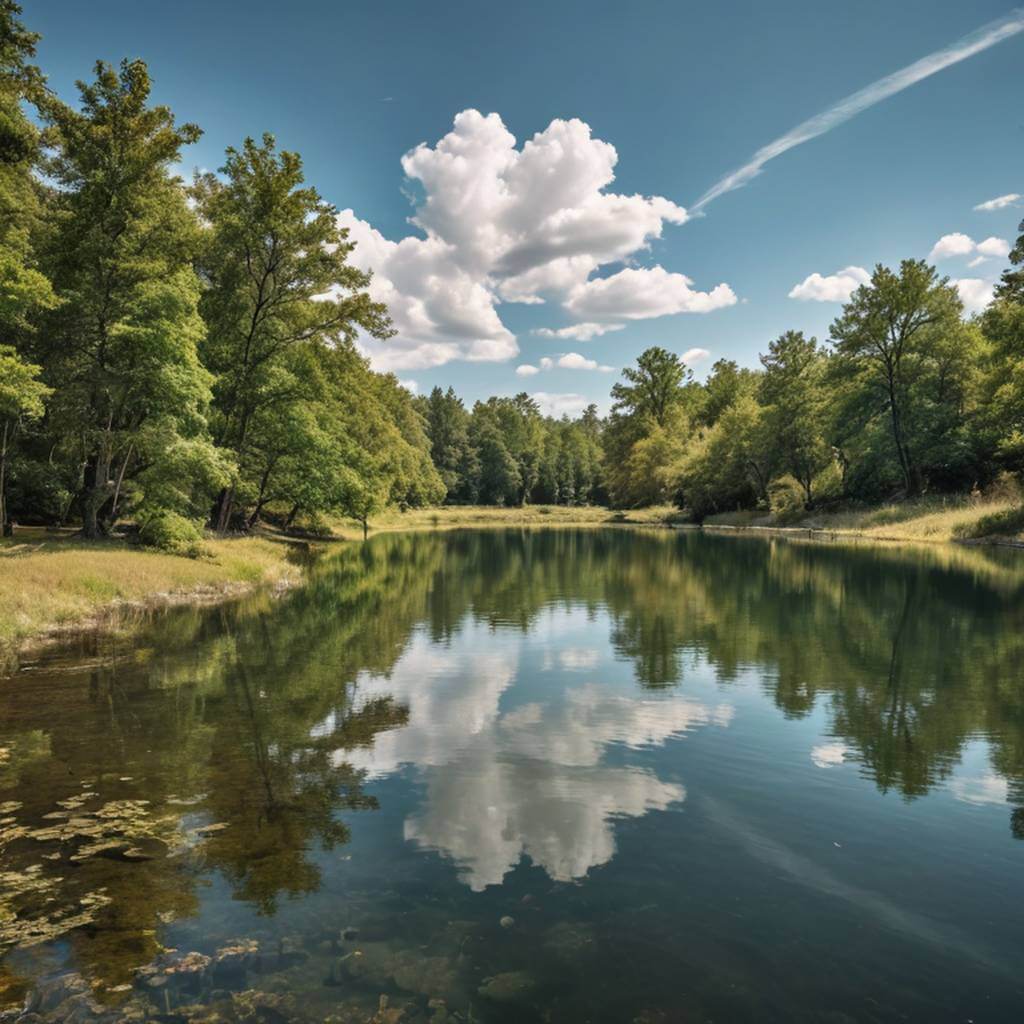
Water Stain and Mold Removal

Scratch and Surface Blemish Correction

Crack Reconstruction

Yellowing and Discoloration Correction

Grainy Portrait Denoising and Sharpening
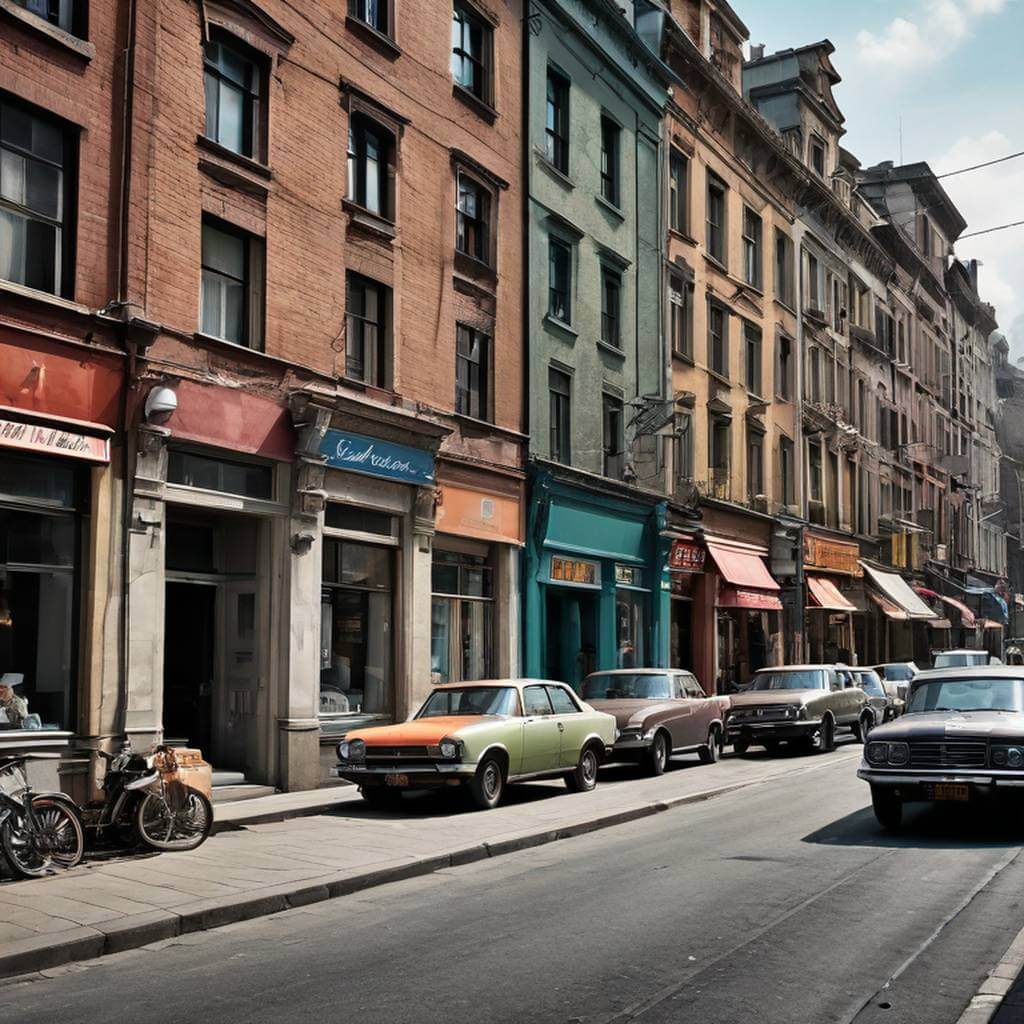
Corrupted Digital Photo Recovery
Faded Graduation Photo Enhancement
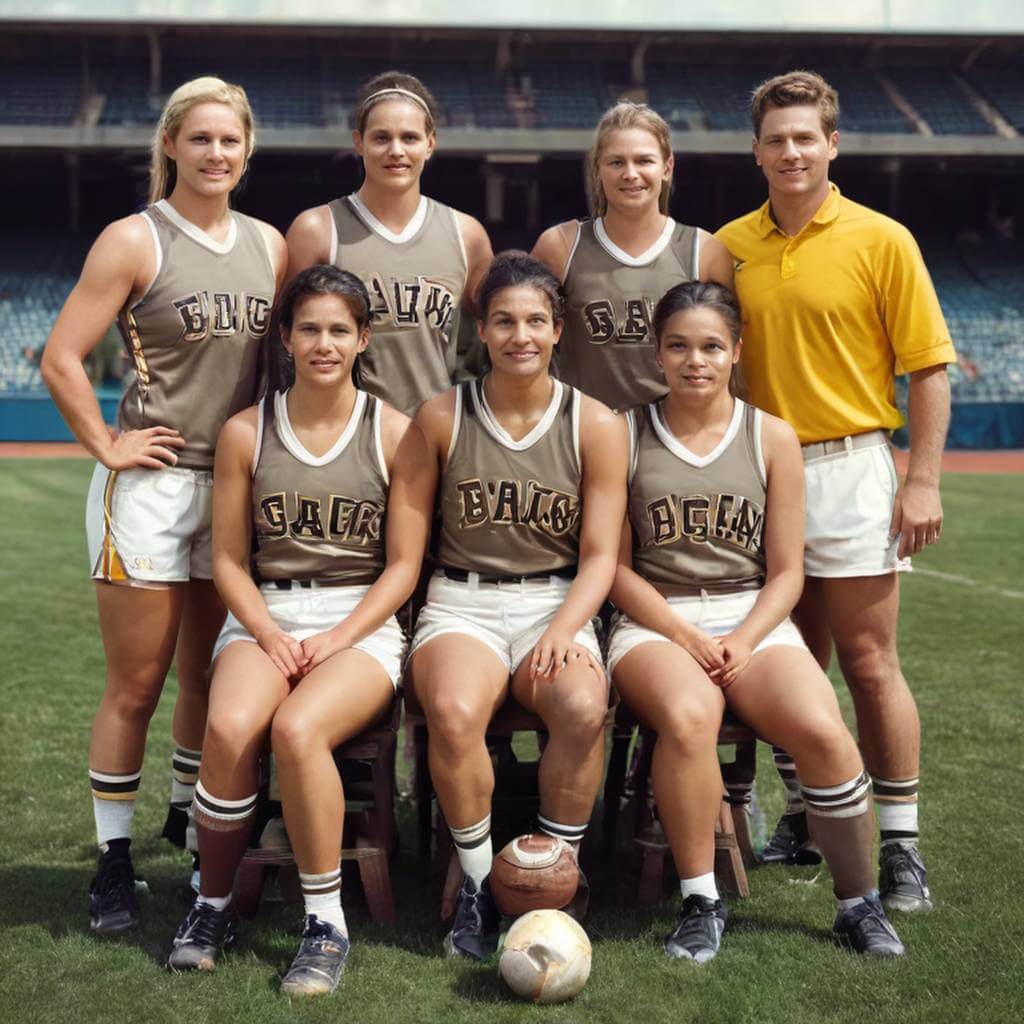
Historical Artifact Removal

Low-Resolution Photo Upscaling

Fire and Smoke Damage Restoration
Effortlessly Restore Your Old Photos Online Free!
Easily restore old photos with our AI-powered tool that quickly corrects faded colors and enhances vibrancy. Bring your photos back to life with natural, balanced tones and improved clarity—all in stunning 4K resolution and free to use. Perfect for old photo restoration and color correction to revive your cherished memories.

Upload Your Photo
Go to the YouCam Online Editor and upload your old photo. The supported file formats are JPG, JPEG, PNG, TIFF, and GIF.


Wait for AI Photo restoration
The editor's AI will automatically scan your photo, restore faded colors, and bring the image back to life with photo repair.

Download Your Restored Photos
Once you are happy with the result, click the "Download" button to save your beautifully restored photo.

Why Restore and Revitalize Old Photos?
Preserving Family Memories
Families use photo restoration to bring back the original charm of treasured heirloom photos—removing scratches, repairing tears, and colorizing black-and-white images—to preserve emotional stories and legacies for future generations with breathtaking realism.
Restoring Historical Photos
Museums and archivists revive fragile, century-old photographs by restoring lost details and enhancing colors, enabling immersive exhibitions that let visitors experience history vividly and authentically through expert picture restoration.
Enhancing Visual Storytelling
Marketers and content creators transform vintage or damaged photos into eye-catching visuals with ai photo restoration and color correction, crafting compelling narratives and nostalgic branding that resonate emotionally and stand out on digital platforms.
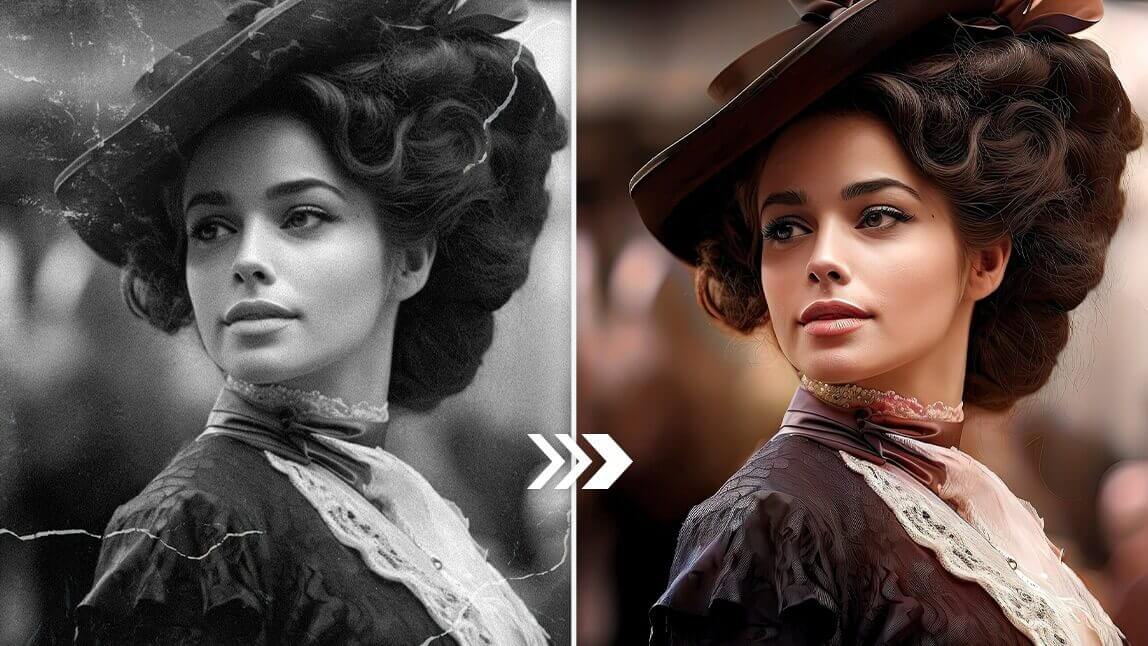
Creating Personalized Photo Gifts
Artists and individuals use photo repair and old photo restoration to create personalized artworks, photo books, or digital keepsakes by enhancing and recoloring old photos, blending nostalgia with modern aesthetics for unforgettable presents or portfolio pieces.
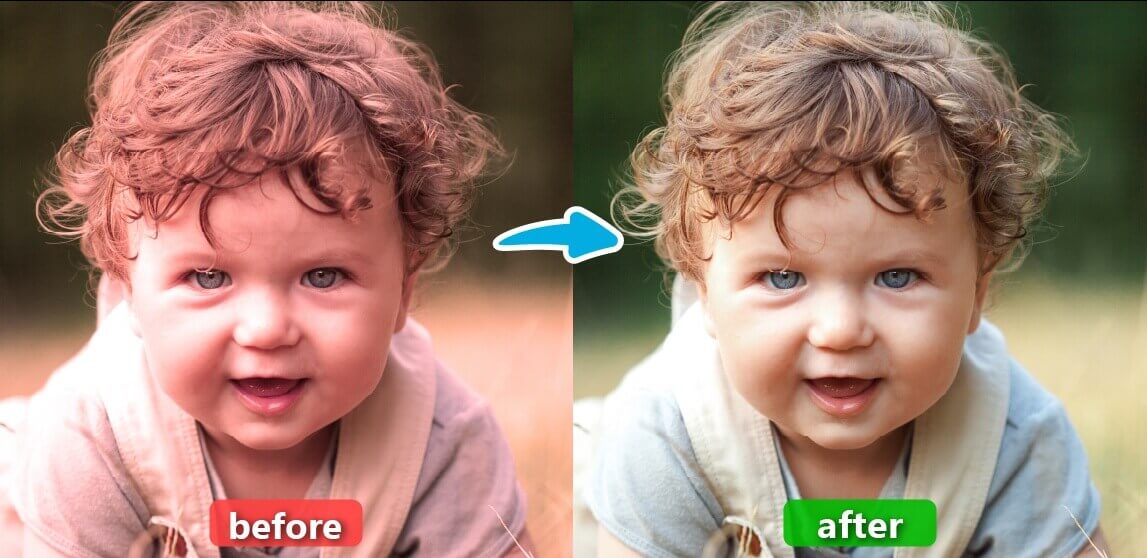
Restore Old Photos FAQs
How do I restore old photos on iPhone?
Upload your old photo to YouCam Online Editor via the web. Use the photo restoration feature to automatically enhance your image by applying color correction for faded or black-and-white photos, upscaling for sharper resolution, and fixing scratches or blemishes.
You can further refine the image with the Object Removal tool to eliminate imperfections. Once edited, save the restored photo directly to your iPhone.
What if my restored old photo still looks blurry?
If the photo remains blurry after restoration, try using Photo Enhancer again to further sharpen and denoise the image.
YouCam’s advanced AI photo restoration algorithms improve resolution up to 4K and reduce noise, but if the original photo is of extremely low quality, some blur may persist. Multiple enhancement passes or combining with other editing tools can help improve clarity.
Can YouCam Online Editor fix scratches or damage on old photos?
Yes. The AI Object Removal feature intelligently detects scratches, tears, and spots on your photo.
By brushing over damaged areas and selecting "Remove," the AI automatically repairs imperfections, restoring a smooth and clean appearance without visible traces, making it a reliable photo restorer.

