






Unpixelate Images Online for Free
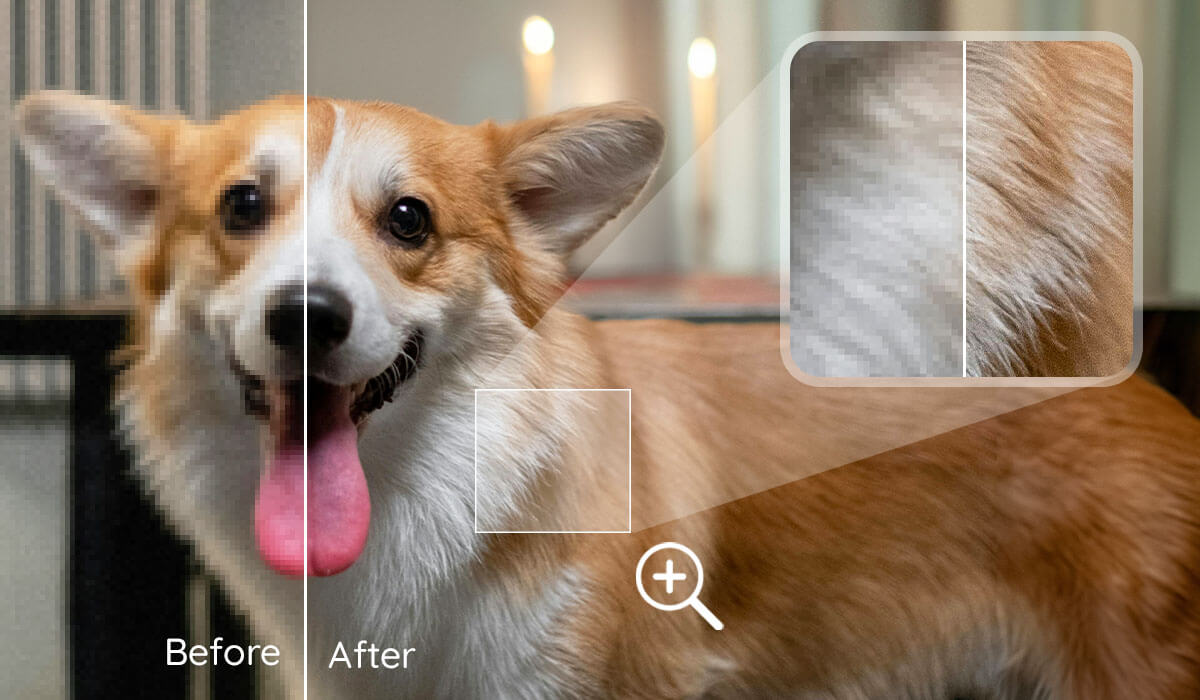
Fix pixelated images instantly with YouCam Online Editor’s free AI Image Depixelizer. Upload your photo and enjoy sharp, high-res results in seconds. Sign up now to get 5 free credits for downloading watermark-free images!

Amazing Features of YouCam Image Depixelizer
- Instant 4K Upscaling – Quickly turn blurry photos into sharp 4K images.
- Detail-Preserving AI – Adds pixels while keeping textures natural and clear.
- Supports All Popular Formats – Works with JPG, PNG, TIFF, and GIF for broad compatibility.
- Batch Processing – Enhance up to 50 images at once for fast results.
Explore more use cases: Unblur Image, Sharpen Image, Increase Image Resolution, HD Photo Converter.
How to Unpixelate an Image Using AI Image Depixelizer

Upload Your Image
Drag and drop or select your image file (JPG, PNG, TIFF, GIF) to get started instantly.


Pick Your Upscale Level
Choose up to 4x resolution to enhance your images to stunning 4K while preserving every detail. Our smart AI sharpens, reduces noise, and fills in missing pixels for clearer, richer photos.

Download Your High-Resolution Image
Grab your enhanced high-res image, ready to print, share, or edit further.

Forget complex editing!
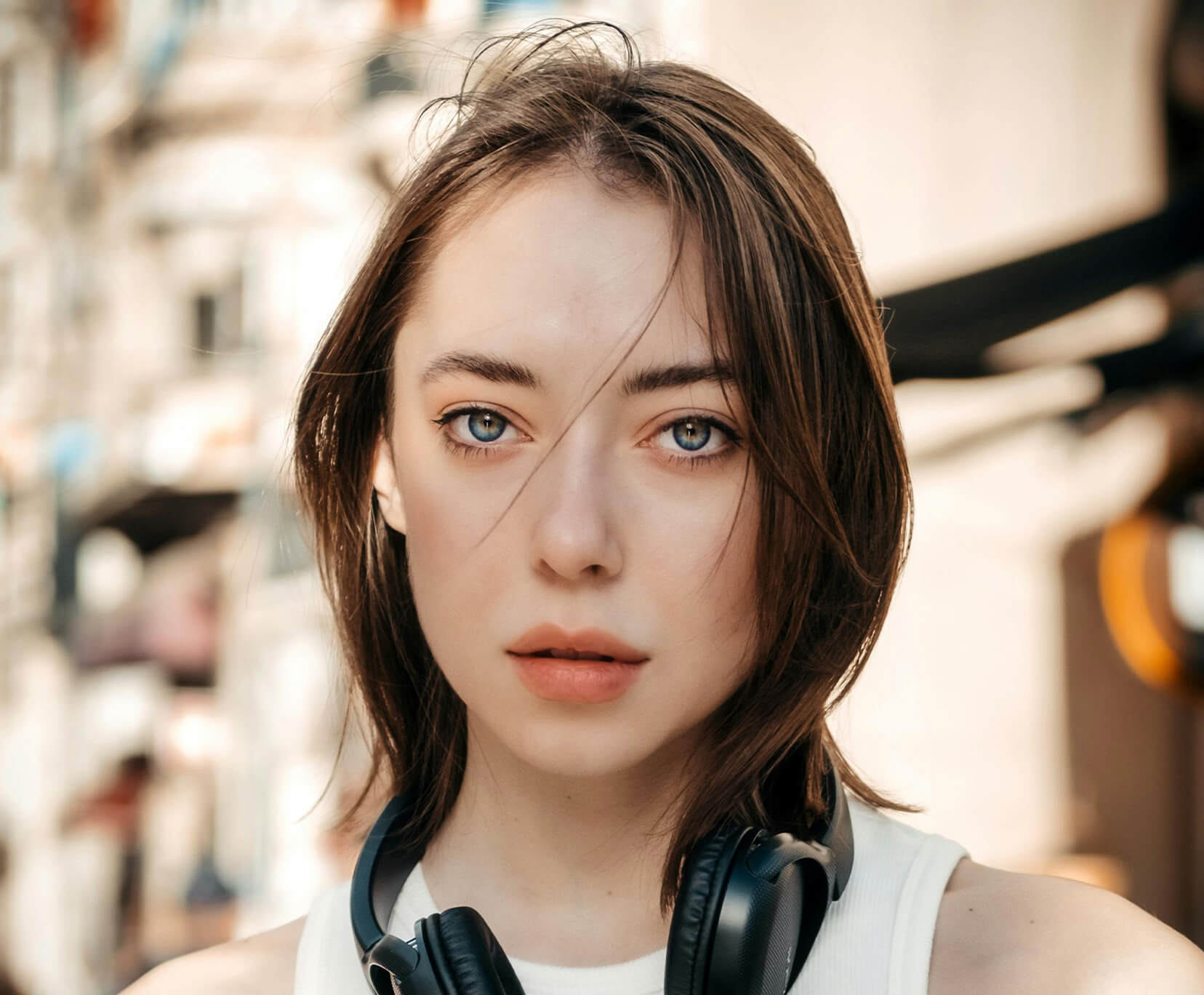
Enhancing Street Photo Booth Downloads
When you take photos at a street photo booth, the QR code provides a digital file that often looks pixelated when enlarged. AI depixelizer restores sharpness and detail for better quality keepsakes.
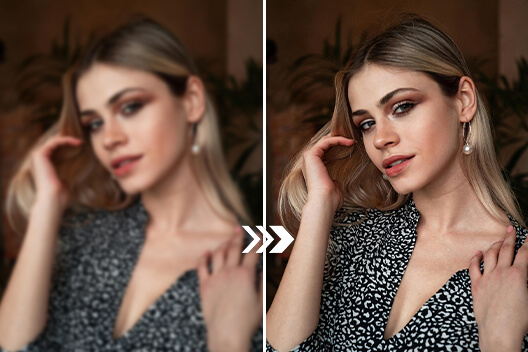
Perfecting Social Media or Dating Profile Photos
After group or friend photos, you might find one ideal for your social or dating profile but with low resolution. Unpixelating makes your face clear and appealing for online presentation.
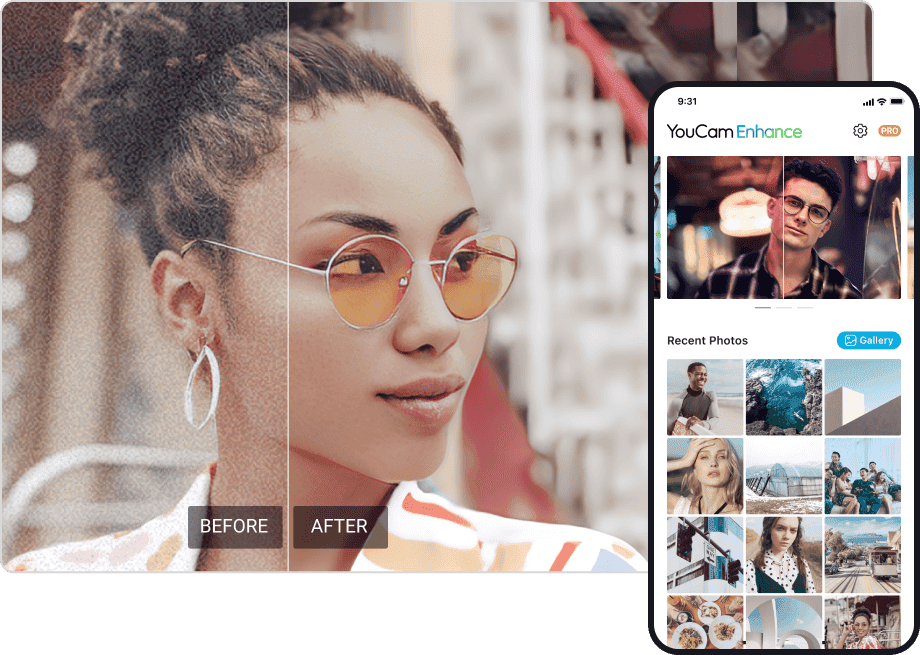
Improving Images for School Projects
Students often use low-resolution or pixelated images in presentations and reports. AI depixelizers sharpen and upscale these images, making visuals clearer and more professional-looking for better impact.
Clarifying Casual Snapshots or Screenshots
Low-resolution casual photos or screenshots can be transformed into crisp, shareable, and printable images without quality loss through AI unpixelation.
Clarifying Images for Airbnb Listings
Hosts often use basic cameras or phones, resulting in pixelated or dull photos. AI depixelizers enhance clarity and detail, making listings more attractive and boosting booking potential.

Enhancing Scenic Images for Illustrator Artists
Illustrators using scenic photos as painting bases often face detail loss with low-res images. YouCam Online Editor’s AI depixelizer sharpens and upscales photos, preserving textures and clarity for high-quality references ideal for digital artwork.
Image Depixelizer: FAQs for Unlocking Better Image Resolution
Can I unpixelate the image?
Yes, YouCam Online Editor’s Image Depixelizer uses advanced AI to unpixelate, sharpen, and upscale images up to 4K resolution, restoring clarity to pixelated or blurry photos with a single click.
How to convert a pixelated image to HD?
Simply upload your pixelated image to YouCam Online Editor’s Image Depixelizer, select the upscale option (up to 4x), and the AI will enhance resolution and details to produce an HD-quality photo.
How do I unpixelate words from a picture?
Upload your image to YouCam Online Editor’s Image Depixelizer, and its AI will analyze and sharpen text areas, reduce noise, and improve readability, making pixelated words clear and crisp.
How to unpixelate pictures on iPhone?
Download the YouCam Enhance app from the App Store or Google Play Store, upload your pixelated photo, and use the AI depixelization tools to automatically unpixelate, denoise, and sharpen images directly on your iPhone.
How do I remove marks from a screenshot?
YouCam Online Editor includes AI-powered watermark and object removal tools that can seamlessly erase unwanted marks or blemishes from screenshots or photos, restoring a clean image.

