
API Images: Create Visuals with One Call
Turn a text prompt or a reference photo into a high-resolution image with the YouCam AI Image Generator API. Up to 3K output, five aspect ratios, async tasks and clean JSON responses for apps, stores and creative tools.
How to Use the Images API in 3 Steps
From API key to finished image in minutes, with no model training and no GPU setup.

Sign in to the YouCam API Console and create a key. Add it to your request header as a Bearer token.

POST a text-to-image or image-to-image task with your prompt, optional negative prompt and target size. The API returns a task ID right away.

Check the task status until it reports success, then download the high-resolution image URL from the JSON response and store it.
What Is an Images API?
An images API lets your product create or change pictures through simple HTTP requests instead of a design tool. Most "images API" docs only store and list files. The YouCam API goes further and actually generates the image for you.
- Send a prompt or a reference image, get a finished visual back
- Standard RESTful endpoints with Bearer token authentication
- Async task flow: create a task, then poll status or receive the result
- Full commercial rights to generated images
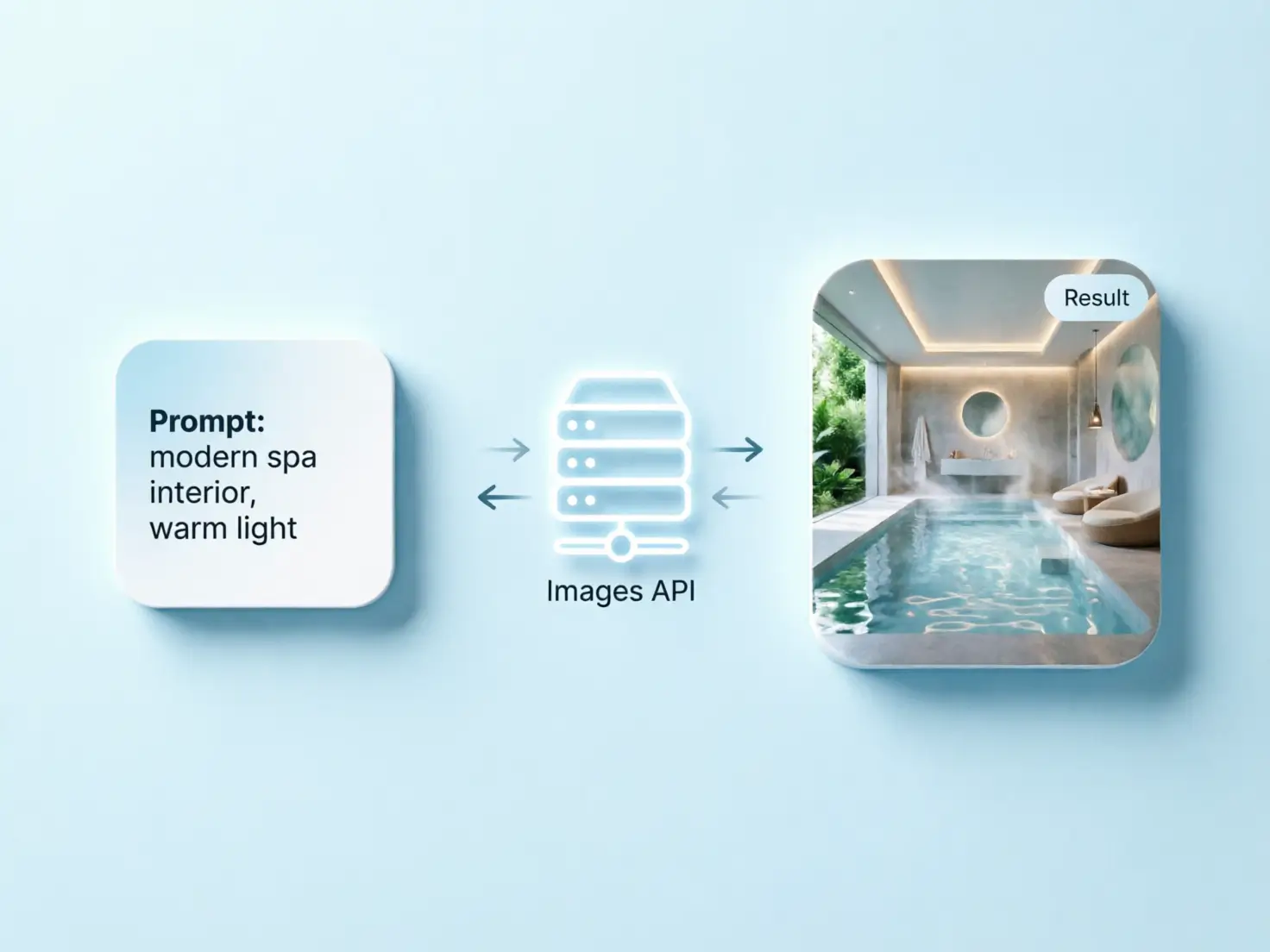
Text to Image in Seconds
Describe the shot and the API renders it. Add a negative prompt to keep unwanted elements out, or switch on prompt extension so short prompts become detailed scenes automatically.
- High-resolution output up to 3K
- Negative prompts and smart prompt extension
- Five aspect ratios including 16:9, 1:1 and 3:4
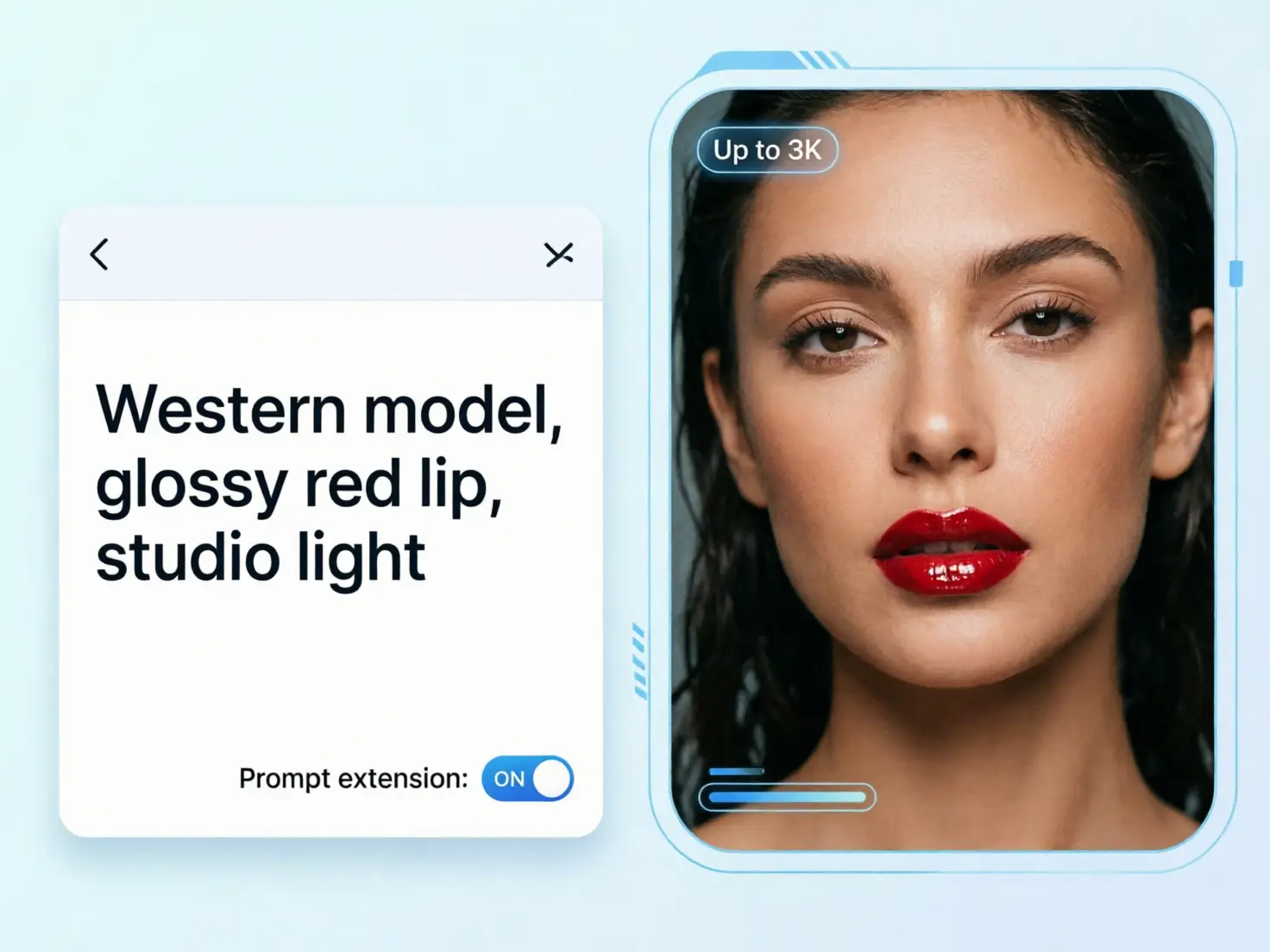
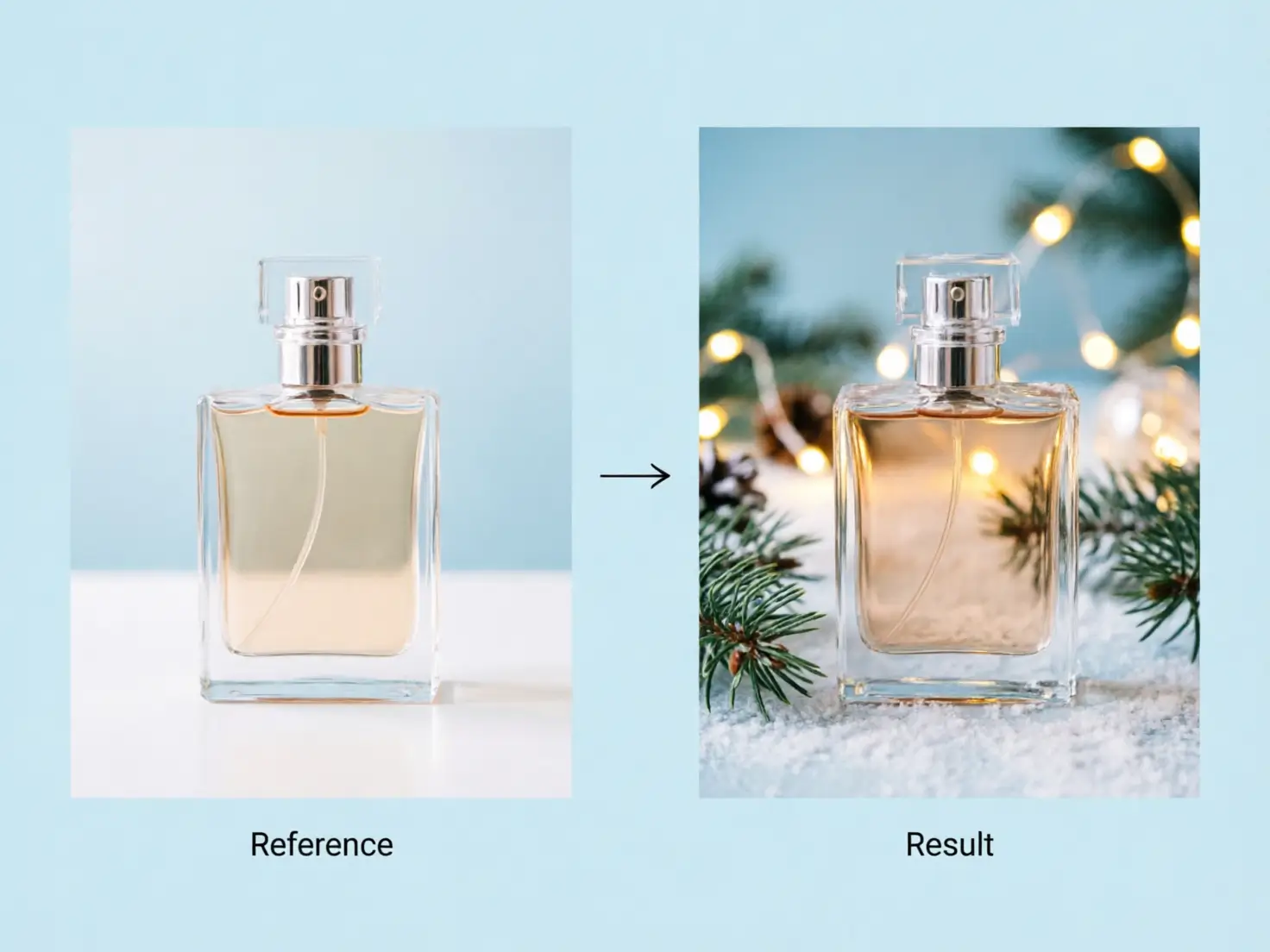
Image to Image With a Reference
Already have a product shot or a mood board? Upload it as a reference and let the model restyle it while keeping the composition you like. Perfect for seasonal refreshes and on-brand variations.
- Keep layout, change style, scene or season
- Great for product photos and campaign variations
- Pairs with File API uploads for large batches
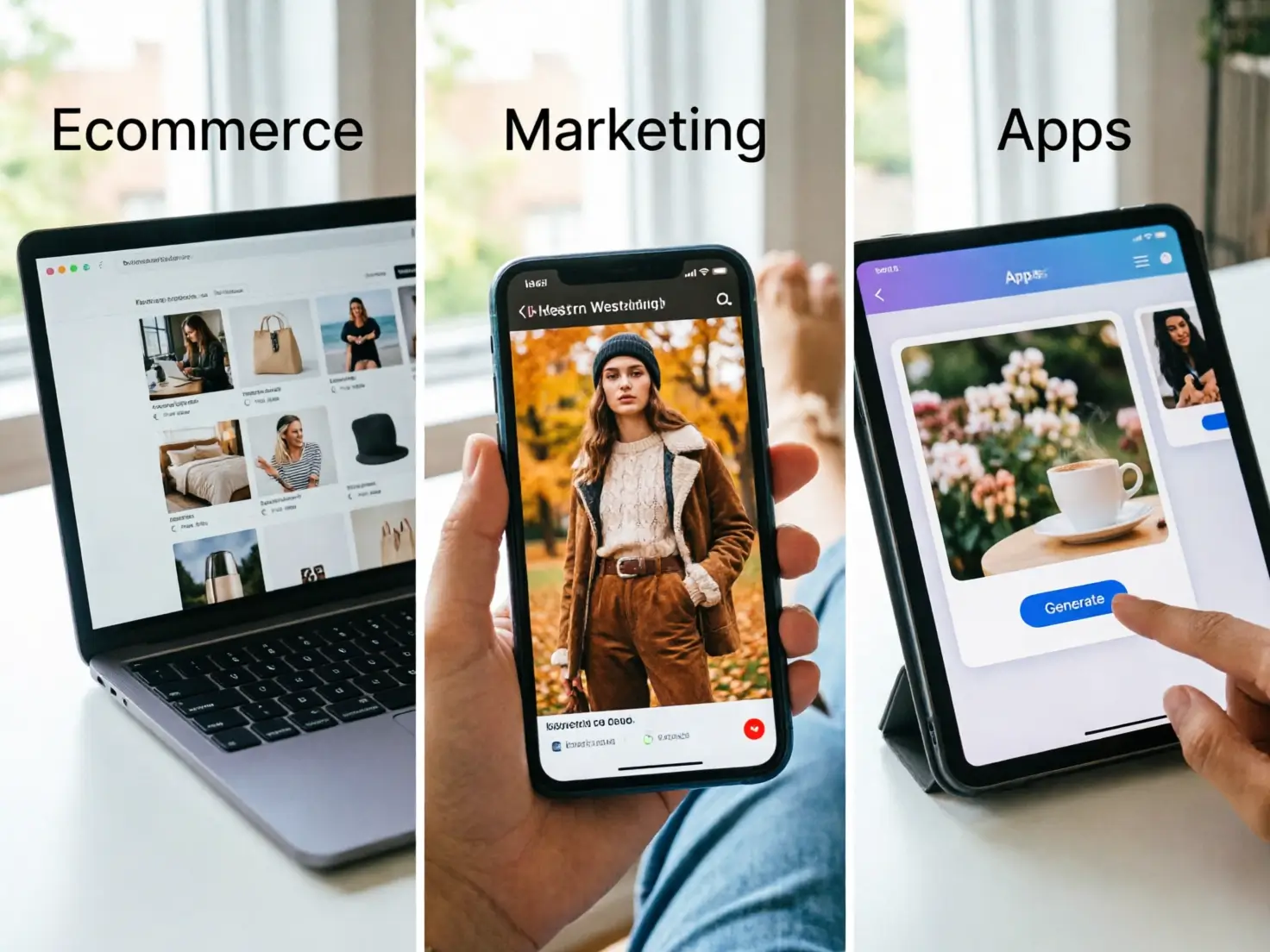
Images for Every Team
One endpoint feeds many workflows. Ecommerce teams fill catalogs, marketers ship campaign visuals faster and app builders give users a creative feature they will actually open.
- Ecommerce: product, lifestyle and seasonal banner images
- Marketing: ad creatives, blog thumbnails and landing page art
- Apps and games: concept art, backgrounds and in-app creation tools
Generate, Then Polish in the Same API
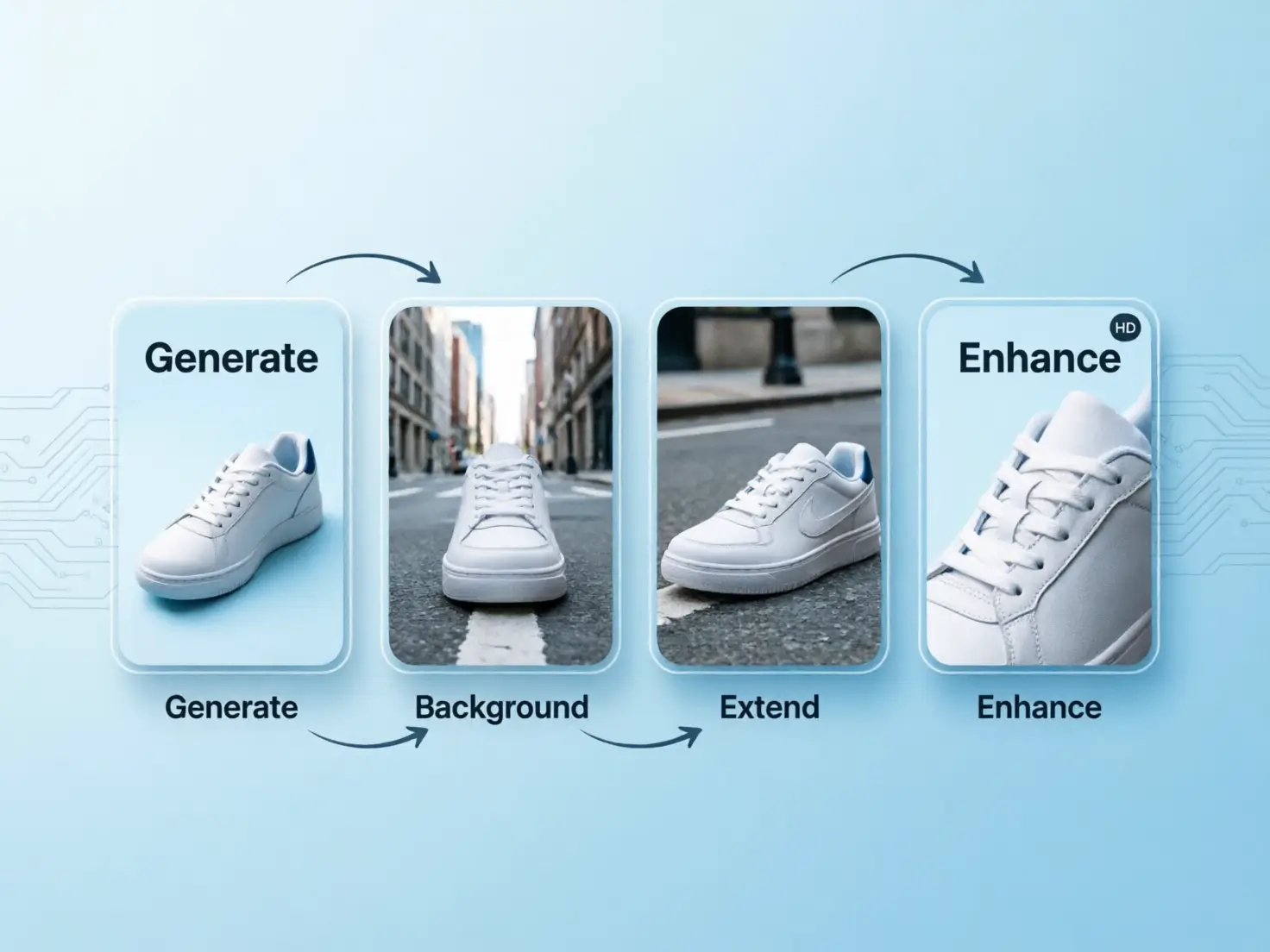
Generation is step one. The same API key also unlocks editing endpoints, so you can remove a background, extend the canvas or enhance resolution without adding another vendor.
- Chain generation with background change, image extender and photo enhance
- One key, one console, one unit balance
- See the full editing toolkit on the Image Editor API page
Built for Developers and AI Agents
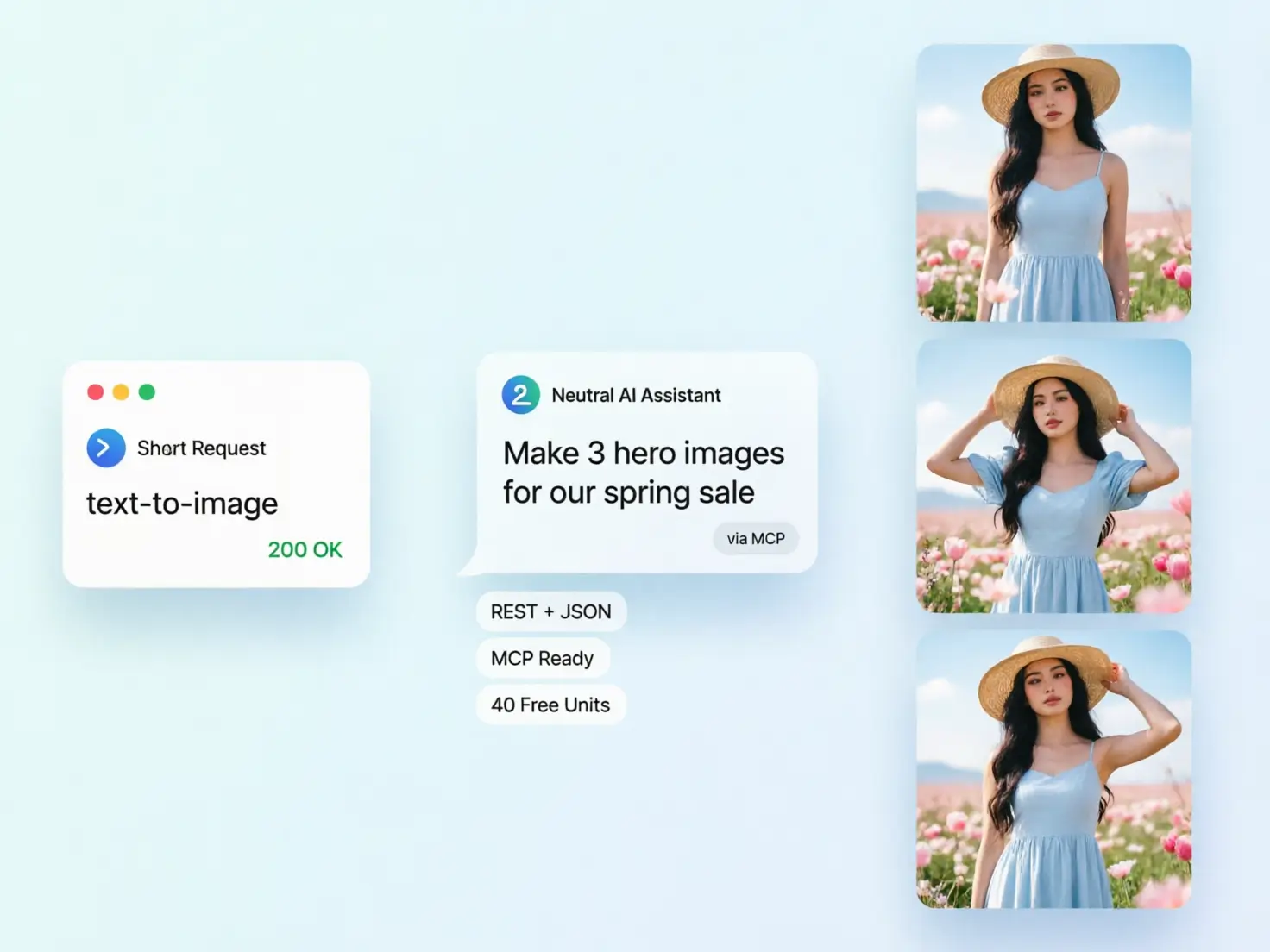
Ship with the stack you already use. Code samples cover cURL, Python, Node.js, PHP, Java and Flutter, and the YouCam MCP servers and Agent Skills let coding agents call image tools from a plain English request.
- Swagger style docs with copy-ready snippets
- MCP servers and Agent Skills for AI assistants and IDEs
- Pay as you go with 40 free trial units to start
Expand Your Integration: More YouCam Image APIs
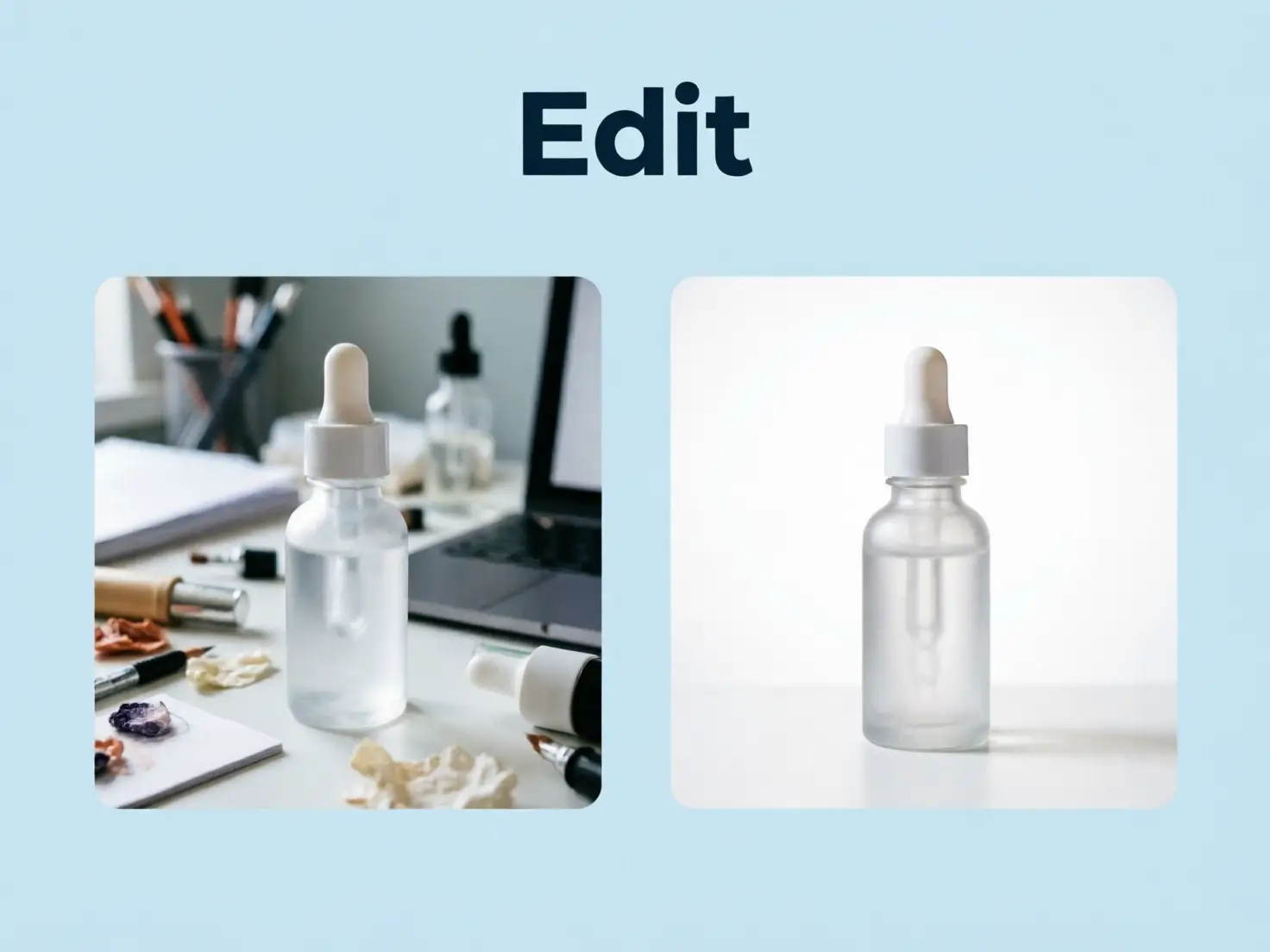
Remove or change backgrounds, erase objects, relight and colorize photos through one editing toolkit.
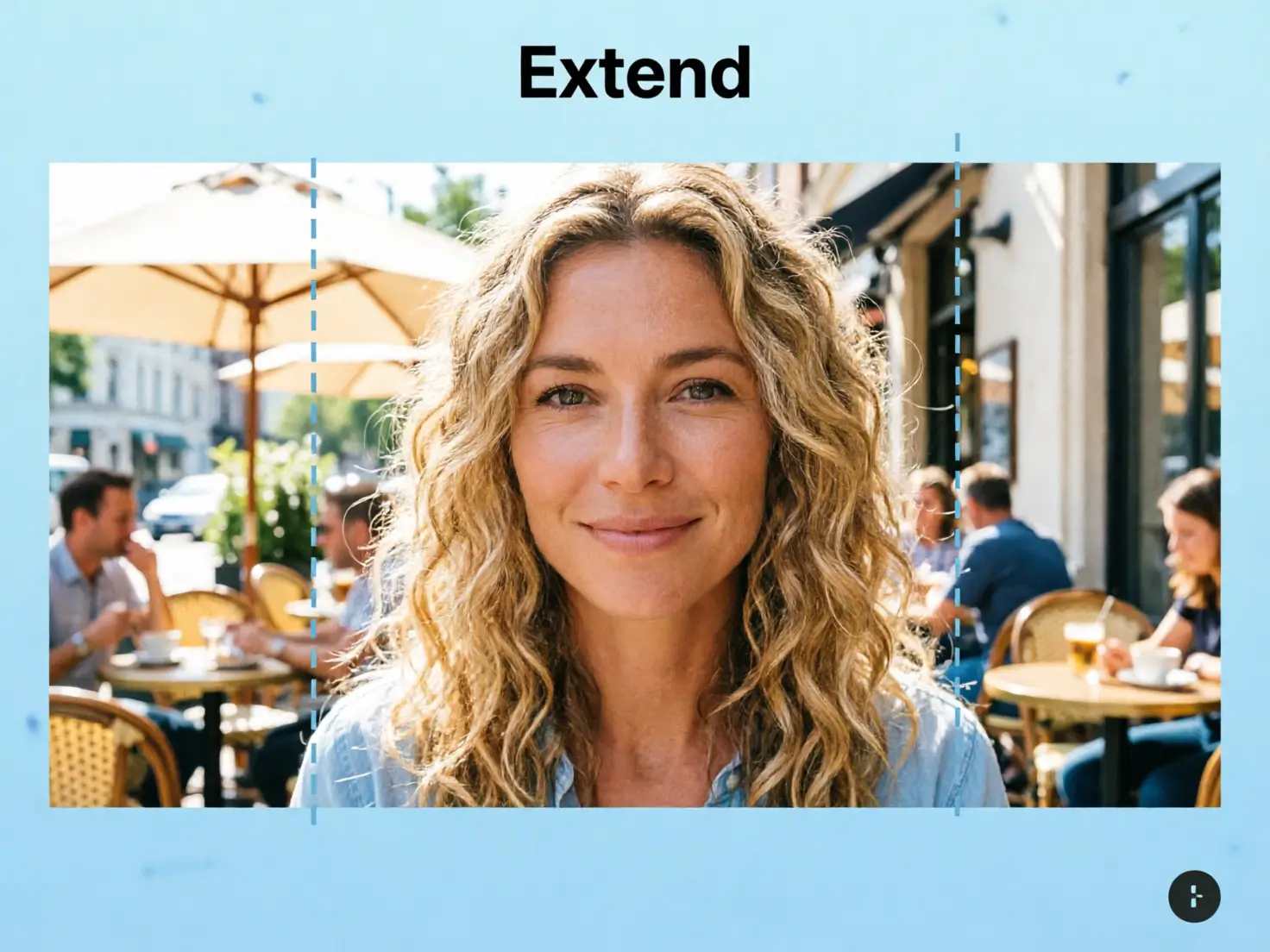
Expand any image beyond its borders to fit banners, stories and wide layouts without awkward crops.
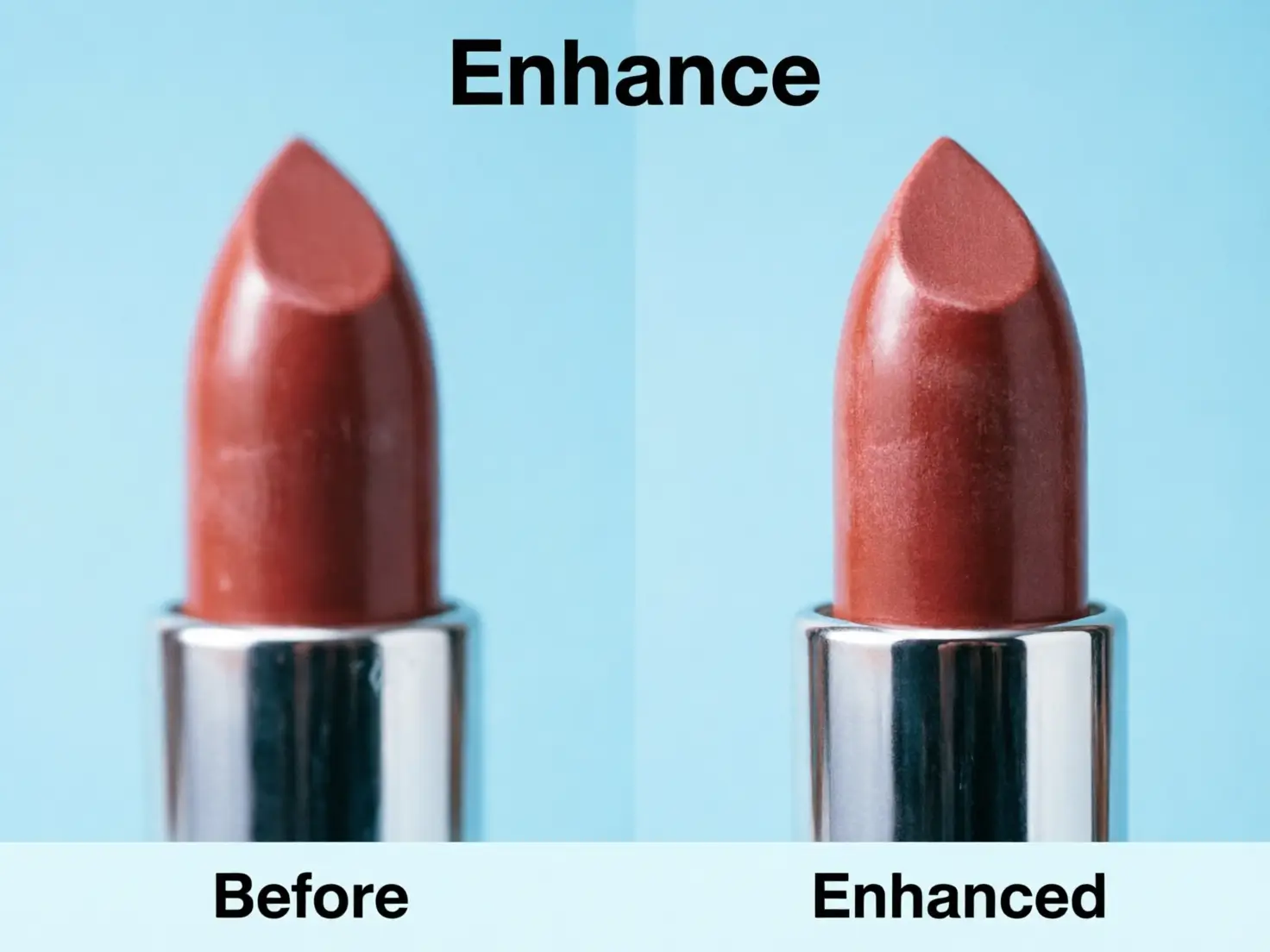
Upscale and sharpen generated or user photos for print, retina screens and product zoom.