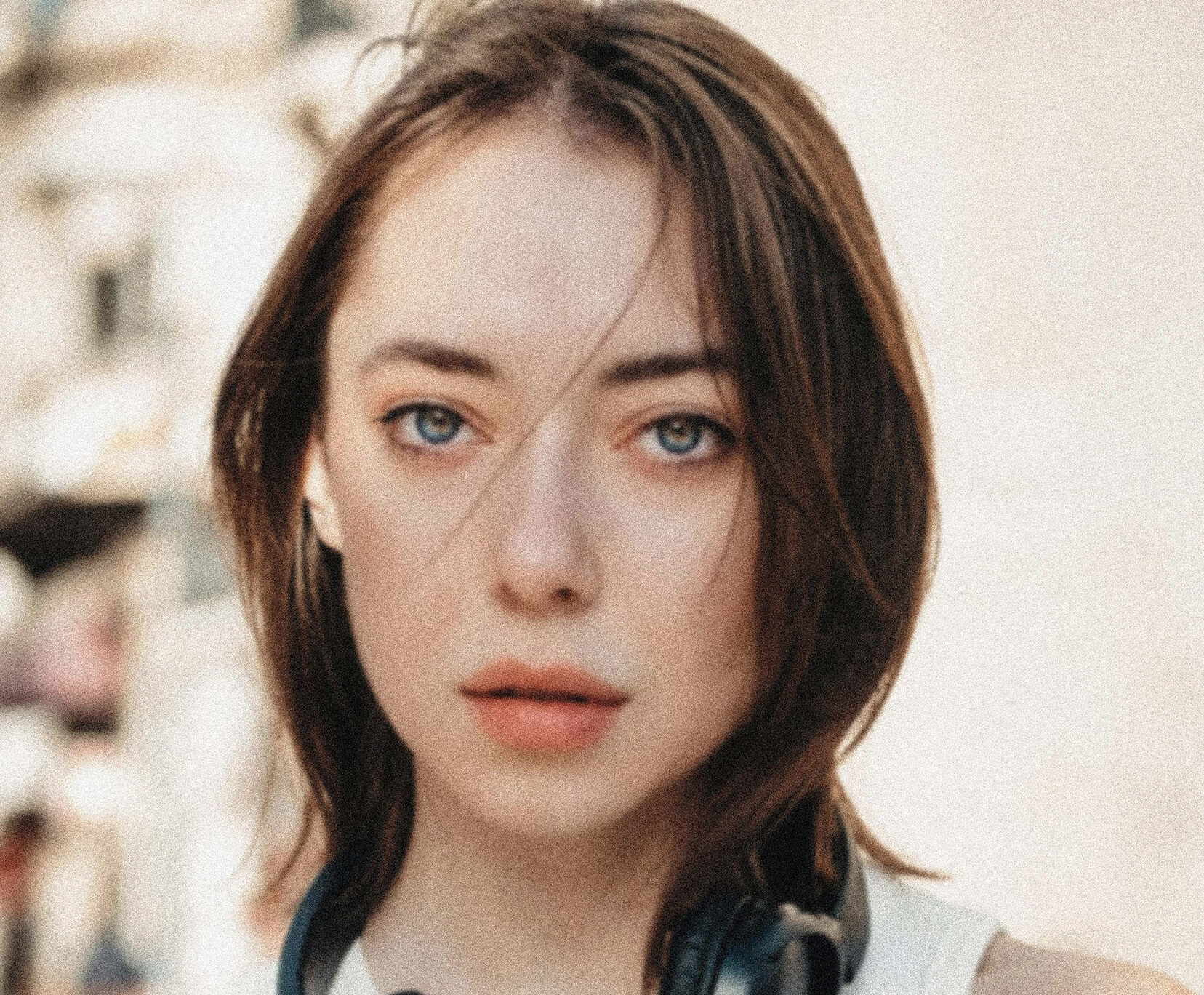






Sharpen your Photos Online for Free
Fix blurry, low-resolution photos with YouCam’s AI Image Sharpener. Get clear photos and uncover details in just a few clicks. Sign up now for 5 free credits.





Online AI Photo Clearer and Image Sharpener
Bring the best out of your visuals and photos with the online AI Photo Sharpener by YouCam:
- Instant image sharpening: Make your images clearer with one click in seconds.
- Automatic image clarification: No need for professional skills and to brush over again.
The AI tool automatically enhances the resolution of your photos. Reach a new level of vibrance and detail.
Explore more use cases: AI Photo Enhance, Unblur Image, Inccrease Image Resolution, Unpixelate Image, 4K Photo Converter.

How to Sharpen an Image Online?
Sharpening an image with YouCam's AI Image Sharpener in three simple steps:

Upload Image to AI Image Sharpener
Get started by uploading the image you want to correct color.(Supported formats: JPG, JPEG, PNG, TIFF, and GIF)

AI Sharpens Image
Once your image is uploaded, the AI begins analyzing and sharpening your picture. The process is fully automated, ensuring that even the most pixelated photos can be improved with precision.

Preview & Download
After the AI Image Sharpener sharpens the image, you'll have the option to preview the changes. If satisfied, simply download the newly sharpened image to your device.
Fix Pixelated Pictures in One Click
Say goodbye to low-quality and blurry photos. With a single button, the YouCam AI Image Sharpener transforms your photos into brilliant images with vibrant colors, stunning sharpness, and crisp details while keeping a natural look to them.
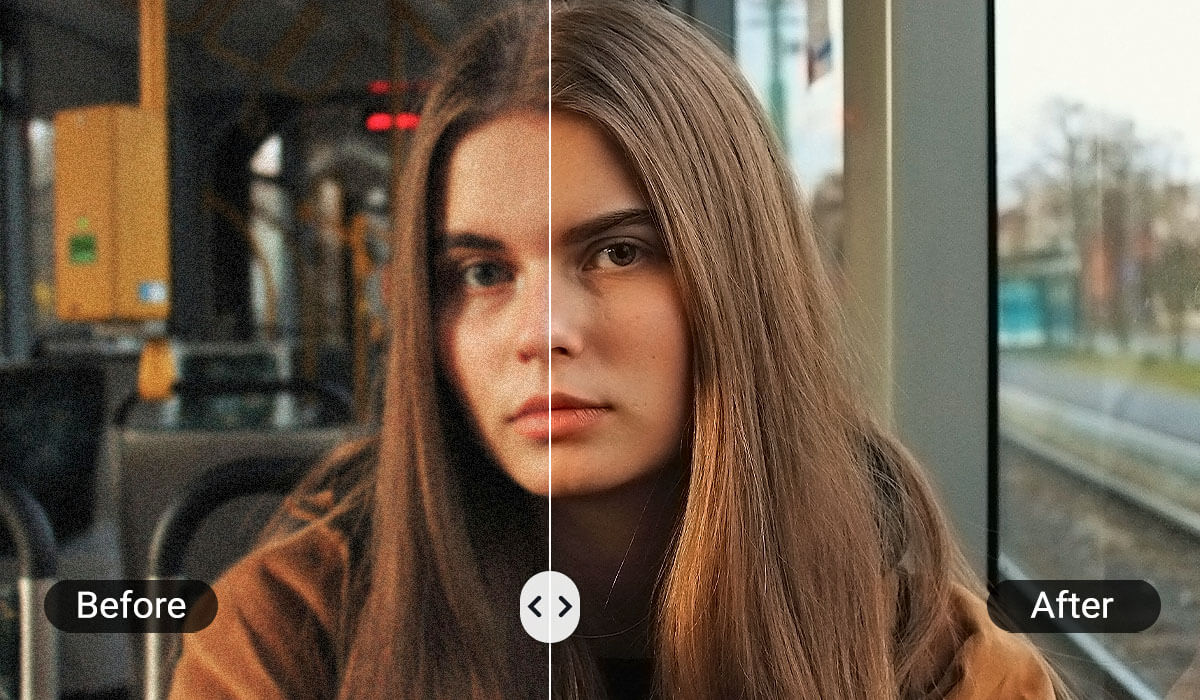
Enhance low-resolution Images to 4K
Nothing beats a picture in high resolution, whether for professional projects or personal use. The YouCam Image Sharpener goes beyond basic photo sharpening but also increases the resolution of your photo up to 4K while keeping its sharpness and details. This adds depth to your photo and refines every detail to make them pop.
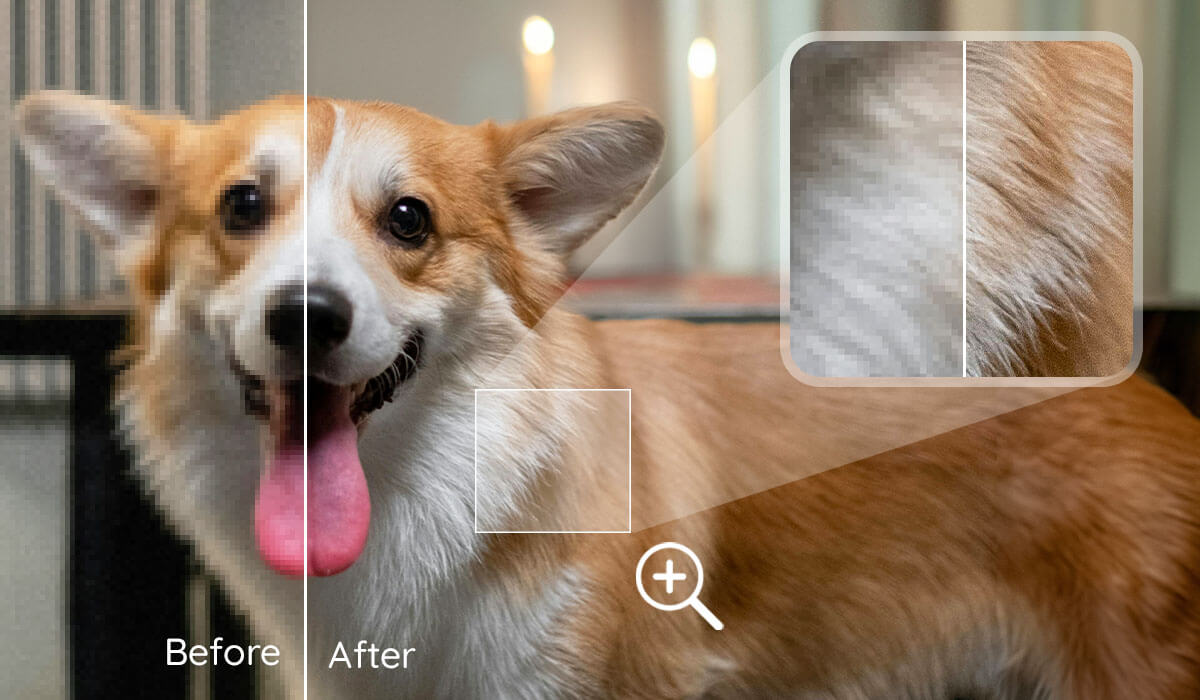
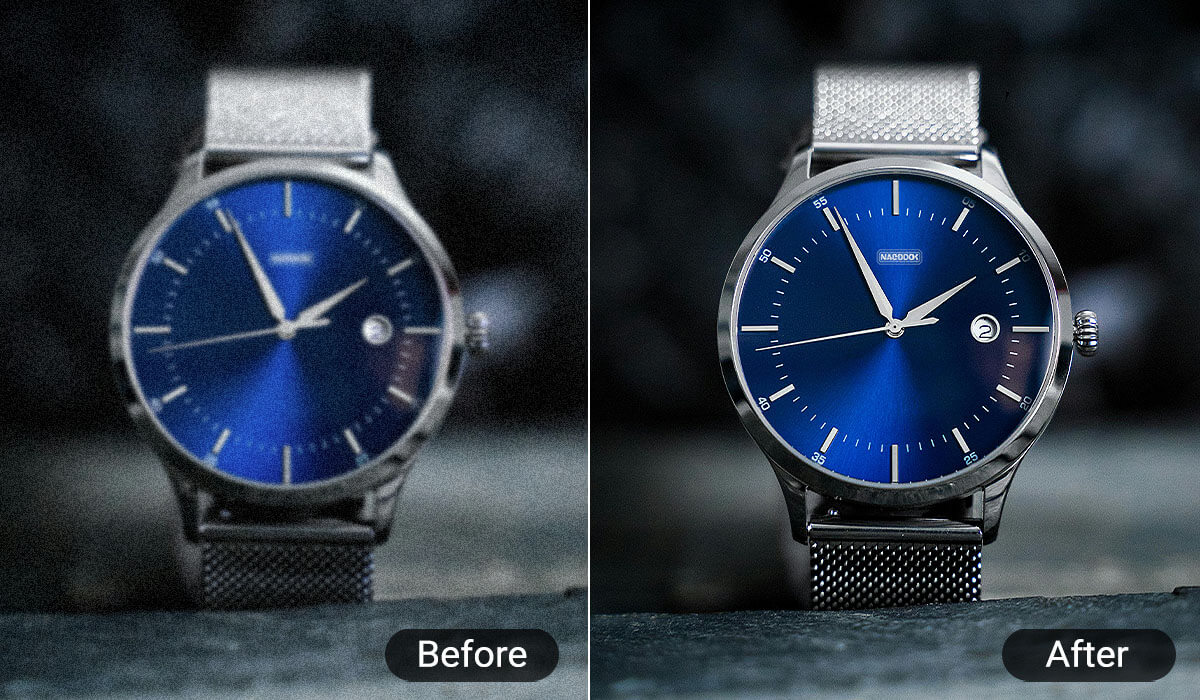
Sharpen Product Image
E-commerce businesses depend on high-quality product images to drive sales. A blurry or unclear product photo can deter potential buyers. With YouCam’s AI Image Sharpener, you can quickly improve the clarity of product images and improve definition, making them look more professional and attractive.
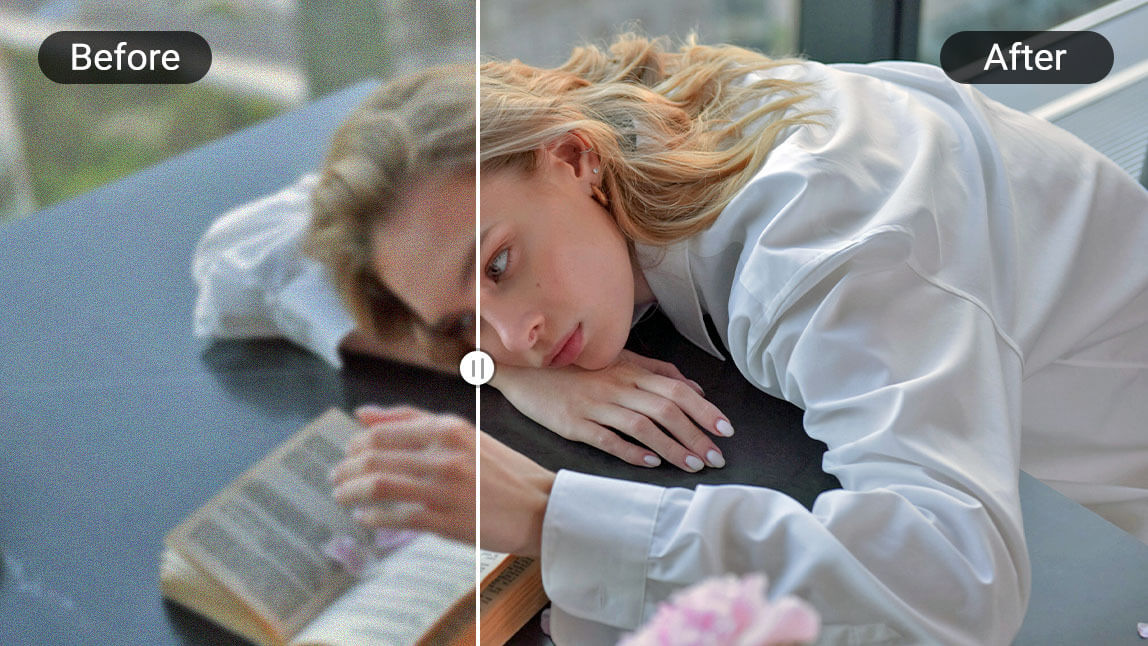
Sharpen Image for Versatile Occasions
Whether you’re preparing images for a business presentation, social media, or personal use, YouCam’s AI Image Sharpener is versatile enough to handle all kinds of image sharpening needs. From wedding photos to vacation snapshots, your pictures will always look their best.
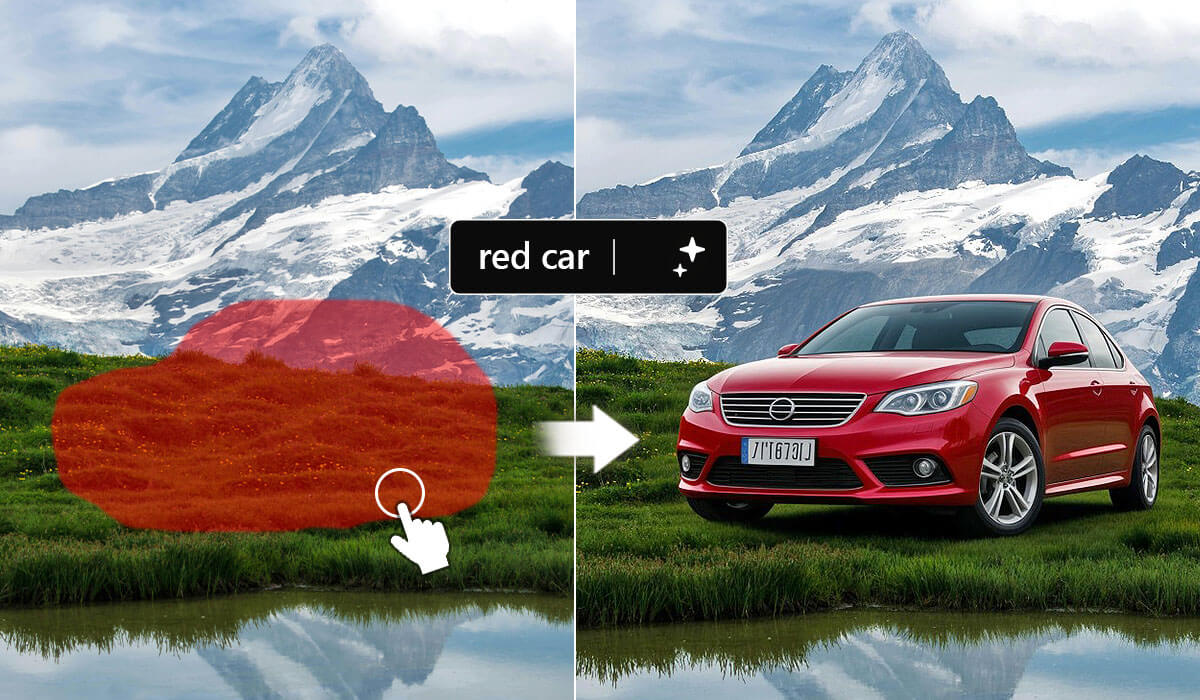
More than Just an Image Sharpener
YouCam’s Online Editor offers a wide range of features beyond just image sharpening. With tools like the Object Remover, you can easily erase unwanted elements from your photos, while the Video Enhancer helps improve video quality using AI-powered enhancements. For creative projects, the AI Image Generator allows you to create entirely new images from simple text prompts.
Online Photo Clearer for Better Photo Quality
Whether your photo is slightly out of focus or heavily blurred, YouCam’s Online Photo Clearer uses advanced algorithms to enhance image clarity. This tool is especially helpful for improving older, low-quality images or those taken with lower-end cameras, offering a significant upgrade to image quality with minimal effort.
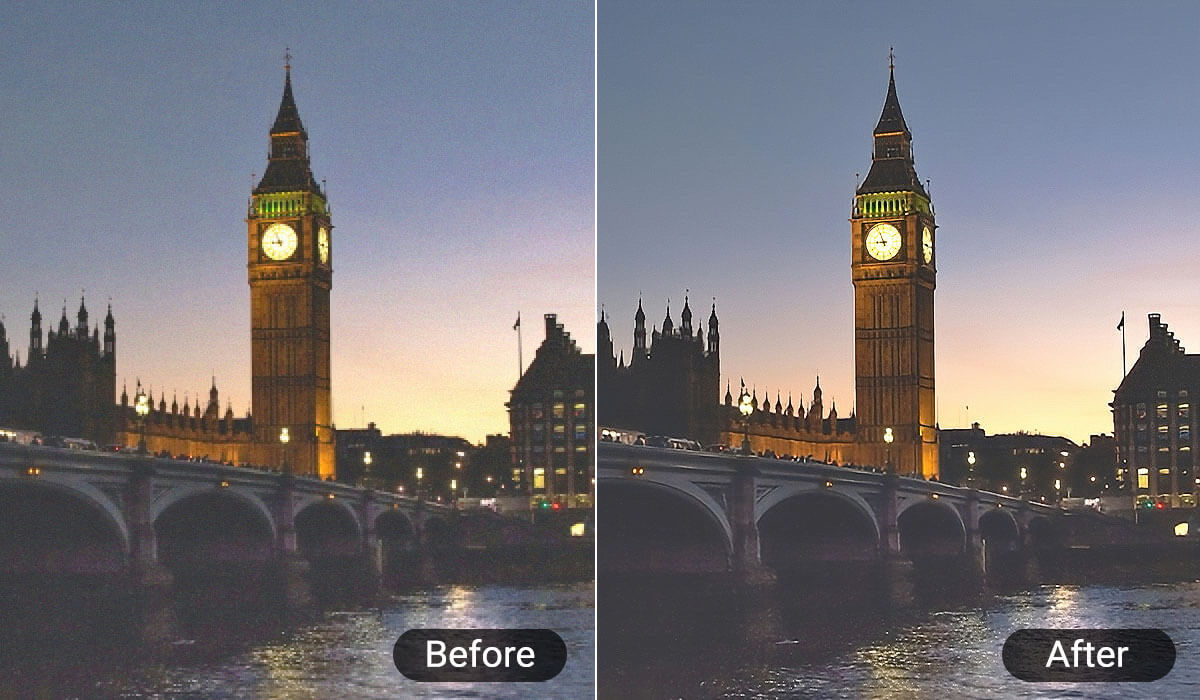
Image Sharpener FAQ
What is image sharpening?
Image sharpening is a technique to digitally enhance the quality of a picture. It is used to improve the sharpness, clarity and resolution of an image. It emphasizes the edges of objects, making the photo look clearer and details more distinct. This process results in photos that are more defined and vibrant.
How to sharpen a blurry image online?
You can sharpen a blurry image by uploading it to YouCam’s AI Image Sharpener. The AI will automatically analyze the image and sharpen it for you in just a few seconds.
How to make a photo clearer?
With these steps you can make your photo look clearer and higher quality with YouCam Online:
- Select the photo you want to sharpen and upload it.
- Click the AI Enhance button. The AI will analyze and sharpen your image.
- Watch the preview and save the changes when satisfied. Then download your new sharpened photo!
How to sharpen a photo image?
Follow the simple steps outlined above: upload your photo, let the AI sharpen it, then preview and download the enhanced version.
Can I use AI to sharpen a blurry image?
Yes! YouCam’s AI technology is designed to fix blurry images by sharpening them with precision, making it an ideal tool for improving photo quality.
How do you fix a blurry picture and sharpen it?
With YouCam, all you need to do is upload your blurry picture. The AI handles the rest, sharpening the image and delivering clear, high-quality results in seconds.