





Beach Background Online Photo Editor
Turn any image into a tropical getaway.





Why Use Our Beach Background Photo Editor?
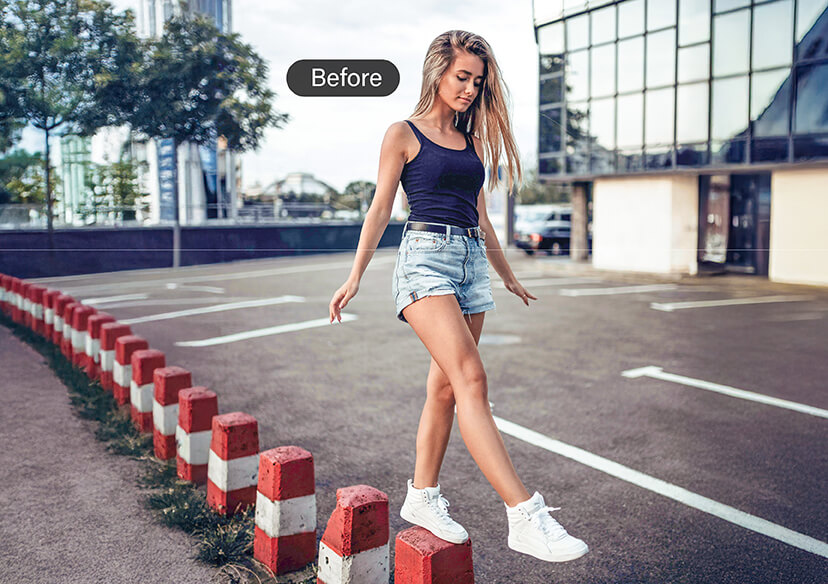
Make Travel Photos Pop
Planning your dream vacation but stuck at home? With our beach background tool, you can instantly add background to the photo and give it that perfect seaside vibe. Whether it’s for social media, a blog post, or a digital scrapbook, the results look realistic and stunning.
Explore more:
Add Black BG to Photo
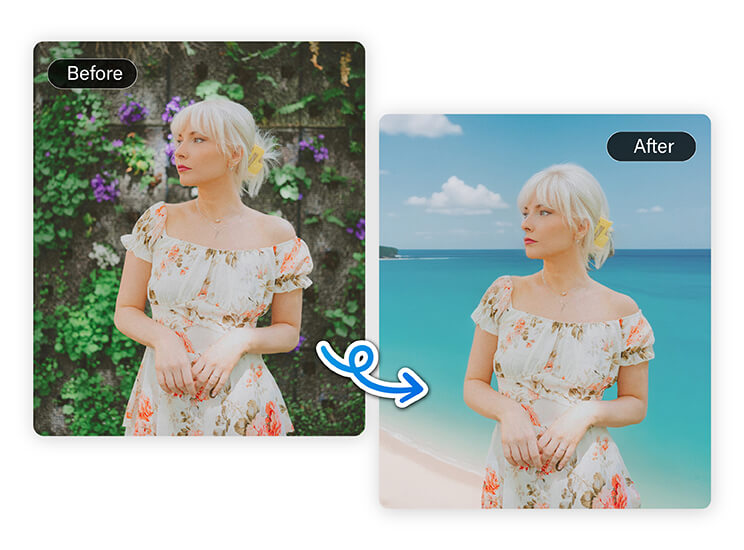
Upgrade Your Profile Pictures
A profile photo with a beautiful beach background stands out anywhere- LinkedIn, Instagram, or dating apps. Our editor makes it simple to swap dull backdrops with vibrant tropical scenes. In just a few clicks, you can add background to photo and create a warm, inviting look.
Explore more:
Free Online PNG Maker, Add White BG to Photo
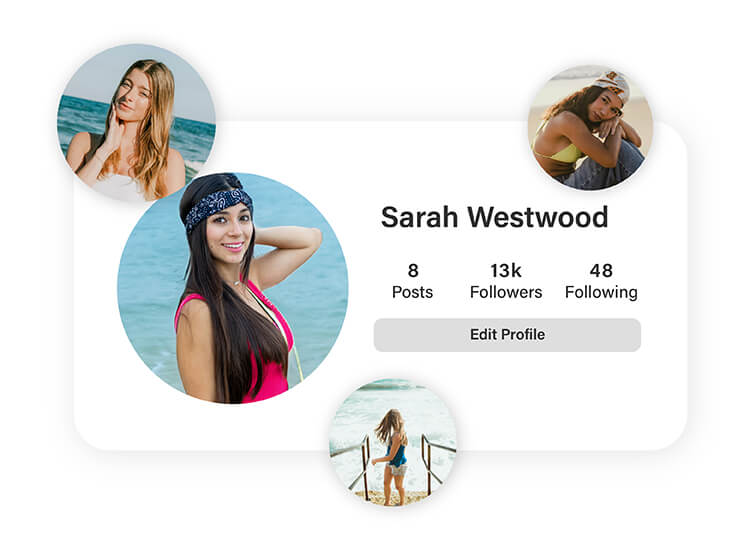
Perfect for Event Invitations
Adding a beach background to your photo makes your invitation instantly more exciting. Use our online editor to customize pictures with sandy shores, blue skies, and turquoise water. With high-quality, free to use beach background designs, your invites will capture the mood perfectly.
Explore more:
Background Color Changer, PNG Background Remover, Background Eraser
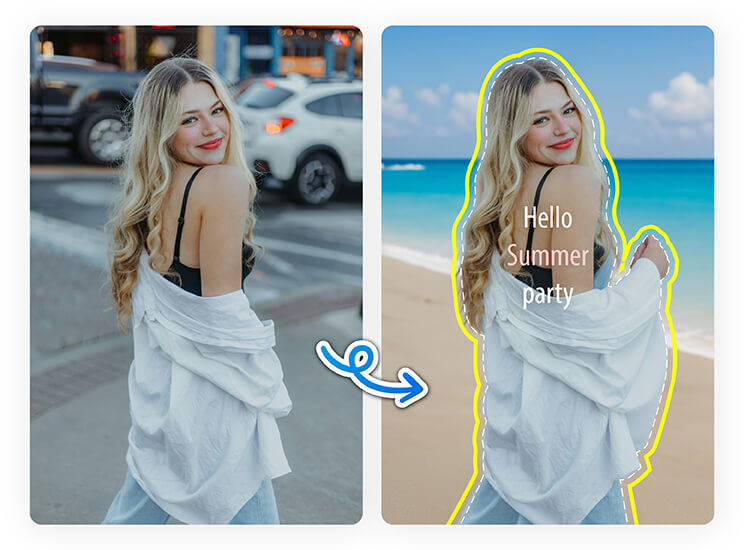
Create Eye-Catching Content
Whether promoting swimwear, travel deals, or summer sales, simply add background to photo for that sunny, carefree look. Our free to use beach background options help you create professional, scroll-stopping content in minutes, no design skills required.
Explore more:
Free Transparent Background Maker, AI Background Remover
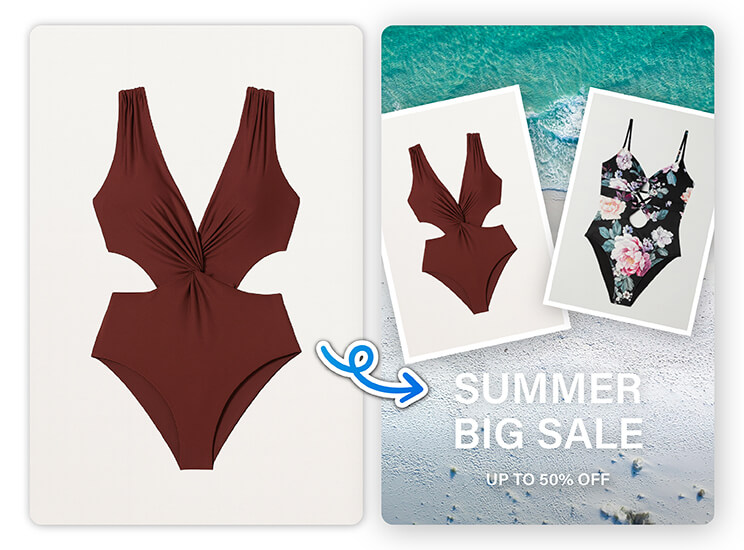
How to Add Beach Background to Photo Online
Creating stunning tropical images is simple with our beach background photo editor. You don’t need special skills or complicated software, you can transform any picture into a beach-themed masterpiece in just a few clicks with our AI-powered tool.

Upload Your Photo
Select the image you want to edit from your device.


Highlight Background
Our AI will automatically detect and separate the background in your picture.
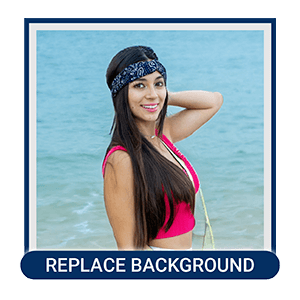
Replace Background
Choose from our free to use beach background options or upload your own.

Save Your Image
Download your finished photo and share it anywhere you like.
FAQs
How to choose the right beach background for my design?
Choose a beach background that matches the mood and purpose of your project. For a relaxing vibe, go for soft sand and calm waves. For a vibrant, energetic look, pick bright blue water and palm trees. Make sure the lighting and perspective of the background match your original photo for the most realistic results.
How to make beach photos look better on iPhone?
Download YouCam Perfect for iOS and start editing like a pro!
Adjust brightness, contrast, and saturation to enhance your shots, apply filters like “Vivid” or “Warm” for stunning colors, and even add beautiful backgrounds or use AI tools for sharper, more professional results—all within the app.
How to make a beach picture?
You can make a beach picture by taking a photo at the beach or creating one digitally. If you don’t have access to a real beach, use a beach background photo editor to replace your current background with a tropical scene. Upload your picture, choose a free to use beach background, and download your new beach-themed image in minutes.
Explore More
Signature Background Remover, Logo Background Remover, Remove Background from Image, Remove white BG, Remove Green Screen, Remove Black BG, Online Mugshot Maker, Online Green Screen Photo Editor, Make Image Transparent, White Background Remover, Black Background Remover, Online Background Removal Tool

