
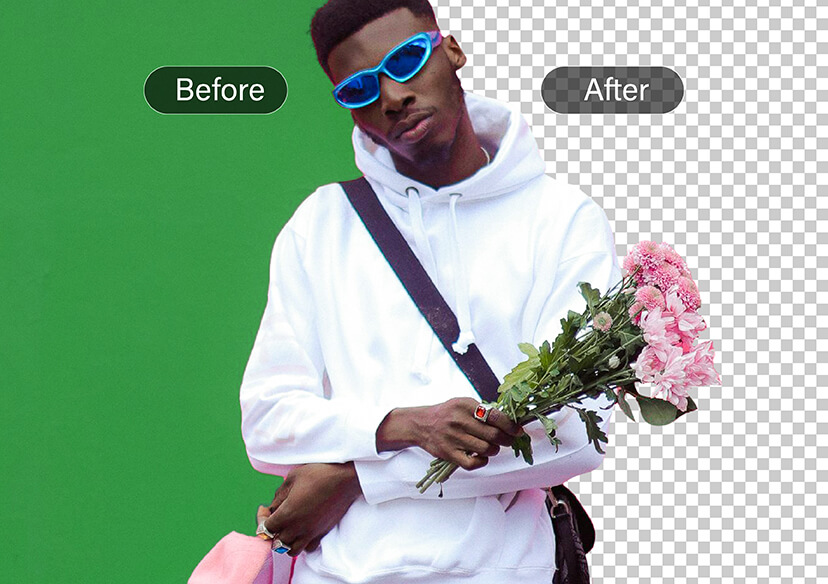




Online Green Screen Photo Editor
Remove green screen backgrounds in seconds - no pro skills needed.





Transform Your Photos Instantly
Remove green screen backgrounds in just a few clicks and give your photos a professional touch. Whether it’s a portrait, product shot, or fun selfie, you can remove and replace the background with anything you like.
Explore more:
Make Image Transparent, White Background Remover, Black Background Remover
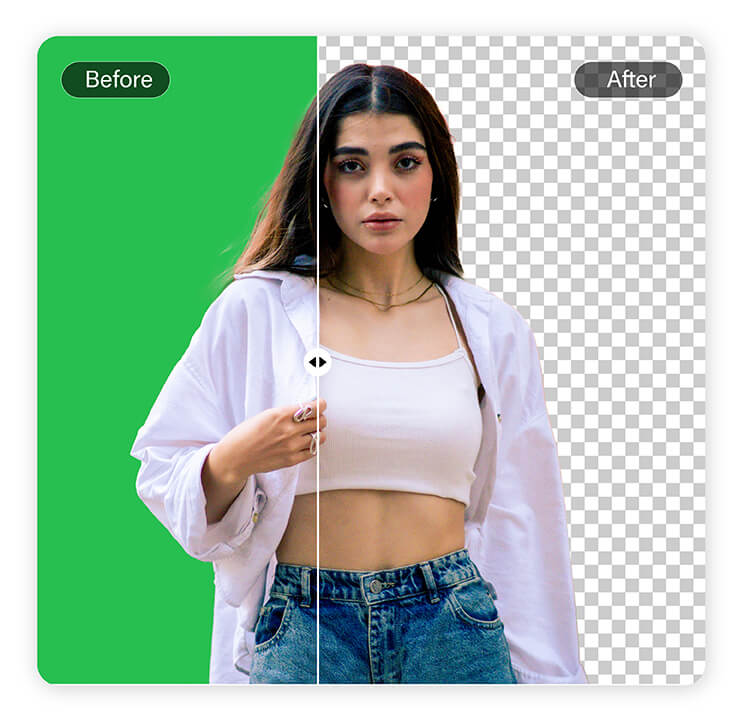
Dynamic Portrait Backgrounds
After removing the green screen, easily replace the background with any scene you like.
Whether placing a person on a beach, in a bustling city, or in a professional studio setting, it only takes one click. Perfect for profile photos, resumes, or creative social media content.
Explore more:
Online Background Removal Tool, Free Online Backdrop Remover
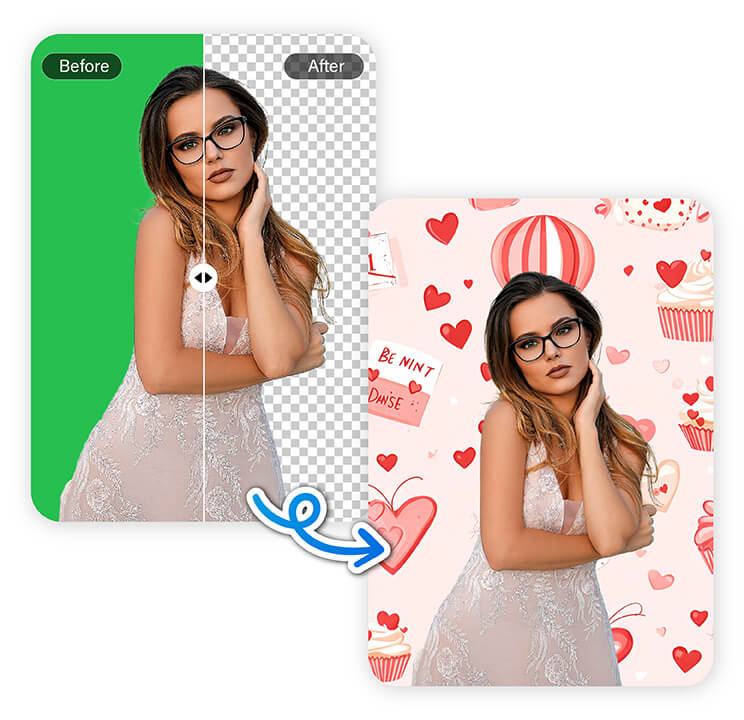
Precision Object Extraction
The Green Screen Photo Editor isn’t just for people—it also works seamlessly with products and objects.
From small accessories to large furniture, the tool ensures accurate background removal while keeping edges crisp.
Explore more:
Manual Background Remover, Remove Background From Text, Remove Bg Tools
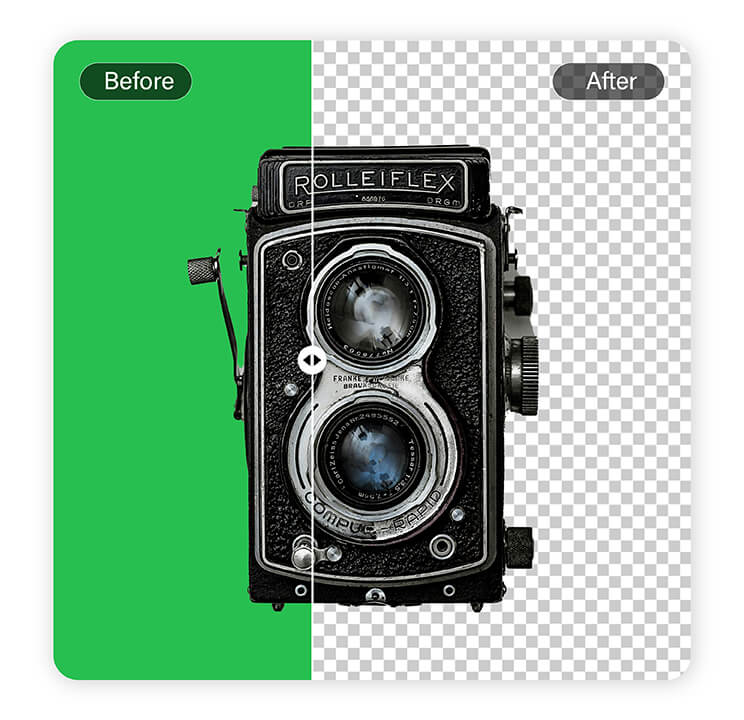
Versatile Object Environments
Once the background is removed, you can place objects in any setting you prefer.
Showcase products on clean solid colors, realistic lifestyle environments, or even artistic backgrounds to enhance professionalism and helps capture customer attention.
Explore more:
Passport Photo Background Remover, Change Background
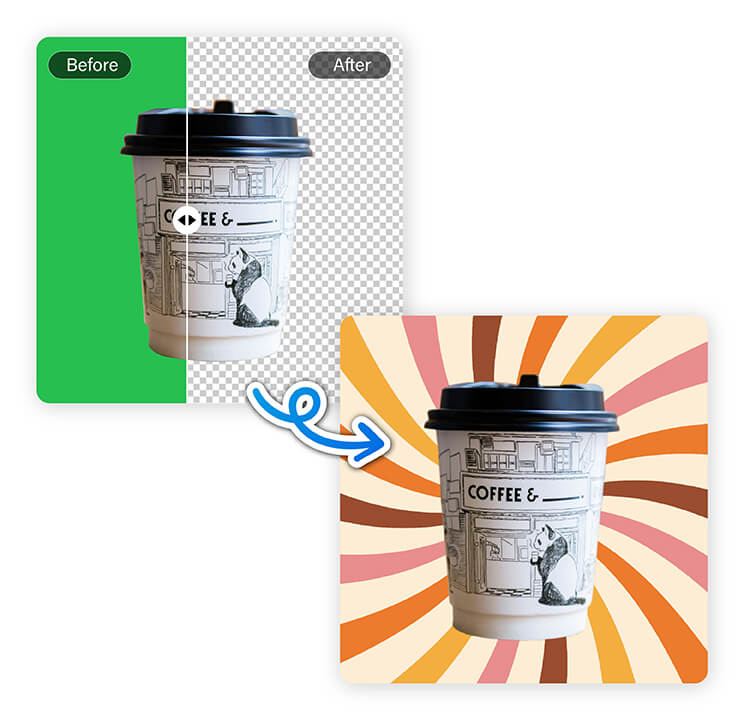
How to Remove Green Screen Backgrounds Online
Removing green screen backgrounds with YouCam Online Editor is quick and simple. Even if you’ve never edited photos before, the intuitive process makes it easy to get professional-looking results in just a few clicks.

Upload Your Image
Select the photo with a green screen background from your device.


Let AI Do the Work
YouCam’s AI Background Remover automatically detects and erases the green screen background.

Optional Background Change
If you want, you can replace the background with a new color or design for creative projects.
FAQs
How to edit photo green screen?
You can easily edit a green screen photo online using YouCam Online Editor. Simply upload your image, and the tool automatically detects and removes the green screen background.
Once removed, you can save your photo in PNG format or continue editing for presentations, social media posts, or creative projects.
How do I erase the background in a photo?
Erasing a photo background is simple with YouCam Online Editor. Upload your image, and the AI automatically identifies and removes the background.
The process is fast, precise, and works without advanced photo editing skills. After removal, you can save your image or add new backgrounds if desired.
Can I change a photo background for free?
Yes! After removing a green screen or existing background with YouCam Online Editor, you can replace it with any color or design.
The entire process is free, online, and requires no software installation. It’s perfect for social media posts, presentations, product shots, or creative projects.
How do you remove the background of a green screen image?
To remove a green screen background, upload your photo to YouCam Online Editor. The AI automatically detects the green areas and removes them, leaving your subject clean and ready for further editing.
You can save the result in PNG format to preserve transparency or add a new background if you like.
How to get rid of a green screen background?
Getting rid of a green screen background is easy with YouCam Online Editor. Upload your image, and the AI background remover instantly erases the green screen. No technical skills are needed, and you can save your transparent photo for use in presentations, social media, or creative projects in just a few clicks.

