




Remove Background from Signature Free
Use our signature background remover to make your signature transparent online for free. Perfect for documents, contracts & digital letters!





Features of YouCam Signature Background Remover
Free & Fast: Instantly remove the background from your signature online. YouCam’s signature background remover gives you clear, professional results!
Explore more: Remove Background on Logo, Passport Photo Maker
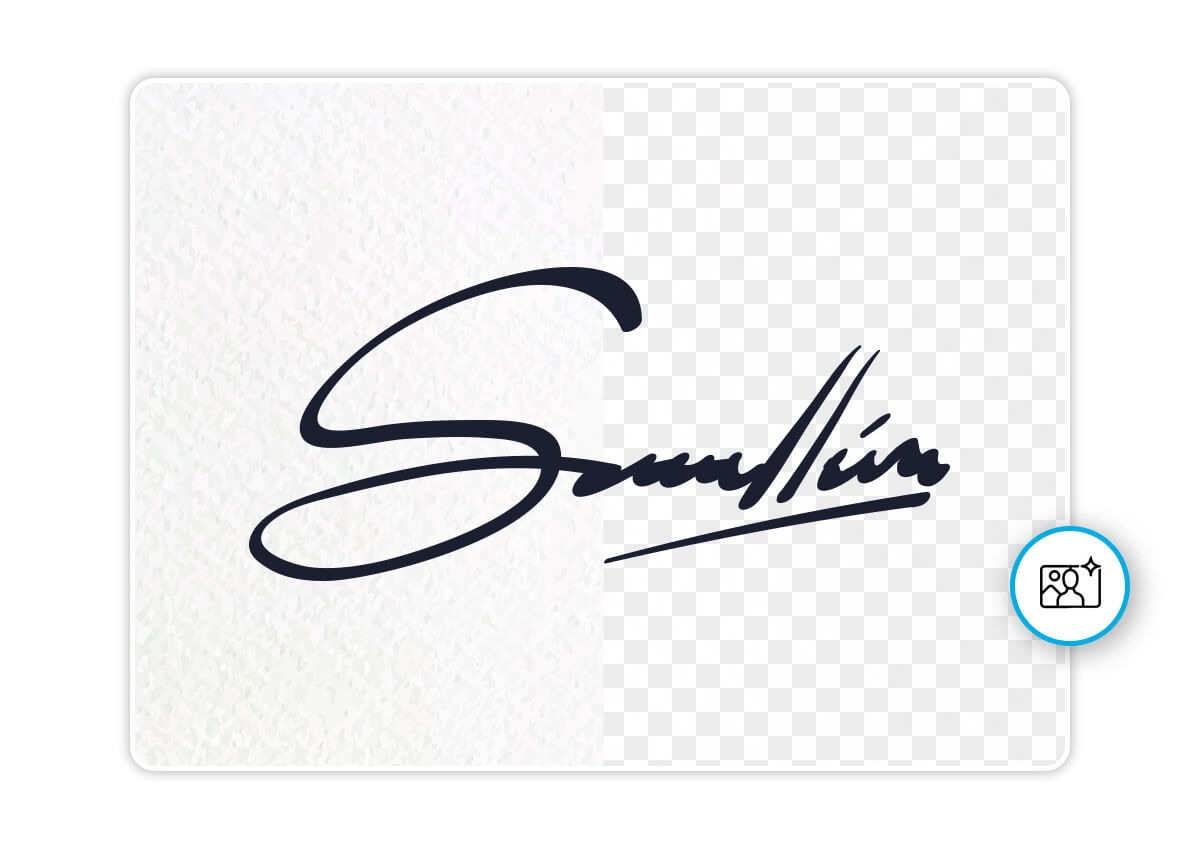
How to Remove Background from Signature for Free?
Need to clean up a signature for documents or forms? Here’s how to use YouCam to remove background from signature in just a few clicks.

Upload Your Signature
Go to YouCam Background Remover and upload your scanned or digital signature image.


Remove Signature Background
YouCam’s AI-powered signature background remover will detect and erase the background instantly.

Download Your Transparent Signature
Click to download your clear background signature.

Add Signature to Digital Documents
Need to sign a PDF or Word file? Use YouCam to remove background from signature and create a clean, transparent version for easy insertion into contracts, reports, and forms.
Explore More: Add Beach Background, Online Mugshot Maker
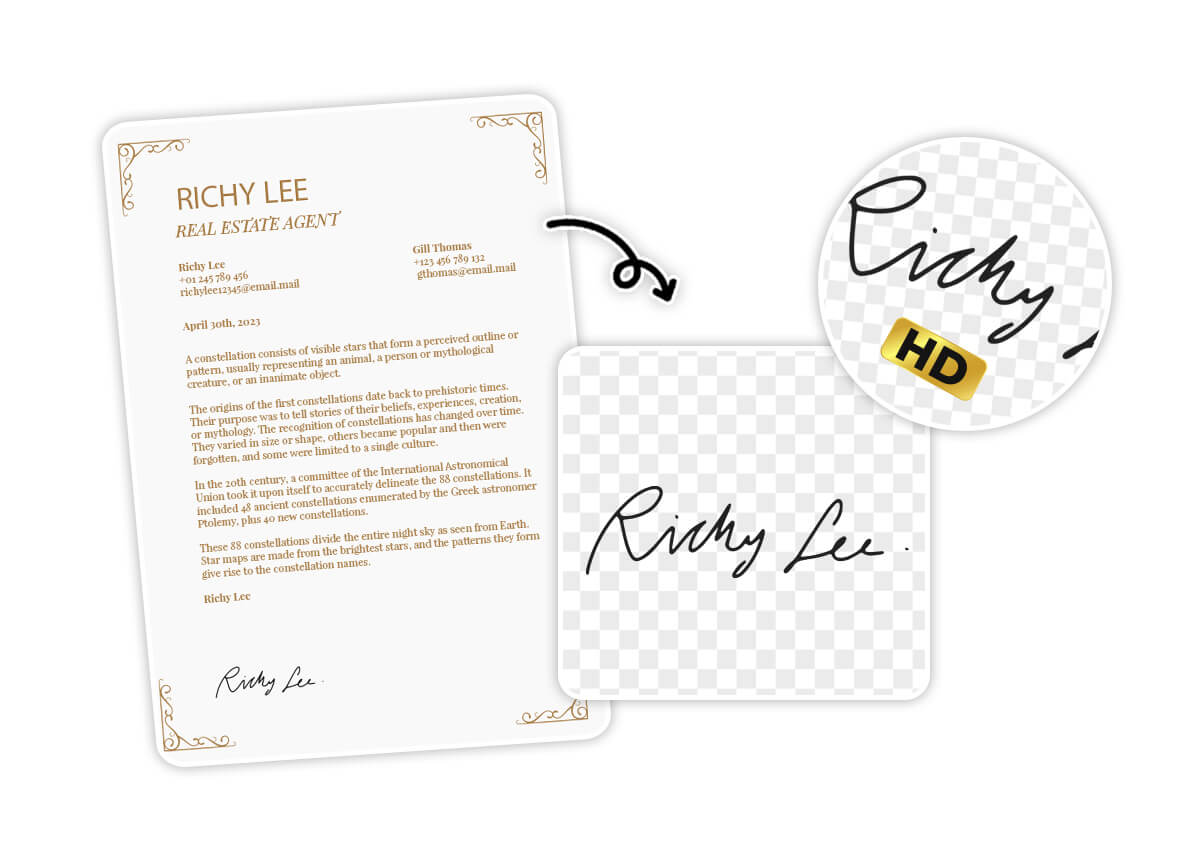
Clean Up Scanned Signatures
Turn messy scans into professional assets. With our signature background remover, you can remove paper textures or shadows and get a signature with no background in seconds.
Explore More: Add Black BG to Photo, Add White BG to Photo, Background Color Changer

Design Custom Items & Business Cards
Want to include your signature on branded materials? Make your signature background transparent for a polished, personalized look on business cards, templates, and letterheads.
Explore More: Free Online PNG Maker, PNG Background Remover, Free Transparent Background Maker

Sign Online Forms on Any Device
Using your phone or laptop? Make signature transparent online for free with YouCam to quickly add your signature to any digital form—no app or software download needed.
Explore More: AI Background Remover, Background Eraser, Signature Background Remover
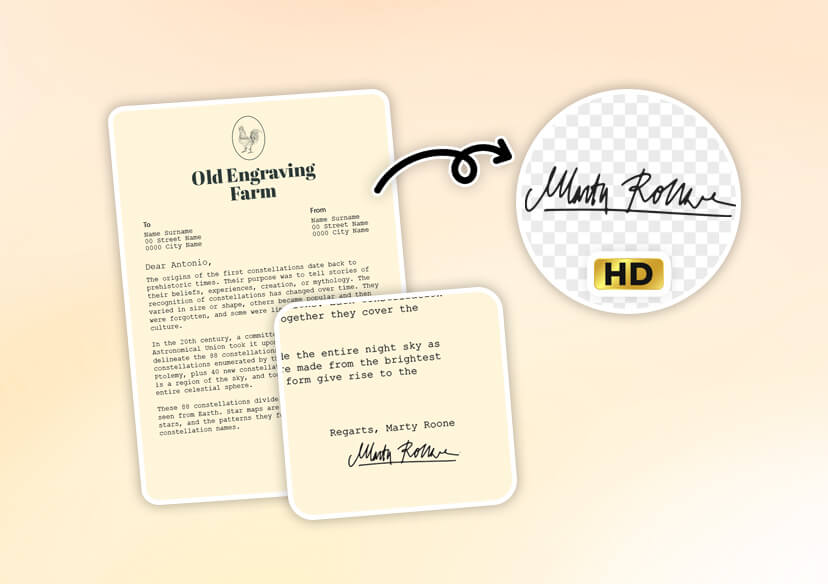
Remove Background in HD Quality FAQs
Can I remove the background from my signature for free with YouCam? 
In most cases, yes! YouCam offers limited free credits that let you remove background from signature without paying. Simply upload your signature and try the feature online. Sign up for free credits!
How do I extract a handwritten signature from an image and use it online?
It’s easy with YouCam. Simply upload a scanned or photographed signature, and our signature background remover tool will automatically detect and erase the background. You’ll get a high-quality transparent PNG file that you can use in documents, emails, PDFs, or e-sign platforms.
How to make a signature background transparent?
To make the signature background transparent, just upload your image to YouCam Background Remover. The tool uses AI to cleanly remove the white or colored background, leaving you with a clear PNG signature ready for digital use.
Can I use the transparent signature in legal or official documents?
Yes! Once you remove the signature background, the file is ready to be inserted into PDFs, contracts, NDAs, and more—perfect for digital document workflows.

