






Free AI Blur Remover
Instantly sharpen and enhance blurry photos with YouCam AI Blur Remover. This easy online tool lets you unblur image and fix blurry photos with one click, turning unclear pictures into crisp, clear results.

Best AI Blur Remover: 4 Highlights
- Instant 4K Upscaling – Upload low-res or blurry photos; AI transforms them into sharp, stunning images.
- Batch Enhancement – Improve up to 50 photos simultaneously—perfect for those needing a fast unblur picture solution.
- Multi-Format Support – Works with JPG, PNG, TIFF, and GIF for broad compatibility.
- One-Tap Workflow – Upload, AI enhances, then download in high resolution, ideal for anyone wanting a quick unblur image free experience.
Explore more use case: HD Photo Converter, Unpixelate Image, 4K AI Photo Enhancer, Sharpen Image, Unblur Image.

How to Remove Blur From Photos Using AI Blur Remover?
Want to know how to unblur an image effortlessly? Our AI Blur Remover is your instant solution! Get clarity and sharpness back in your images with just a few clicks.

Upload Your Blurry Photos
Click the "Unblur for Free" button or drag and drop up to 50 images (JPG, JPEG, PNG, TIFF, and GIF formats) to start.

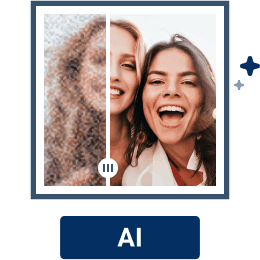
Wait for AI Enhancement
The AI will automatically sharpen, denoise, upscale resolution,correct colors in seconds - perfect for image unblur needs.

Download the Enhanced Image
Download enhanced photos—choose up to 4X resolution for even clearer images, helping you fix blurry photos easily.

Why Opt for AI Blur Remover?
Everyday Photo Salvaging
Got a blurry snapshot? Casual users can quickly restore clarity to everyday photos spoiled by camera shake or low light, saving treasured memories without complicated editing.
Social Media Content Enhancement
Need eye-catching visuals? Social media managers and influencers can sharpen blurry images instantly, making posts stand out to boost engagement and attract followers with professional-quality clarity.
E-commerce and Marketing Imaging
Want sharper product photos? Online sellers and marketers can improve image quality to showcase products more attractively, increasing customer trust and sales through clearer, more appealing visuals.
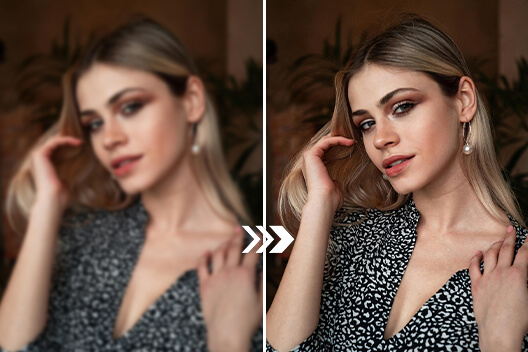
Classroom Experiment Imaging
Blurry experiment photos making analysis hard? AI blur removal can quickly sharpen images, helping students and teachers clearly observe and accurately interpret results for better data analysis and more effective learning.
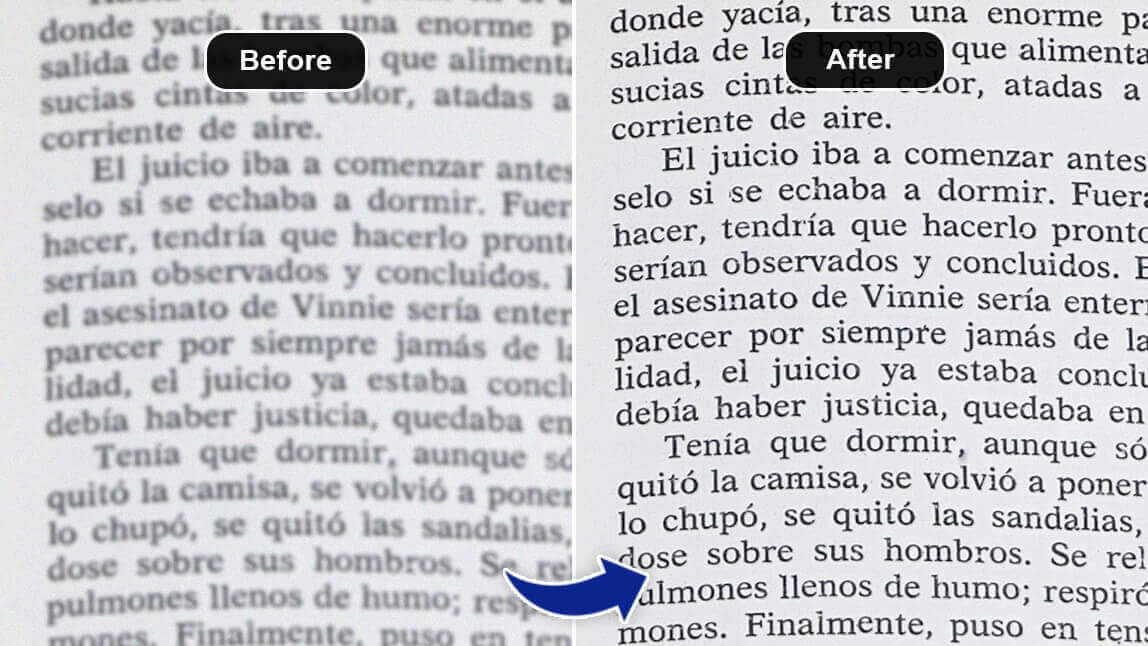
Enhance Online Classes Content
Educators hosting online classes can use AI to sharpen blurry videos, enhancing visual engagement and clarity. This helps teachers create clear, professional lessons even with basic equipment or poor lighting.
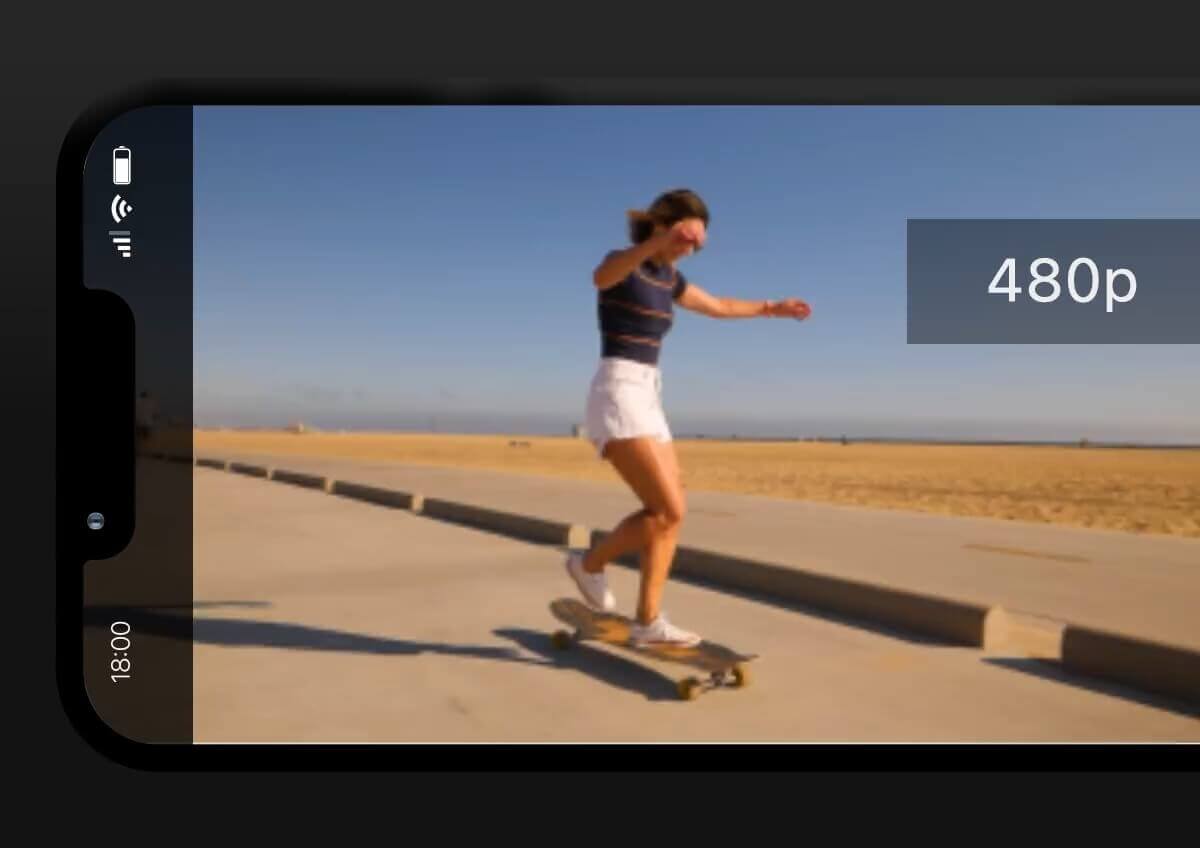
Creative and Artistic Imaging
Graphic designers and artists can significantly enhance their projects. An AI blur remover ensures that all visual elements, from intricate textures to minute details, are crisp and clear, elevating the overall quality and impact of their creative work.
How to Unblur An Image FAQs
What is an AI blur remover and how does it work?
An AI blur remover uses artificial intelligence to detect blur in photos and restore details by clarifying edges and textures. Unlike simple sharpening, it analyzes the whole image for natural, noise-free enhancements. The YouCam AI Blur Remover Online Tool applies this advanced AI to efficiently unblur image with just a few clicks.
Can AI blur remover tools improve old or low-quality photos?
Yes, AI blur removers enhance sharpness and facial details in old or low-resolution images. YouCam AI Blur Remover specializes in restoring vintage and blurry photos, making them clearer and more vibrant without losing their essence.
Are AI blur removers easy to use for beginners?
Yes, these tools are designed for ease of use. Simply upload a blurry image and enhance it automatically—no advanced photo editing skills are needed to unblur photos effectively.
What photo formats do AI blur removers support?
They typically support JPEG, PNG,TIFF, and GIF formats. YouCam AI Blur Remover accepts popular formats, allowing you effortlessly unblur image free .
Is the AI blur remover effective on both text and portraits?
Yes, advanced AI blur removers clarify blurred text and facial features effectively, ideal to fix blurry photos containing people or text.
Can I use an AI blur remover online without installing software?
Yes, many AI blur removers, including YouCam AI Blur Remover Online Tool, operate fully online so you can unblur image free from any device without downloads.
How does YouCam AI Blur Remover compare to other AI blur removers?
YouCam AI Blur Remover offers accurate AI algorithms, easy online access, fast processing, and supports various image types. It delivers high-quality results, making it a top choice for those who want to unblur image or fix blurry photos quickly and reliably.

