



Face Symmetry Test : Detect Your Face Shape Online
Curious how symmetrical your face is? With YouCam Online Editor’s Face Shape Detector, you can instantly analyze facial symmetry, proportions, and structure using advanced AI. Sign in for 5 free credits!




How to Take a Face Symmetry Test with YouCam Online Editor?
Here are three simple steps for you to follow.
Upload Your Photo
Choose a clear, front-facing photo with good lighting. For best results, keep your face relaxed and centered.
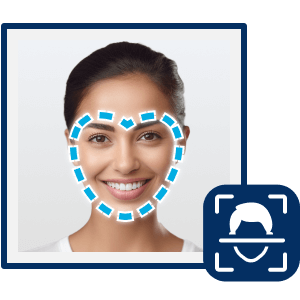
Run the Face Shape Detector
With YouCam’s Face Shape Detector, it automatically scan your facial features, measure balance, and analyze symmetry.

View & Save
Get instant insights into your face symmetry and face shape, helping you better understand your unique facial structure.
When To Take a Face Symmetry Test
Go try it now with our Face Shape Detector!
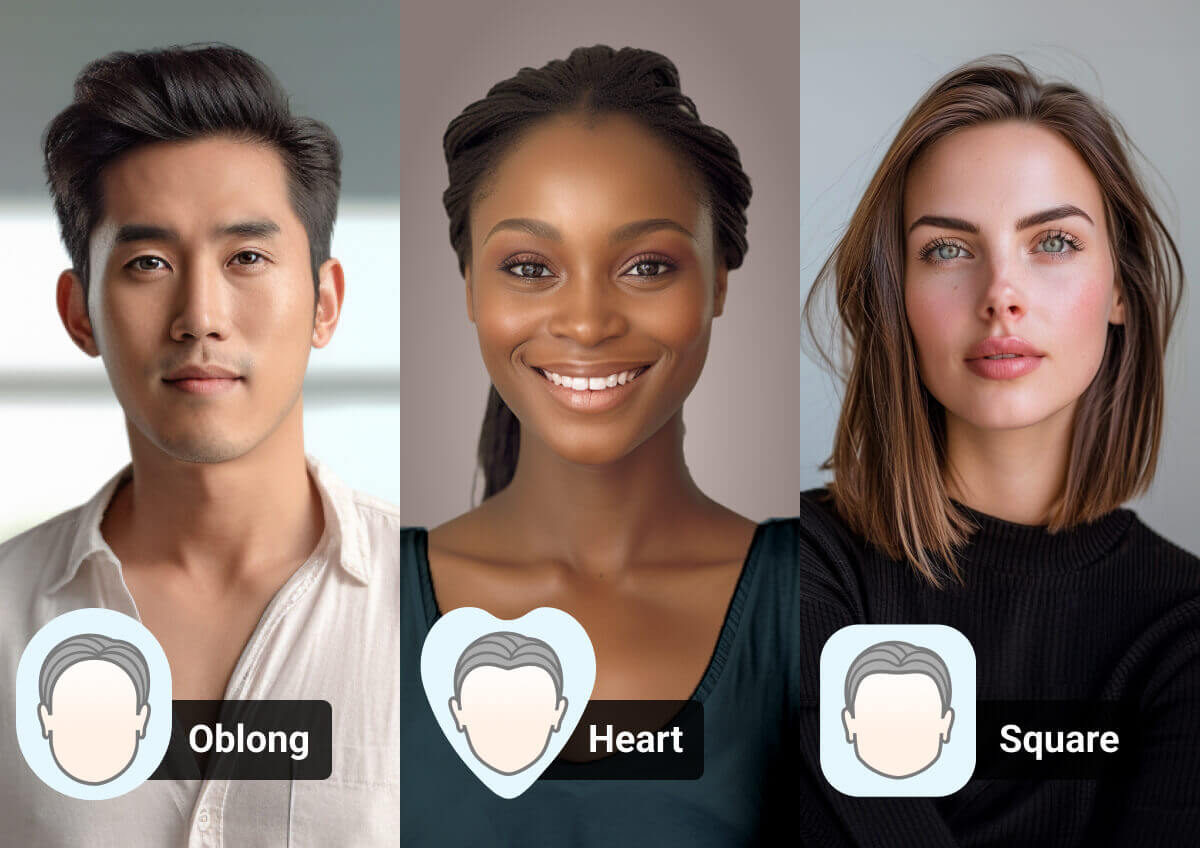
Get the Perfect Hairstyle
Knowing your face symmetry and shape makes it easier to choose hairstyles that best match your face shape and highlight your natural features.
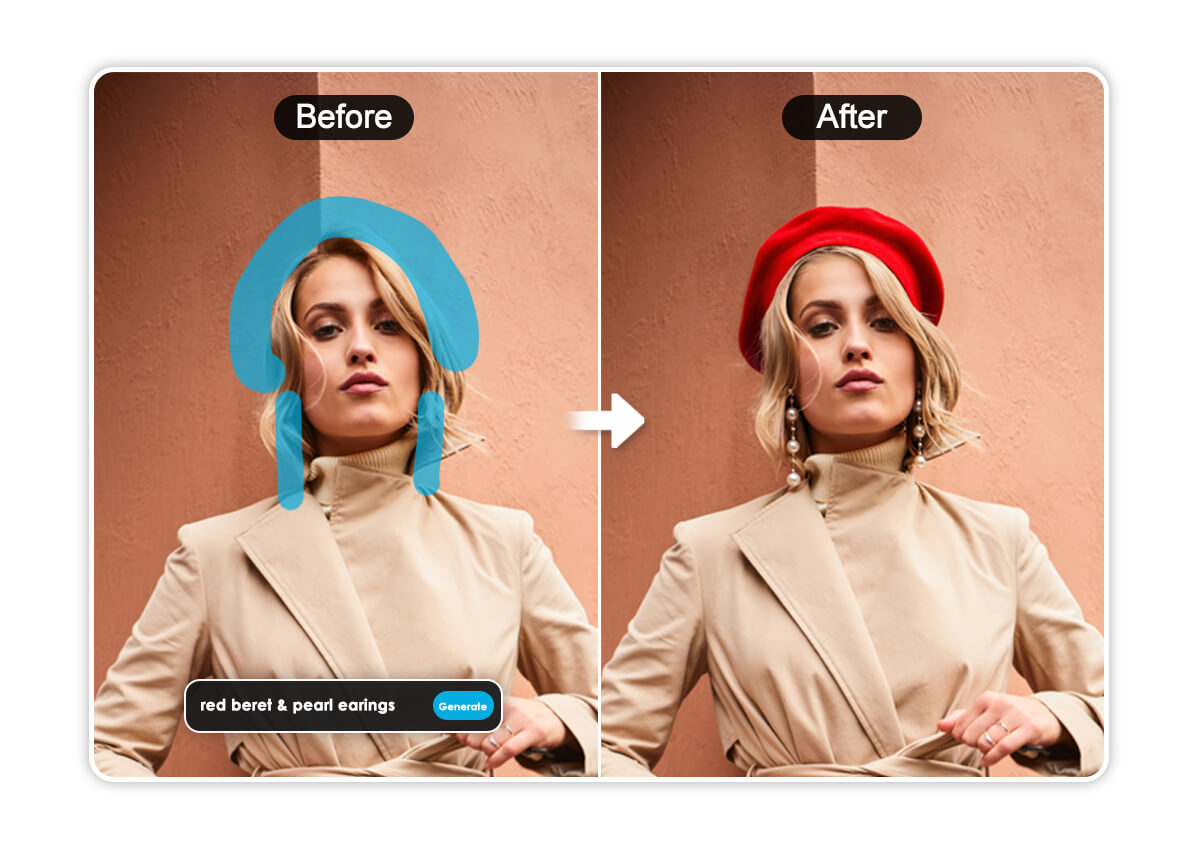
Select Glasses or Hats
Use the face symmetry insights to find your best angles and try our AI Object Replacer to enhance your overall look.
Finding Perfect Makeup and Contour Techniques
A face symmetry test helps you see how evenly your features align, offering you to apply new types of makeup that define your best angles.


With a gently rounded chin, the forehead, cheeks, and jaw share the same width.


Equal width and length with soft angles and full cheeks, giving a balanced appearance.

Narrow at the forehead and jawline, with high, prominent cheekbones and a pointed chin.

The forehead, cheeks, and jaw are nearly the same width, with a strong, angular jawline.

Wider forehead tapering down to a narrow, pointed chin, often paired with high cheekbones.
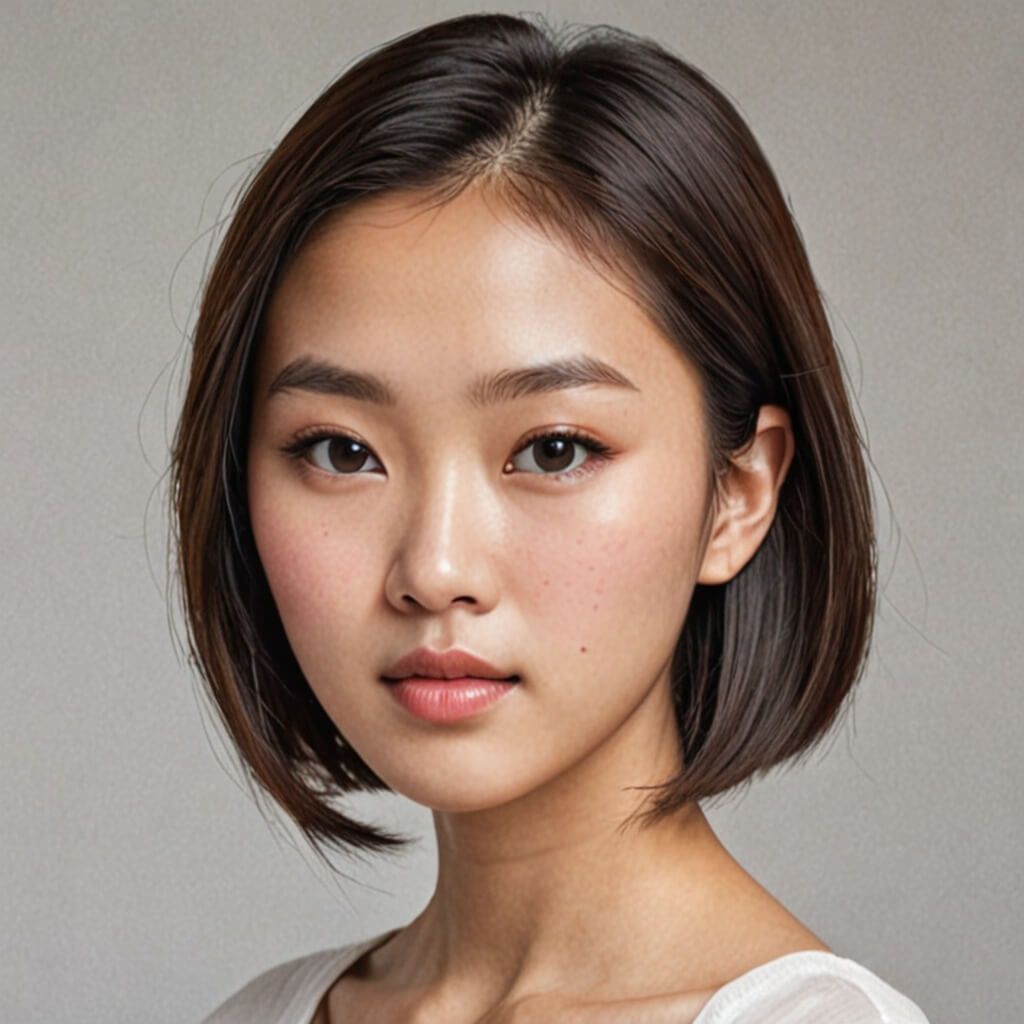
Balanced proportions with slightly wider cheekbones and a gently rounded jawline and forehead.

Narrow forehead widening toward the jawline, creating a strong, broad chin area.

Similar to an oblong face but with a more angular jaw and a longer, more structured shape overall.

Broad forehead and cheekbones narrowing sharply to a slim, defined chin.
Face Symmetry Test FAQs
What is a face symmetry test?
A face symmetry test analyzes how evenly your facial features align from left to right. Using AI, YouCam’s Face Shape Detector measures facial proportions and balance to give you instant symmetry insights.
How does YouCam’s Face Shape Detector work?
YouCam’s Face Shape Detector uses AI to scan key facial features—such as eyes, nose, lips, and jawline—to evaluate facial symmetry and overall face shape automatically.
Is the face symmetry test accurate?
The face symmetry test provides a close AI-based estimate. Results can vary depending on photo lighting, angle, and facial expression, but using a clear, front-facing photo improves accuracy.
Do I need to download anything to try the face symmetry test?
No. YouCam Online Editor lets you run a face symmetry test directly in your browser with no app download or sign-up required.
What can I use face symmetry results for?
Face symmetry results can help with choosing makeup styles, hairstyles, grooming looks, and even finding your best angles for selfies or profile photos.

