





Remove Text from Video Online with AI
Need to clean up unwanted text in your video? With YouCam's AI Video Object Remover, you can easily erase text, subtitles, captions, logos, or watermarks from videos online — no editing skills required.


What is a Video Text Remover?
Whether you're fixing old content, removing distracting overlays, or repurposing videos for social media, YouCam makes the process fast, smooth, and beginner-friendly.
- AI-Powered Smart Removal
AI automatically detects and blends removed areas naturally into the video background seamlessly. - Remove More Than Just Text
Easily erase watermarks, subtitles, date stamps or any random distractions. - Fast & Beginner-Friendly
Just upload, brush over the text, and let AI do the rest in seconds.

How To Erase Text from Videos Online
See how to clean up your footage in three simple steps.

Upload your Video
Upload the video with a text (Support MP4, MOV, M4V files, max: 1 min). Choose between the "Remove Object" or "Remove Watermark" tab based on your needs.

Select Text Area
Adjust your brush size and paint over the unwanted text. Made a mistake? Use the Eraser tool to refine your selection mask perfectly.

Clean up & Save
Hit Start and watch AI automatically erases the selected area frame by frame, download once satisfied!
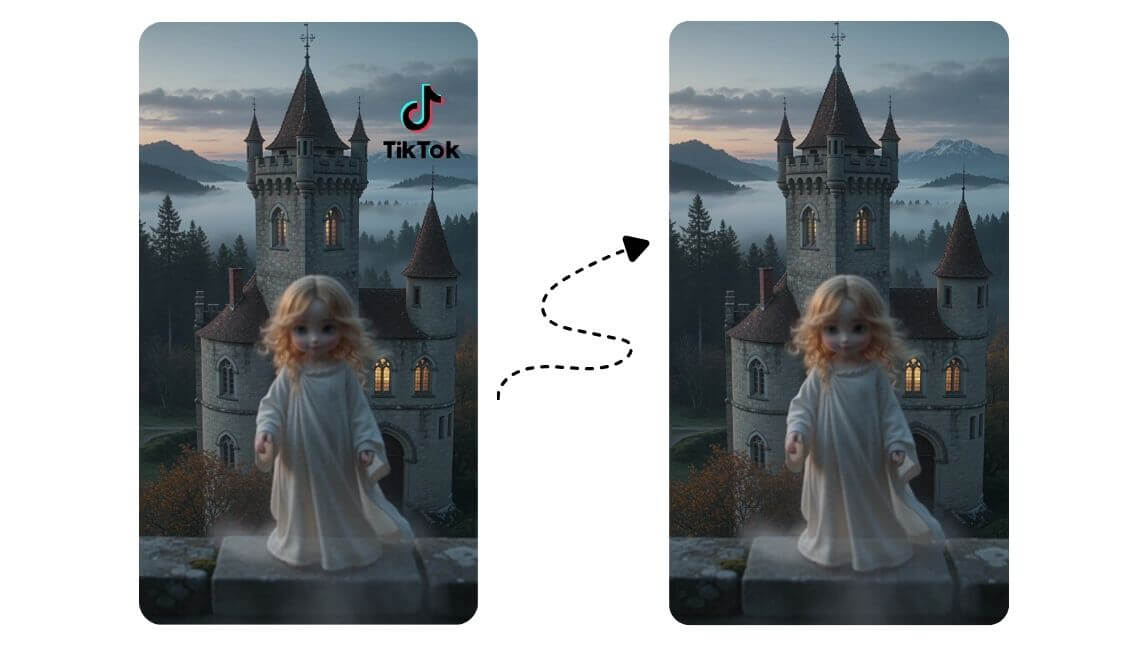
Remove Social Media Watermarks
Reposting content across different social media platforms often leaves distracting watermarks or usernames that reduce visual consistency and professionalism. With YouCam Online Editor, creators can quickly remove these overlays using AI-powered video object removal while preserving the original video quality. Best for influencers, marketers, and content creators for platforms like Instagram Reels, YouTube Shorts, and TikTok.
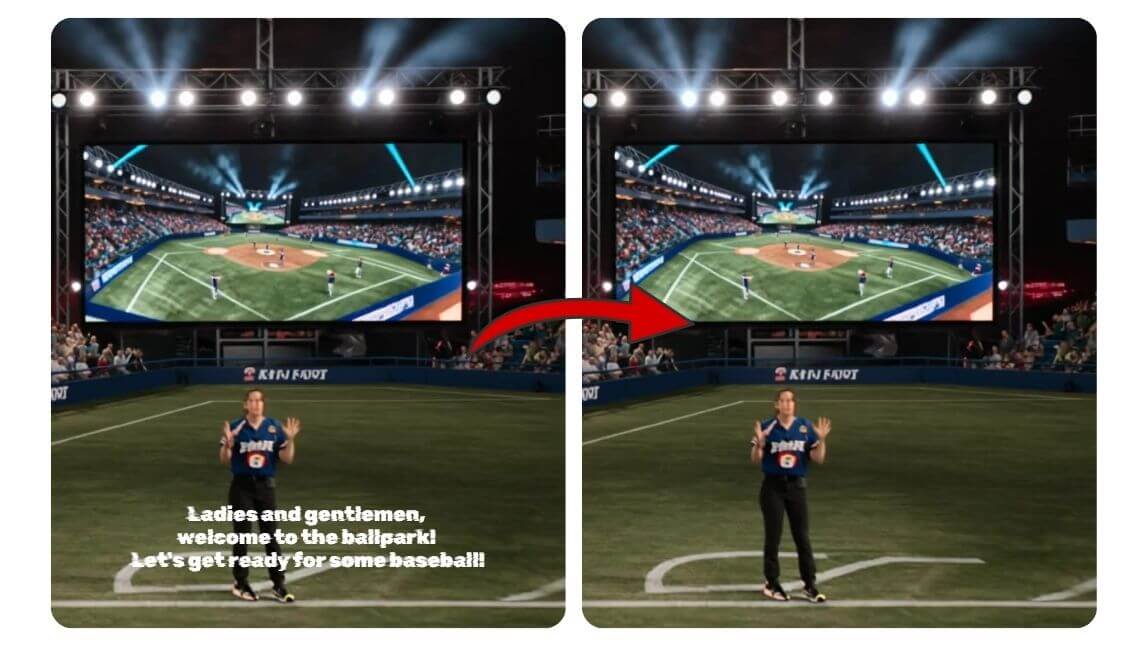
Delete Hardcoded Subtitles
Hardcoded subtitles can limit creative flexibility when editing videos for new audiences, translations, or aesthetic styles. Using YouCam’s AI Video Object Remover, users can erase embedded subtitles from clips, movies, or social content without complicated masking techniques.
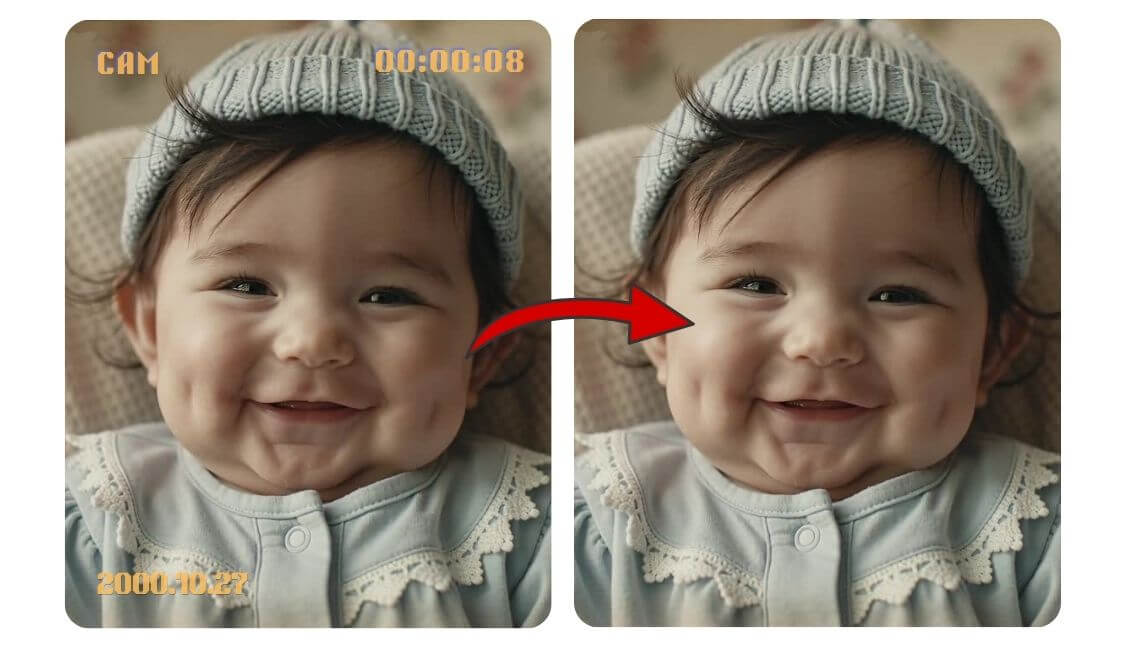
Remove Timestamps from Old Videos
Old camcorder footage and archived family videos often contain visible timestamps that make treasured memories feel outdated or cluttered. YouCam Online Editor helps restore these nostalgic moments by removing intrusive date stamps with seamless AI background filling. Best for digitizing home videos and preserving family memories!
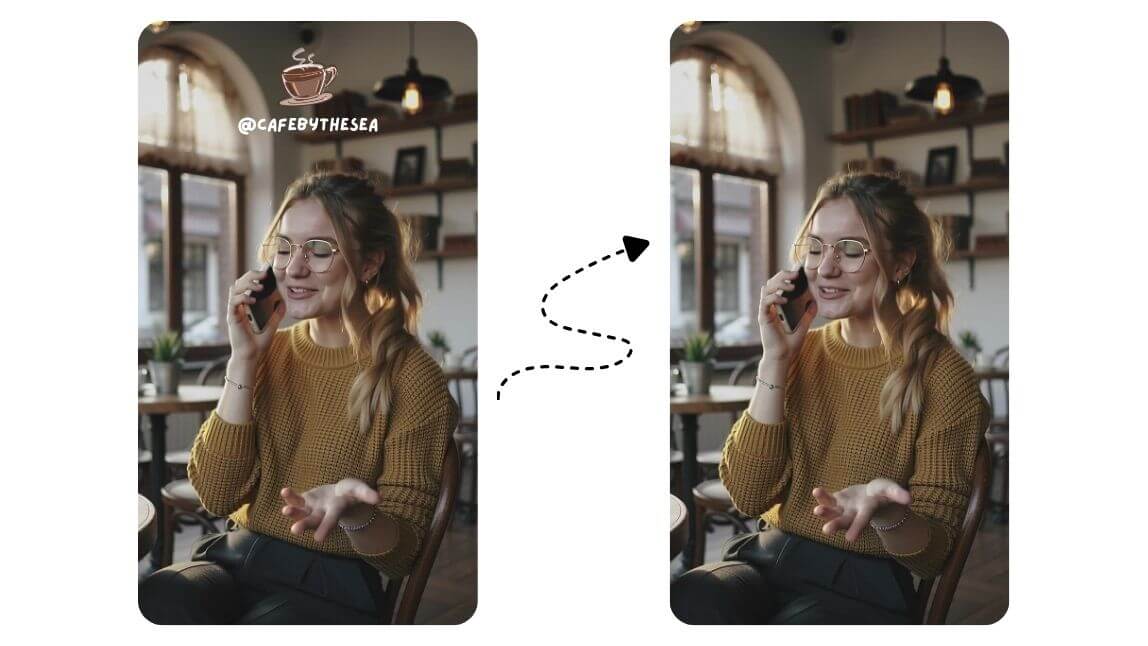
Clean Up Product Videos
Text overlays, labels, or unwanted visual elements can make product videos appear less polished and reduce audience trust. With AI-powered object removal, businesses and creators can clean up marketing videos to create more professional product showcases for e-commerce listings, ads, and social campaigns.
Tips for Cleaner Text Removal
Text on a plain or stable background comes out cleanest, so pick a clip where the area behind the words stays steady. Use MP4, MOV or M4V files up to 1 minute. The tool erases text that is burned into the picture, such as subtitles, usernames, date stamps and captions, while caption tracks stored as a separate subtitle file are switched off in your player instead. For large blocks of text or fast-moving areas, preview the result and try a smaller selection. Only edit videos you own or have permission to edit.

Related Video Tools
Text is only one thing you can clean up. The Video Object Remover erases unwanted objects from video, and Remove Watermark from Video takes off logos and marks. You can also browse every tool in the AI Video Editor to trim, enhance and finish the same clip without switching apps, so one video can go from raw footage to ready to post in a single place.

Frequently Asked Questions for Removing text in Videos
What is YouCam Online Editor’s Text Watermark Remover?
It is an AI-powered tool that helps you remove unwanted elements like logos, text, stickers, or watermarks from videos while maintaining natural visual quality and smooth motion.
Is it legal to remove text or watermarks from videos?
Removing text from videos is generally acceptable when editing your own content, repurposing licensed media, or cleaning up personal footage. However, users should avoid removing ownership watermarks or copyrighted branding from content they do not have permission to use. YouCam Online Editor is designed to help creators enhance and personalize videos responsibly while maintaining high-quality editing results.
Will removing text reduce video quality?
Traditional editing methods can sometimes leave blurry patches or noticeable artifacts after removing text overlays. YouCam’s AI Video Object Remover uses advanced inpainting technology to reconstruct the background naturally, helping preserve the original appearance of the video. This creates smoother and more professional-looking edits, especially for social media content and marketing videos.
What types of text can AI remove from videos?
AI-powered text removal tools can erase a wide variety of overlays, including subtitles, captions, usernames, logos, date stamps, and watermarks. With YouCam Online Editor, users can simply highlight unwanted areas and let AI automatically blend the surrounding pixels for cleaner results. This flexibility makes the tool useful for both casual creators and professional video editors.
What makes AI video text removal better than manual editing?
Manual video editing often requires frame-by-frame masking and advanced software knowledge, which can be time-consuming for beginners. AI video text removal automates the process by intelligently detecting and filling the selected area, dramatically reducing editing time while improving consistency. Tools like YouCam Online Editor make professional-quality cleanup accessible even for users without prior editing experience.
How do I remove text from a video online?
Upload your video, brush over the text you want to remove, preview the result and download it. The AI fills in the background where the text was.
Can I remove hardcoded subtitles from a video?
Yes. Subtitles that are burned into the video can be selected like any other text and removed. Subtitles stored as a separate file are not part of the picture, so they do not need removing this way.
What video formats and length does the text remover support?
You can upload MP4, MOV and M4V files up to 1 minute long. For longer videos, trim the section you need first.
Why can I still see traces of the text after removal?
Traces are most likely when the text is large, sits over a detailed or fast-moving background, or the footage is low resolution. Brush a little beyond the edge of the text, check the preview, and start from the highest-quality version of the video.
Can I remove a logo or watermark instead of text?
Yes, the same tool removes logos and watermarks. See Remove Watermark from Video for that workflow.
Can I remove text from a video on my phone?
Yes. You can use YouCam Online Editor in a browser or the YouCam app on your phone.
Which videos give the cleanest text removal?
Clips where the text sits on a plain or steady background come out cleanest. Use MP4, MOV or M4V files up to 1 minute. The tool removes text burned into the picture, such as subtitles, usernames and date stamps, while separate caption tracks are switched off in your video player. For large blocks of text or fast-moving areas, preview the result and try a smaller selection. Only edit videos you own or have permission to edit.

