
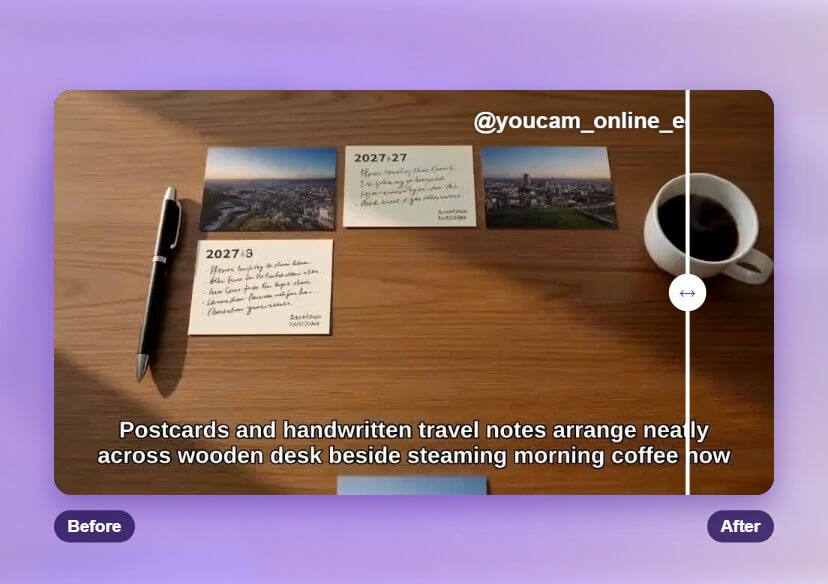


TikTok Watermark Remover Online
Remove the moving TikTok logo from your own videos with YouCam's AI Video Object Remover. Paint over the logo, let AI fill in the background, and download a clean clip in minutes.
What is a TikTok Watermark Remover?
A TikTok watermark remover erases the moving TikTok logo that appears on a downloaded video, then rebuilds the background behind them. YouCam's AI Video Object Remover works right in your browser, with no editing skills needed.
- Built for Moving Marks
The TikTok logo travels around the frame, and the AI follows it across every frame. - Natural Background Fill
The area behind the mark is rebuilt from the surrounding footage, so the clip stays smooth. - Quick and Beginner Friendly
Upload, paint over the logo, and let AI do the rest.
How to Remove a TikTok Watermark Online
Clean up a saved clip in three simple steps.

Upload Your Video
Upload the saved TikTok clip (MP4, MOV or M4V, up to 1 minute) and choose the "Remove Object" tab.

Paint Over the Logo
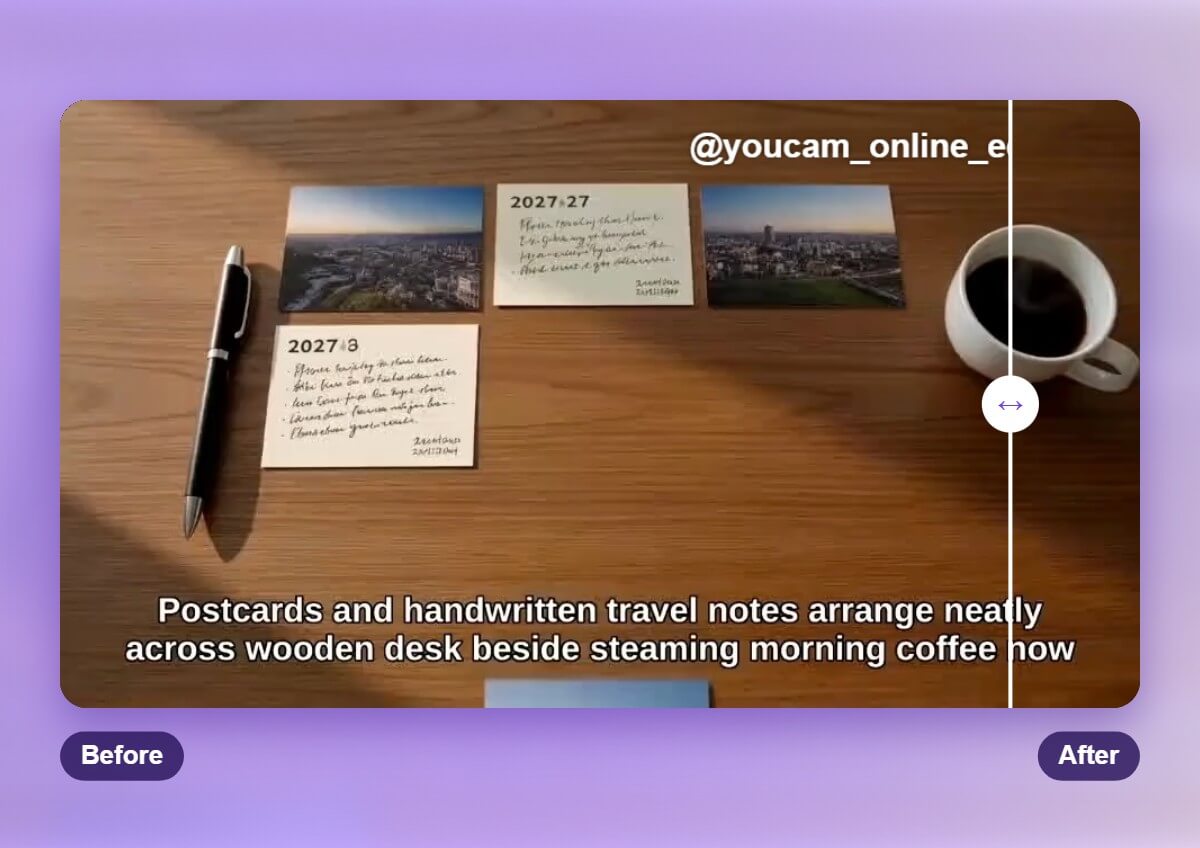
Paint over the TikTok logo on one frame, and the AI tracks it through the whole clip. Use the Eraser to refine the selection if you brushed too much.

Start and Download
Hit Start and the AI removes the marked area frame by frame. Preview the result, then download your clean video.
Remove the Bouncing TikTok Logo
The TikTok logo does not stay in one corner. It moves around the frame during playback, which makes cropping a poor fix. With YouCam Online Editor, you paint the logo once and the AI tracks it as it moves, filling in the background behind it instead of cutting your video down.
Erase the Username Tag
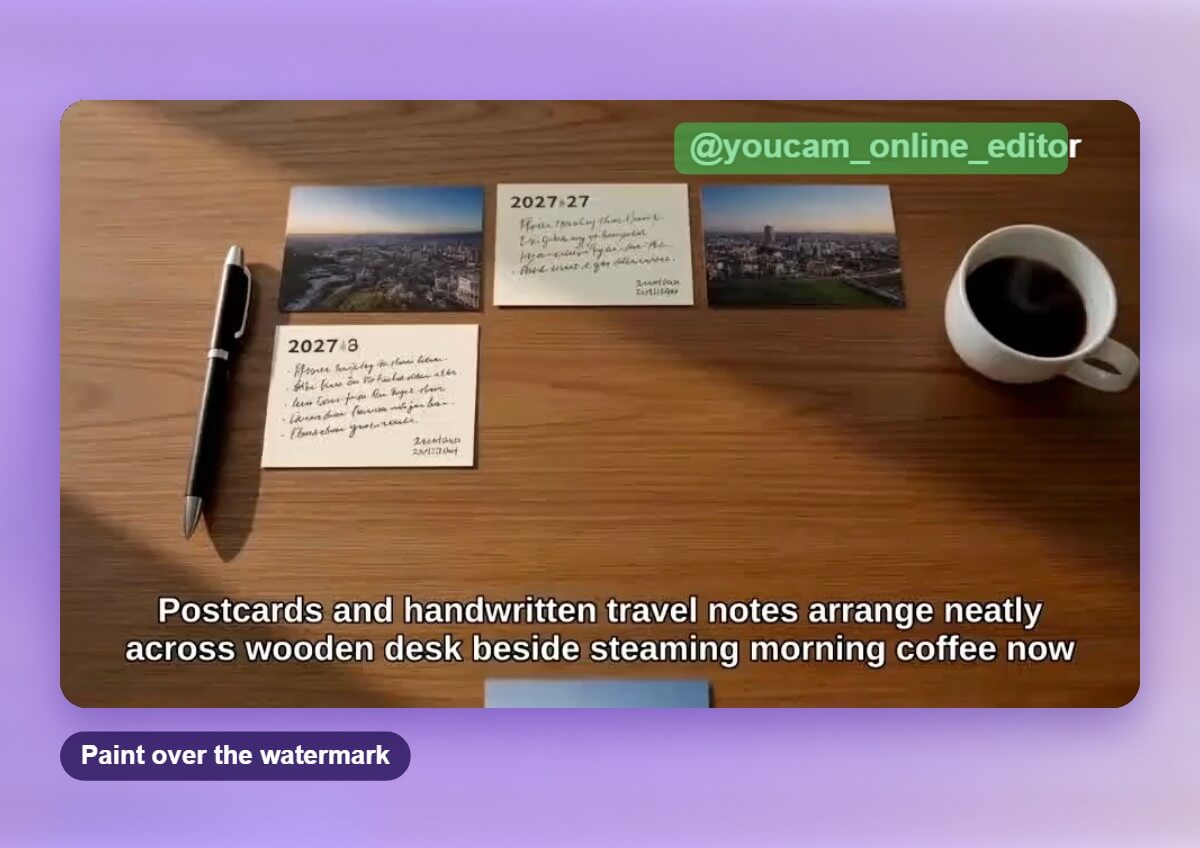
A username tag can also appear near the end of the clip. Once the logo is clean, paint over the tag as its own item in the same way. Best for creators who want a clean version of their own videos to reuse on other platforms.
Clean Up Reposts of Your Own Videos
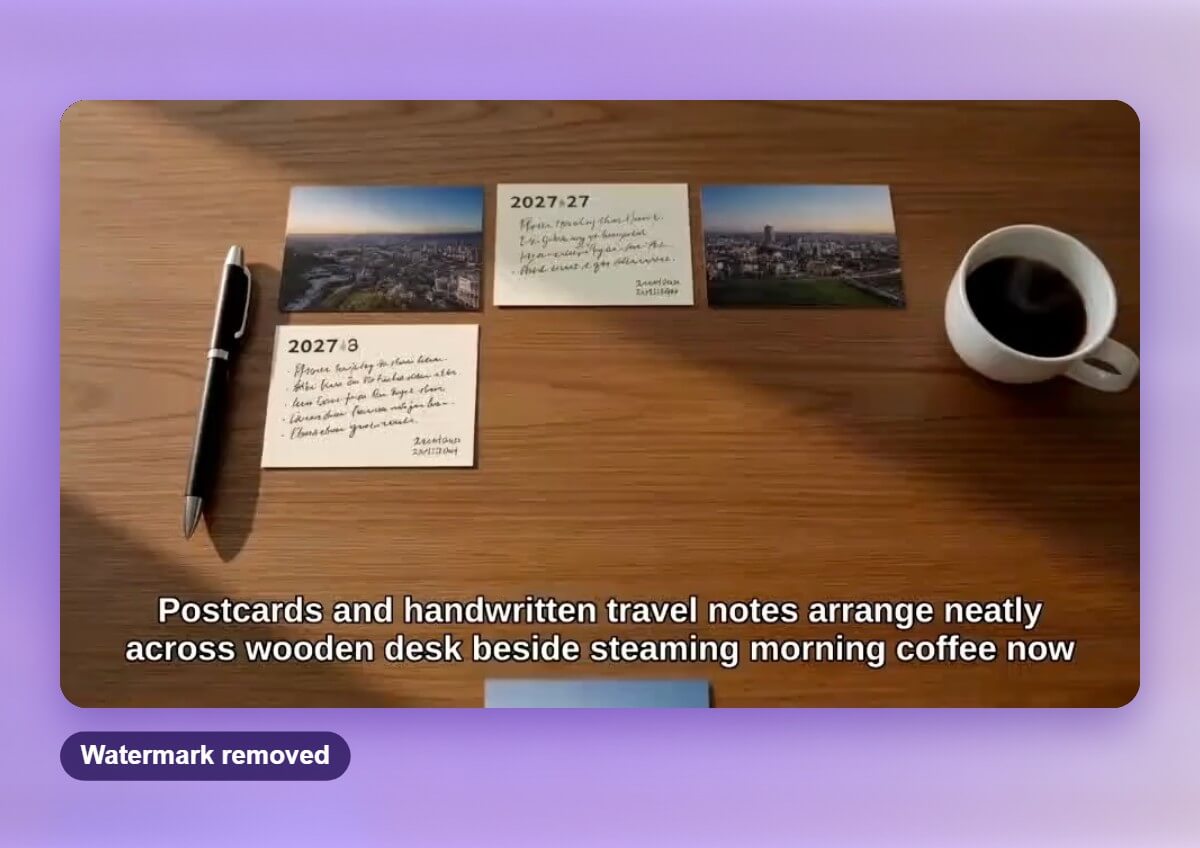
If you saved your own clip from the app and lost the original file, a watermark remover helps you reuse it for Instagram Reels, YouTube Shorts or a portfolio. Only remove marks from videos you created or have permission to edit.
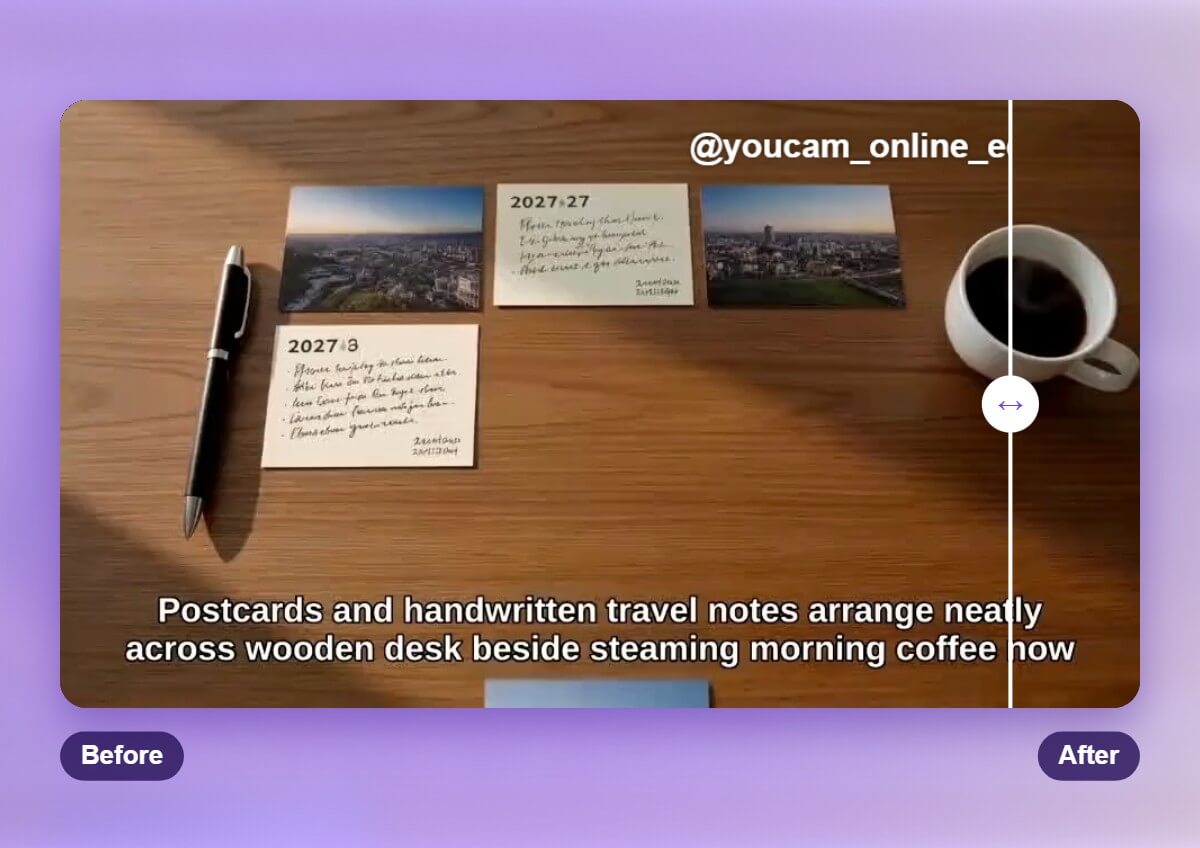
How the AI Handles a Moving Watermark
You paint the logo on one frame, and the AI follows it through the clip. For each frame it fills the painted area with texture and color taken from the surrounding footage, so the background looks continuous. Plain or steady backgrounds give the cleanest result, while busy or fast-moving scenes may need a closer look in the preview.

Tips for Cleaner TikTok Watermark Removal
Start from the highest quality version of your video. Brush slightly beyond the edge of the logo so no outline is left behind. Use MP4, MOV or M4V files up to 1 minute, and trim longer clips first. Preview the result and try a smaller selection if you still see a trace. Only edit videos you own or have permission to edit, and follow the platform's rules for reposting.

Related Video Tools
Watermarks are only one thing you can clean up. See Remove Watermark from Video for logos from other sources, try the Video Object Remover to erase unwanted objects, or open the AI Video Editor to trim, enhance and finish the same clip.

Frequently Asked Questions About Removing TikTok Watermarks
What is a TikTok watermark remover?
It is a tool that erases the moving TikTok logo from a video and fills in the background behind them. YouCam Online Editor does this with its AI Video Object Remover.
How do I remove the TikTok watermark from a video?
Upload your saved clip, choose the Remove Object tab, paint over the logo on one frame, then press Start. Preview the result and download the clean video.
Why does the TikTok logo move around the video?
The logo changes position during playback, so a simple crop does not work. The AI tracks the logo you painted through the clip and removes it frame by frame.
Can I remove the TikTok watermark from any video?
You should only edit videos you created or have permission to edit. Removing a mark from someone else's video without permission can break their rights and the platform's rules.
Will the video quality drop after removal?
The AI rebuilds only the marked area from the surrounding footage, so the rest of the video stays as it was. Results are cleanest on plain or steady backgrounds.
Why can I still see a faint trace of the logo?
Traces are most likely when the background is busy or fast moving, or the video is low resolution. Brush a little beyond the edge of the mark, preview the result, and start from the highest quality file you have.
What video formats and length are supported?
You can upload MP4, MOV and M4V files up to 1 minute long. For longer videos, trim the section you need first.
Can I remove the username tag as well?
Yes. Once the logo is removed, paint over the username tag as its own item in the same way and run it again.
Can I remove a watermark on my phone?
Yes. You can use YouCam Online Editor in a browser or the YouCam app on your phone.
Does this work for other watermarks and logos?
Yes. The same tool removes other logos and marks. See Remove Watermark from Video for that workflow.
Is YouCam affiliated with TikTok?
No. YouCam Online Editor is an independent video editing tool and is not affiliated with TikTok.

