



온라인 AI 여권 사진 만들기
몇 번의 간단한 클릭만으로, 몇 초 안에 전문적인 여권 사진을 온라인으로 만들어 보세요!
YouCam 온라인 AI 여권 사진 만들기의 최고의 기능
전문적인 여권·증명 사진을 빠르게 제작
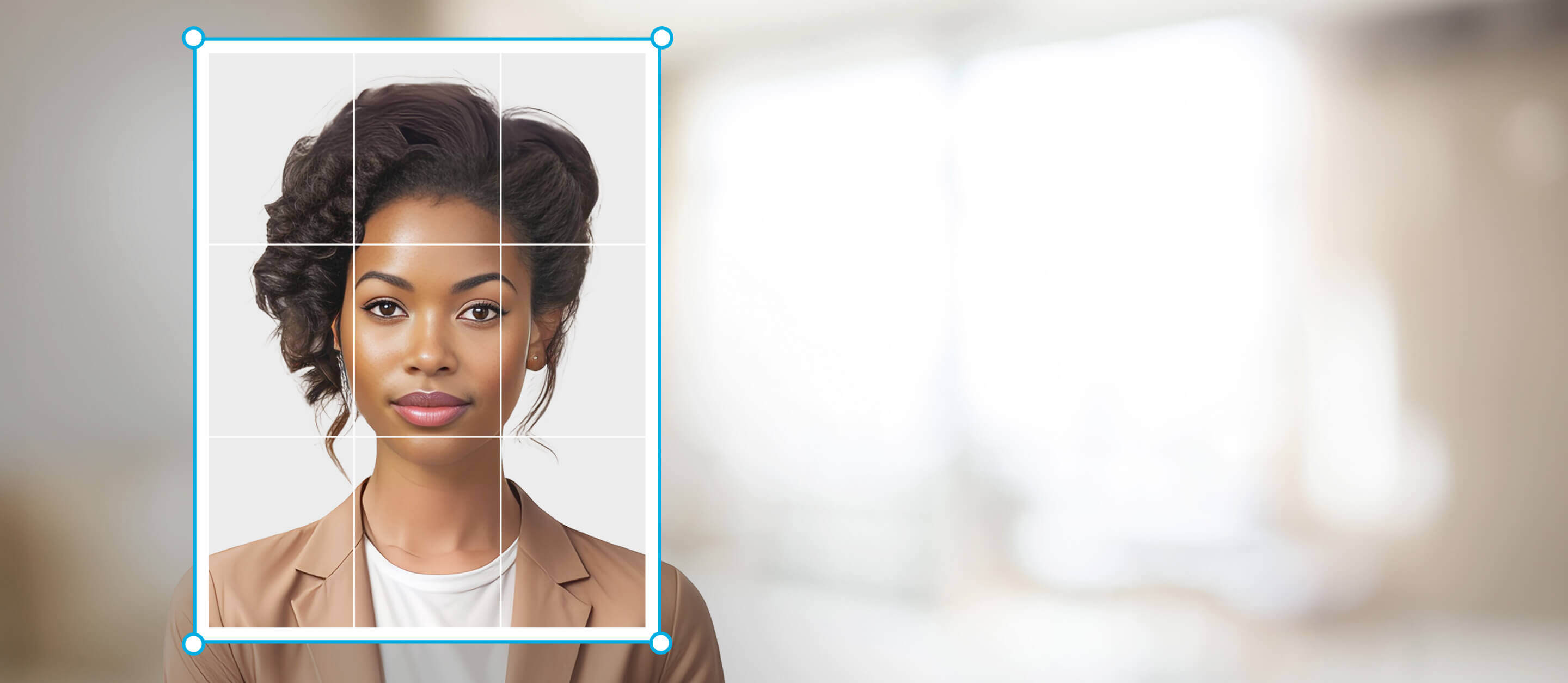
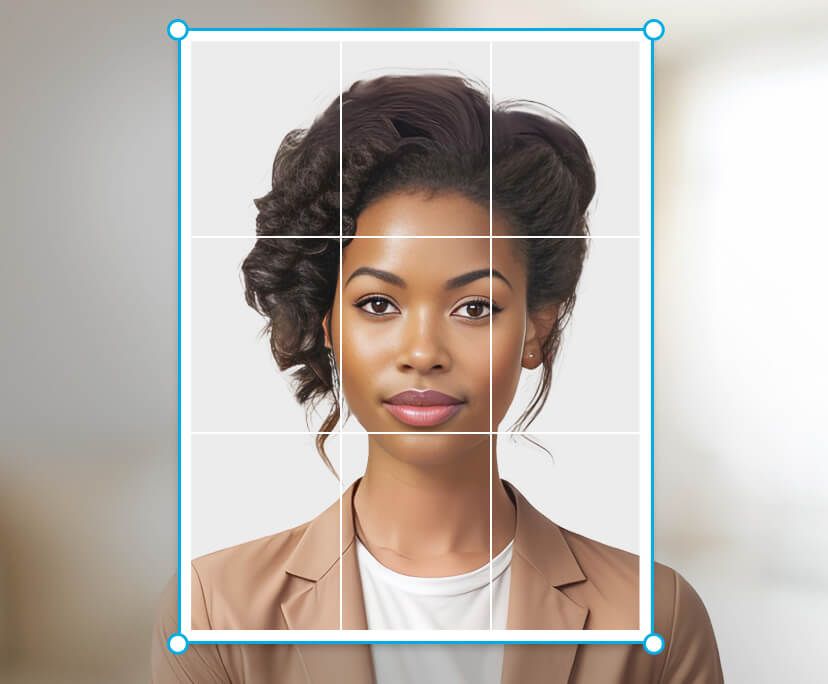
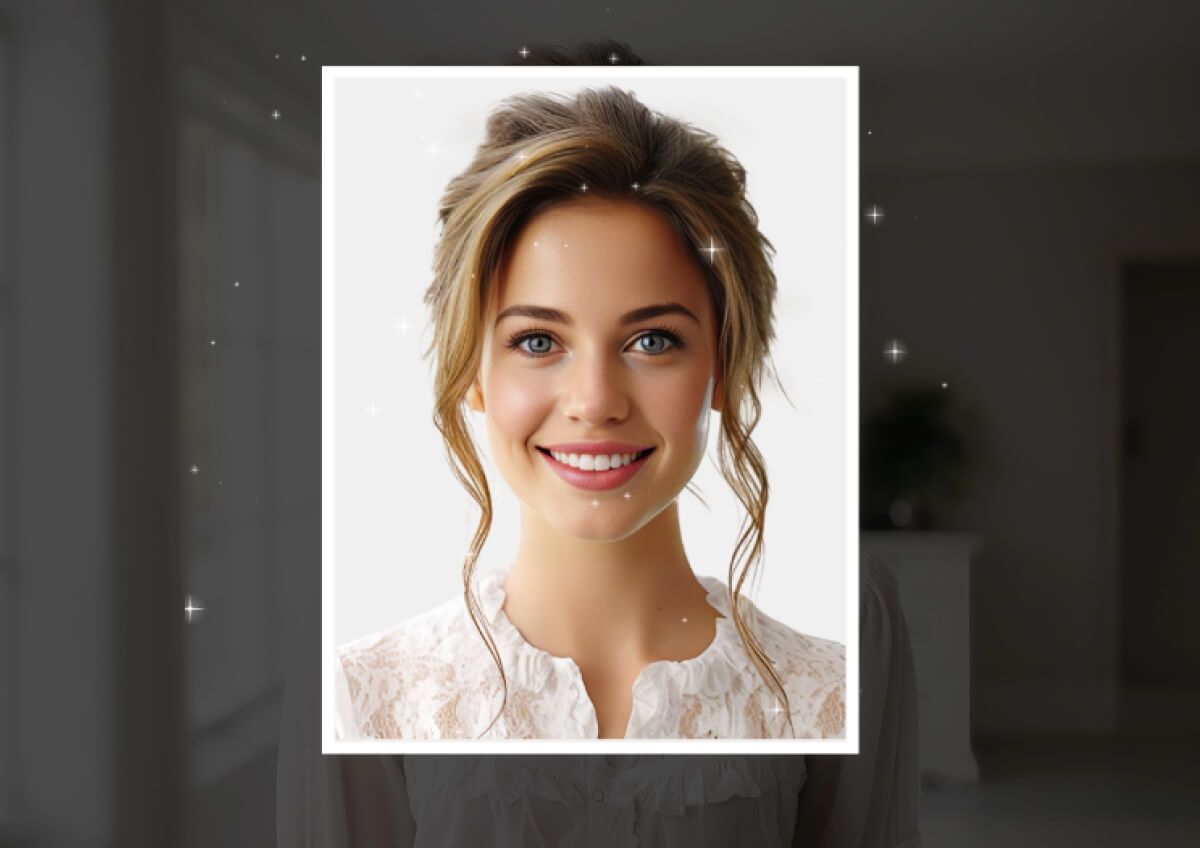
편집 실력 없이도 사진을 여권 또는 증명 사진으로 변환해 보세요. 사진 사이즈를 선택하고 이미지를 업로드하면, YouCam AI Background Remover가 자동으로 배경을 교체하고 잘라 드려요. 완벽한 여권 사진을 몇 초 만에 완성하세요!
더 알아보기: 사진에 해변 배경 추가, 사진에 검은색 배경 추가, 사진에 흰색 배경 추가, 배경 지우개, 무료 온라인 PNG 메이커
완벽한 여권 사진 배경을 쉽게 만들기
깔끔한 배경은 여권 사진과 신분증 사진에 필수예요. 우리의 여권 사진 만들기는 다양한 배경 색상 선택 기능을 제공합니다. 원하는 색상을 클릭하기만 하면, 필요에 맞는 여러 가지 색상을 사용하실 수 있어요.
더 알아보기: PNG 배경 제거, 투명 배경 만들기, 서명 배경 제거, 로고 배경 제거, 이미지에서 배경 제거
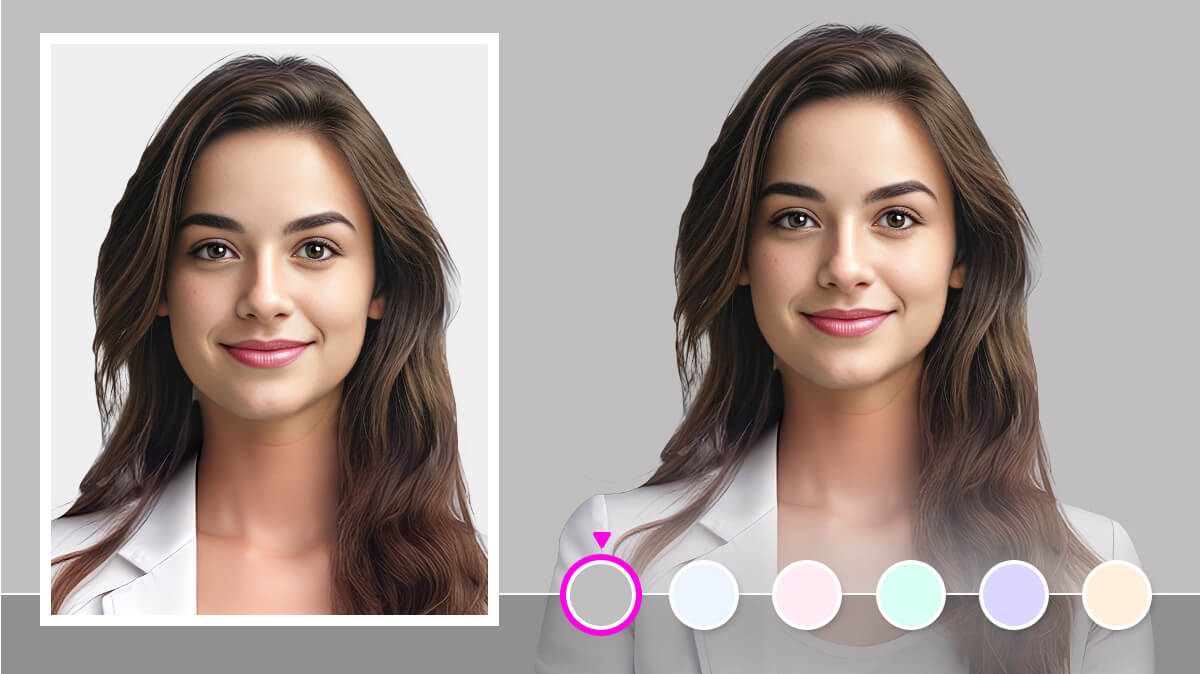
사진 배경 자동 제거
YouCam Online Editor의 AI가 인물과 배경을 빠르게 분리해, 여권·비자·각종 라이선스용으로 또렷한 흰색 배경을 만들어 드려요. 최소한의 노력으로 전문적인 결과와 규격을 모두 충족해 보세요.
더 알아보기: 흰색 배경 제거, 그린 스크린 제거, 검은색 배경 제거, 머그샷 만들기, 이미지 투명하게 만들기
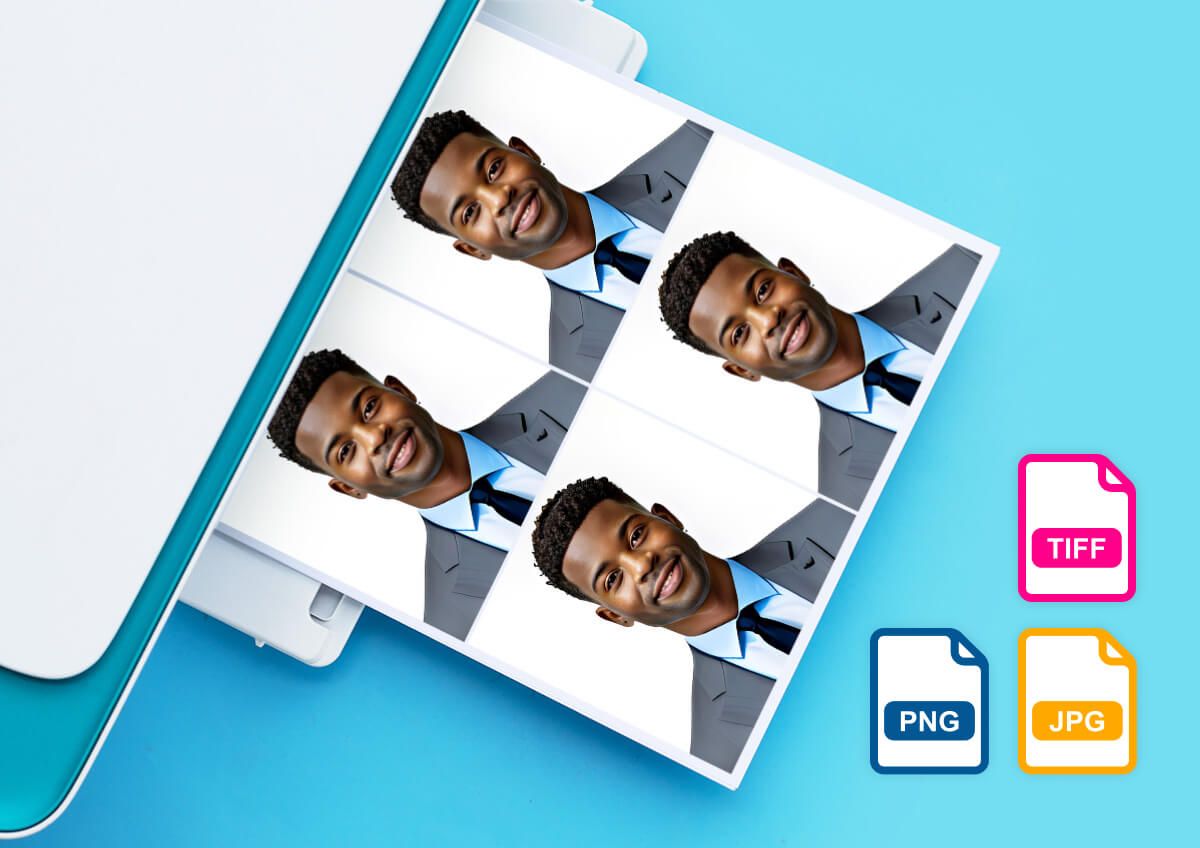
다운로드·인쇄까지 가능한 고화질 여권 사진
품질 저하 없이 여권 및 신분증 사진을 만들고, 다운로드하고, 인쇄해 보세요. 이 도구는 HD jpg, png, tiff 형식을 지원해, 각종 공식 용도로 사용 가능한 선명하고 디테일한 사진을 제공합니다.
더 알아보기: 그린 스크린 사진 편집기, 흰색 배경 제거, 검은색 배경 제거
온라인으로 여권 사진 만드는 방법

사진 업로드
흰색 또는 단색 배경의 사진이 가장 좋은 결과를 보여줘요.

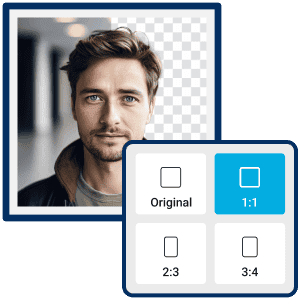
사이즈와 배경색 선택
여권 또는 증명 사진에 맞는 사이즈와 배경색을 선택하세요.

미리보기 & 다운로드
모든 설정을 마쳤다면 “Generate”를 클릭하고 AI에게 맡겨 보세요. 결과가 마음에 들면 미리보기 후 새 여권 사진을 다운로드하세요!
여권 사진 만들기에 대한 자주 묻는 질문
미국 여권 사진 규정은 어떻게 되나요?

- 최근 6개월 이내에 촬영한 컬러 사진이어야 합니다.
- 얼굴 전체가 가려지지 않게 또렷하게 나와야 합니다.
- 사진 크기는 흰색 배경의 2x2인치여야 합니다.
- 머리 높이는 세로 기준 1~1 3/8인치(2.5~3.5cm) 사이여야 합니다.
여권 사진 사이즈로 만드는 방법은?
YouCam Online Editor의 자르기 기능으로 여권 사진 사이즈를 쉽게 만들 수 있어요. 이미지를 업로드하고 원하는 크기를 선택하면, 몇 초 안에 완벽한 여권 사진이 완성됩니다!
직접 여권 사진을 만들 수 있나요?
물론이죠. 이제는 온라인으로 직접 여권 사진을 만드는 일이 아주 쉬워졌어요! YouCam Online Editor의 여권 사진 만들기를 사용하면, 고해상도의 여권 사진을 빠르게 제작할 수 있습니다.

