
MCP Servers & Agent Skills
for Visual AI
Connect YouCam's beauty, fashion, image, and video APIs through MCP—or install reusable Agent Skills for complete visual AI workflows. One YouCam API key, from prompt to real output.





Two ways to connect
Three MCPs, One API Key
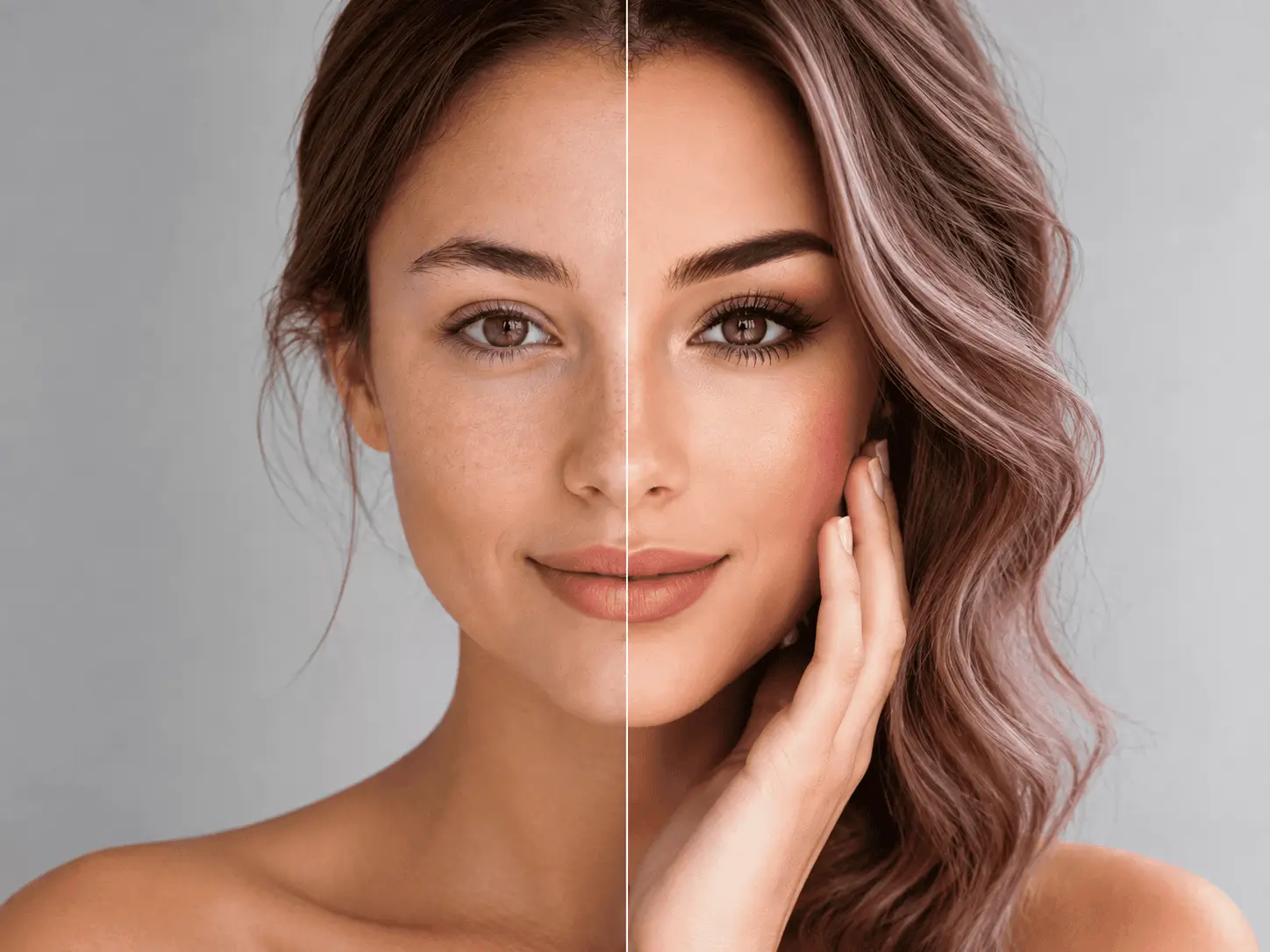
Give your agent tools for cosmetic skin analysis, makeup try-on, facial analysis, hairstyle generation, hair color, and beard editing.

Give your agent tools to dress models, change backgrounds, and place jewelry or watches on photos for virtual try-on experiences.
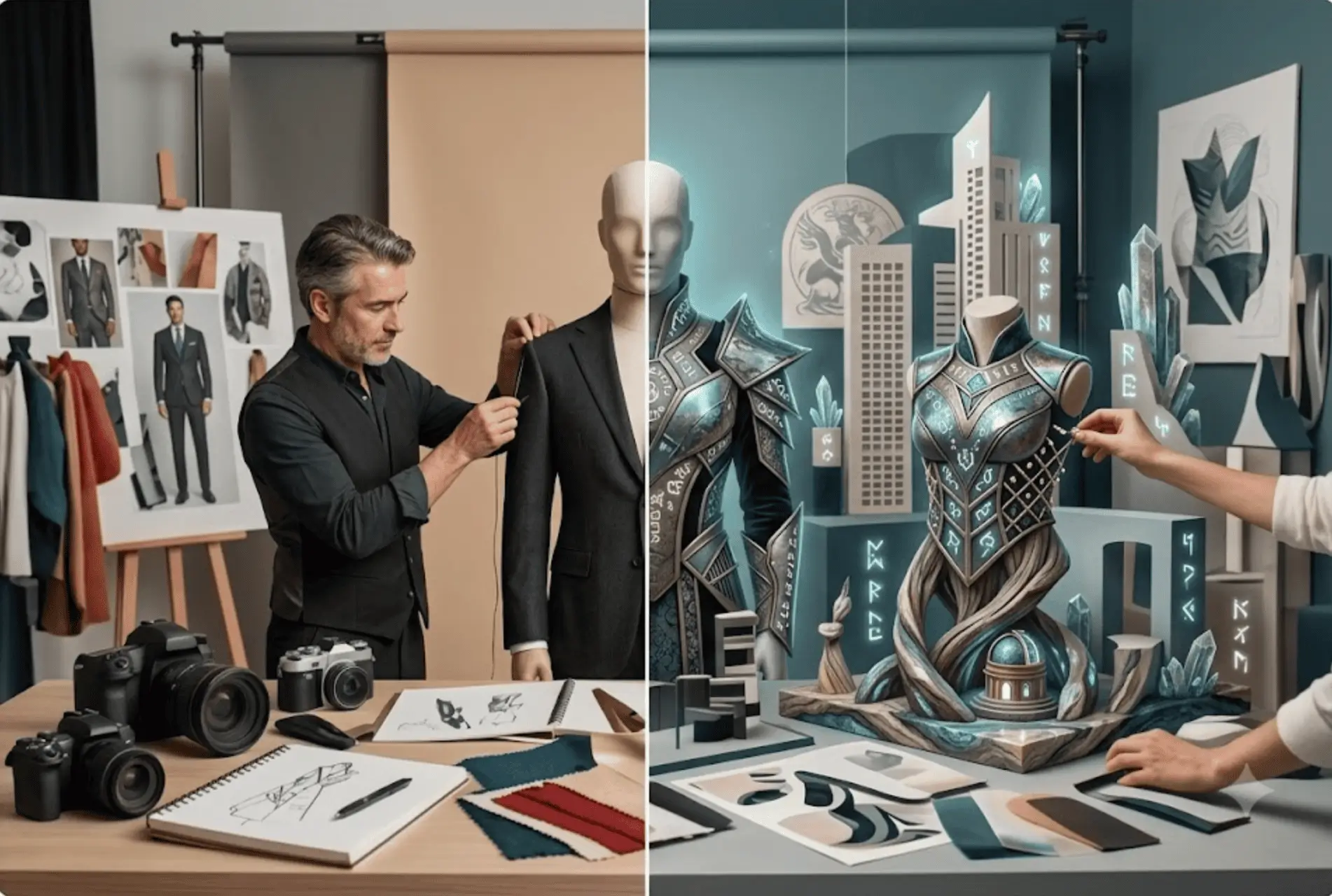
Give your agent tools to generate, edit, and transform images and videos from prompts or reference media.
Connect an MCP Server
Choose a domain server, add its configuration to your MCP client, and authenticate with your YouCam API key.
- 1
Voeg de connector toe
Plak de geselecteerde MCP-configuratie in je client.
- 2
Voeg je API-sleutel toe
Haal een Bearer-sleutel op in de API Console en voeg deze toe aan je MCP-configuratie of stel YOUCAM_API_KEY in voor Agent Skills.
GRATIS API-SLEUTEL OPHALEN → - 3
Gebruik het vanuit de chat
Stel je vraag in eenvoudig Engels; je agent kiest de juiste tool en geeft gestructureerde resultaten terug.
{
  "mcpServers": {
    "youcam-beauty": {
      "command": "npx",
      "args": [
        "-y",
        "mcp-remote",
        "https://mcp-api-01.makeupar.com/mcp/beauty",
        "--header",
        "Authorization:${AUTH}"
      ],
      "env": {
        "AUTH": "Bearer YOUR_API_KEY"
      }
    }
  }
}One Prompt In, a Real Result Out


Maak voor deze shopper een gepersonaliseerde lipstickpreview met onze zachte koraaltint.


Ik bereid een virtuele try-on voor die geschikt is voor klanten, waarbij de identiteit van de shopper en de productkleur behouden blijven.
De gepersonaliseerde lipstickpreview is klaar voor de beautyconsultatieflow.
- • Productkleur afgestemd op de aangeleverde referentie
- • Aanbrengen beperkt tot de lippen
- • Oorspronkelijke huidtint, gezichtskenmerken en belichting behouden
Het resultaat kan nu worden gebruikt in de shoppingassistent of consultatie-ervaring van het merk.

YouCam AI Capabilities, Now Available to Your Agent
Build complete visual AI experiences with specialized APIs for analysis, virtual try-on, generation, and editing.

Visual AI built for real use cases
Specialized APIs for beauty, hair, fashion, jewelry, image creation, and video workflows.

Activate directly in your favorite tools
Use YouCam directly in Claude, Gemini CLI, Cursor, and other everyday tools.

From prompt to real output
Return structured analysis, virtual try-on previews, generated images, and videos in your workflow.

Retain Manual Review Mechanisms
Retain manual oversight for critical tasks to prevent errors from escalating.
A Complete Visual AI Toolkit for Agents
Access a focused set of YouCam capabilities selected for beauty, personal care, fashion, retail, and creator workflows.
Specialized MCP servers
Ready-made Agent Skills
AI APIs powering the Skills
API key for integration
Global brand partners
AI visuals created
AR interactions
Why Build with YouCam MCP & Agent Skills?
Choose the level of control your workflow needs—from individual visual AI tools to ready-made, multi-step Skills.
Centralized Credential Control
YouCam's developer platform centrally issues and tracks all API keys, making team configurations and long-term maintenance much simpler.
MCP Servers and Ready-Made Skills
Give agents direct access to individual tools through MCP, or install Skills that select and call the required APIs automatically.
Top-tier built-in security
With OAuth directly linked to your YouCam account, you completely eliminate the risks of exposing or rotating API keys. Your video assets, account permissions, and credits remain entirely under your control.
One API Key and Existing Billing
Use the same YouCam API key and API plan across all three MCP servers and every Agent Skill. There is no separate charge for the MCP or Skill layer.
Actionable Troubleshooting Feedback
Accelerate debugging with clear, structured error responses. Instantly know whether a failure stems from invalid parameters, lack of permissions, or exceeded limits, making retries and fixes effortless.
Developer-Ready Setup
Start with copyable MCP configurations, a one-command Skill installation, API documentation, and an interactive API Playground.
See What YouCam MCP & Agent Skills Can Create
From structured analysis and virtual try-on to campaign images and videos — turn a prompt and source media into production-ready visual results.
FAQ
Connect YouCam MCP & Agent Skills to Your Agent Today
Connect YouCam and make your first API call in minutes.
One API key · Usage-based pricing · MCP and Agent Skill support