



Free AI Image Resizer: Extender & Resize Image
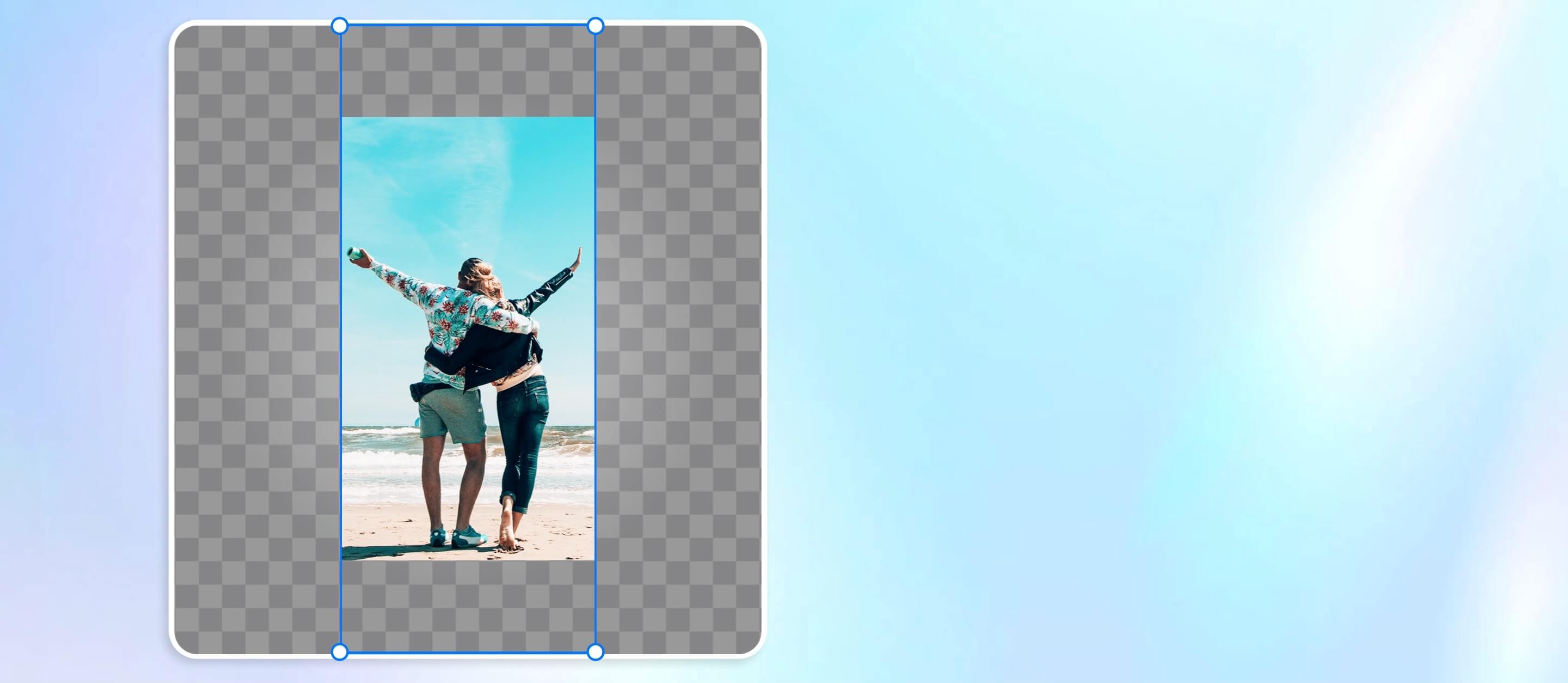
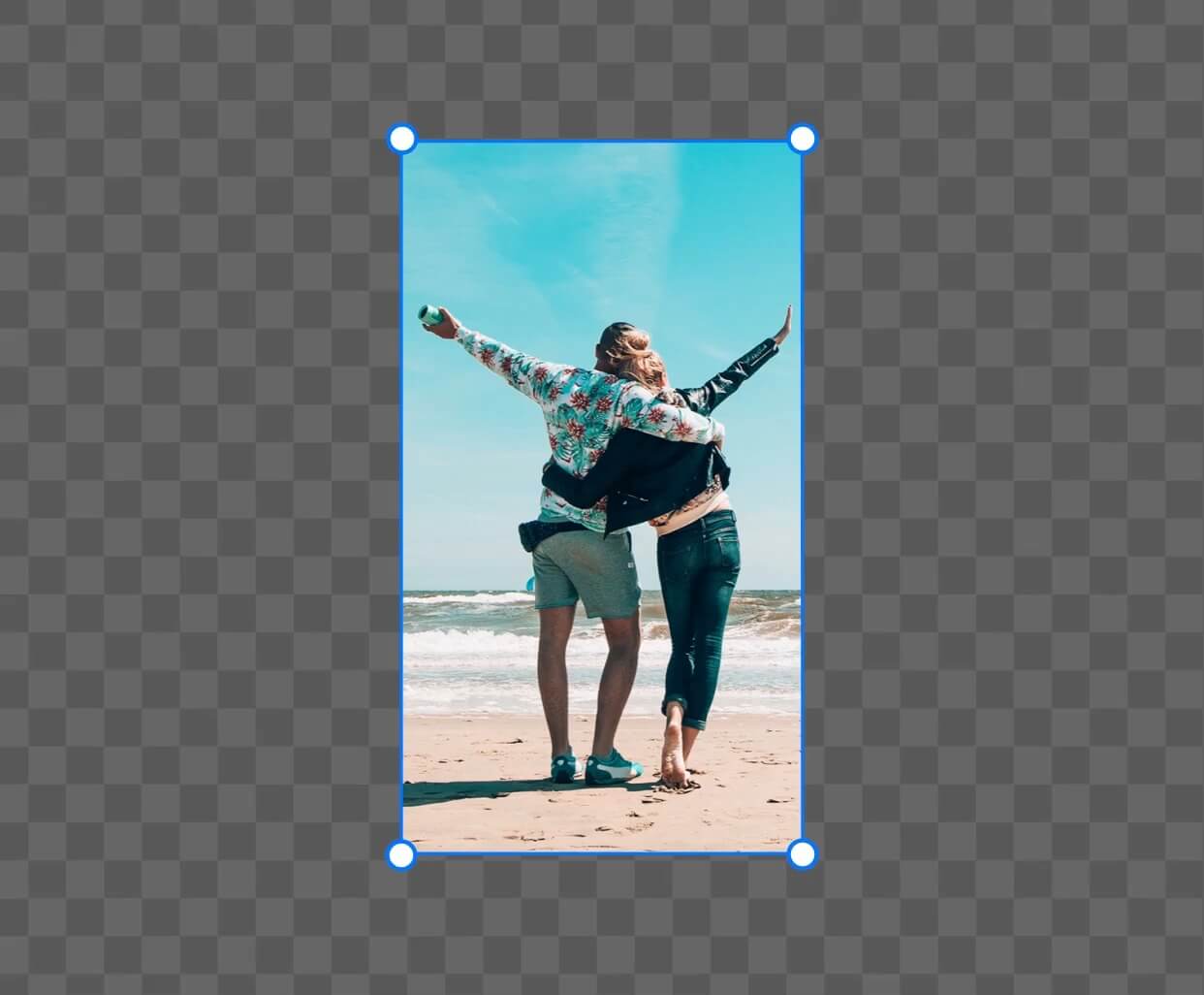
With YouCam AI Image Resizer and Extender, you can easily expand images with AI, resize visuals, and enlarge photos — all while maintaining stunning quality.





Ready to create the best photo?
The YouCam AI Image Resizer and Extender is a powerful, free online tool for anyone who wants to expand photos, enlarge images, or resize AI-generated visuals with professional-looking results.
How to extend and resize images with Free AI Image Resizer?
Are you struggling on how to put into practice with our YouCam’s AI Image Resizer? Here are the simple steps.

Upload Your Image
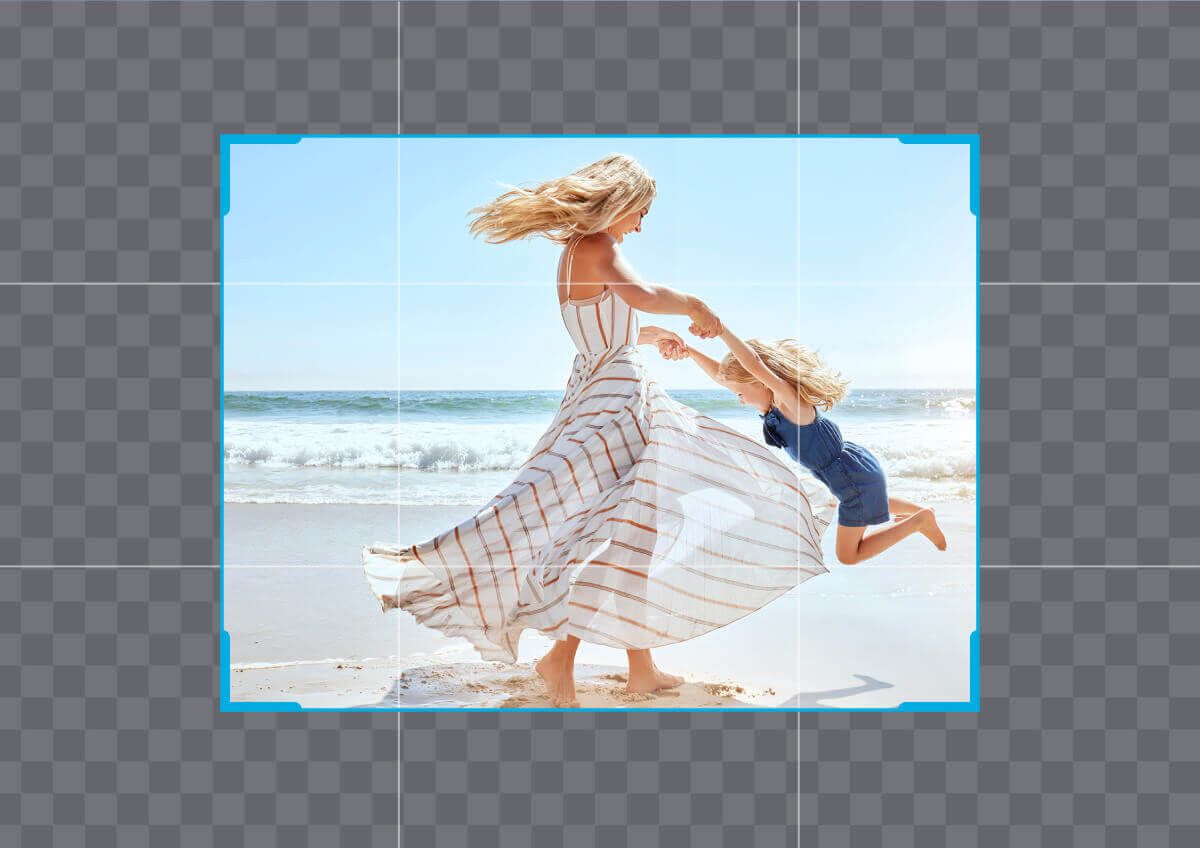
Head to the AI Image Extender page and upload the photo you'd like to resize or expand. Supported formats include JPG and PNG.

Choose Canvas Size
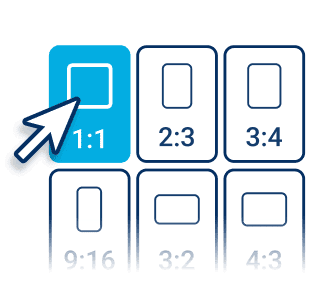
Select from preset aspect ratios like 1:1, 4:3, 16:9, or enter custom dimensions depending on your project.

Select Resize or Expand Option
Use “Resize” to scale your image up or down; and choose “Expand” to let the AI automatically generate natural-looking background extensions.

Download Now
Instantly preview the resized or AI-extended image. Once you're satisfied, click download.
4 Use Cases to use our Free AI Image Resizer
Expand Photos for Widescreen Displays
Easily turn a vertical or narrow photo into a stunning widescreen wallpaper or header by expanding the background naturally with AI.
Explore More Use Cases: YouTube Thumbnail Resizer, Banner Resizer
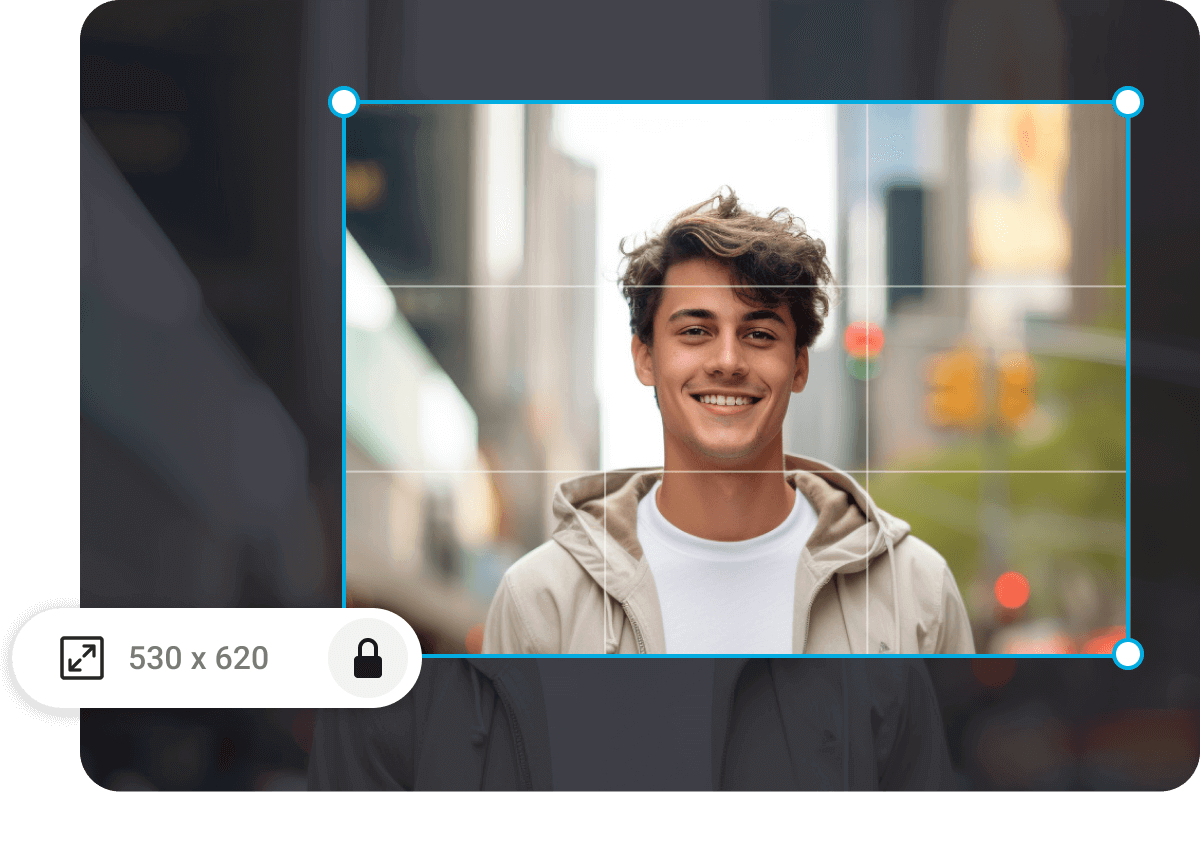
Fix Cropped or Tight Portraits
If your subject is too close to the edge, use AI photo expansion to regenerate background space — keeping the full face or body in frame without awkward cropping.
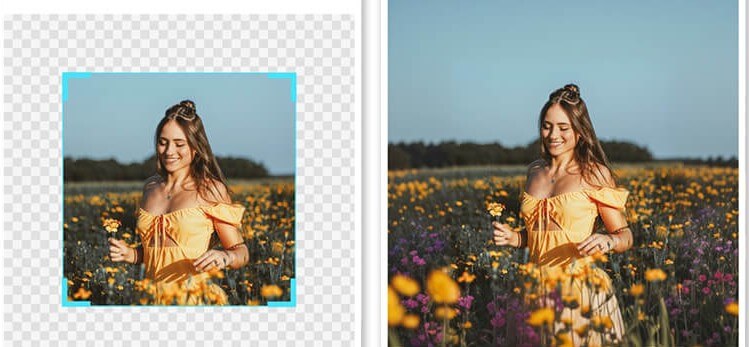
Social Media Content Framing
Need a horizontal version of your vertical photo for Instagram Stories or Facebook Covers? The AI Image Extender helps expand your visuals while keeping the main subject centered and intact.
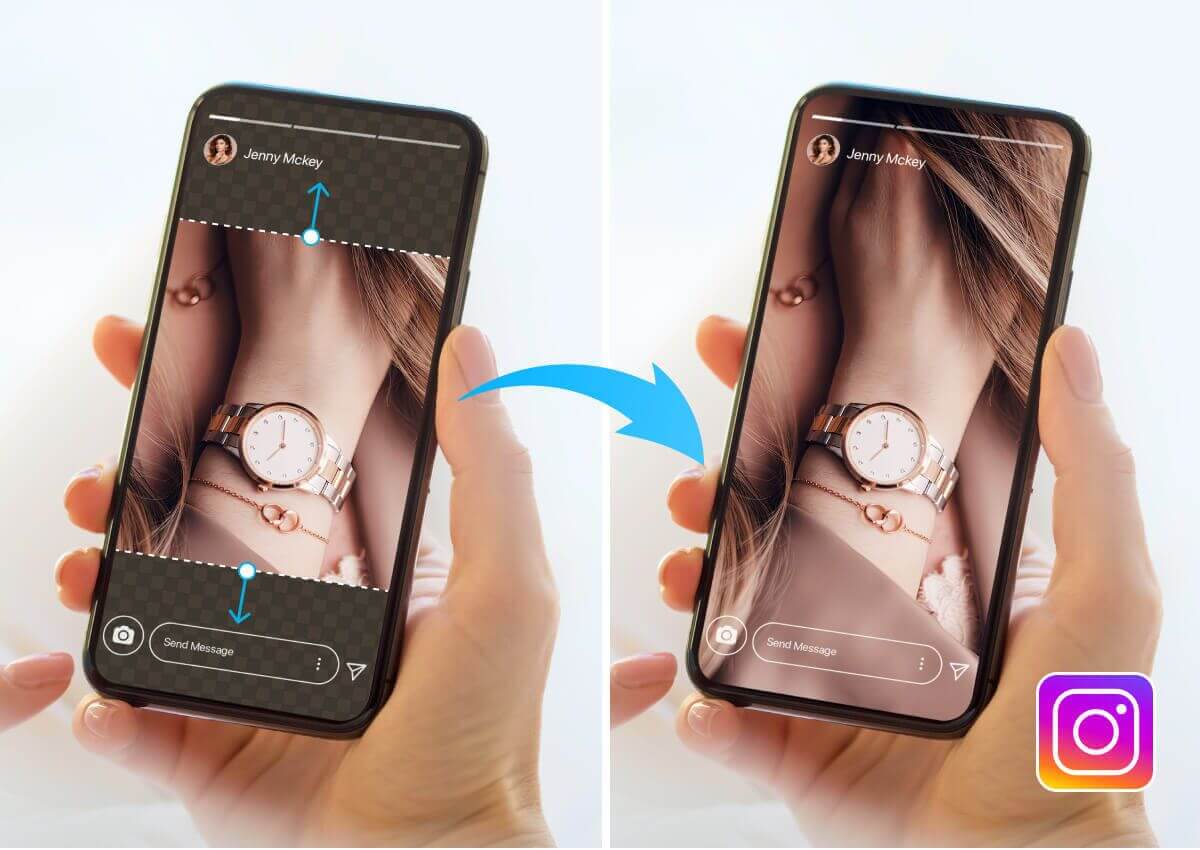
Optimize Web Images Without Quality Loss
Resize high-resolution images for websites to improve loading speed while keeping visual quality — perfect for blogs, portfolios, and e-commerce.
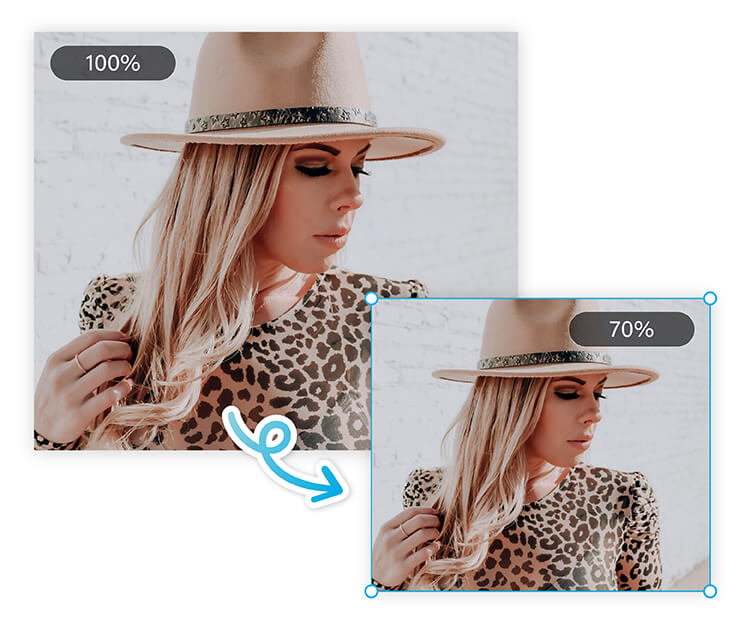
AI Image Resizer FAQs
Do I need need design experience to use AI Image Resizer?
No! YouCam’s AI Image Resizer is designed for everyone. Just type what you want, and the AI handles the rest.
What image formats does YouCam AI Image Resizer support?
It typically supports popular image formats such as JPEG, PNG, BMP, and sometimes HEIC. (Check the specific app version for the exact supported formats.)
Can I resize images for specific social media platforms?
Yes! The tool offers presets for popular social media platforms like Instagram, Facebook, Twitter, and LinkedIn, ensuring your images fit perfectly with the recommended sizes.

