AI Video Enhance API
Enhance videos through a developer-friendly API that improves clarity, sharpness, and brightness for apps, commerce, and content platforms.
Enhance Videos Automatically
Turn low-quality videos into clearer, sharper, brighter content through a simple API.
Upscale, Unblur, Denoise, and Enhance Videos
Reduce blur, remove noise, improve sharpness and brightness, and enhance videos without building a heavy processing workflow. Accept uploaded files or URLs and deliver higher-quality output.
- Supports .mp4 and .mov inputs for video enhancement.
- Accepts source files through upload flow or publicly accessible URLs.
- Supports output up to 2x input resolution, capped at 4K.
High-Performance API for Video Clarity and Portrait Recovery
Eliminate noise, optimize exposure, and balance contrast with ease. Our API excels at restoring facial details, ensuring portrait videos look remarkably clear, natural, and true-to-life.
- Restores facial detail in portrait-focused video content.
- Reduces the overly processed look that enhancement can create on faces.
- Preserves natural textures and authentic expressions of the subject in the final output.
Seamlessly Enhance Video Clarity with Integrated Color Correction
Go beyond sharpening alone by reducing visual noise and improving overall balance for cleaner, more polished video output.
- Reduces distracting noise in lower-quality video.
- Supports color correction for a more refined final look.
- Helps footage appear cleaner, brighter, and more presentation-ready.
Turn Low-Quality Clips into More Publish-Ready Videos
Improve visual clarity for videos that need a cleaner final presentation. The API helps make lower-quality footage look more polished for publishing, promotion, and branded experiences.
- Reduce visible blur and improve overall clarity.
- Improve the presentation of clips before publishing.
- Support more polished product, campaign, and branded video output.
High-Quality Video Output Without a Complex Timeline
The output can scale up to 2x input resolution, with a maximum output of 4K. This helps teams improve video quality without building a custom enhancement engine from scratch.
- Supports higher-quality output for video assets.
- Upgrades source footage within documented resolution limits.
- Reduces manual cleanup for usable but underwhelming clips.
Built for Better Video Workloads
The API is built for video enhancement and supports videos in .mp4 and .mov formats.
- Focuses on clips that need quick quality improvement.
- Supports common video formats used in digital workflows.
- Fits well into product, campaign, and social content pipelines.

Why Teams Choose It
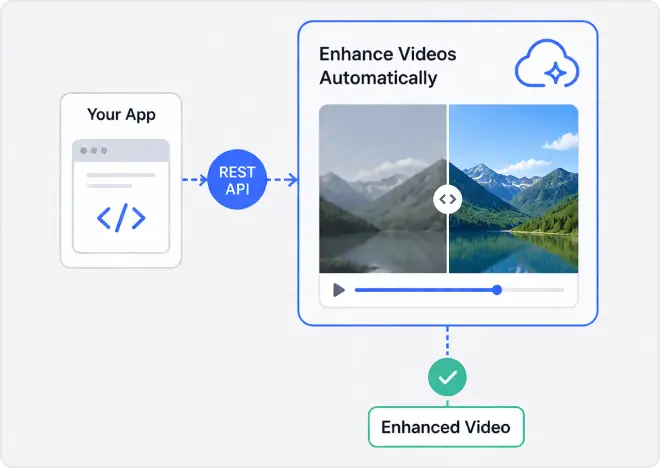
Skip building a custom video enhancement engine and start with a cleaner REST workflow.
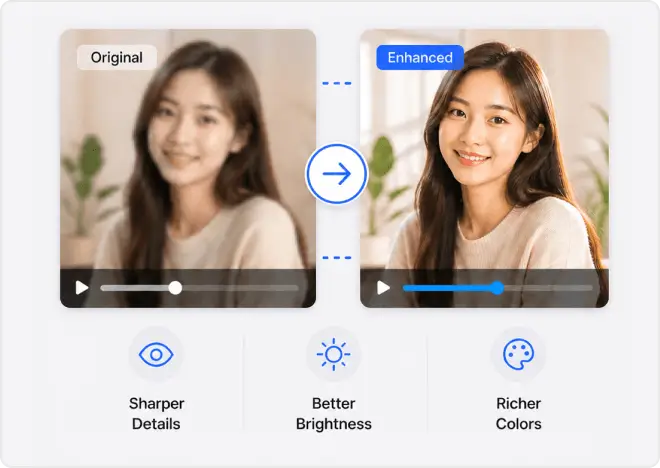
Improve the look of videos before they reach users, buyers, or campaign audiences.
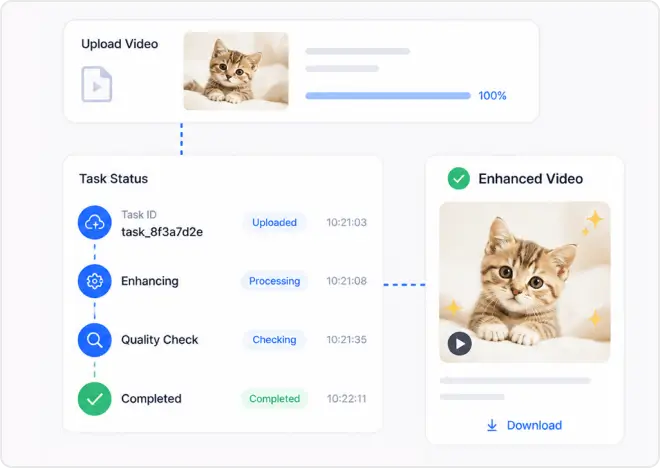
Track jobs with task IDs and status checks that fit backend orchestration more naturally.
Fits Easily into Your Existing Tech Stack
AI Video Enhance API is designed to fit into existing backend and media workflows without adding unnecessary disruption. Upload a source file first or pass a public video URL directly when creating a task.
- Upload files first through the File API when needed.
- Pass a public src_file_url for direct task execution.
- Integrate easily into existing backend and media processing workflows.
Simple REST Integration for Real Product Workflows
AI Video Enhance API uses a straightforward REST approach that fits neatly into existing server-side media flows. Upload or reference a source video, create a task, then poll until processing finishes.
- Uses standard REST endpoints with Bearer authentication.
- Supports flexible source input through upload flow or public URL.
- Uses an async processing model that fits queued backend jobs.
How to Use the AI Video Enhance API
The flow is simple: submit a supported video, create an enhancement task, and monitor task status until processing finishes. It is designed for fast, production-friendly REST integrations.

Upload a new clip with the File API or point the request to a public video URL.

Submit the enhancement request and store the returned task_id for tracking.

Check task status at the documented interval until success or error is returned.
Business Benefits
Give content and commerce teams a cleaner path from low-quality input to usable output.
- Improve campaign, social, and product videos with less manual cleanup.
- Add video enhancement to customer-facing experiences without building in-house restoration models.
- Reduce friction between uploaded source content and higher-quality deliverables.
Benefits for Developers
Give engineering teams a predictable API workflow that is easy to integrate into existing systems.
- Use a simple REST pattern with JSON bodies and Bearer authentication.
- Build async processing around task creation and status polling.
- Start quickly with request examples across major backend languages.
Our API Supports All The Major Frameworks

JavaScript & Java

Flutter

Python

PHP

Node.js

cURL
Part of the Perfect Corp. AI Ecosystem for Image and Video Editing
AI Video Enhance API sits within Perfect Corp.’s broader AI API portfolio across image, video, beauty, and fashion experiences. That makes it easier to position video enhancement as one part of a larger visual AI stack.
Where Teams Use The AI Video Enhancer API
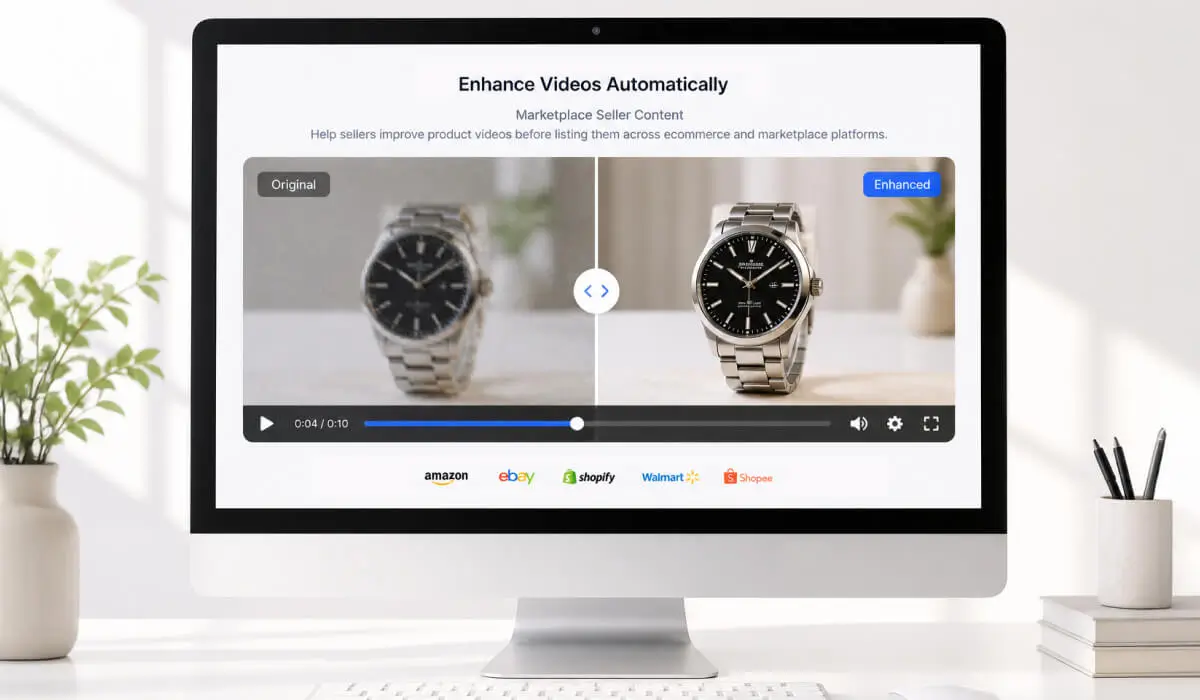
Help sellers improve product videos before listing them across ecommerce and marketplace platforms.
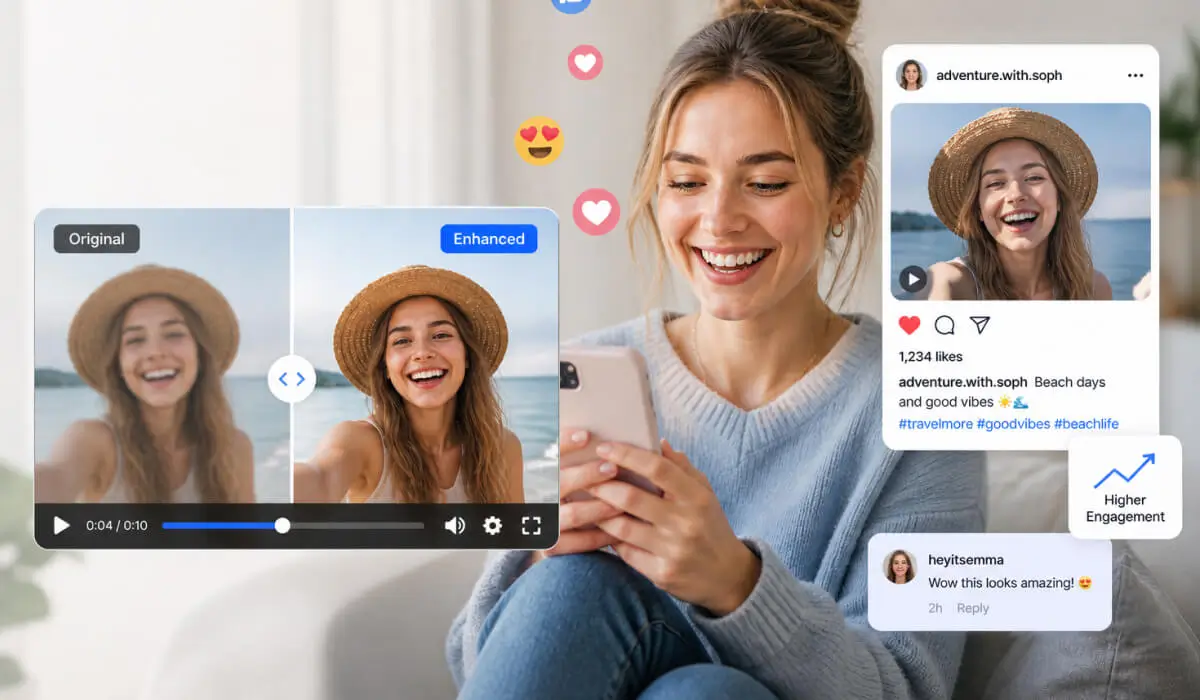
Help customer-submitted videos look cleaner and more polished across campaigns and community galleries.

Add video enhancement behind the scenes inside creator, retail, and content app platform experiences.
AI Video Enhancer API FAQs