


AI Photo Enhancer API
Enhance quality, upscale images up to 4x, reduce noise, fix blurry photos, and improve clarity with an API built for brands, retailers, developers, and product teams.
Enhance, Upscale, and Denoise Images with One API
AI Photo Enhancer API helps teams improve low-resolution images, remove noise, recover details, and upscale photos through a simple API workflow.
Smarter Image Enhancement in One Click
AI Photo Enhance API is built to improve image quality at scale, helping teams create clearer product images, better portraits, and stronger visual assets.
- Upscale images and enhance quality with AI-powered photo enhancement
- Reduce blur, remove noise, and improve low-resolution or pixelated images
- Start with a public image URL or uploaded file, then retrieve the results
Upscale Low-Resolution Images for Clearer Results
Turn low-resolution images into clearer, sharper, and more usable visuals with AI image upscaling and enhancement.
- Increase image resolution by up to 4x based on the original dimensions
- Improve clarity and enhance fine details in low-resolution images
- Make images look cleaner and more polished across digital touchpoints
Remove Noise and Clean Up Pixelation Automatically
Improve image quality with denoise and enhancement features that help clean up low-quality images.
- Remove noise for smoother, cleaner-looking images
- Reduce visible pixelation for more natural image enhancement results
- Clean up low-quality images before reuse across digital channels


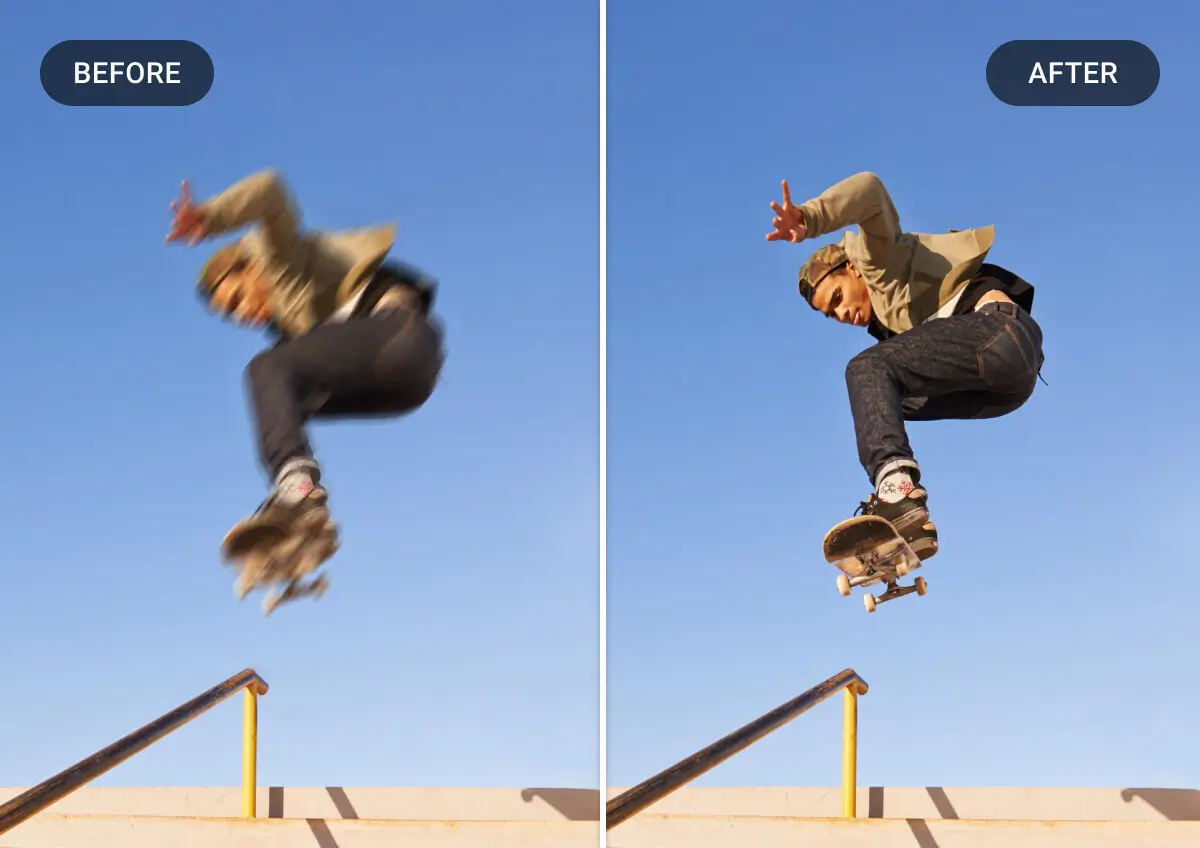
Fix Blurry Photos and Recover Details
Recover sharper image output from blurry or motion-affected photos using AI-based photo enhancement.
- Fix blurry photos to reveal clearer edges and textures
- Recover lost detail in soft or motion-affected images
- Improve overall visual clarity for more professional-looking assets
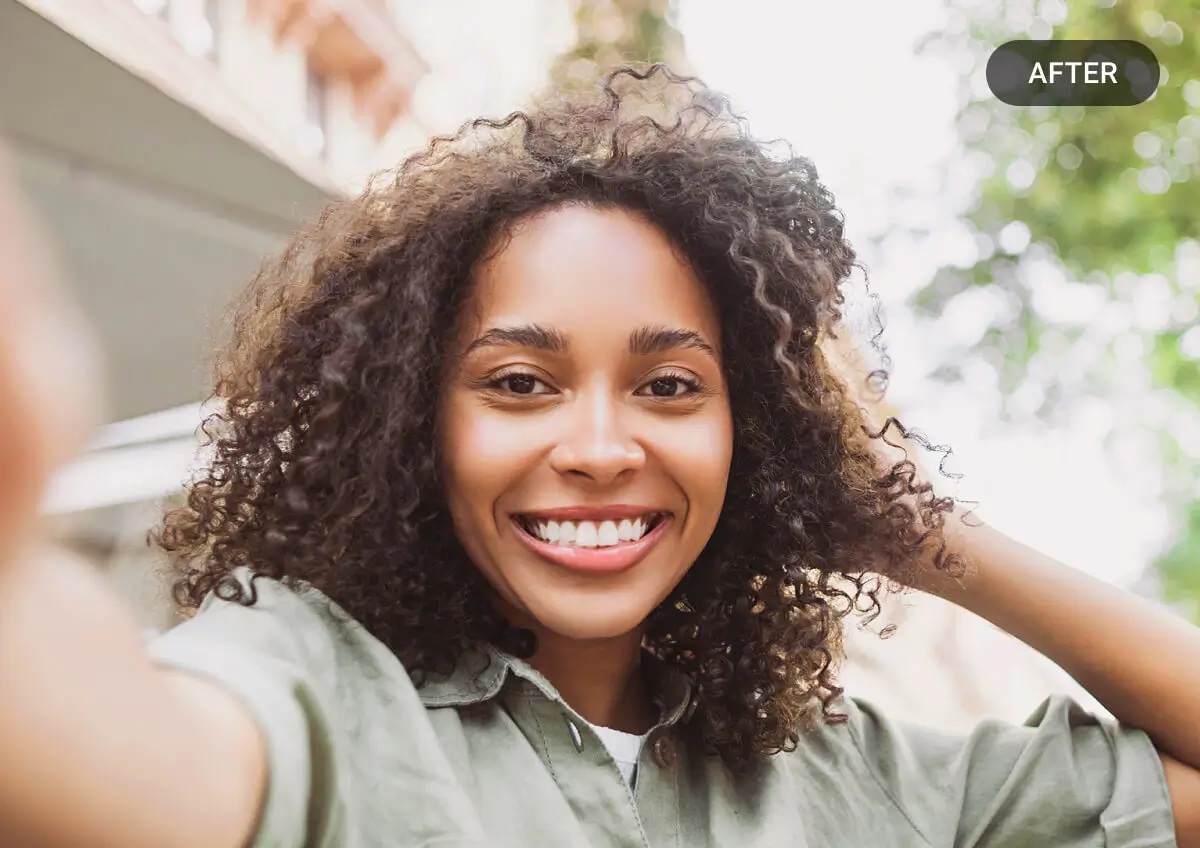
Enhance Portraits with Face Enhancement
Support better-looking portrait results with face enhancement as part of the photo enhancement flow.
- Refine facial features for clearer, more lifelike portraits
- Improve face visibility in softer or lower-quality images
- Deliver more polished portrait results for customer-facing visuals

Launch Faster Across Your Image Workflows
Add AI photo enhancement into production workflows with a simple integration model designed for real-world use.
- Start enhancement tasks through a straightforward REST API workflow
- Fit photo enhancement into content pipelines, apps, or media services
- Track task status and results in a flow that fits scalable content operations
Build Your AI Image Enhance Solution
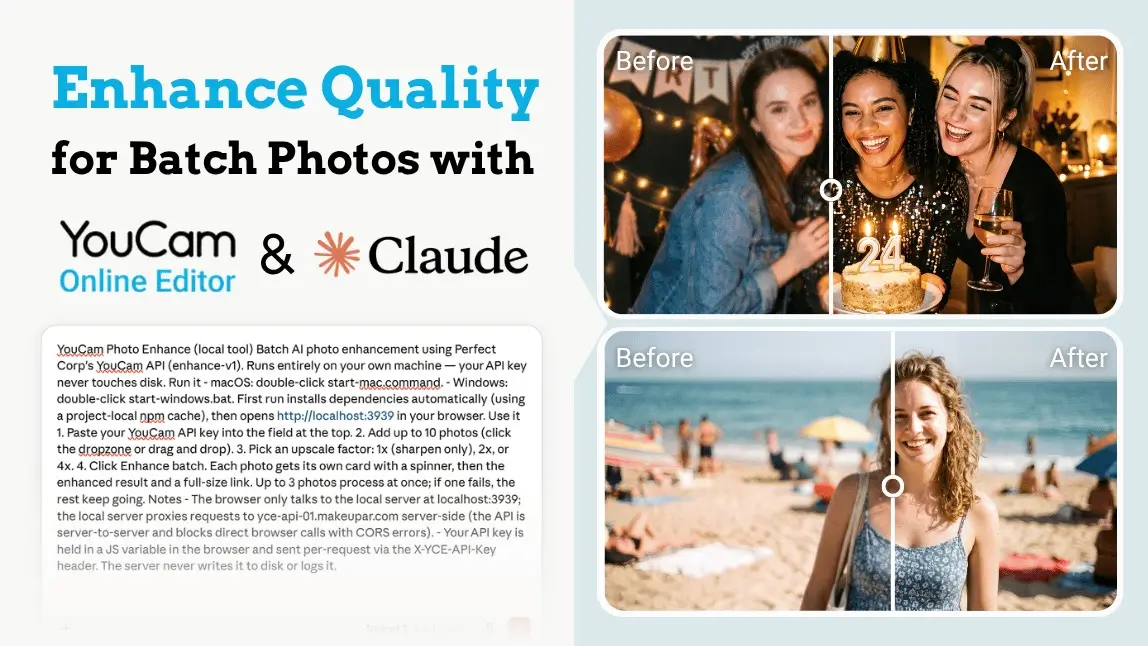
With the YouCam AI photo enhancer API and Claude, you can build your own batch photo enhancer in about five minutes. No coding. No downloads from sketchy websites. Just one prompt, one free API key, and a drag-and-drop tool that runs right on your own computer.
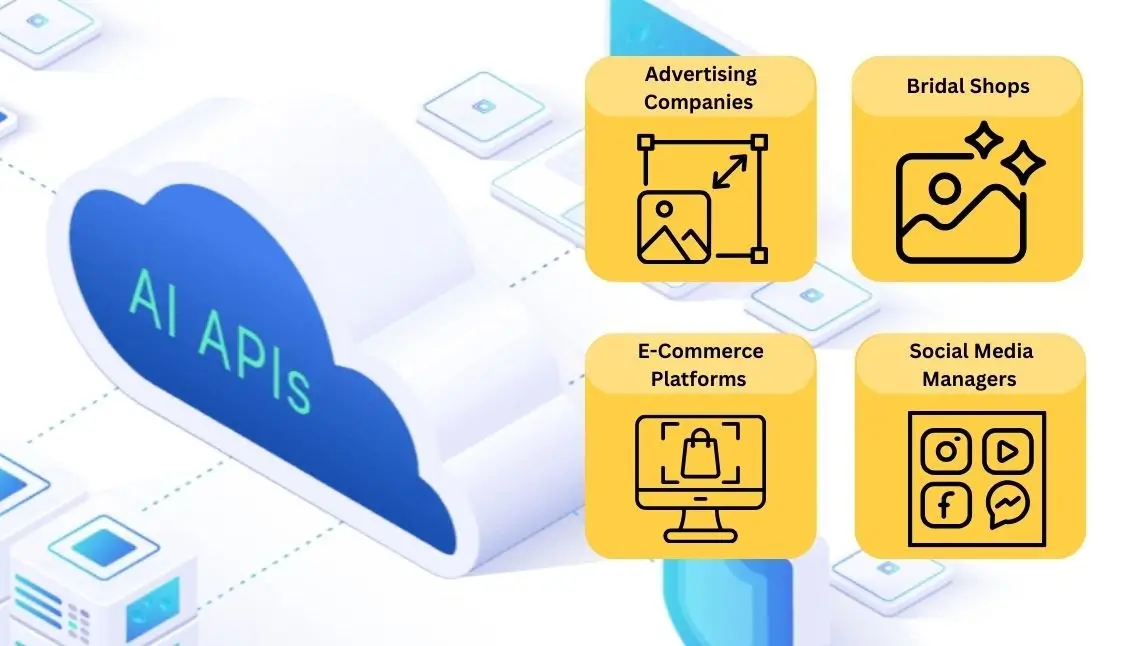
Learn how API keys and AI photo editors like YouCam transform workflows for advertisers, bridal shops, and photo editors. Discover key benefits and tools.

Discover the 7 best image APIs. Enhance your apps with AI-powered editing tools, background removal, generative AI & more. Perfect for developers & businesses.
How to Use the AI Photo Enhancer API
The workflow is simple: provide an image, run AI enhancement, and check the result. It is designed for teams that need image upscale, denoise, sharpening, and clarity improvement in a clean API flow.
Upload a file through the File API or provide a publicly accessible image URL.
Submit the enhancement request with your file reference and selected image upscale ratio.

Use the returned task ID to review processing status, results, and any error details.
AI Image Enhancement with a Simple REST API
AI Photo Enhancer API follows a clear REST-based integration flow that works well with existing image pipelines and backend services. Teams can authenticate requests, submit images, start enhancement, and check results with a small set of endpoints.
- REST API workflow designed to be simple and fast to implement
- Supports file upload flow or publicly accessible image URLs
- Async task handling helps teams process image enhancement efficiently
Why Teams Choose Our AI Photo Enhancer API
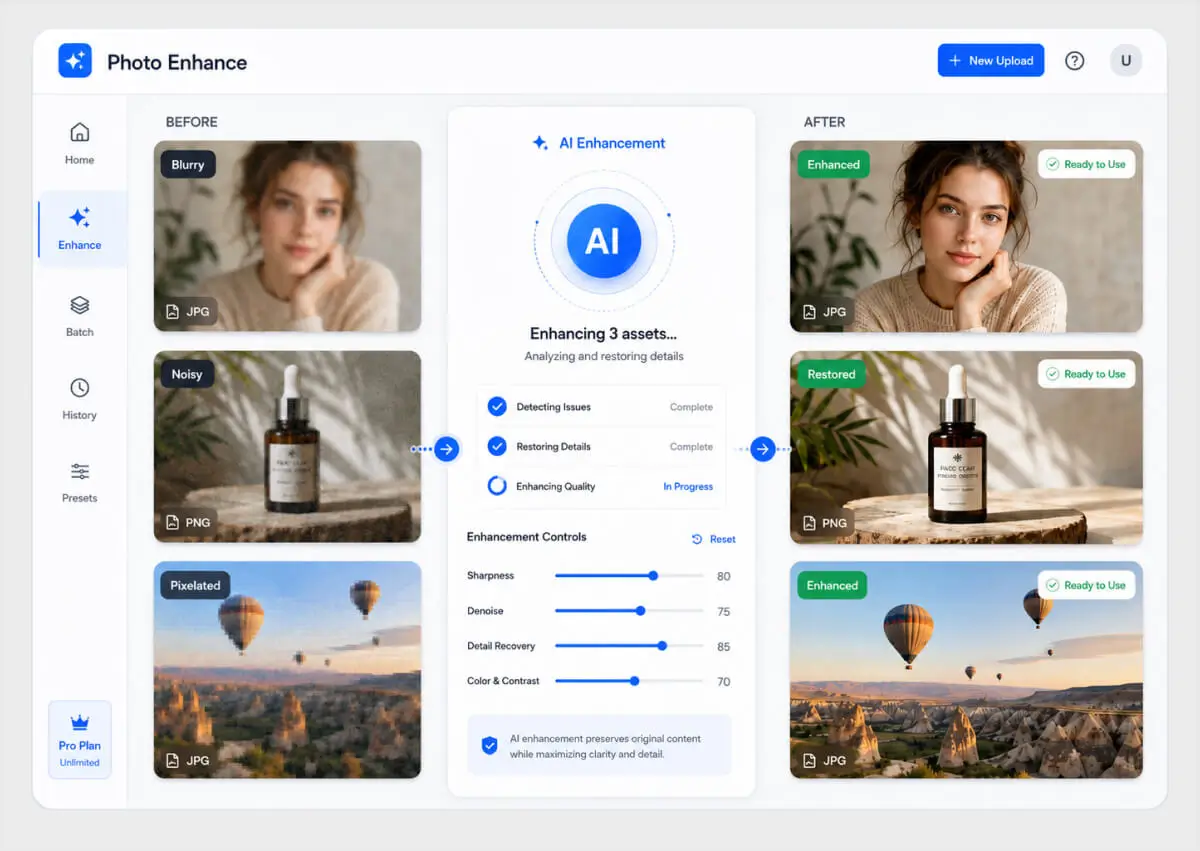
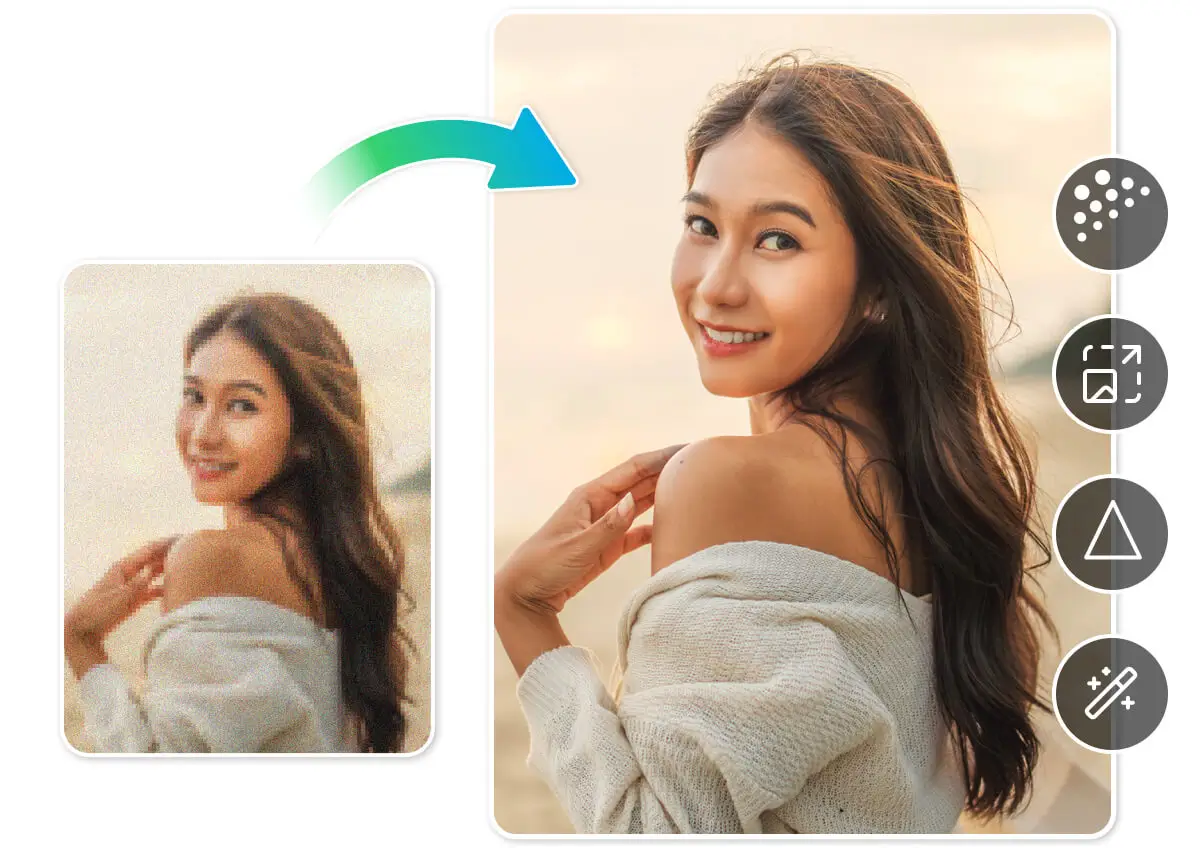
Turn blurry, noisy, or pixelated images into more usable visual content instead of replacing them.
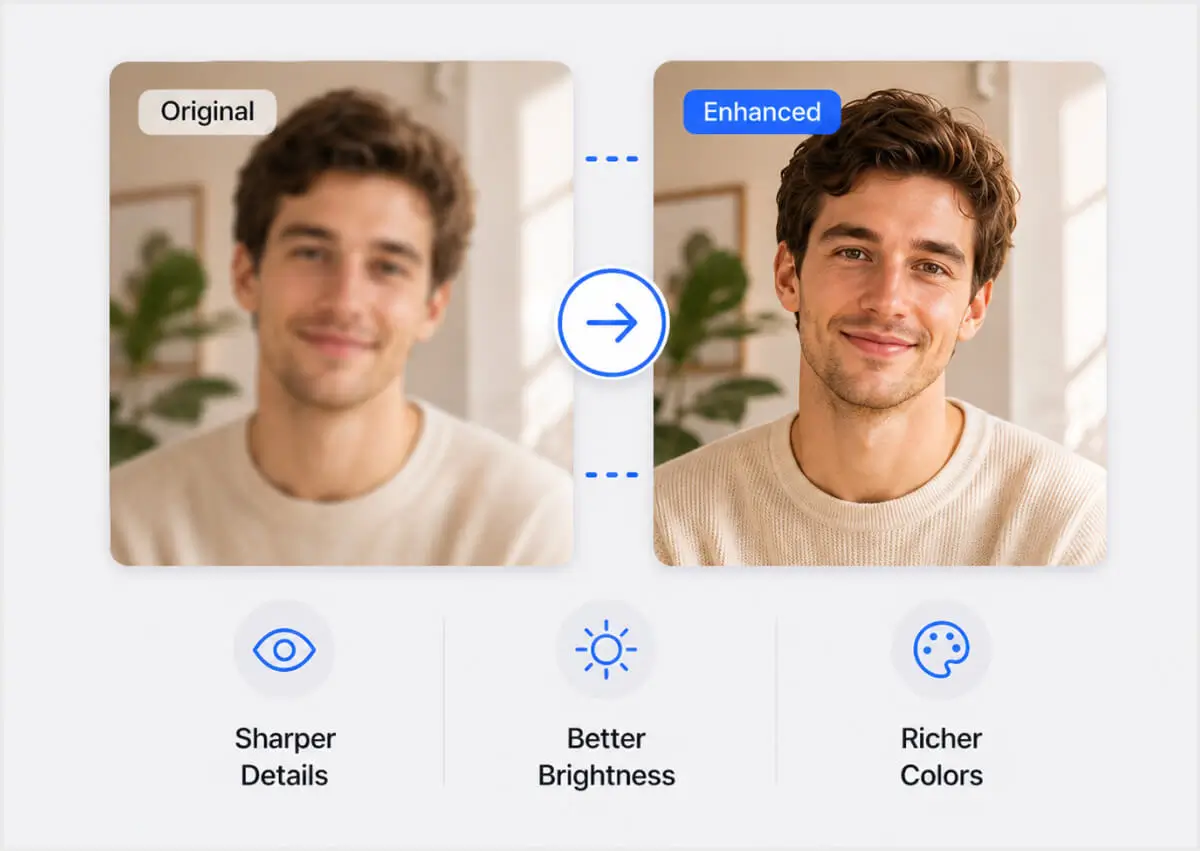
Use AI to denoise, sharpen, upscale, and improve clarity for stronger-looking images.
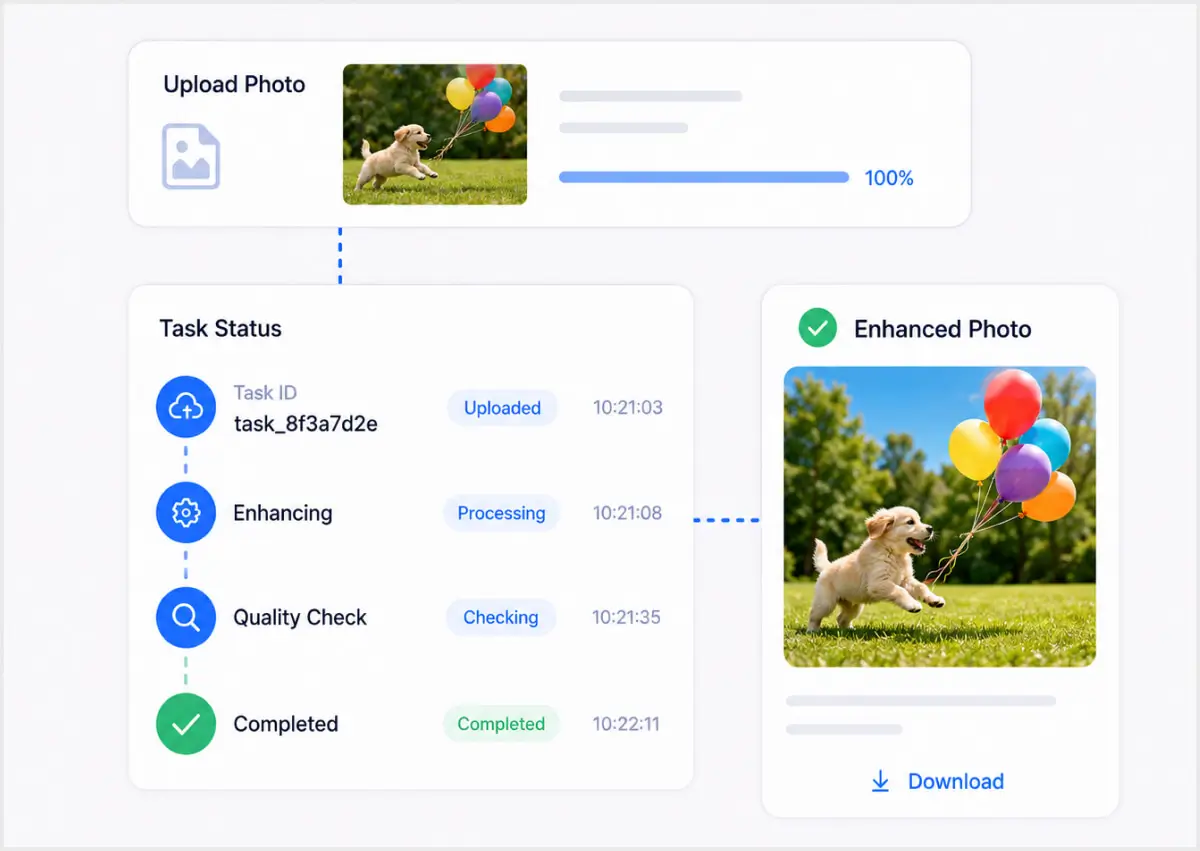
Integrate AI photo enhancement through a simple API flow that fits existing content operations.
Business Benefits
Improve visual asset quality with an AI photo enhancer API that helps teams scale photo enhancement more efficiently.
- Recover value from low-quality, blurry, noisy, or pixelated images
- Improve product, campaign, and portrait visuals across channels
- Reduce manual editing time for common image enhancement tasks
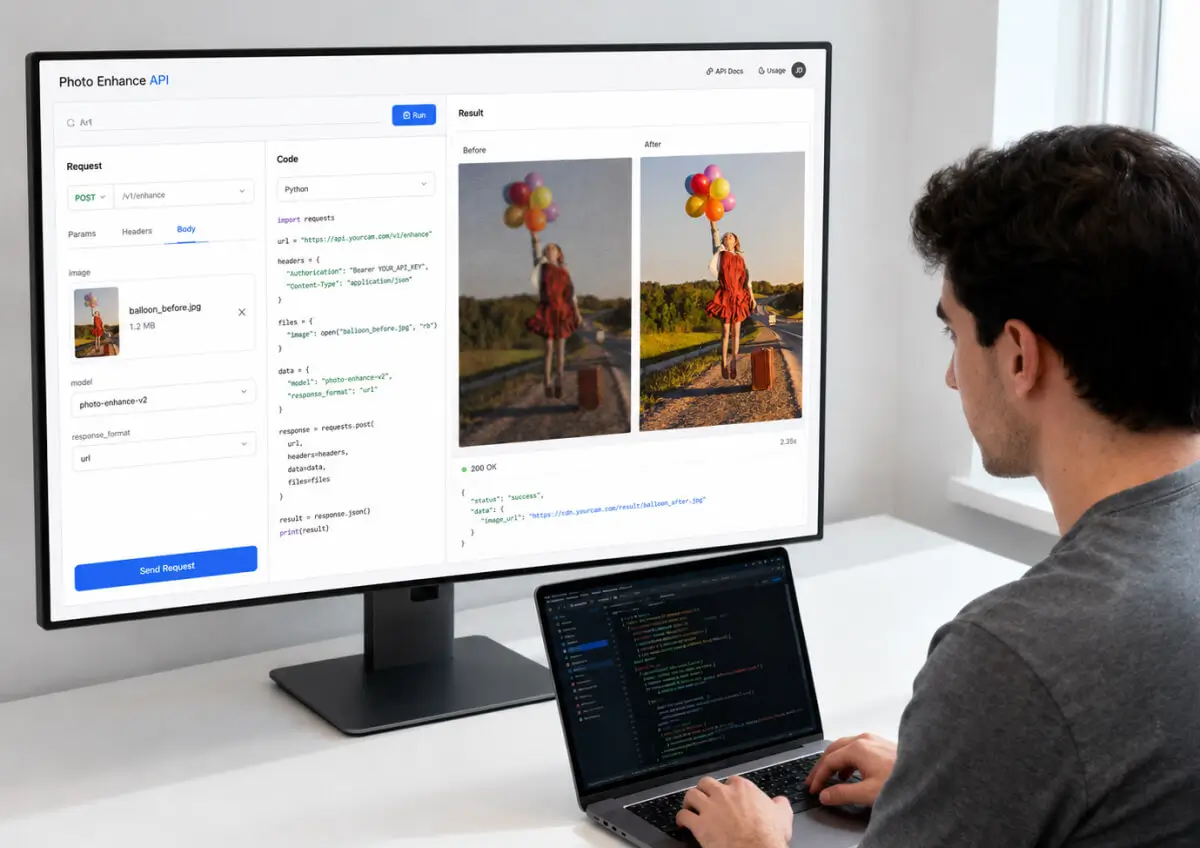
Benefits for Developers
Implement denoise, upscaling, sharpening, and image enhancement through a clean API workflow.
- Use a REST-based integration with a compact endpoint structure
- Support public URL inputs or uploaded file workflows
- Track async enhancement jobs with status and error responses

Our API Supports All The Major Frameworks

JavaScript & Java

Flutter

Python
PHP
Node.js
cURL
Part of the Perfect Corp. AI & AR Ecosystem for Image and Video Editing
AI Photo Enhancer API supports broader image and visual editing workflows across digital experiences. It adds scalable photo enhancement, image upscale, denoise, and clarity improvement.
Use Cases for AI Photo Enhancer API
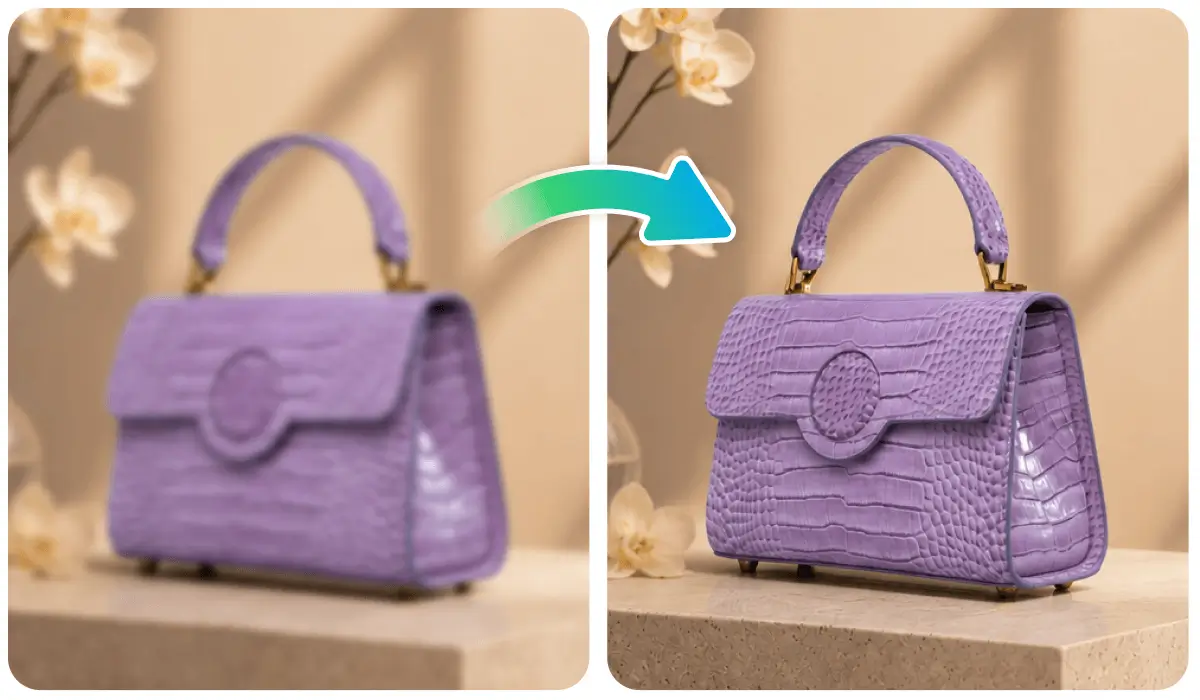
Improve lower-quality product images before they appear on product pages, category pages, and online marketplaces.
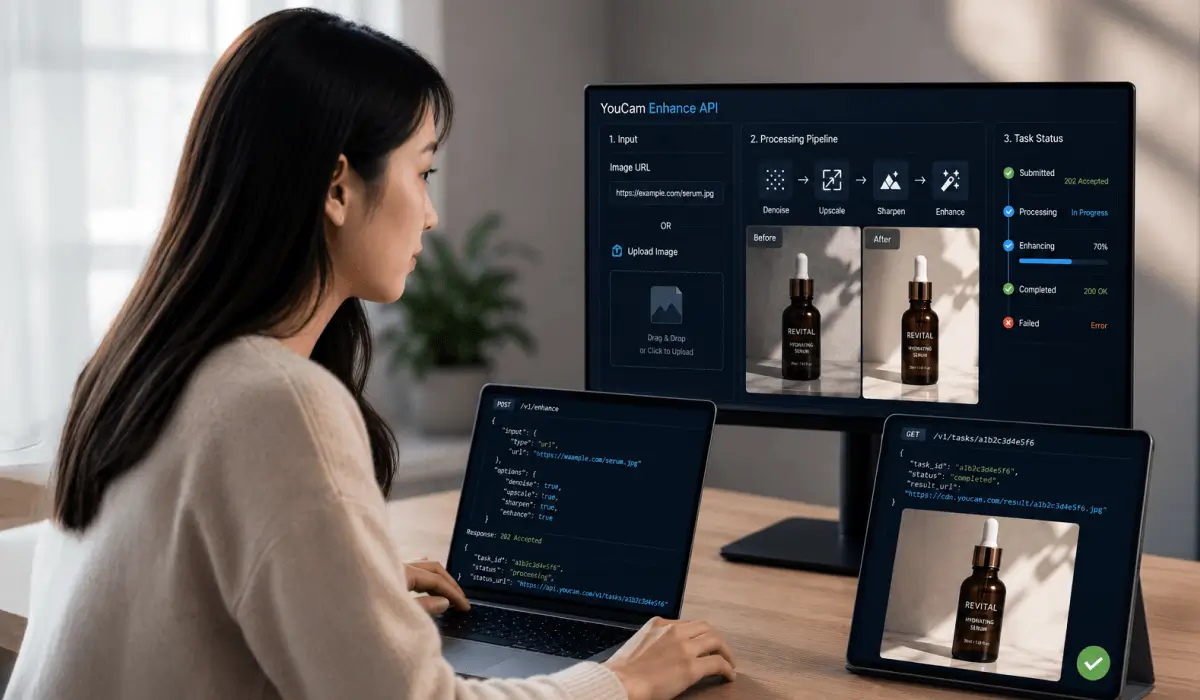
Enhance submitted images automatically before they go live in listings, profiles, or customer-facing experiences.

Upgrade weaker visual assets before publishing across websites, landing pages, campaigns, and content libraries.